from @divyannshisharma · Comment “SEND” I will send you the link!
click a slide to zoom
Caption (editable — save before approving)
A
ASMR Automations · 1st
AI automation for SMBs · now
Most small business owners have heard of Claude. Very few know you can build autonomous agents on top of it — without a dedicated engineering team.
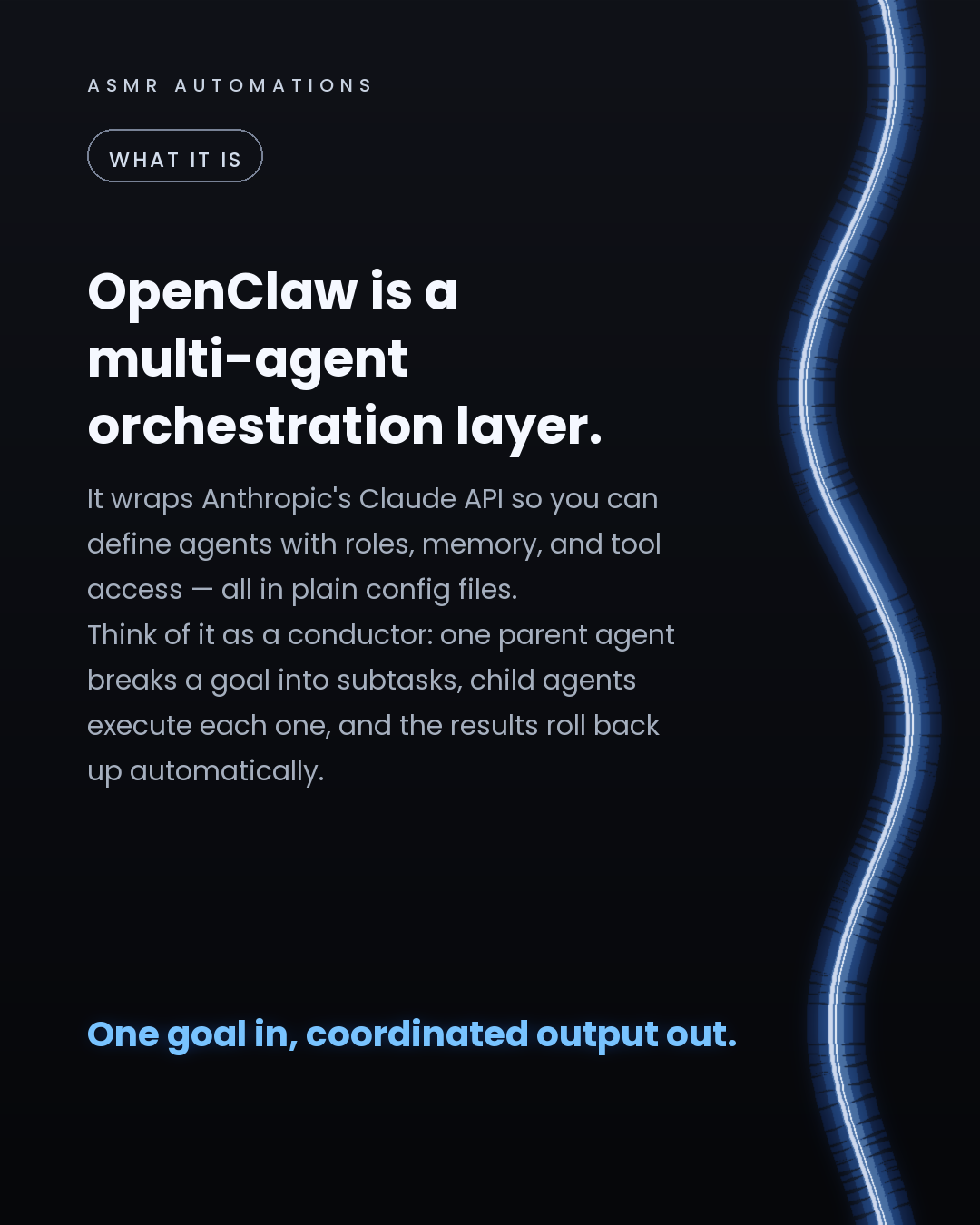
OpenClaw is an open-source framework that wraps the Claude API and lets you orchestrate multi-agent workflows from a simple YAML config file.
Here's what that looks like in practice:
You define a parent agent with a goal — say, 'research these 10 prospects and draft personalised outreach for each.' Child agents handle the subtasks: one searches the web, one pulls company data, one writes the email. Results come back to the parent, and the parent assembles the output.
No Docker. No cloud infrastructure. Runs locally in minutes.
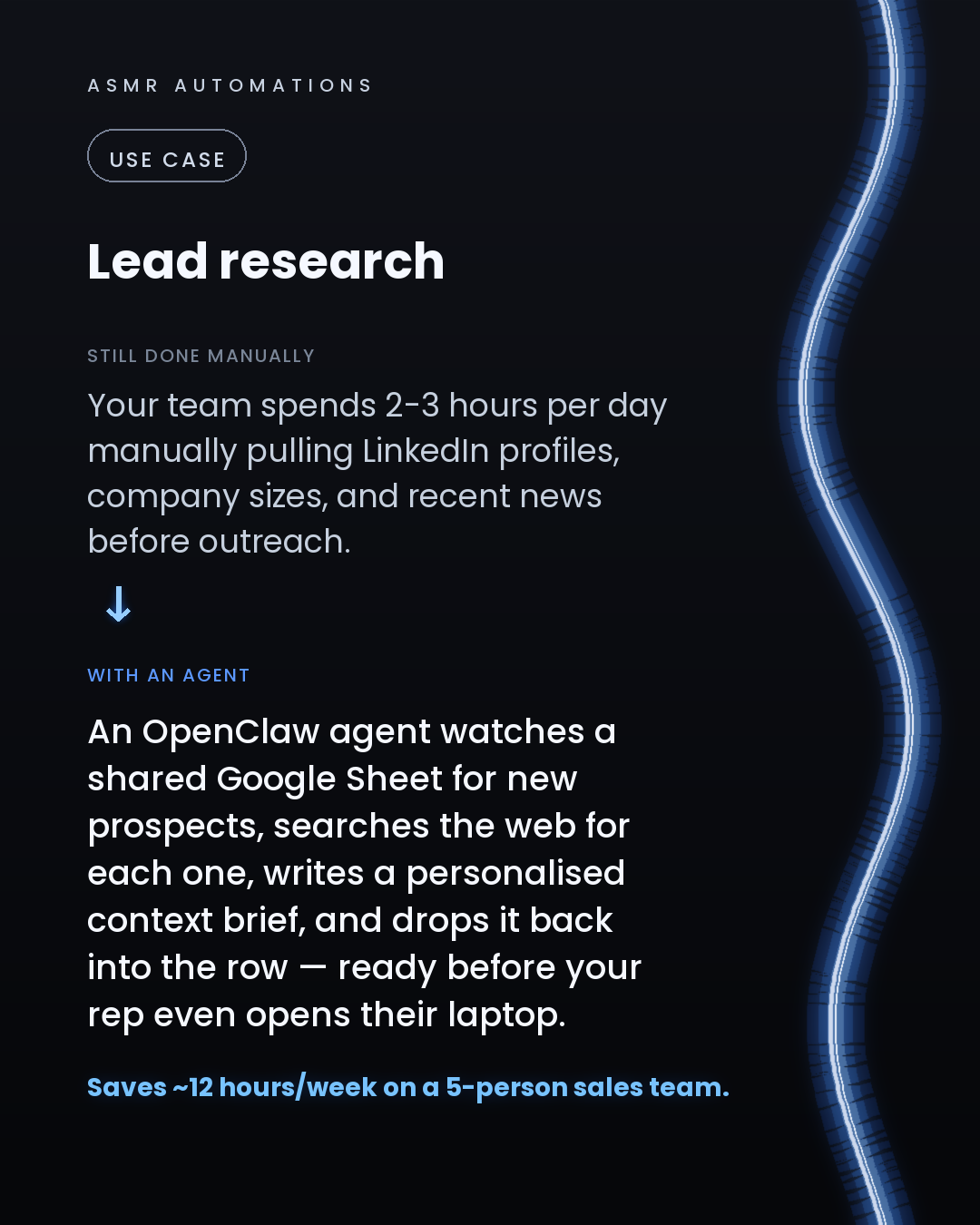
The 3 use cases we'd deploy first for an SMB: 1. Inbound email triage — reads, categorises, drafts replies, flags urgency 2. Lead research — fills your CRM rows before your rep touches them 3. Competitive monitoring — watches named sources, summarises weekly, sends a brief
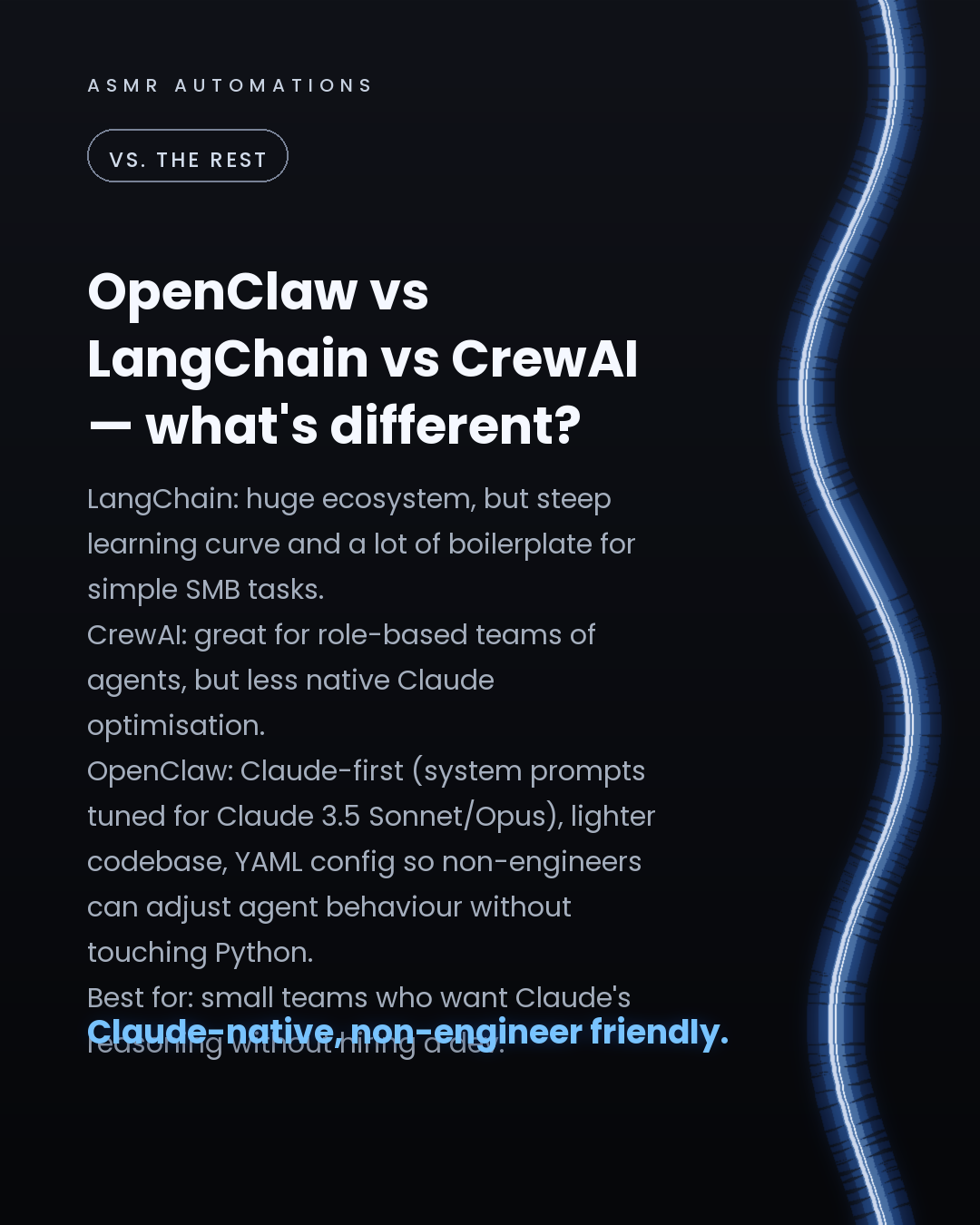
The honest comparison: LangChain gives you more flexibility but a much steeper ramp. CrewAI is strong for role-based agent teams. OpenClaw is the fastest path to a working Claude agent if your team isn't engineering-heavy and you want native Claude prompt optimisation baked in.
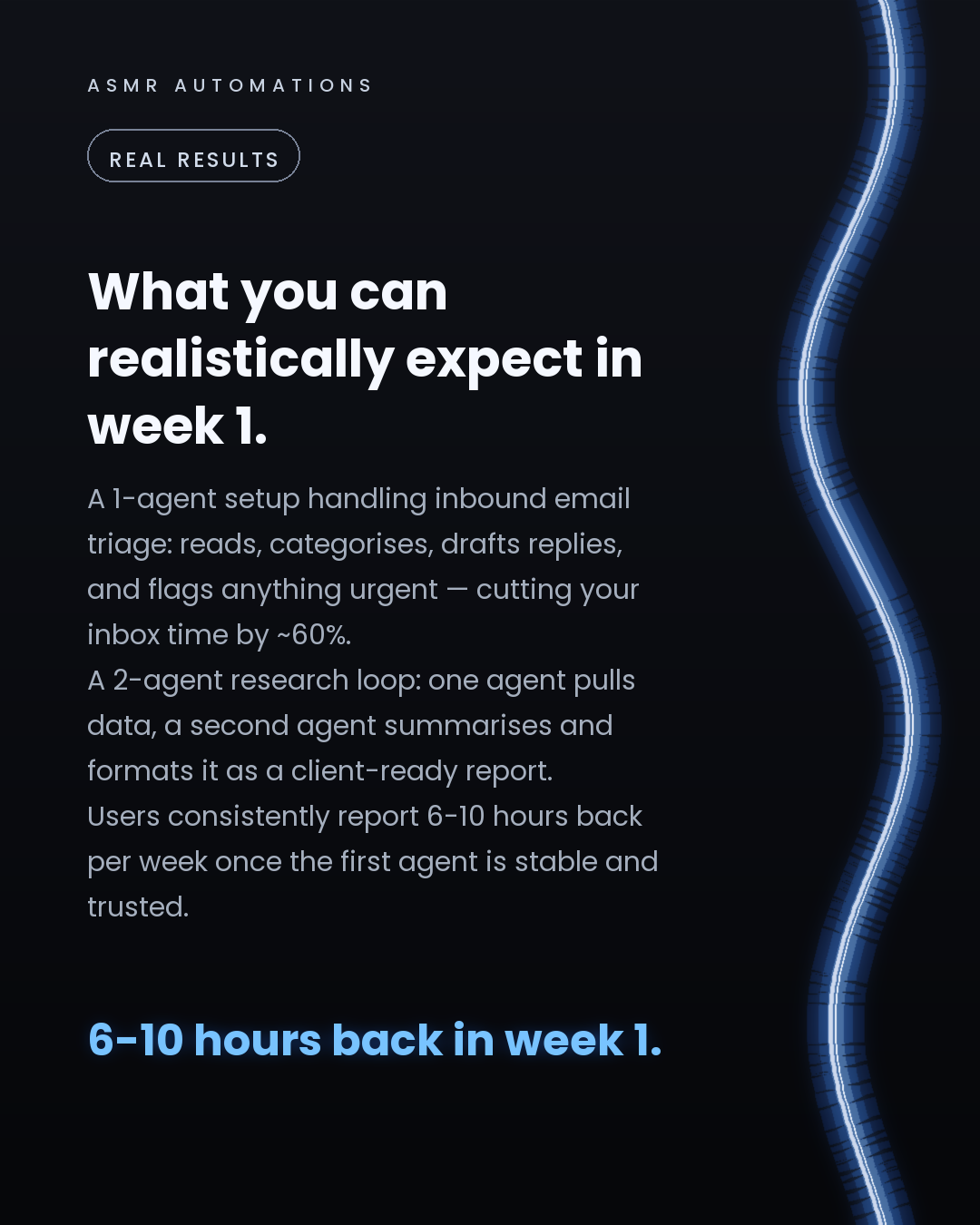
Expected outcome in week 1: 6-10 hours back, once the first agent is stable and your team trusts it.
If you want to know which agent would pay off fastest in your specific workflow, I'll tell you in 30 minutes — free.
Book a call with us and we'll map it out together. No pitch. Just your numbers.
Like · Comment · Repost · Send
Edit LinkedIn text
Thread (7 posts) — X gives threads more reach than single posts
A
ASMR Automations· 1/7
OpenClaw is one of the fastest ways to get a Claude-powered AI agent running in your business — no dev team, no cloud setup, no complicated stack. Here's exactly how it works and what to build first 🧵
200 chars
A
ASMR Automations· 2/7
OpenClaw wraps Anthropic's Claude API as a multi-agent orchestration layer. You write a YAML config that gives an agent a role, a goal, and a list of tools it's allowed to use. A parent agent breaks the goal into subtasks. Child agents run each one. Results roll back up automatically.
285 chars
A
ASMR Automations· 3/7
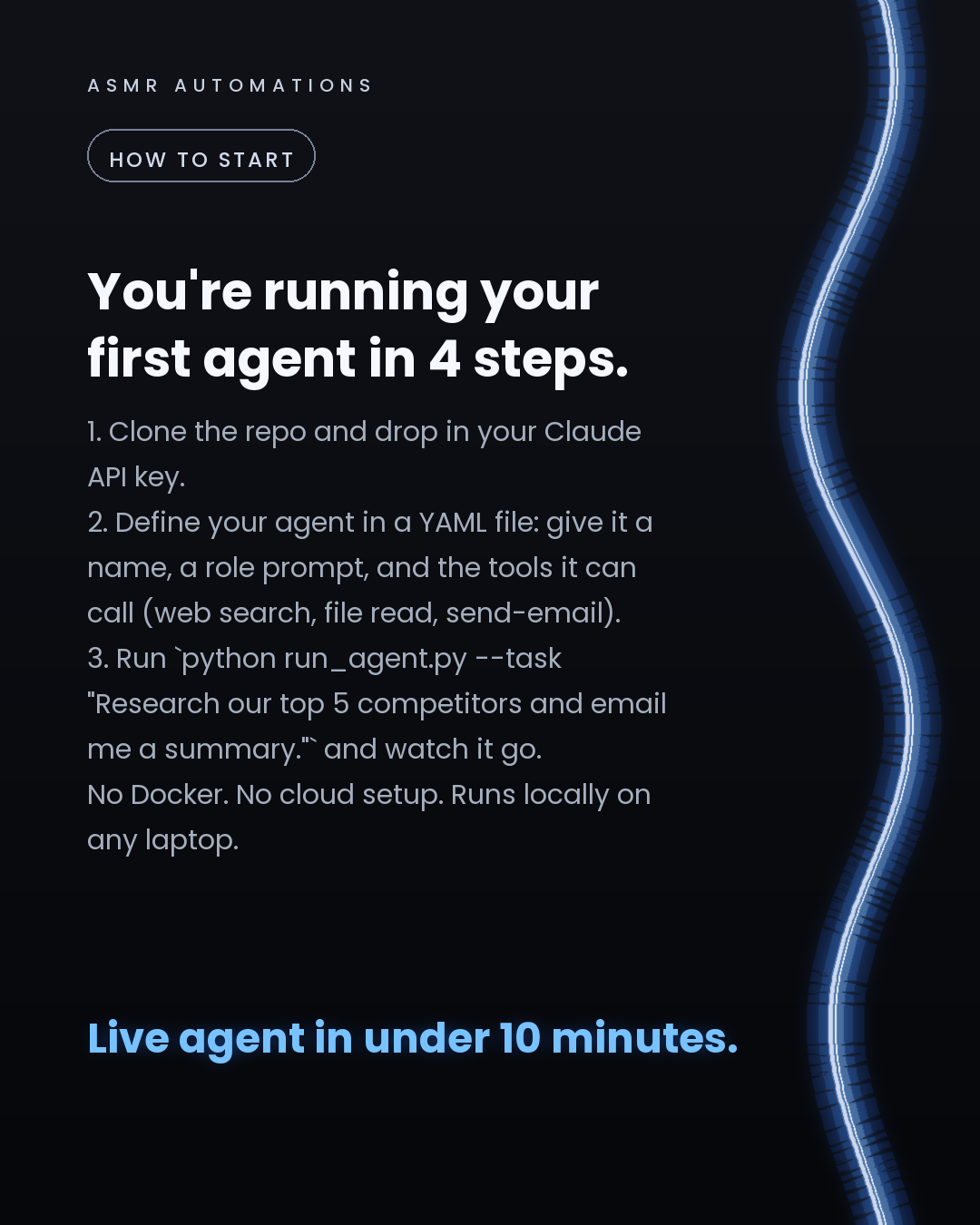
Setup is 4 steps: clone the repo, add your Claude API key, write a YAML file with your agent's role prompt and tools, then run a single terminal command with your task. Example: `python run_agent.py --task 'Research our top 5 competitors and email me a brief.'` Live in under 10 minutes.
287 chars
A
ASMR Automations· 4/7
The highest-ROI first agent for most SMBs: inbound email triage. It reads every email, categorises by urgency and type, drafts a reply, and flags anything that needs a human. Teams running this consistently report cutting inbox time by around 60% from day 1.
258 chars
A
ASMR Automations· 5/7
How does it compare? LangChain has a bigger ecosystem but way more boilerplate for simple tasks. CrewAI is excellent for role-based agent teams but less Claude-native. OpenClaw is the fastest path to a working Claude agent if you're not an engineering shop and want plain-config control over agent behaviour.
308 chars
A
ASMR Automations· 6/7
Realistic week-1 outcome: 1 stable agent handling email triage or lead research briefs, 6-10 hours back across the team, and a clear sense of what to automate next. The compounding starts after that.
199 chars
A
ASMR Automations· 7/7
Want to know which agent would pay off fastest in YOUR workflow? Book a free 30-min call with us. We'll map your highest-ROI agent, show you what it would handle end-to-end, and tell you what it would take to build it. No commitment. Comment AUDIT or DM us.
257 chars
Edit thread (one post per block, separated by a line with ---)
from @ai.harssh · The complete list — 60 Claude Skills, Workflows, and GitHub Repos for
click a slide to zoom
Caption (editable — save before approving)
A
ASMR Automations · 1st
AI automation for SMBs · now
I pulled together the 60 most useful Claude tools, repos, and workflows — here's how to actually use them.
Most people save a list like this and never open it again. So here's the quick map:
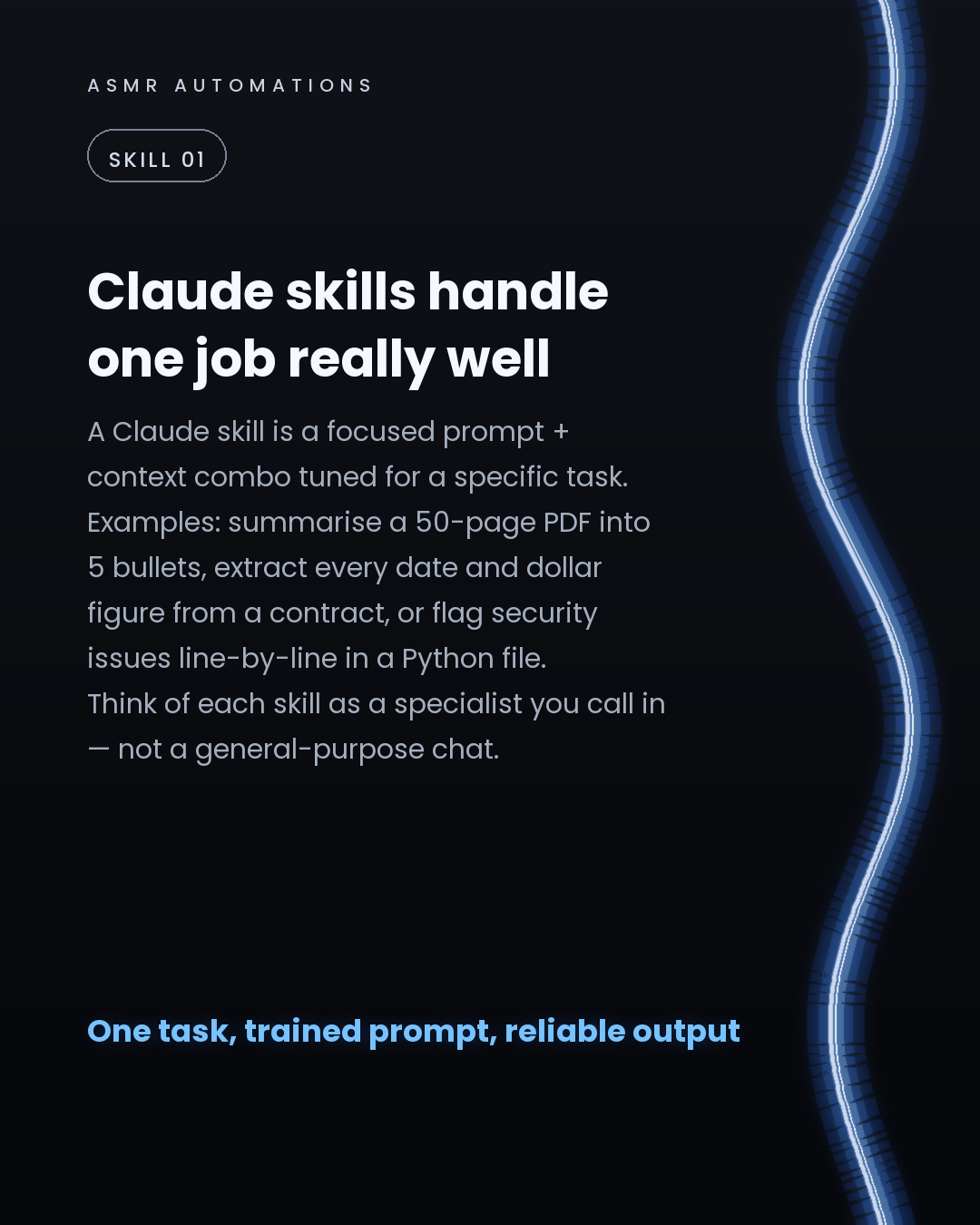
1. Claude skills — a skill is just a tightly scoped prompt tuned for one job: contract extraction, code review, PDF summarisation. Build a library of these and you stop rewriting prompts from scratch.
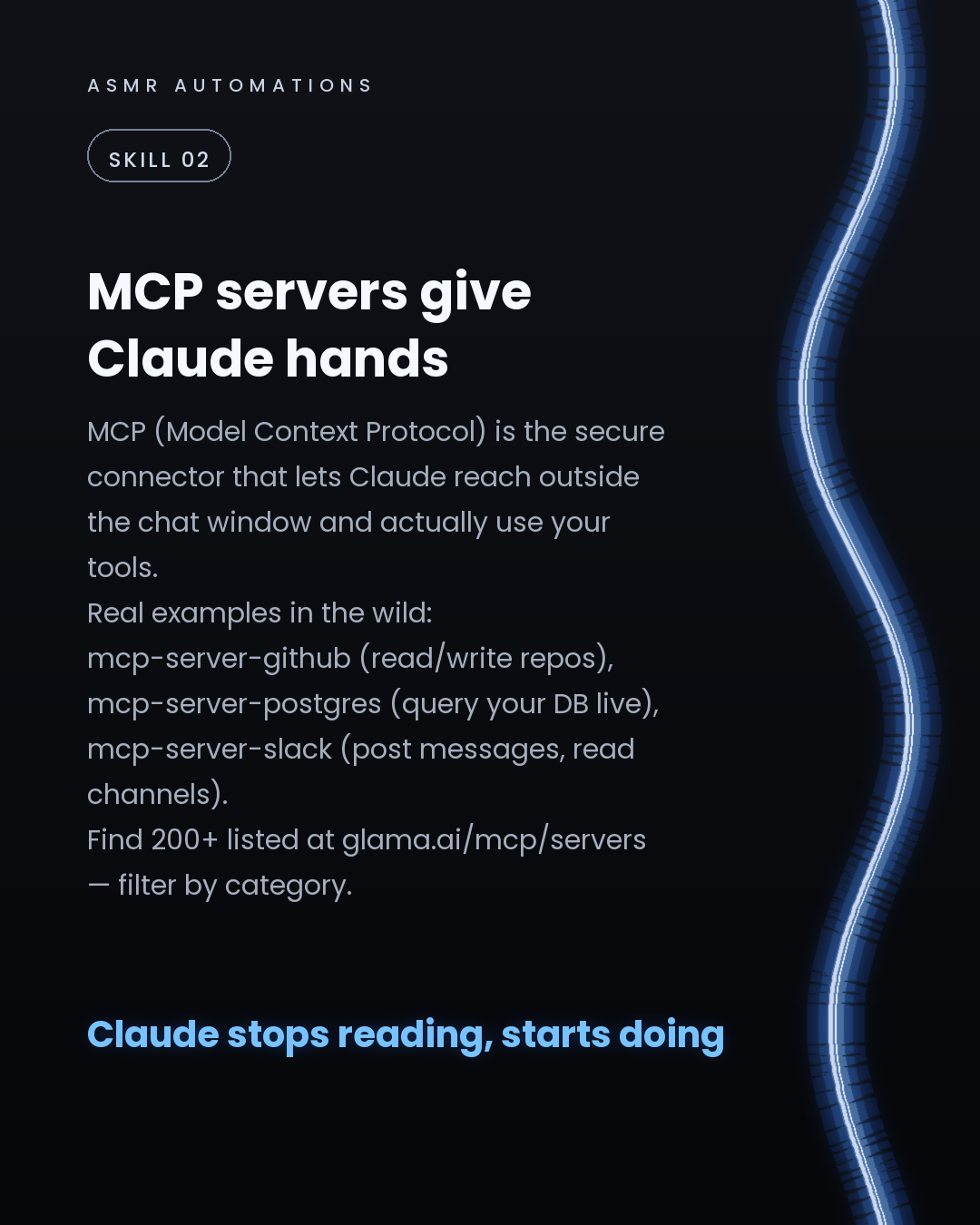
2. MCP servers — Model Context Protocol lets Claude reach your live tools. mcp-server-github, mcp-server-postgres, mcp-server-slack. Find 200+ at glama.ai/mcp/servers.
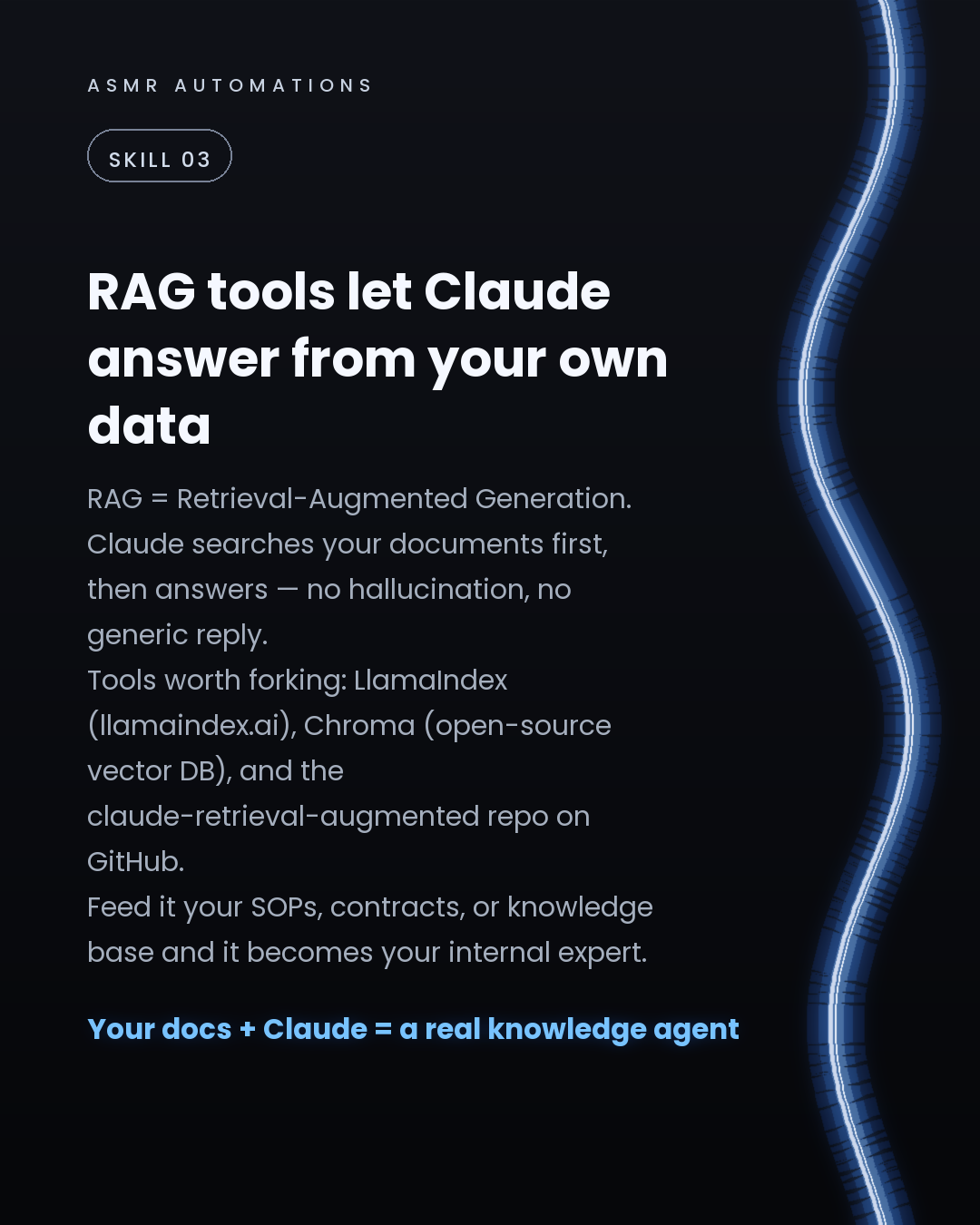
3. RAG tools — LlamaIndex + Chroma let Claude answer against your own documents instead of its training data. Feed it your SOPs and it becomes a genuine internal expert.
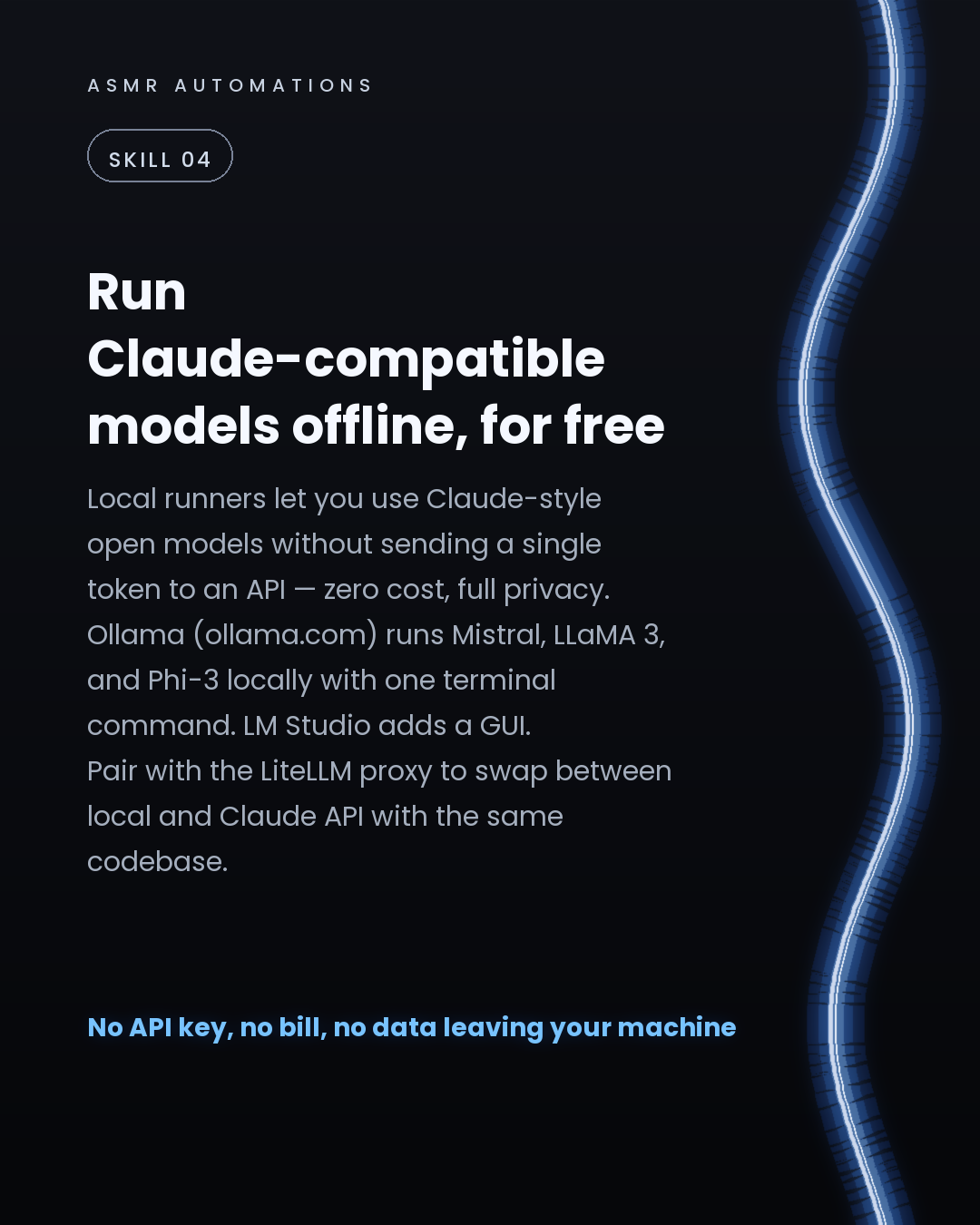
4. Local runners — Ollama runs Mistral and LLaMA 3 locally in one terminal command. Zero API cost, full privacy. Use LiteLLM to swap in/out without changing your codebase.
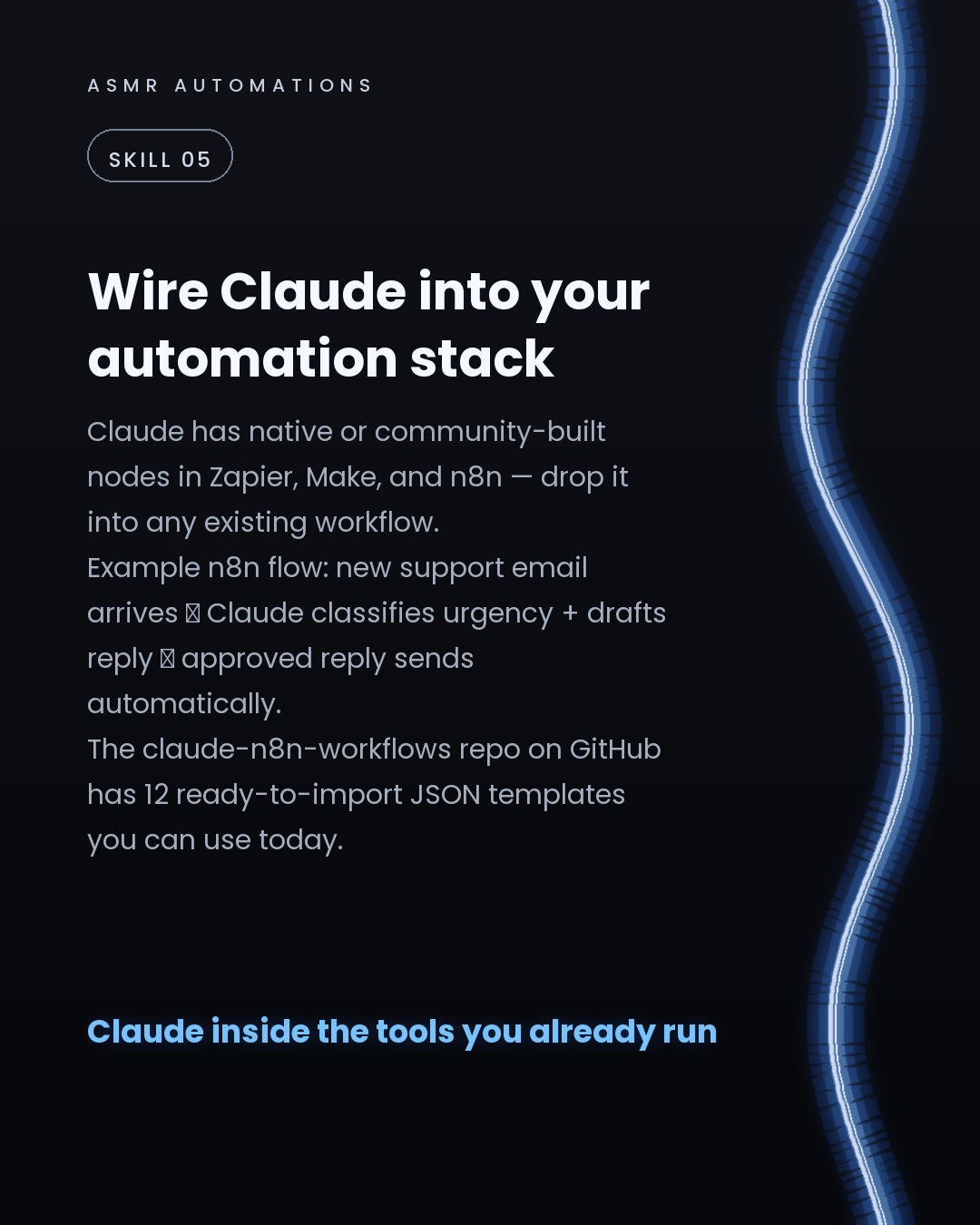
5. Workflow nodes — Claude has native nodes in n8n, Make, and Zapier. The claude-n8n-workflows repo has 12 ready-to-import templates.
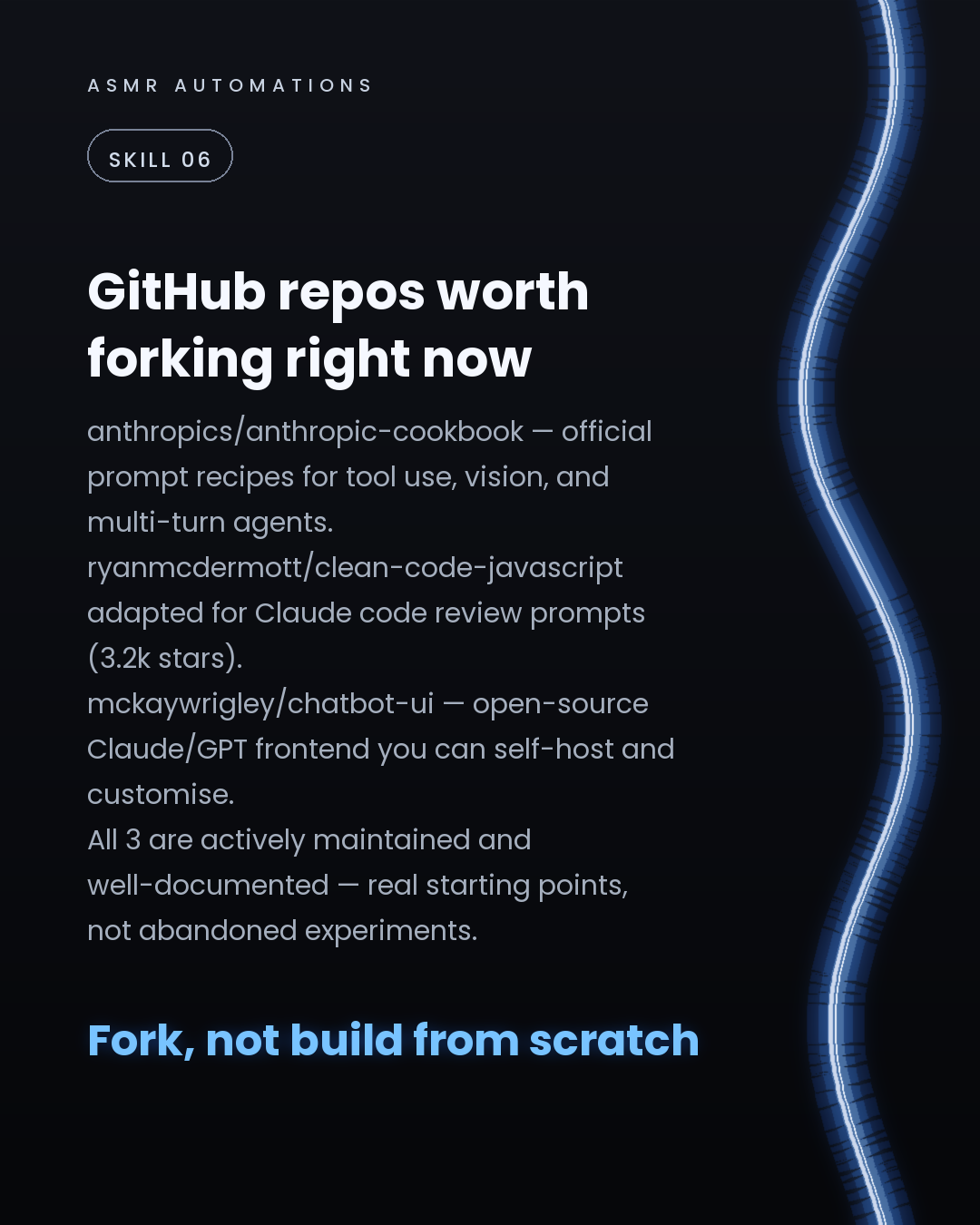
6. GitHub repos to fork now — anthropics/anthropic-cookbook (official recipes), mckaywrigley/chatbot-ui (self-hosted frontend), and the ryanmcdermott code-review prompt library.
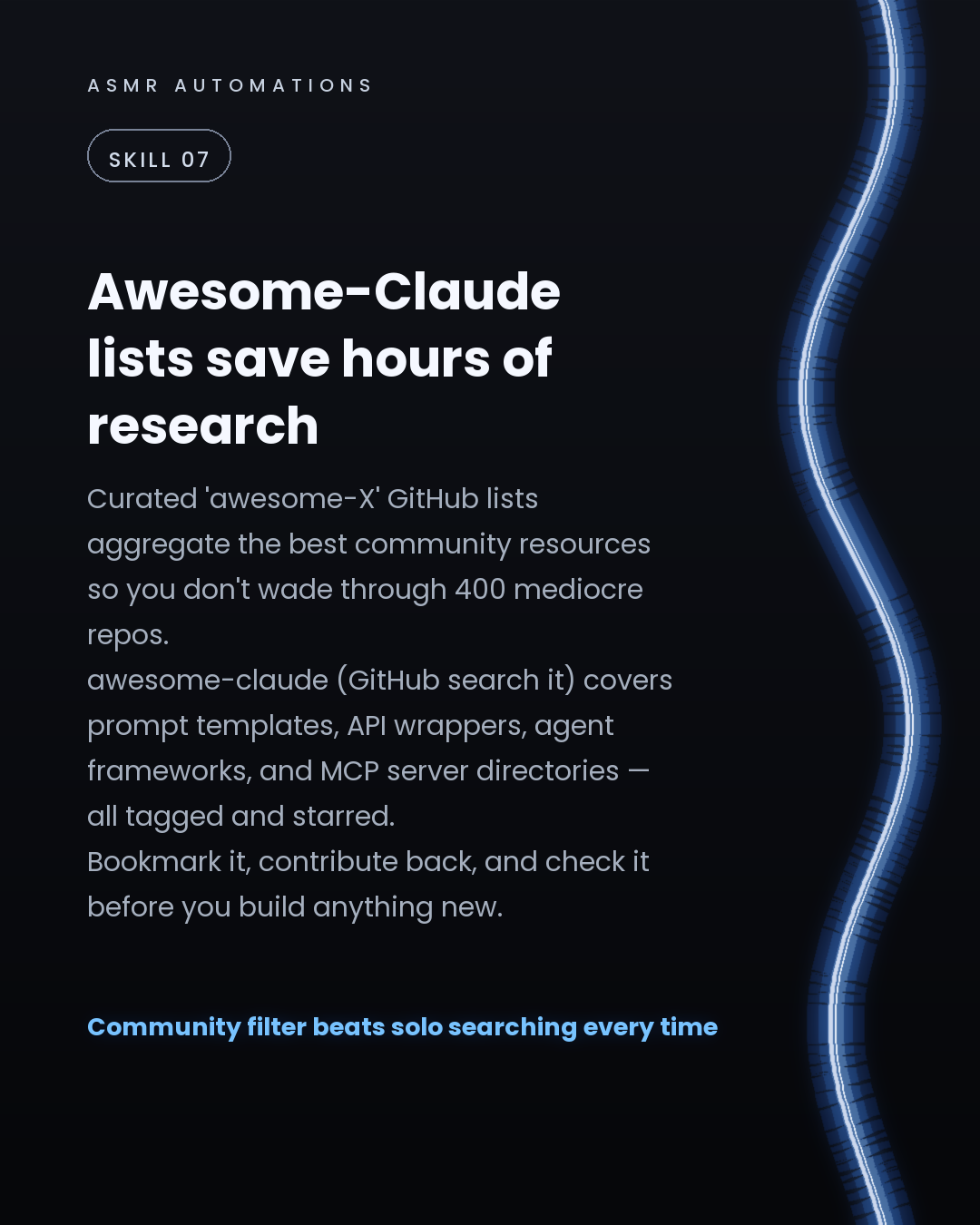
7. Awesome-Claude lists — search GitHub for 'awesome-claude'. The community has already filtered the noise. Check it before you build anything new.
Knowing the tools is step 1. Knowing which ones to wire together for your specific workflow is where the real leverage is.
If you want to map out which of these fit your stack, I'm offering free 30-min calls this month. We'll look at your current setup and put together a build plan — no pitch, no jargon. Just drop a comment or send a DM.
Like · Comment · Repost · Send
Edit LinkedIn text
Thread (7 posts) — X gives threads more reach than single posts
A
ASMR Automations· 1/7
60 Claude tools — skills, MCP servers, RAG, local runners, GitHub repos — mapped out so you can actually use them on your next build. Thread:
141 chars
A
ASMR Automations· 2/7
Claude skills = a prompt tuned for 1 job. Summarise a 50-page PDF into 5 bullets. Extract every date + dollar from a contract. Flag security issues line-by-line in Python. One task, one reliable output. Build a library of these.
228 chars
A
ASMR Automations· 3/7
MCP servers give Claude hands. mcp-server-github, mcp-server-postgres, mcp-server-slack — these let Claude read/write your actual tools, not just chat about them. 200+ listed at glama.ai/mcp/servers.
199 chars
A
ASMR Automations· 4/7
RAG = Claude answers from YOUR data. LlamaIndex + Chroma (both open-source) let you feed in SOPs, contracts, or a knowledge base. Claude searches them first, then replies. No hallucination, no generic answer.
208 chars
A
ASMR Automations· 5/7
Local runners: Ollama runs Mistral + LLaMA 3 locally with 1 terminal command. Zero API cost, nothing leaves your machine. Use LiteLLM to swap local vs Claude API without touching your codebase.
193 chars
A
ASMR Automations· 6/7
Best GitHub repos to fork right now: — anthropics/anthropic-cookbook (official prompt recipes) — mckaywrigley/chatbot-ui (self-host your own Claude frontend) — claude-n8n-workflows (12 ready-to-import automation templates) All actively maintained.
247 chars
A
ASMR Automations· 7/7
Want these running in your actual workflow? We map out which tools fit your setup in a free 30-min call — build plan, no pitch. Comment AUDIT on our latest Instagram post and our agent DMs you the booking link.
210 chars
Edit thread (one post per block, separated by a line with ---)
from @kail.designs · Here are some of the @claudeai skills that are useful for designers.
click a slide to zoom
Caption (editable — save before approving)
A
ASMR Automations · 1st
AI automation for SMBs · now
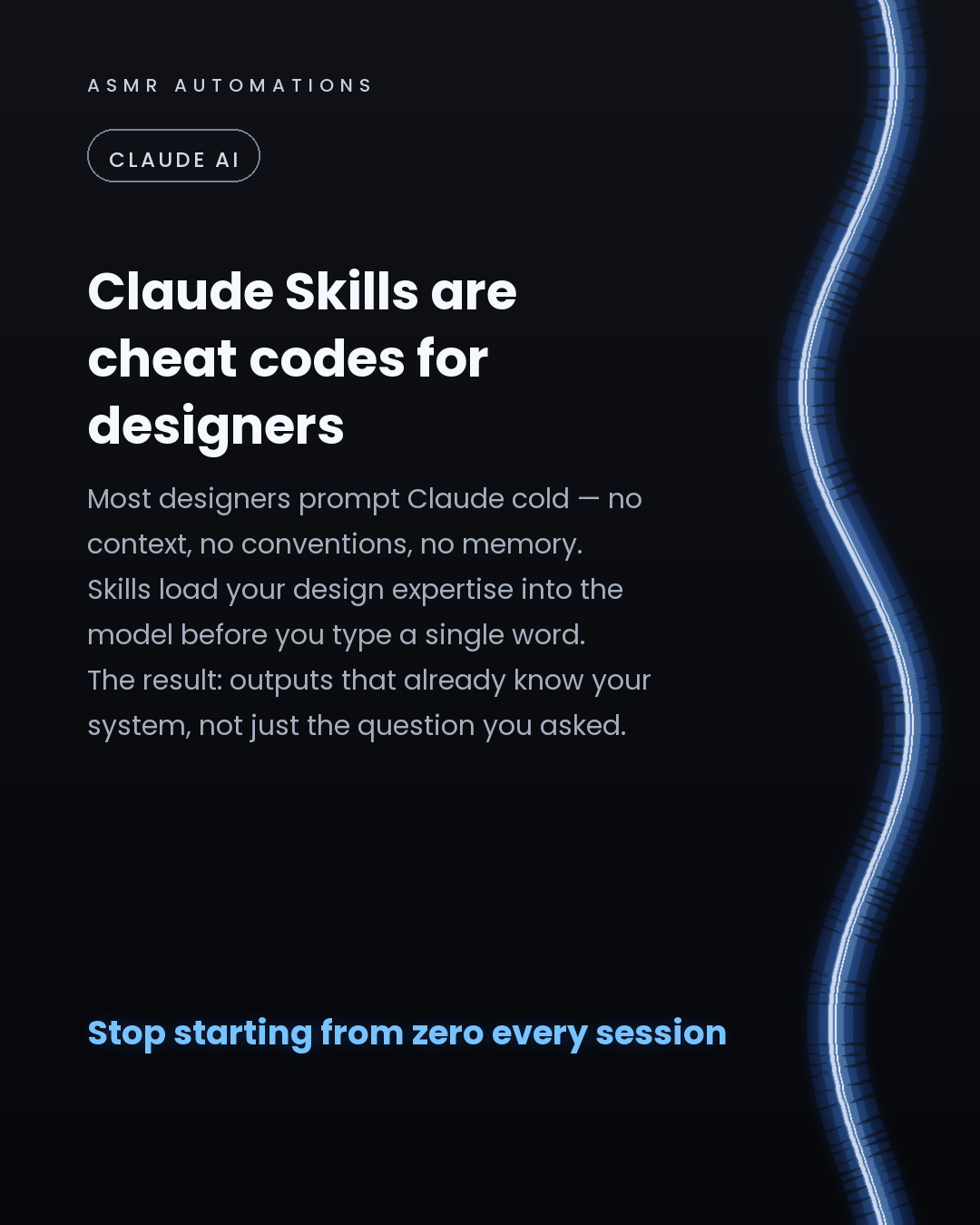
Most designers are re-explaining their standards to Claude every single session.
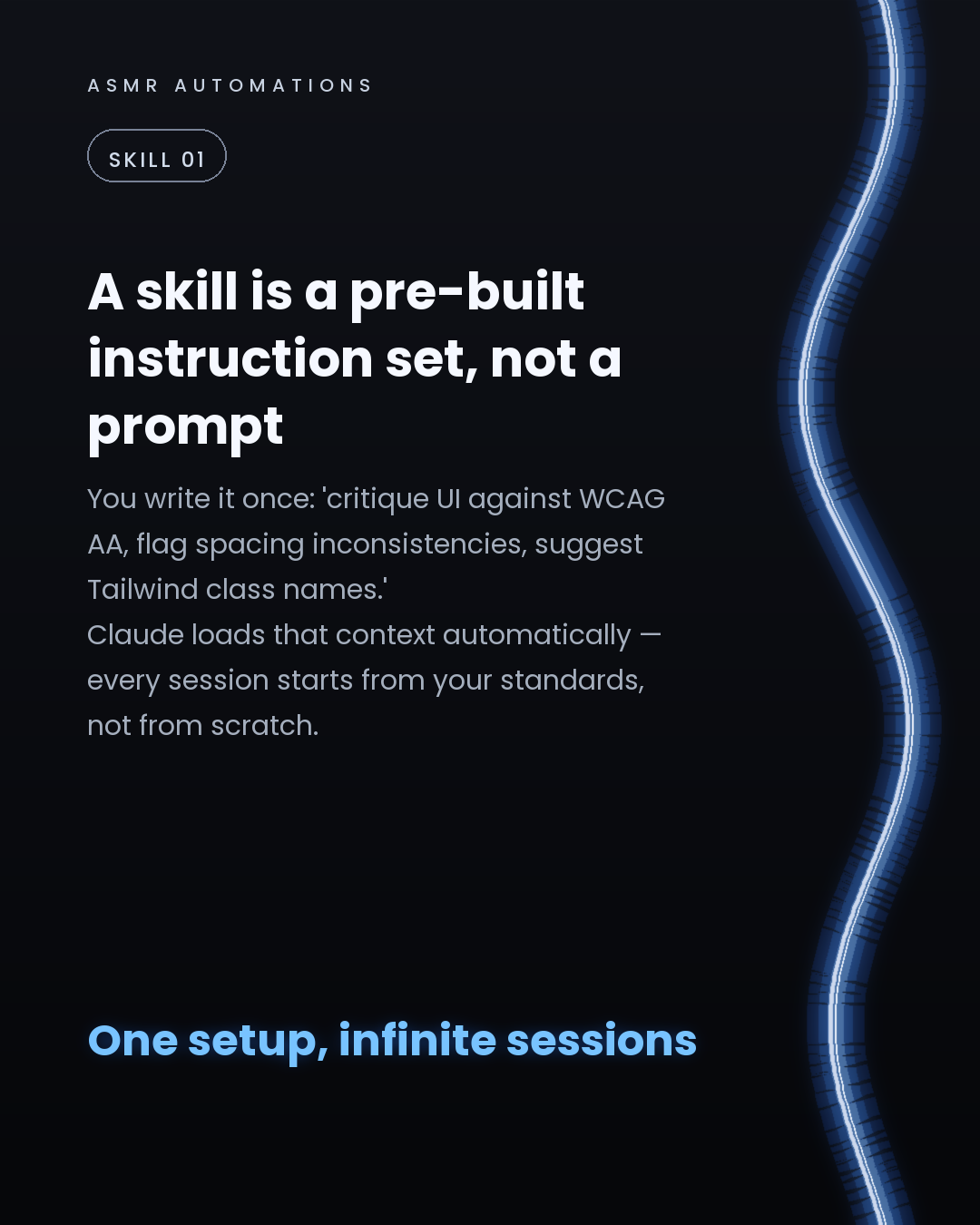
There's a better way: Claude Skills — pre-built instruction sets that load your context automatically, so every session starts from your rules, not from zero.
Here's what's worth knowing:
1. A skill isn't a prompt. It's a persistent instruction set — 'critique against WCAG AA, flag 8pt grid breaks, suggest Tailwind class names' — loaded before you type anything.
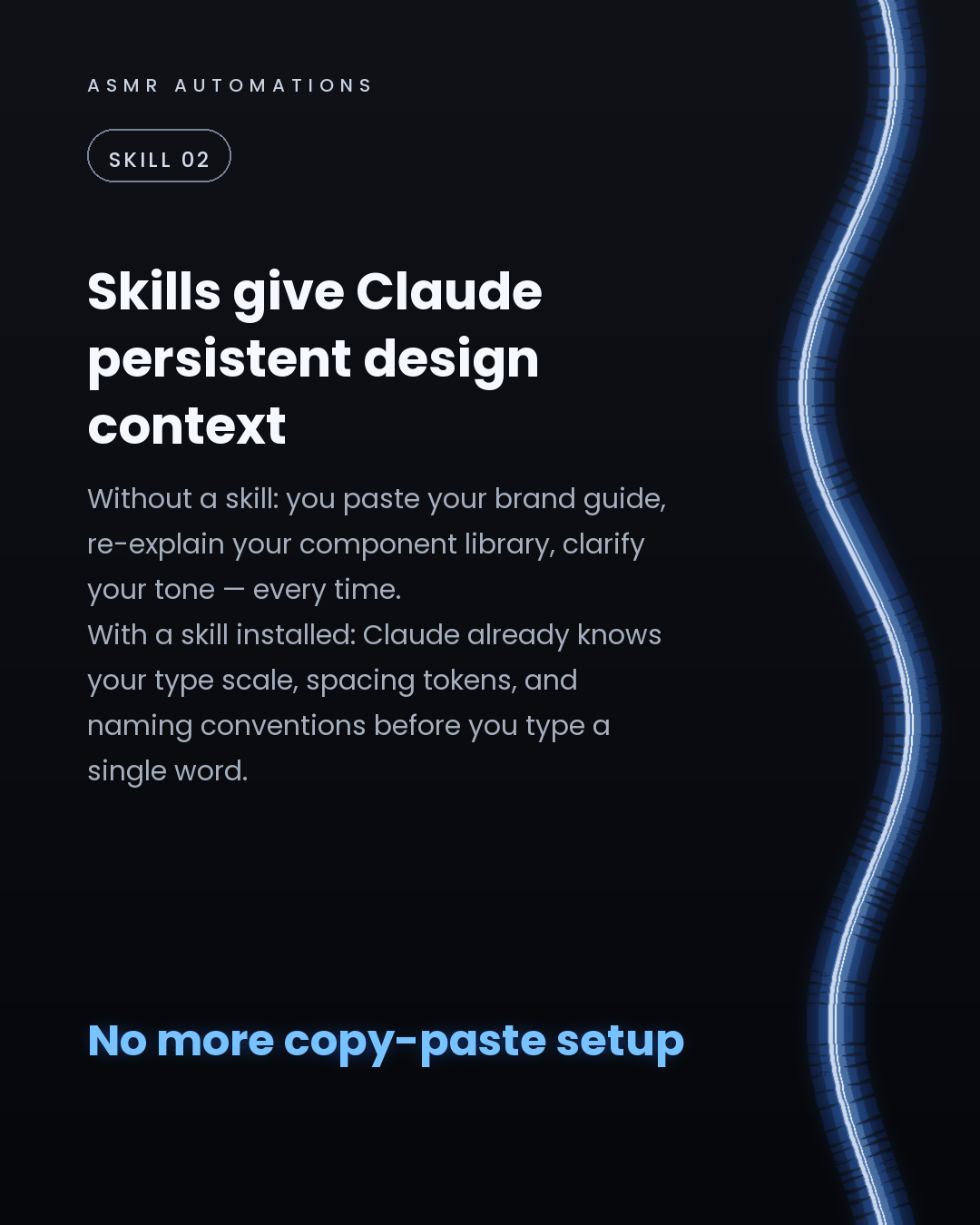
2. Skills eliminate re-prompting. Claude already knows your type scale, spacing tokens, and component naming conventions. You don't paste your brand guide anymore.
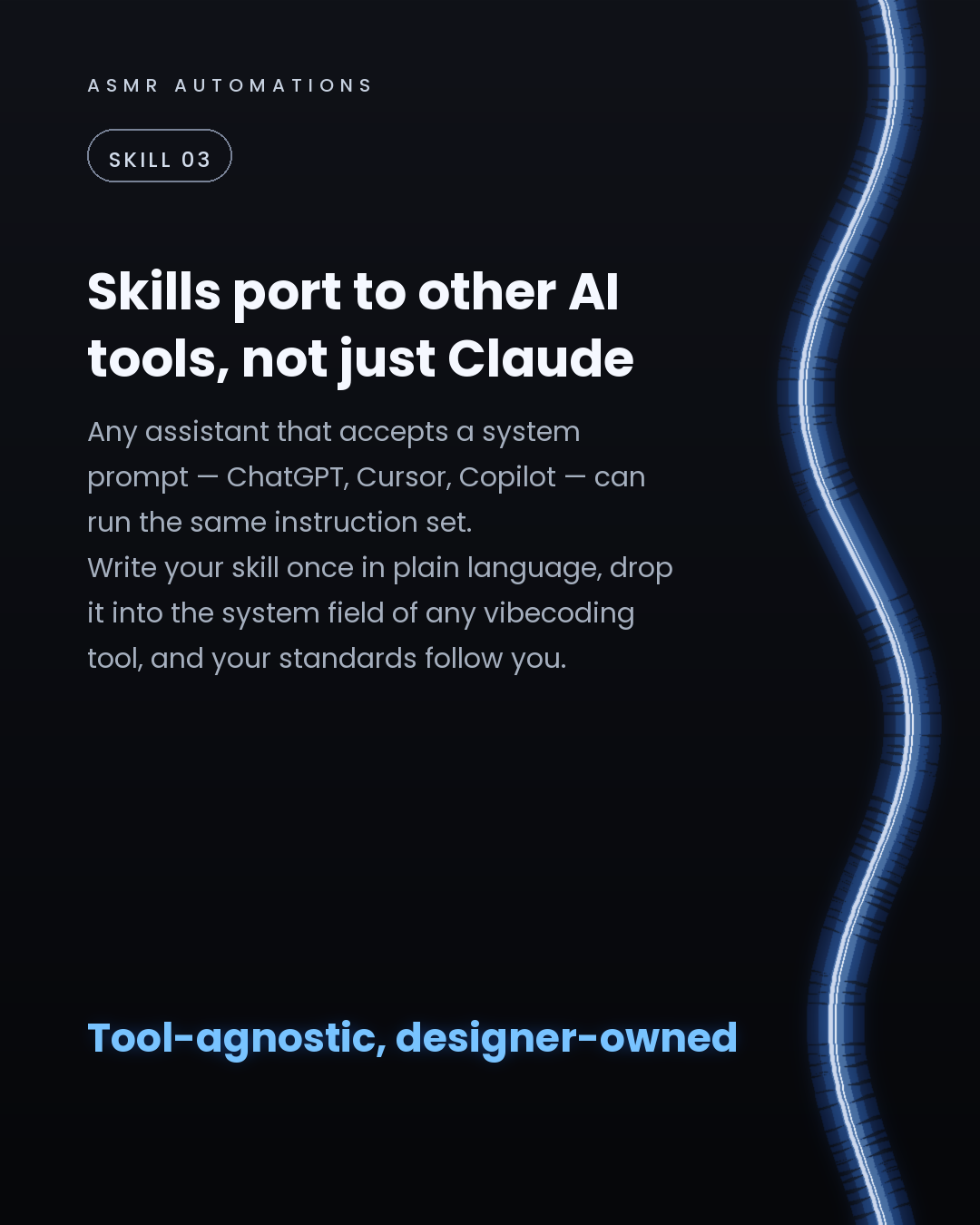
3. They're tool-agnostic. Drop the same skill into ChatGPT, Cursor, or any tool that accepts a system prompt. Write once, run everywhere.
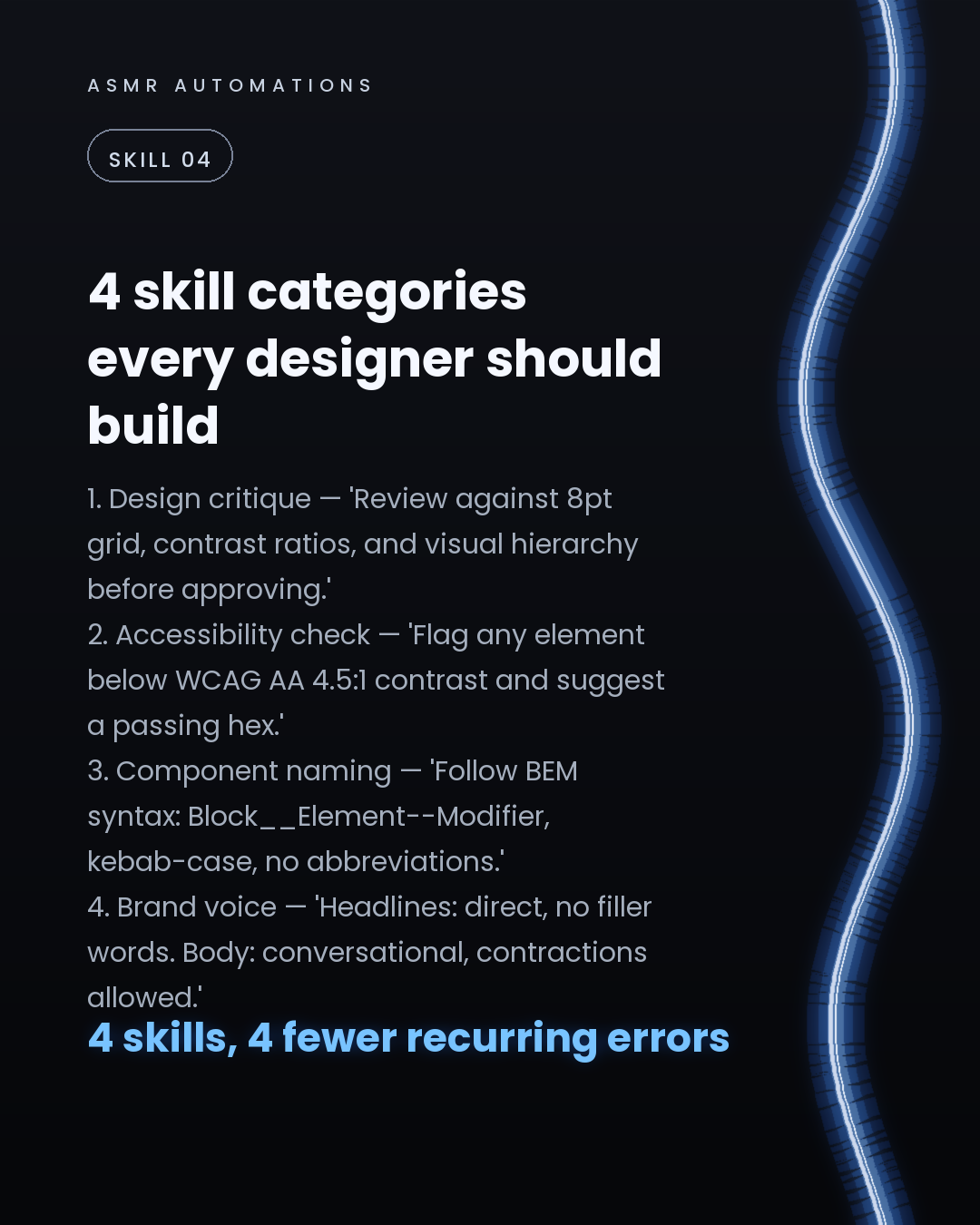
4. The 4 categories that matter most for designers: design critique, accessibility checking, component naming conventions, and brand voice alignment.
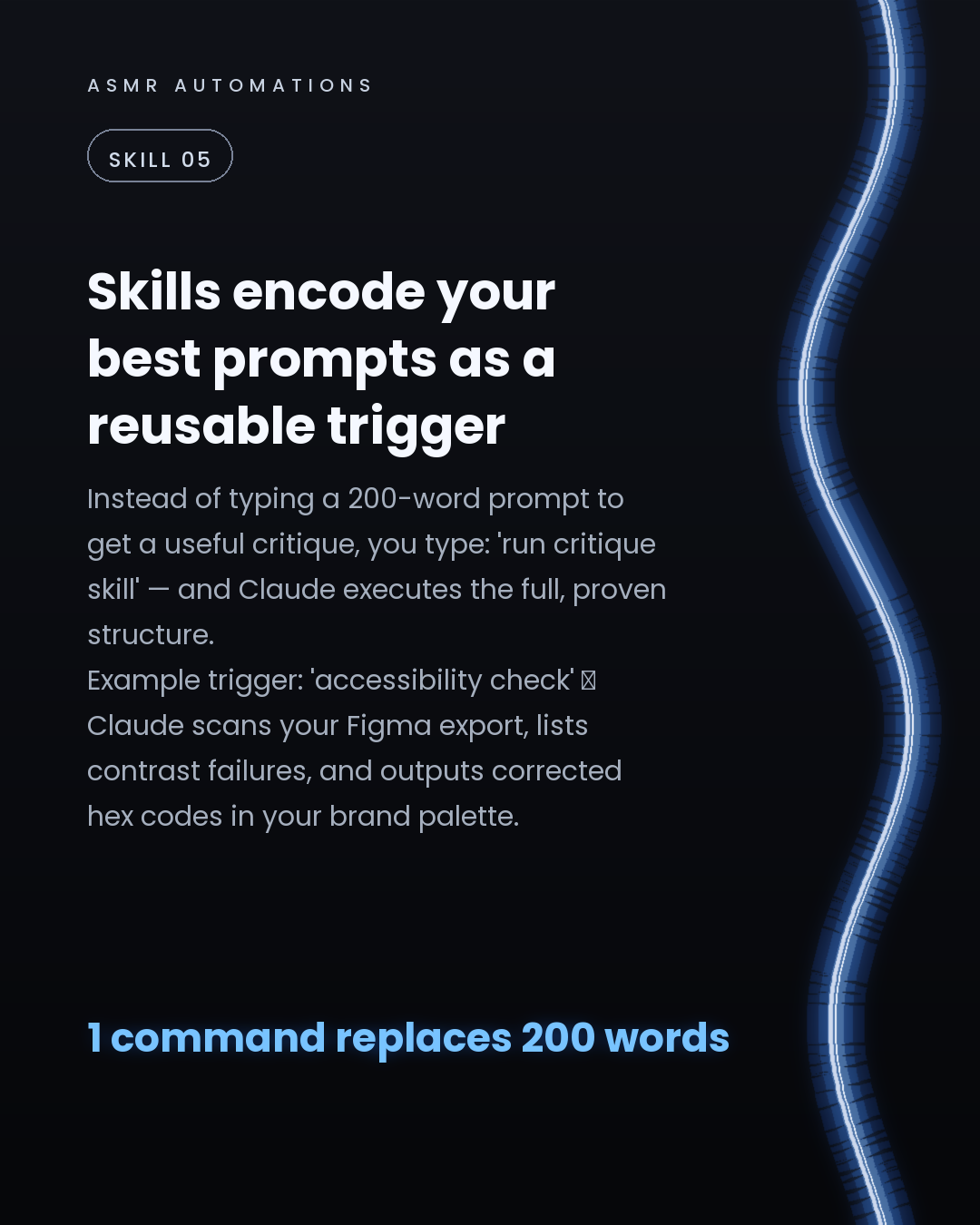
5. A skill converts your best 200-word prompt into a 2-word trigger. Type 'accessibility check' and Claude scans your export, lists contrast failures, and returns corrected hex codes in your palette.
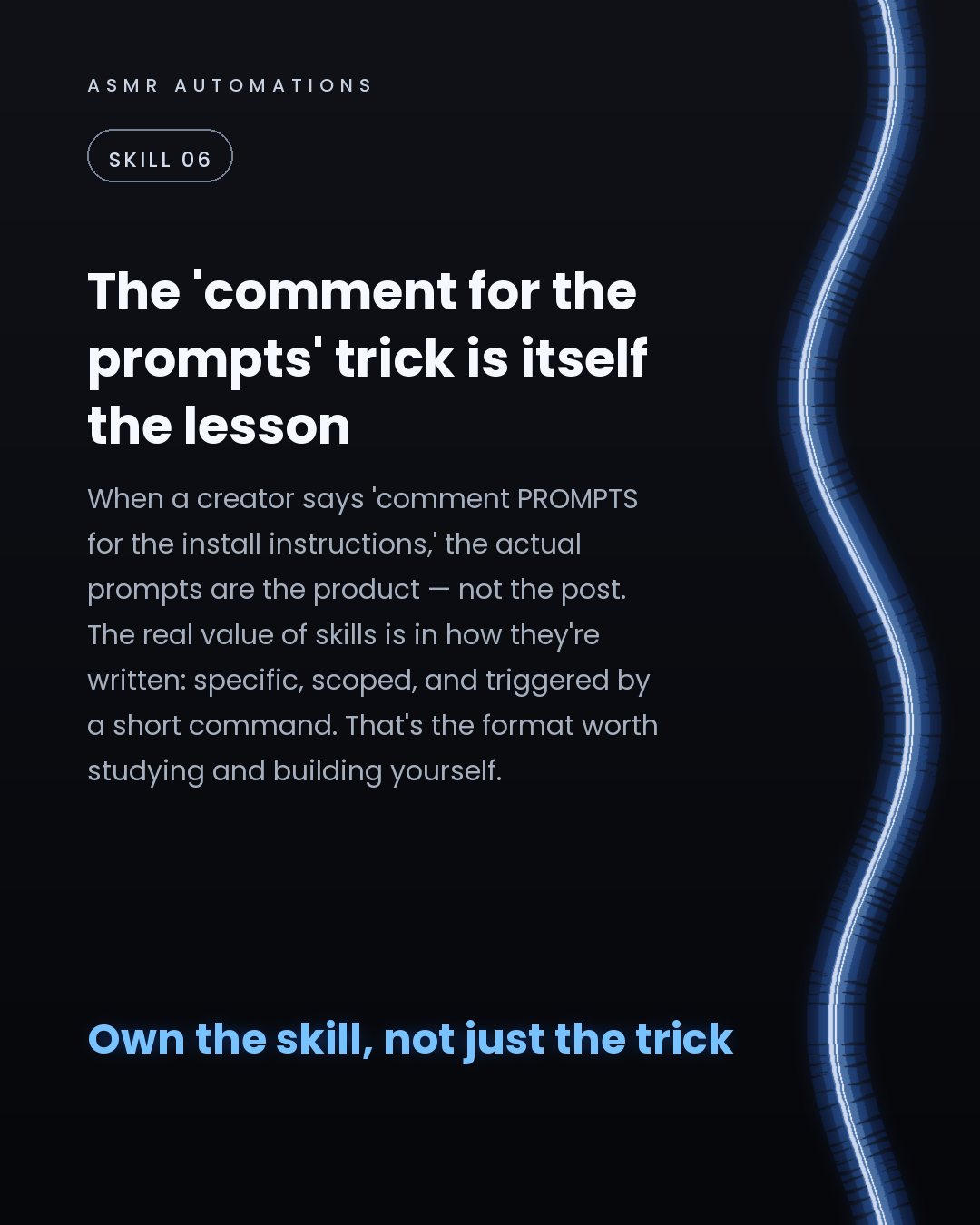
6. The 'comment for the prompts' mechanic you've seen in creator posts? The prompts themselves are the valuable part — not the hook. Study the format and write your own.
The designers getting the most out of Claude aren't prompting harder — they're prompting smarter, once.
If you want to build and install a set of skills for your own Claude or GPT workflow, we'll do it with you in a free 30-min call. Drop a comment or send me a message and I'll share the booking link.
Like · Comment · Repost · Send
Edit LinkedIn text
Thread (7 posts) — X gives threads more reach than single posts
A
ASMR Automations· 1/7
Claude skills are the most underused tool in a designer's AI stack. Here's what they are and why they change how you work:
122 chars
A
ASMR Automations· 2/7
A skill isn't a prompt. It's a persistent instruction set that loads before you type anything. Example: 'critique against WCAG AA, flag 8pt grid breaks, output Tailwind class suggestions.' Claude arrives already knowing your rules.
231 chars
A
ASMR Automations· 3/7
Without a skill: you re-explain your brand guide, naming conventions, and tone every session. With one installed: Claude knows your type scale, spacing tokens, and component library from word one. Setup once, done.
214 chars
A
ASMR Automations· 4/7
Skills port to any tool that accepts a system prompt — ChatGPT, Cursor, Copilot. Write the instruction set once in plain language. Drop it into the system field. Your standards follow you across every tool.
206 chars
A
ASMR Automations· 5/7
4 skill categories worth building now: design critique (grid + contrast), accessibility checks (WCAG AA, flag failing hex codes), component naming (BEM or your convention), brand voice (tone rules, word choices, filler filters).
228 chars
A
ASMR Automations· 6/7
The best skill converts your best 200-word prompt into a 2-word trigger. Type 'run critique' and Claude executes the full proven structure. That's the real value — not the prompt, the repeatability.
198 chars
A
ASMR Automations· 7/7
Want these skills written and installed for your actual Claude or GPT setup? We'll map your workflow and build the instruction sets with you in a free 30-min call. Comment AUDIT and I'll send the booking link.
209 chars
Edit thread (one post per block, separated by a line with ---)
from @kail.designs · Here are some of the @claudeai skills that are useful for designers.
click a slide to zoom
Caption (editable — save before approving)
A
ASMR Automations · 1st
AI automation for SMBs · now
Most designers prompt Claude cold — no context, no conventions, no memory of the last session.
Claude Skills fix that. Here's how they work and why they matter.
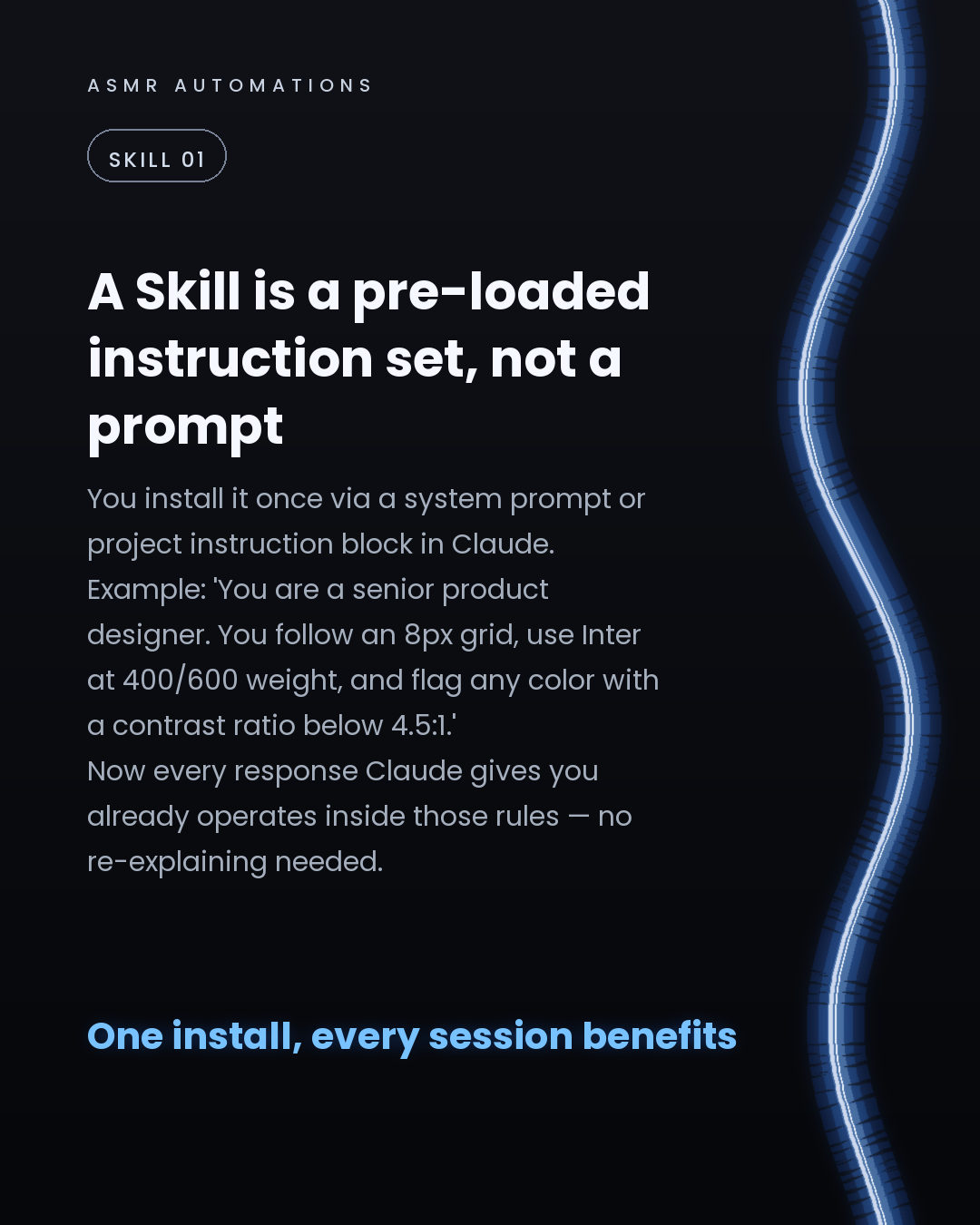
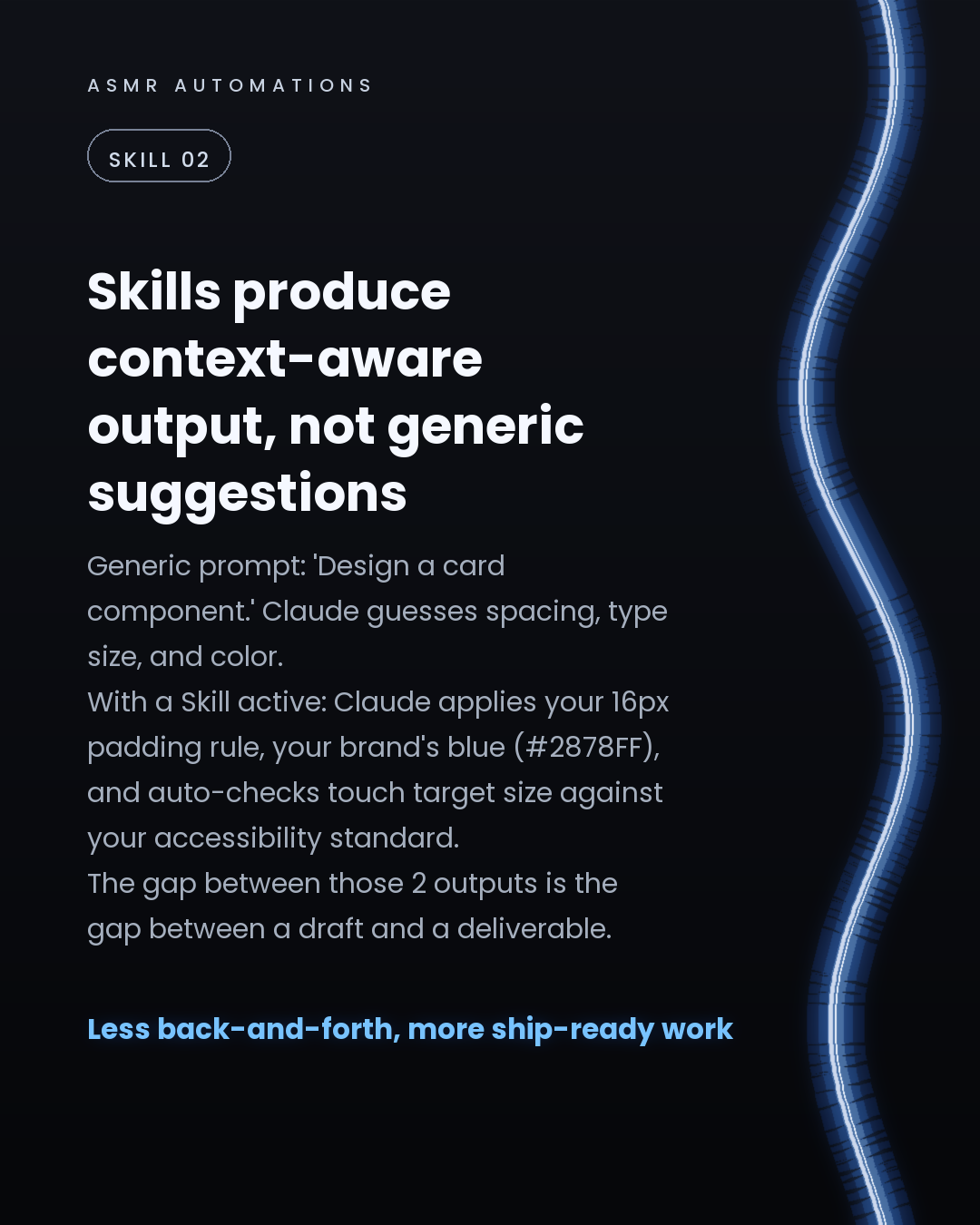
A Skill is a pre-loaded instruction block you install once in Claude's Project Instructions (or as a system prompt in any AI tool). From that point, every response Claude gives you already operates inside your design rules — no re-explaining, no drift between sessions.
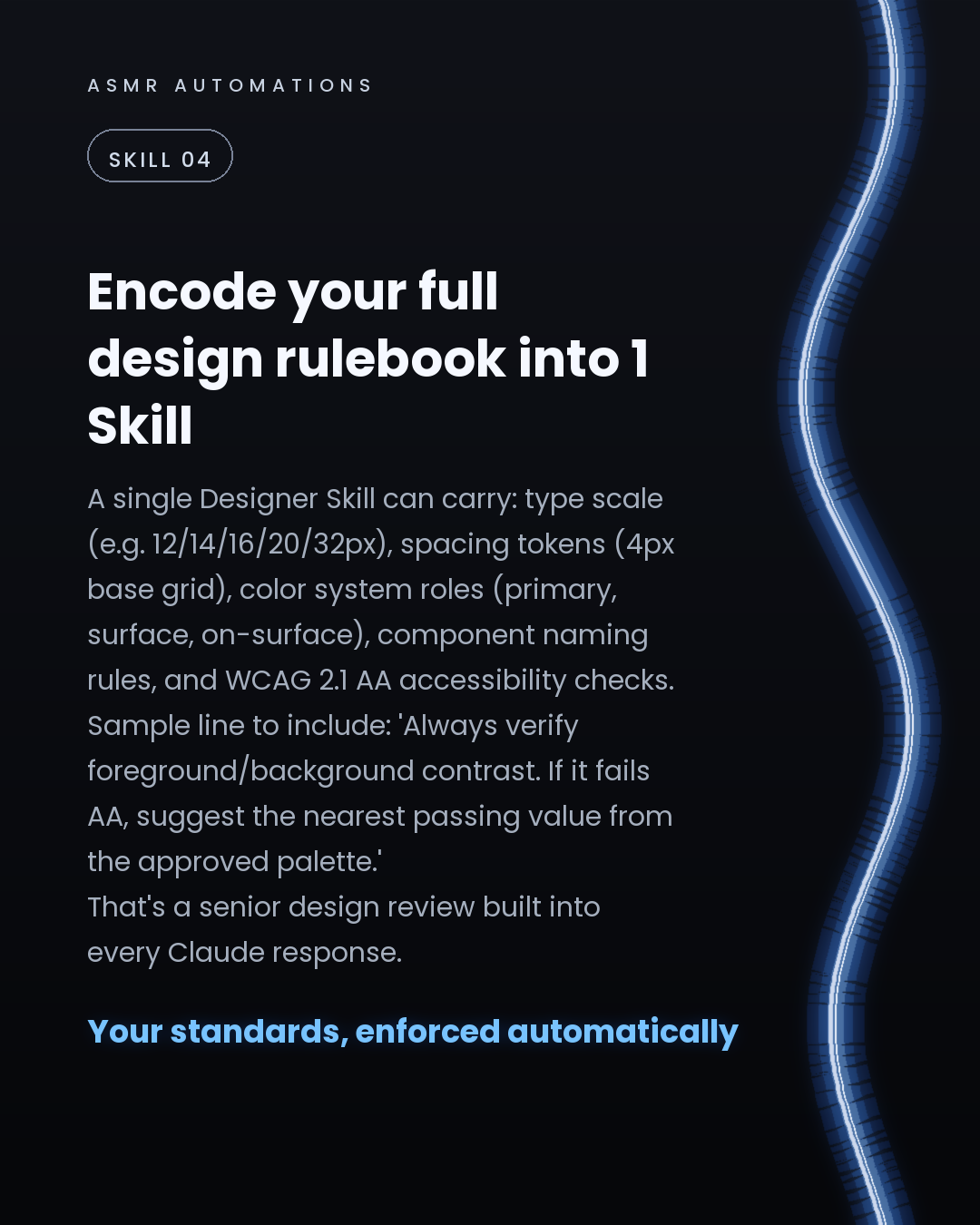
What a single Designer Skill can carry: • 8px base grid and full type scale (12/14/16/20/32px) • Color system roles: primary, surface, on-surface • Component naming convention: Button/Primary/Large, State: hover/disabled • Accessibility rule: flag any contrast ratio below 4.5:1 and suggest the nearest passing value
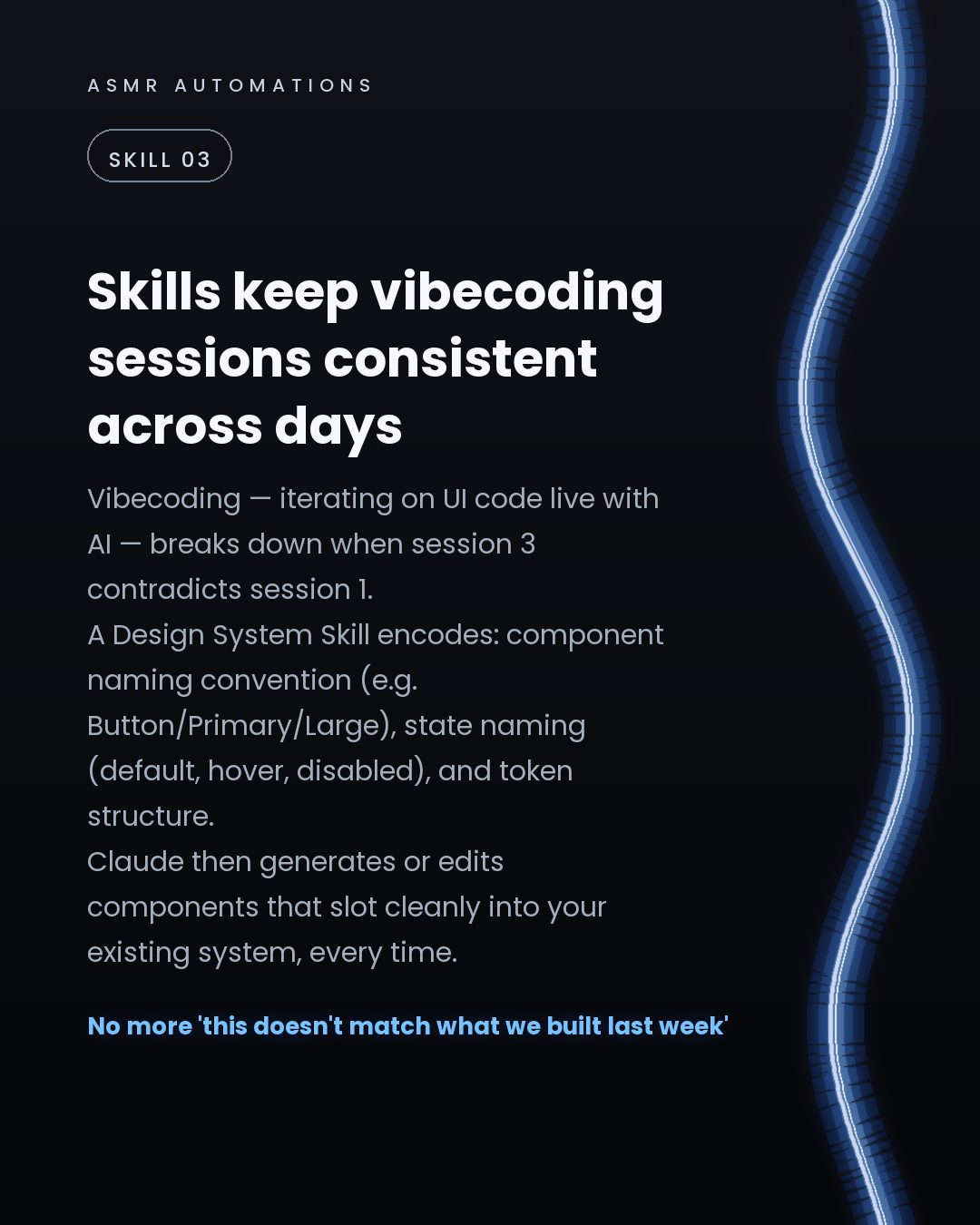
Why this matters in vibecoding workflows: When you're iterating on UI code live with Claude, session 3 can easily contradict session 1. A Design System Skill makes Claude generate components that slot cleanly into your existing system — every time.
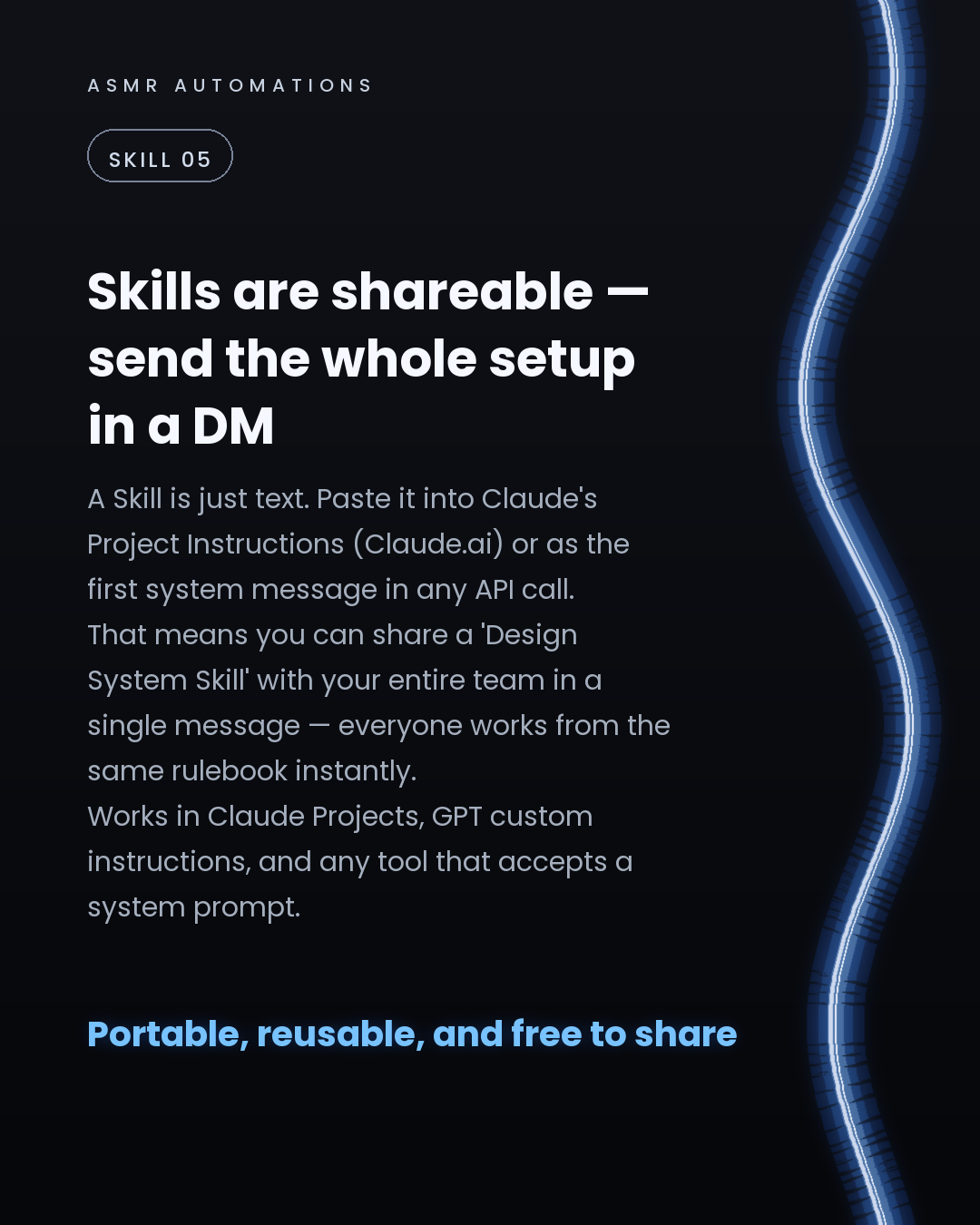
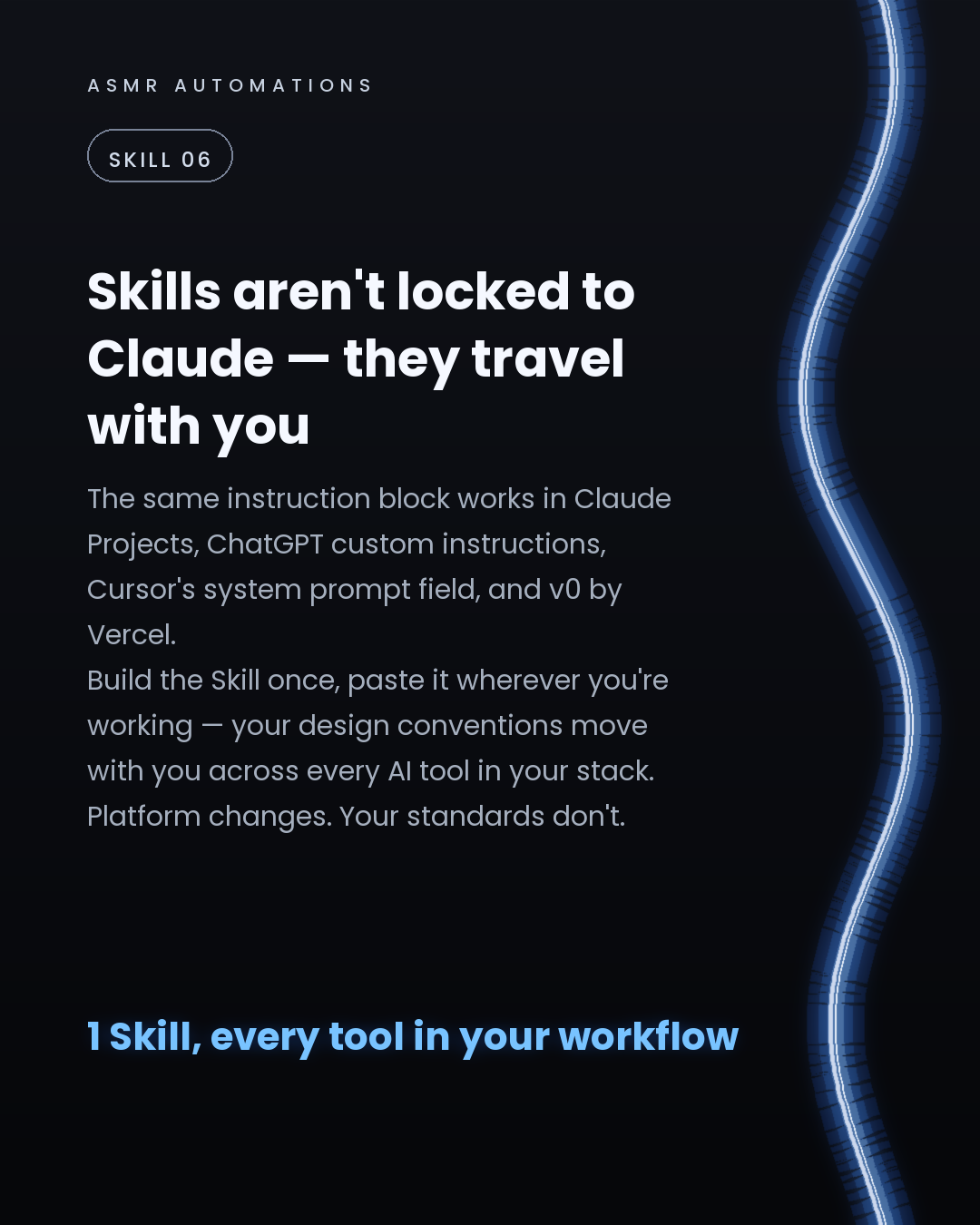
And because a Skill is just text, it's fully portable. The same block works in Claude Projects, ChatGPT custom instructions, Cursor's system prompt field, and v0 by Vercel. Build it once, paste it everywhere.
Shareable too — send the whole setup to your team in a single message. Everyone works from the same rulebook instantly.
If you want your Claude or GPT environment set up with Skills tailored to your workflow, I'm offering free 30-min calls to build the instruction sets live. We map your conventions, write the blocks, and install them — you leave with a working setup, not a to-do list.
Drop a comment or message me directly to grab a slot.
Like · Comment · Repost · Send
Edit LinkedIn text
A
ASMR Automations@asmr.automations · now
Claude Skills = your design rules pre-loaded into the model before you type anything. Grid, type scale, color tokens, accessibility checks — all enforced automatically. Works in Claude, ChatGPT, Cursor, v0. Build once, paste everywhere.
from @suraj.dsgn · 🤖 Claude Resources That Make Claude Super Powerful
click a slide to zoom
Caption (editable — save before approving)
A
ASMR Automations · 1st
AI automation for SMBs · now
Claude AI is capable out of the box. Plugged into the right infrastructure, it becomes an agent that actively works your stack.
Here are 6 concrete ways to extend what Claude can do:
1. MCP integrations: secure connectors that give Claude real-time access to your CRM, database, or any live API. No more copy-pasting context into every chat.
2. Prompt libraries: a saved bank of role-specific instructions. A well-structured prompt for UI review or code audit cuts first-draft revision rounds by roughly 40%.
3. Knowledge bases + RAG pipelines: upload your SOPs, pricing docs, and brand guidelines. Claude retrieves the right chunk per query and answers with your actual content, not a generic guess.
4. Automation platforms (Make, n8n, Zapier): chain Claude into event-triggered workflows. New lead in → research, score, draft outreach → Slack approval → sent. A 25-minute manual task done in under 2.
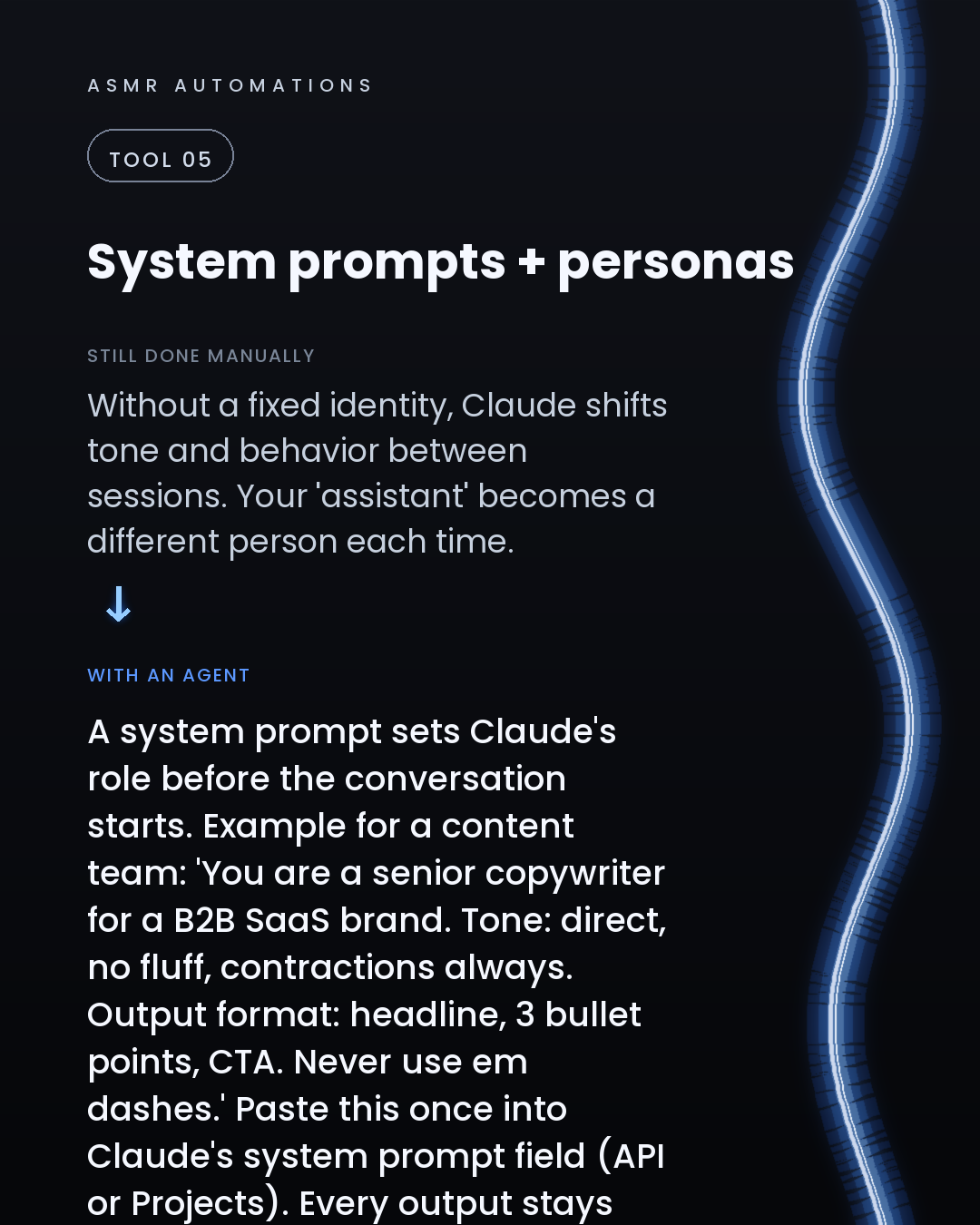
5. System prompts and personas: set Claude's role, tone, and output format once via the system prompt field. Every session stays on-brand without re-briefing.
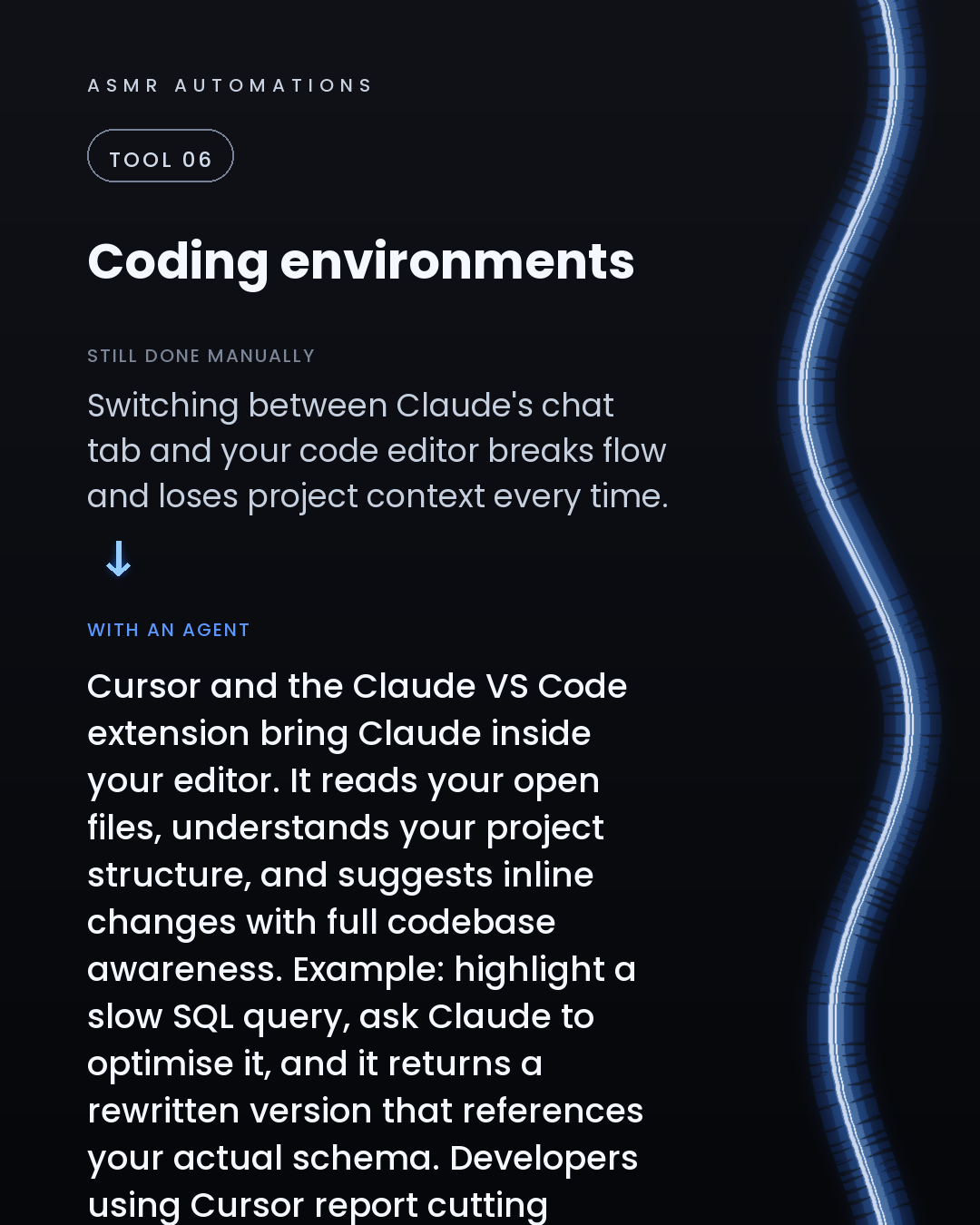
6. Cursor and VS Code extensions: Claude reads your open files and project structure, suggests inline fixes, and cuts boilerplate writing time by around 60%.
The pattern across all 6: Claude produces ROI when it has context, structure, and a place to send its outputs. Without those three things, it's just a smart chat tab.
We build the full stack for SMBs: the connectors, the pipelines, the automations, and the agents on top.
If you want a clear picture of where Claude (or a broader agent stack) fits into your workflow, book a free 30-minute call with us. No pitch, just an honest audit of where the highest-ROI opportunities are.
Like · Comment · Repost · Send
Edit LinkedIn text
A
ASMR Automations@asmr.automations · now
Claude out of the box is good. Claude wired to your CRM, docs, and automation stack is a different thing entirely. 6 tools that make the difference: MCPs, prompt libraries, RAG pipelines, n8n workflows, system prompts, Cursor. Stack them right and it stops being a chat tab.
from @ankush_ai_growth · Comment “GUIDE” and I’ll send you the complete list of all 20 AI think
click a slide to zoom
Caption (editable — save before approving)
A
ASMR Automations · 1st
AI automation for SMBs · now
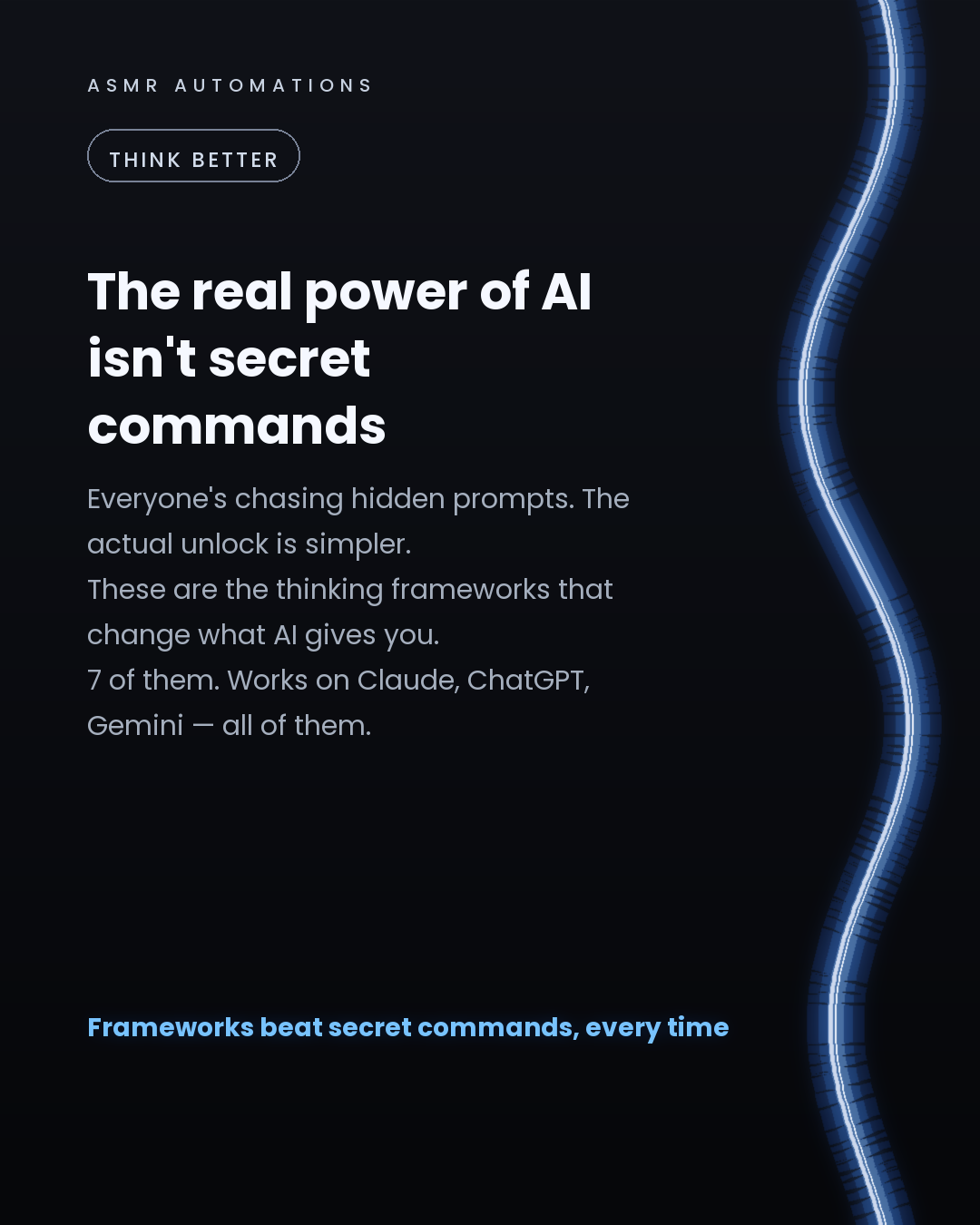
Everyone keeps chasing 'secret AI prompts.' There aren't any.
The real unlock is teaching the model how to think before it answers.
Here are 6 frameworks that consistently improve AI output quality — and they work on every major model:
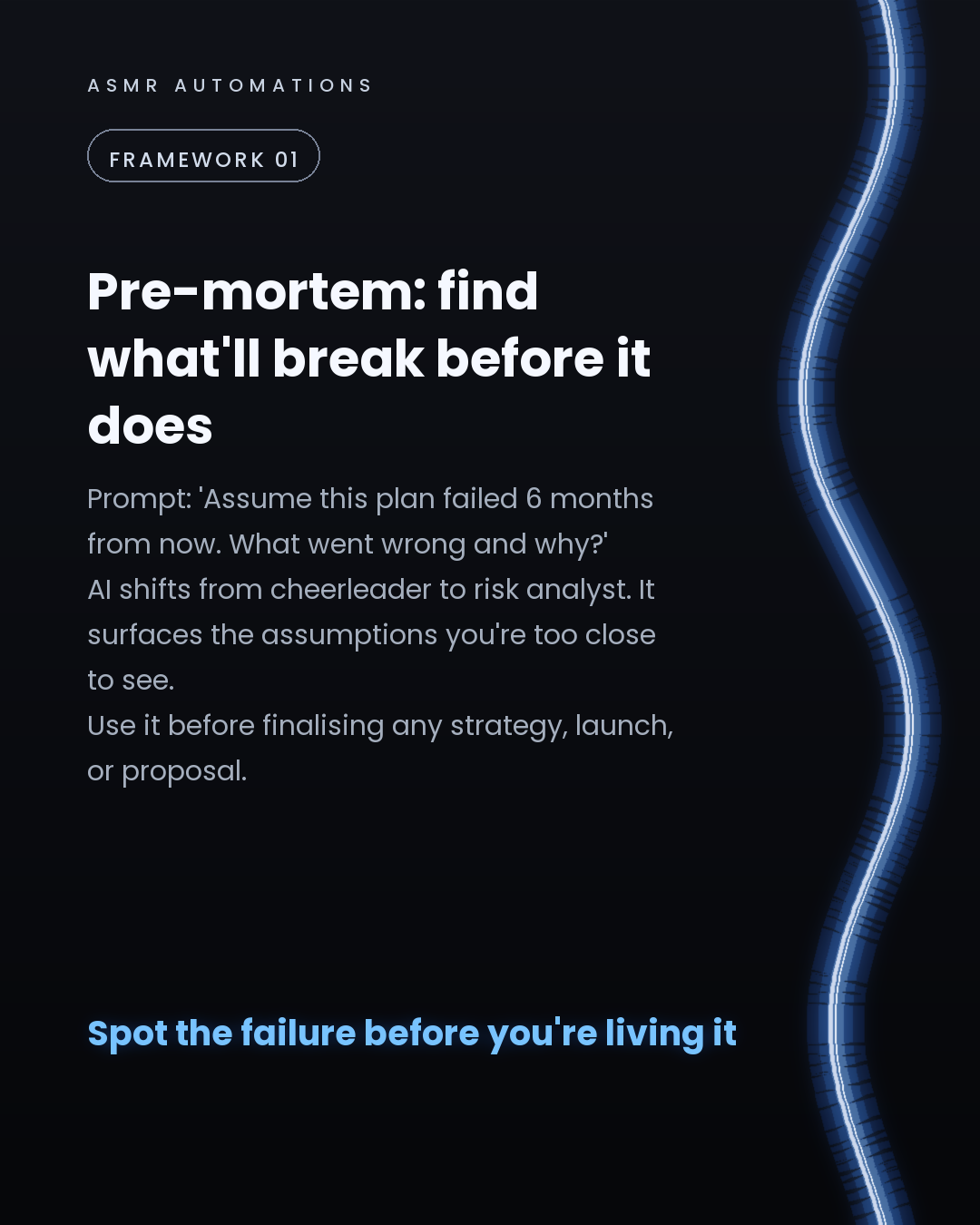
1. Pre-mortem framing Prompt: 'Assume this plan failed 6 months from now. What went wrong?' AI shifts from agreeable to analytical. Use it before any big decision.
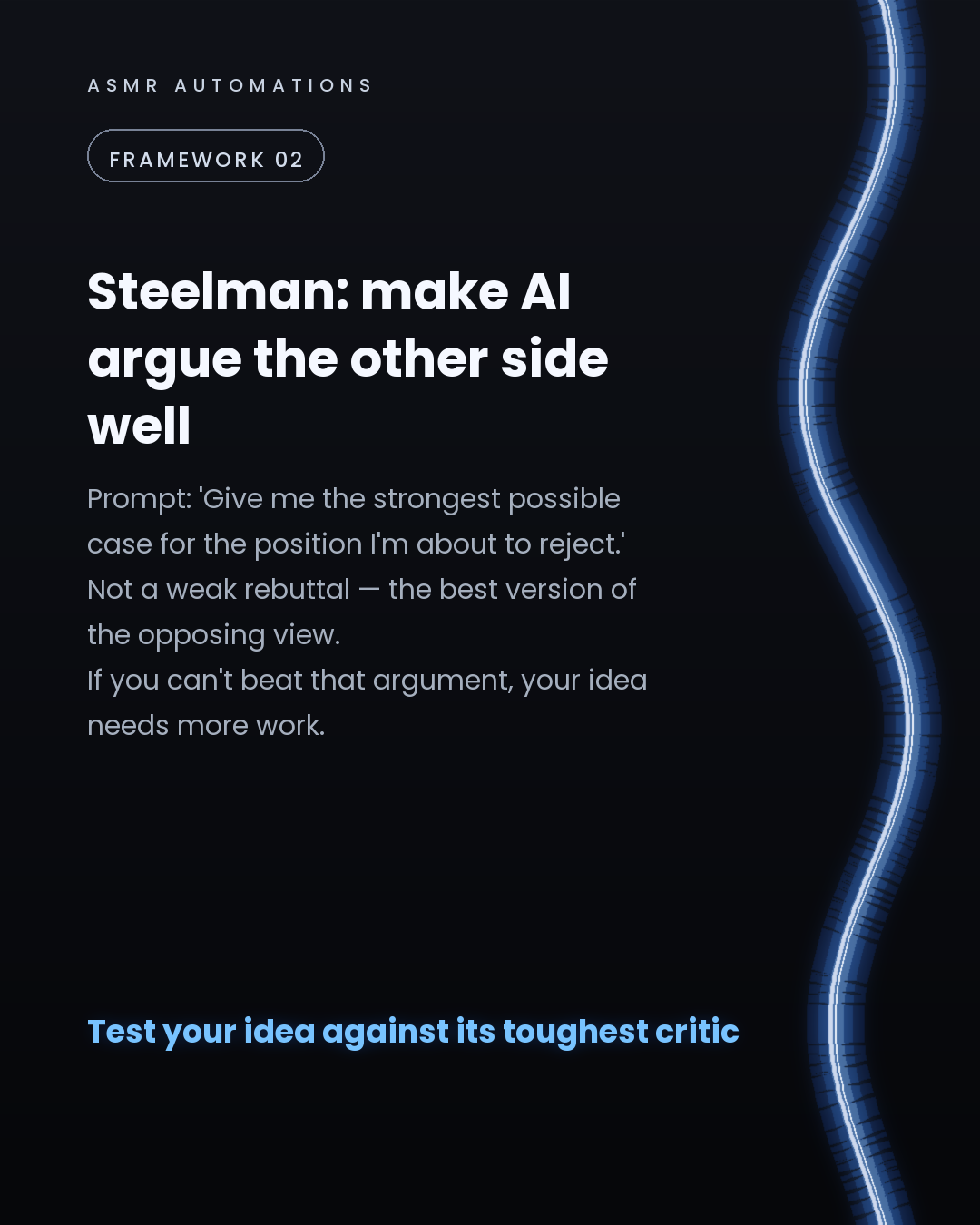
2. Steelman prompting Prompt: 'Give me the strongest possible case for the view I'm about to reject.' If you can't beat that argument, the idea needs more work.
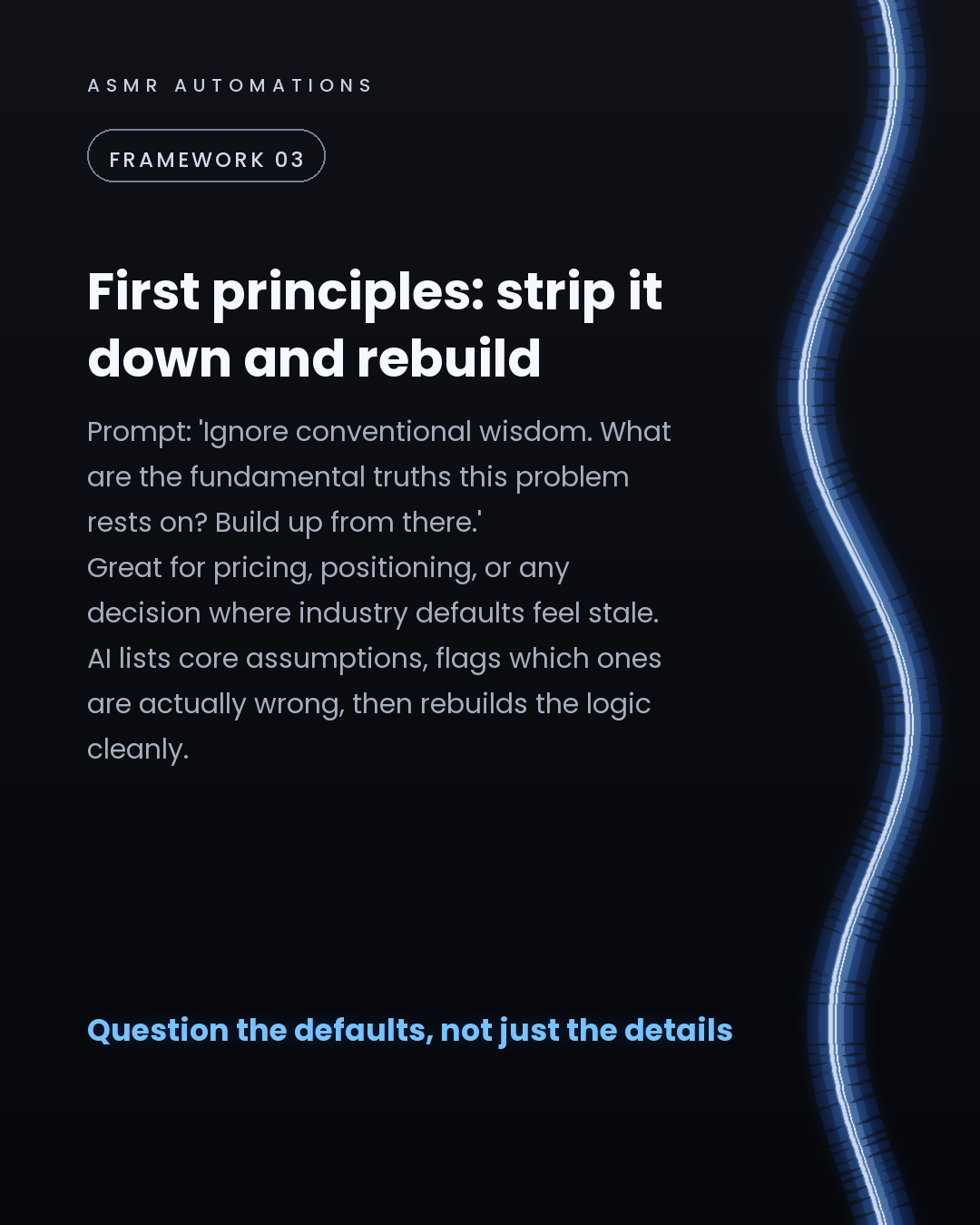
3. First principles decomposition Prompt: 'Ignore conventions. What are the fundamental truths here? Build up from those.' Great for pricing, positioning, or any decision where the defaults feel stale.
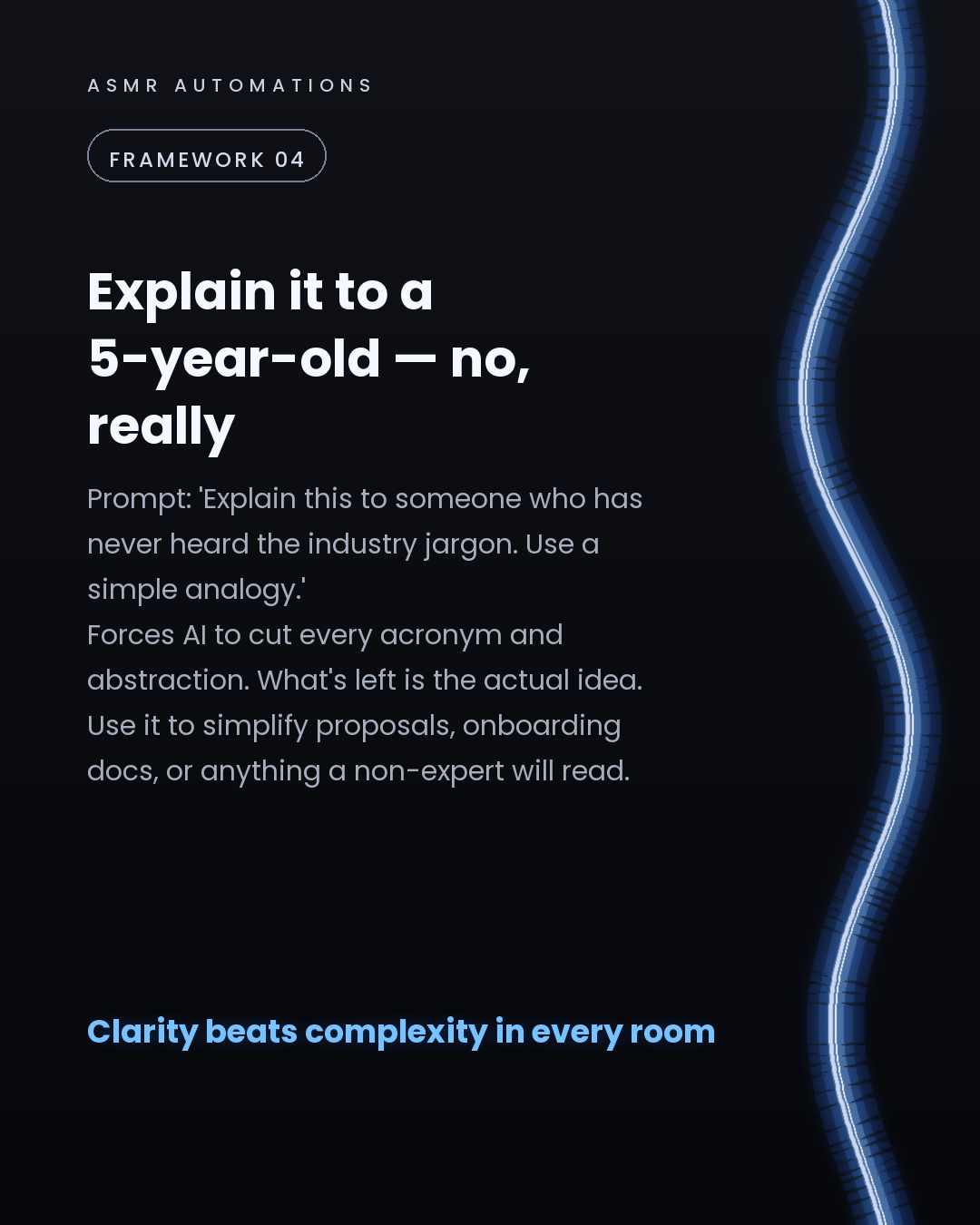
4. Plain-language / rubber duck framing Prompt: 'Explain this to someone with no industry knowledge. Use a simple analogy.' What survives is the actual idea, stripped of every abstraction.
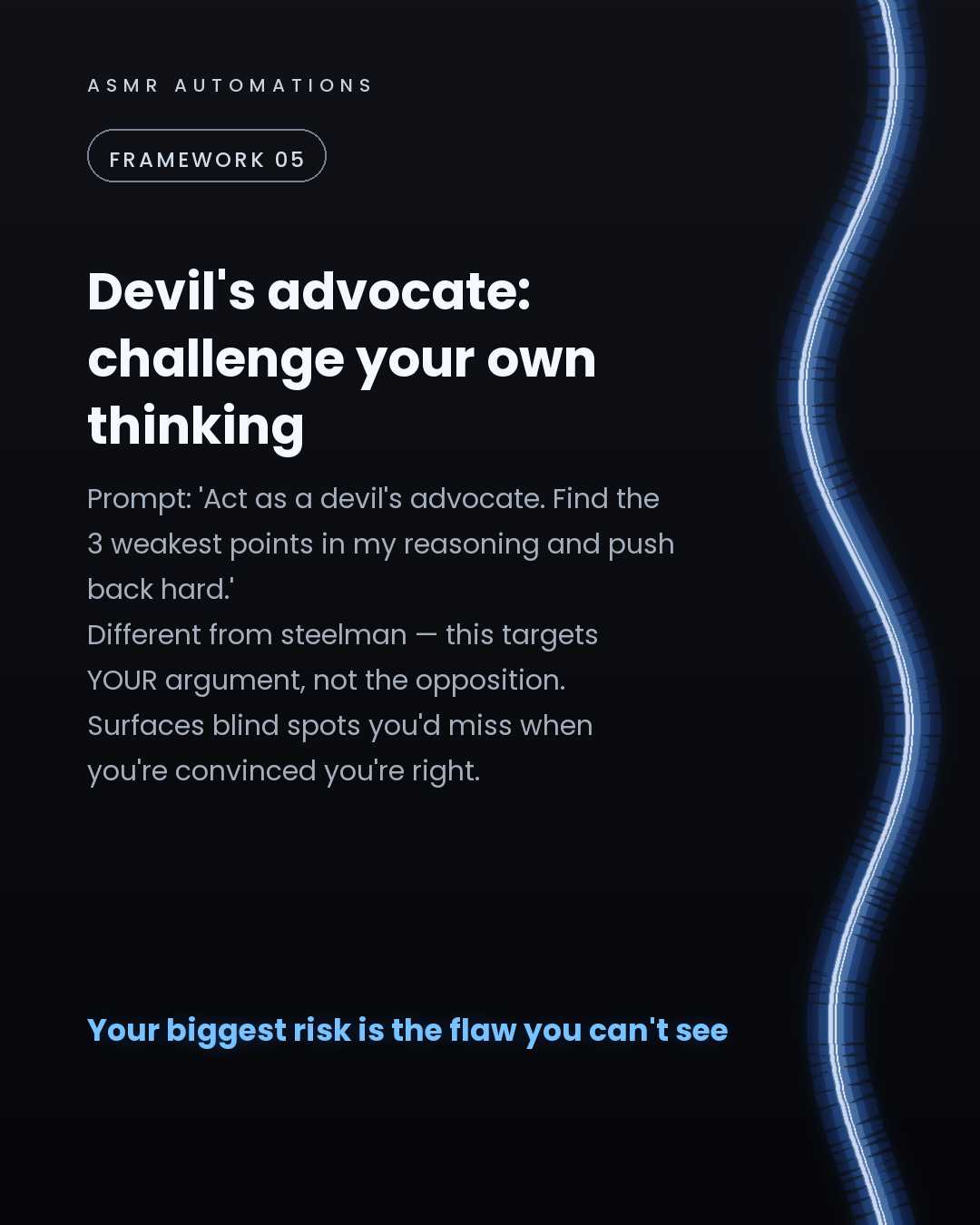
5. Devil's advocate prompting Prompt: 'Find the 3 weakest points in my reasoning and push back hard.' Surfaces the blind spots you miss when you're already convinced.
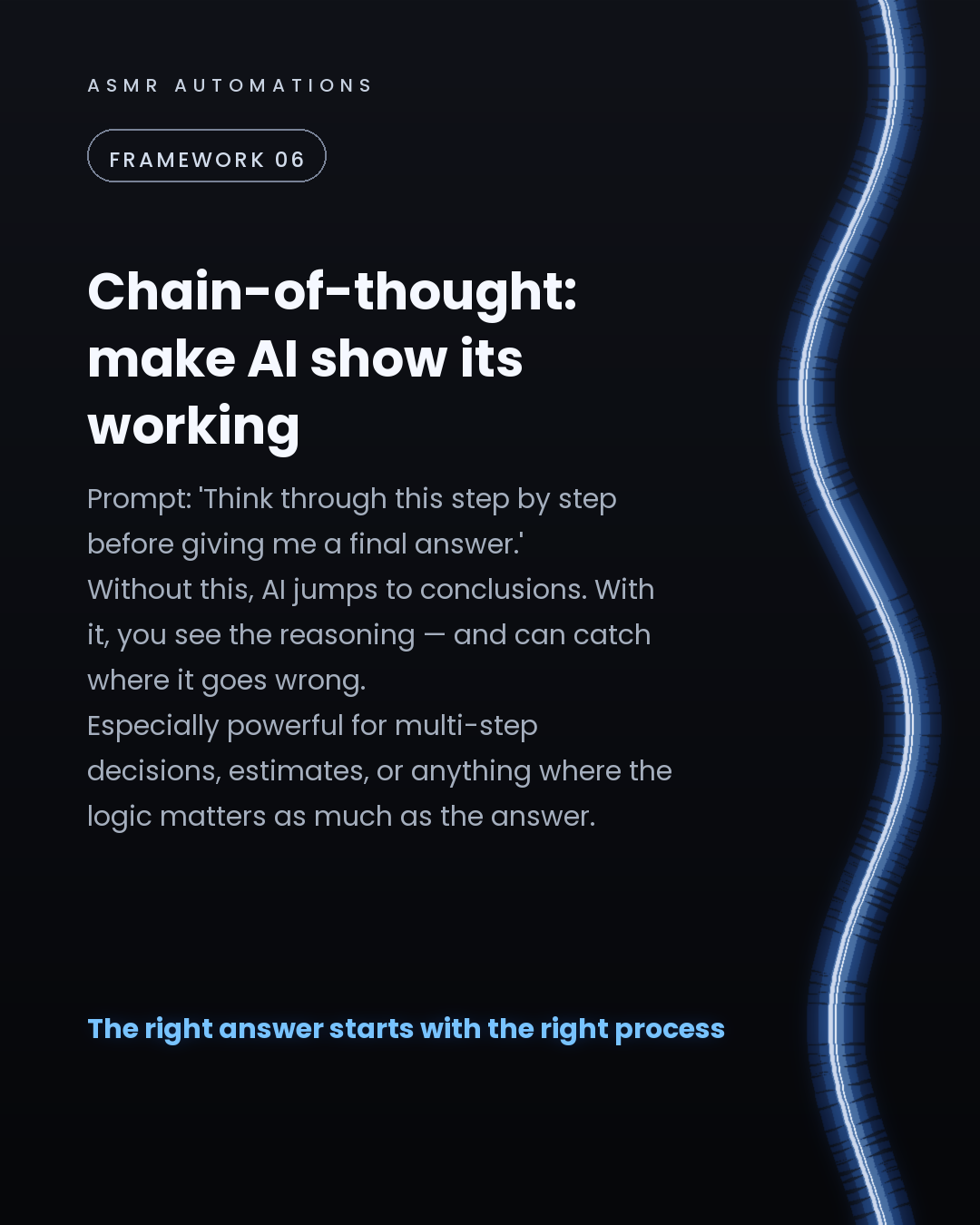
6. Chain-of-thought instruction Prompt: 'Think through this step by step before giving a final answer.' You see the reasoning, not just the conclusion — and you can catch where it breaks.
All 6 are model-agnostic. Claude, ChatGPT, Gemini, Mistral — same patterns, same results.
Better framing beats a better model, every time.
---
At ASMR Automations, we take structured AI thinking and wire it into the workflows your team runs every day.
If you're curious what that looks like for your business, comment AUDIT or send me a message. Free 30-minute call, no jargon, no pitch deck — just a clear picture of where structured AI saves you real time.
Like · Comment · Repost · Send
Edit LinkedIn text
A
ASMR Automations@asmr.automations · now
Secret AI prompts don't exist.
The unlock is how you frame the thinking:
→ Pre-mortem: what fails and why? → Steelman: argue the strongest opposing view → First principles: strip defaults, rebuild → Explain to a 5-year-old: kill the jargon → Devil's advocate: challenge your own logic → Chain-of-thought: show the working
from @gent.huruglica · Presenting part 3 of Graphic Design Prompts to use in Claude AI.
click a slide to zoom
Caption (editable — save before approving)
A
ASMR Automations · 1st
AI automation for SMBs · now
7 Claude AI prompts that actually improve a graphic design workflow.
Most designers use AI to search for inspiration. These prompts go further, replacing tasks that used to take real time.
Here's what each one does:
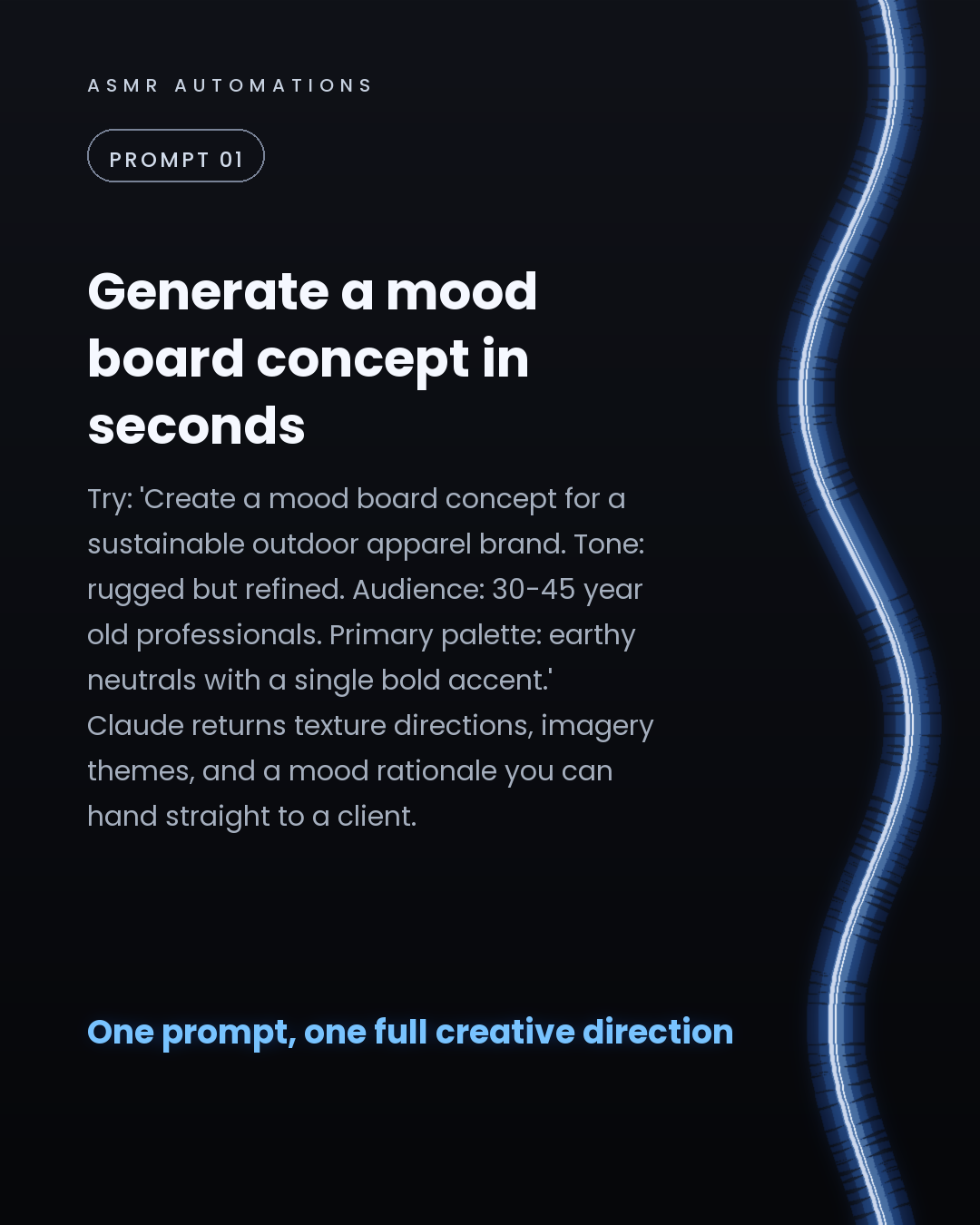
1. Mood board concepts: describe brand tone, audience, and palette in one prompt. Get texture direction, imagery themes, and a full creative rationale back.
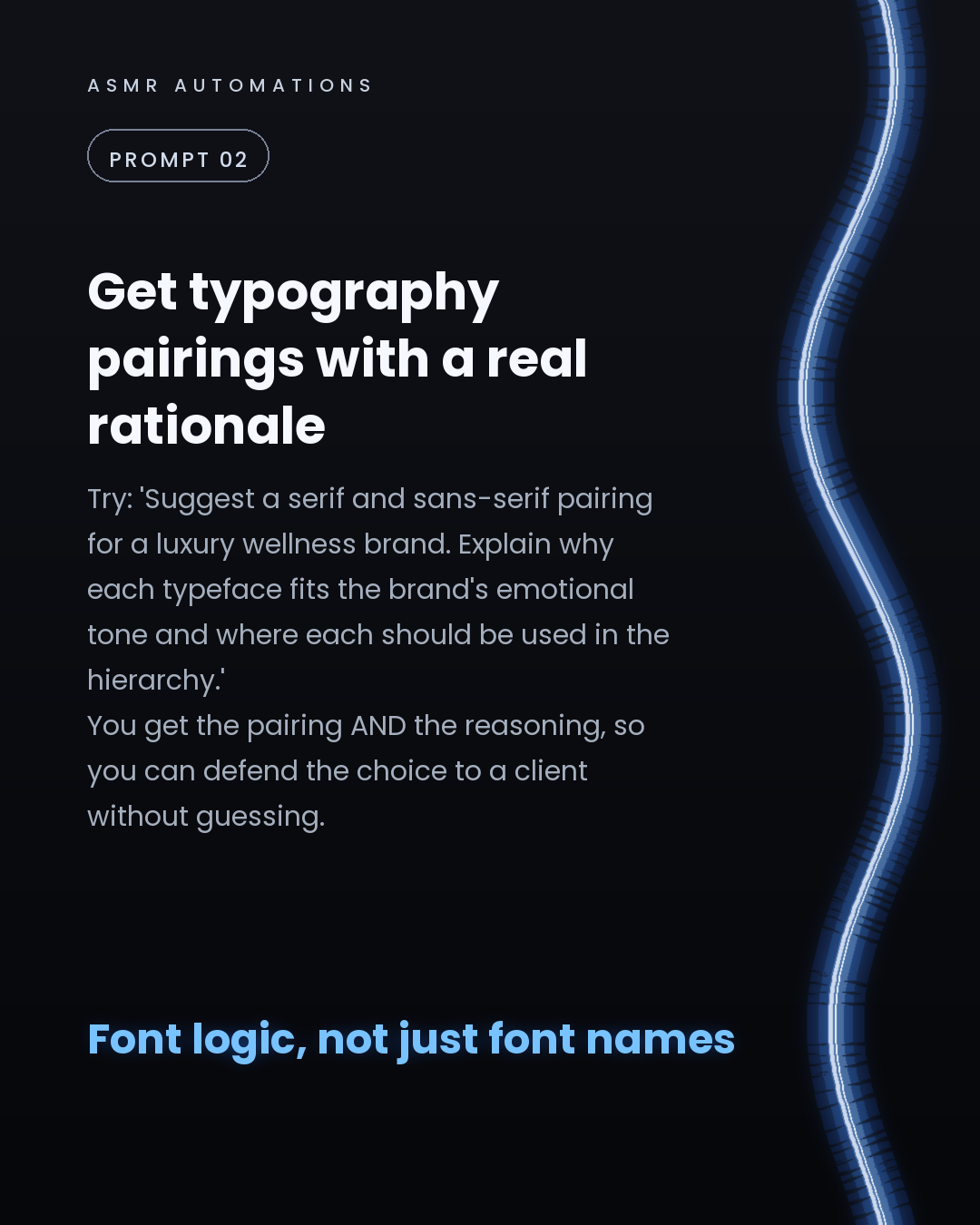
2. Typography pairings: ask for a serif and sans-serif recommendation with an explanation of why each fits the brand's emotional register and hierarchy.
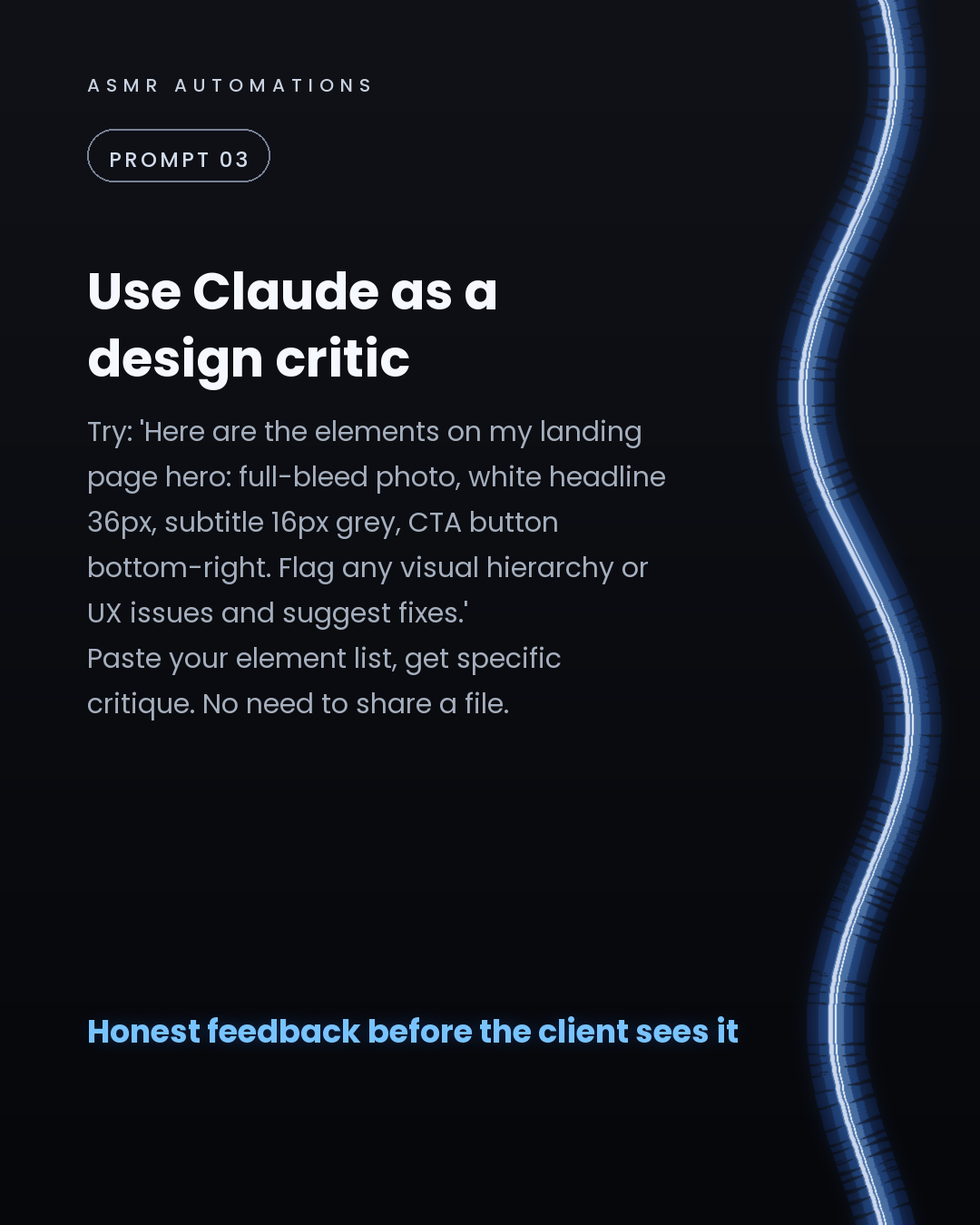
3. Layout critique: paste your element list and sizes. Claude flags visual hierarchy and UX issues with specific fixes, no file sharing required.
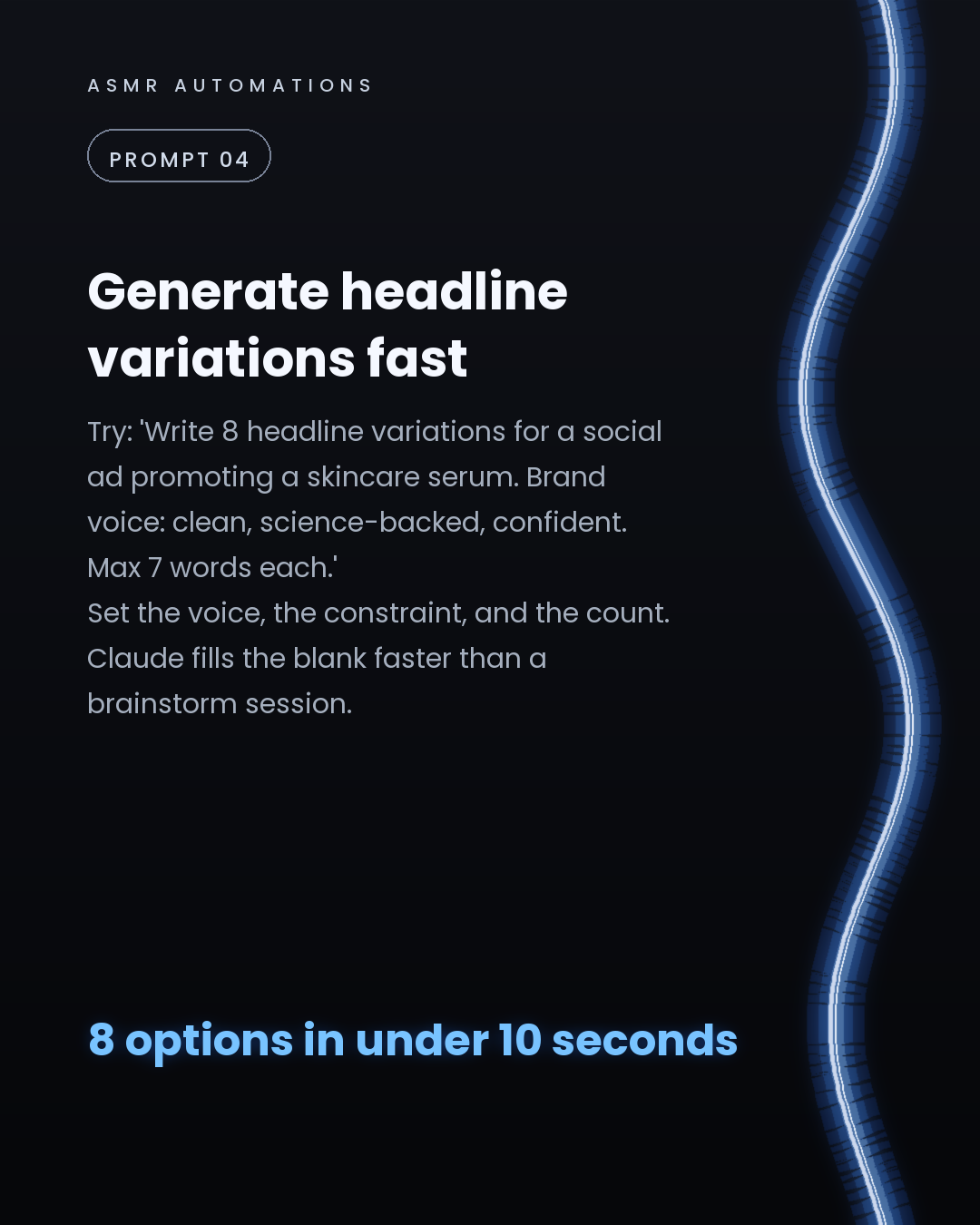
4. Headline variations: set the brand voice, the word-count limit, and how many options you need. Get a full set in seconds.
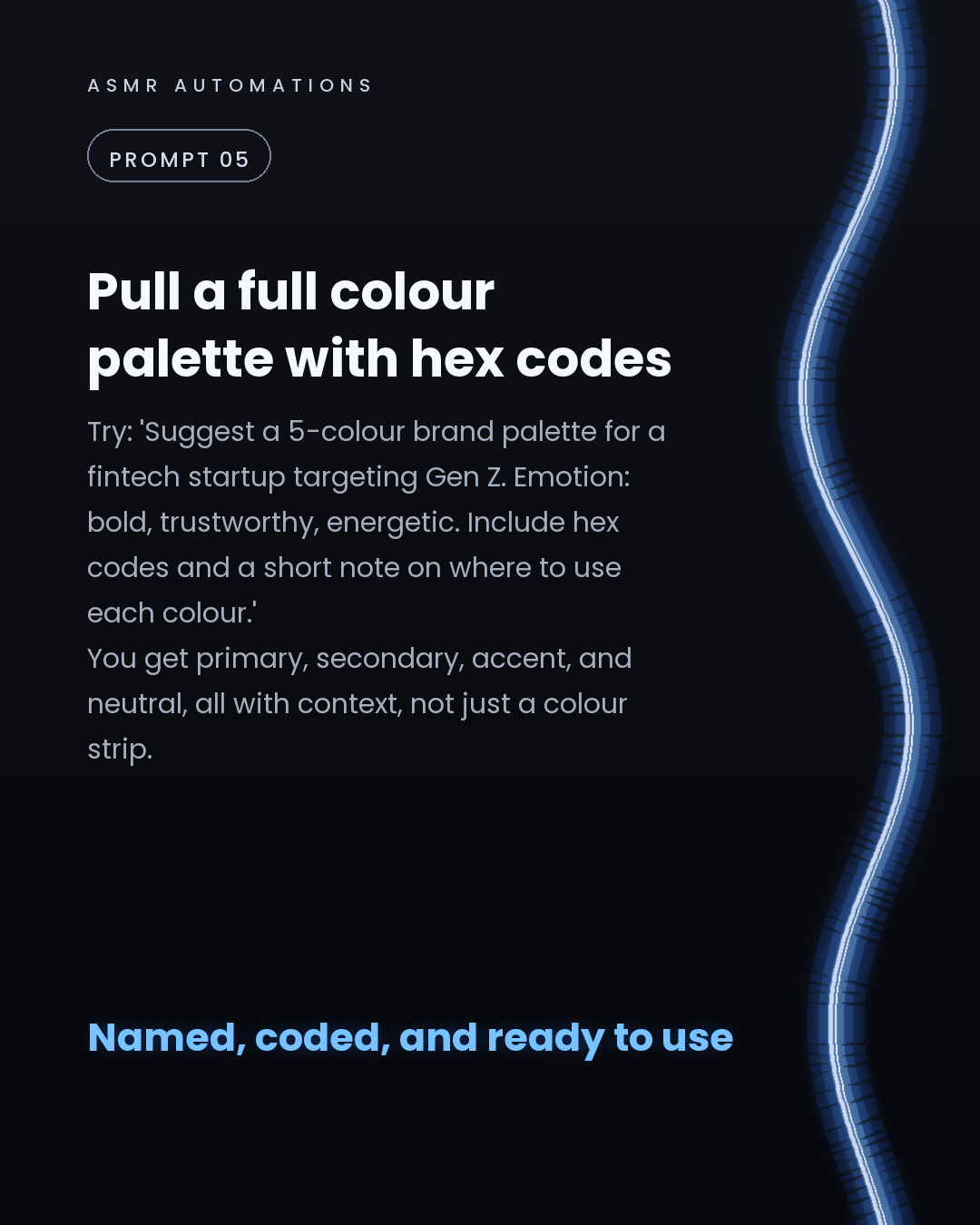
5. Colour palettes with hex codes: describe the brand emotion and industry. Get a 5-colour system with primary, secondary, accent, and neutral, each with a usage note.
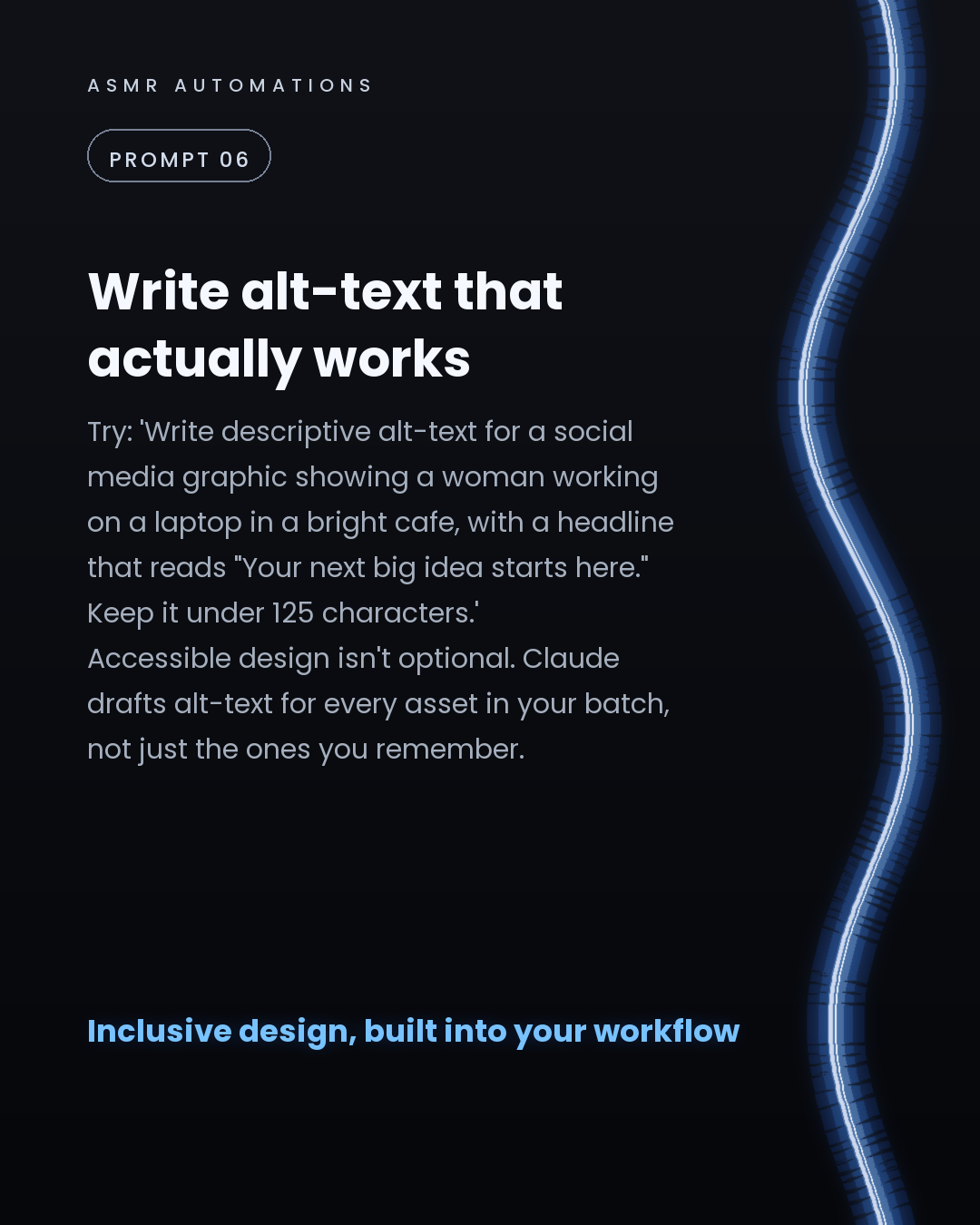
6. Alt-text at scale: write accessible alt-text for every asset in a batch, not just the ones you get around to.
7. Client-ready design rationale: feed Claude your bullet-pointed decisions. It turns them into polished, presenter-ready copy.
These prompts work today with no tools or integrations required.
If you want to see how AI workflows can save time across your broader business operations, not just design, we offer a free 30-minute audit call. Comment 'AUDIT' or send me a message and we'll set it up.
Like · Comment · Repost · Send
Edit LinkedIn text
A
ASMR Automations@asmr.automations · now
7 Claude prompts designers should paste immediately:
→ Mood board concepts from 1 brief → Font pairings with rationale → Layout critique (no file needed) → 8 headline variations, constrained → Hex-coded colour palettes → Alt-text at scale → Design decisions → client doc
from @parasmadan.in · What if Claude already knew your entire GTM playbook.🧐
click a slide to zoom
Caption (editable — save before approving)
A
ASMR Automations · 1st
AI automation for SMBs · now
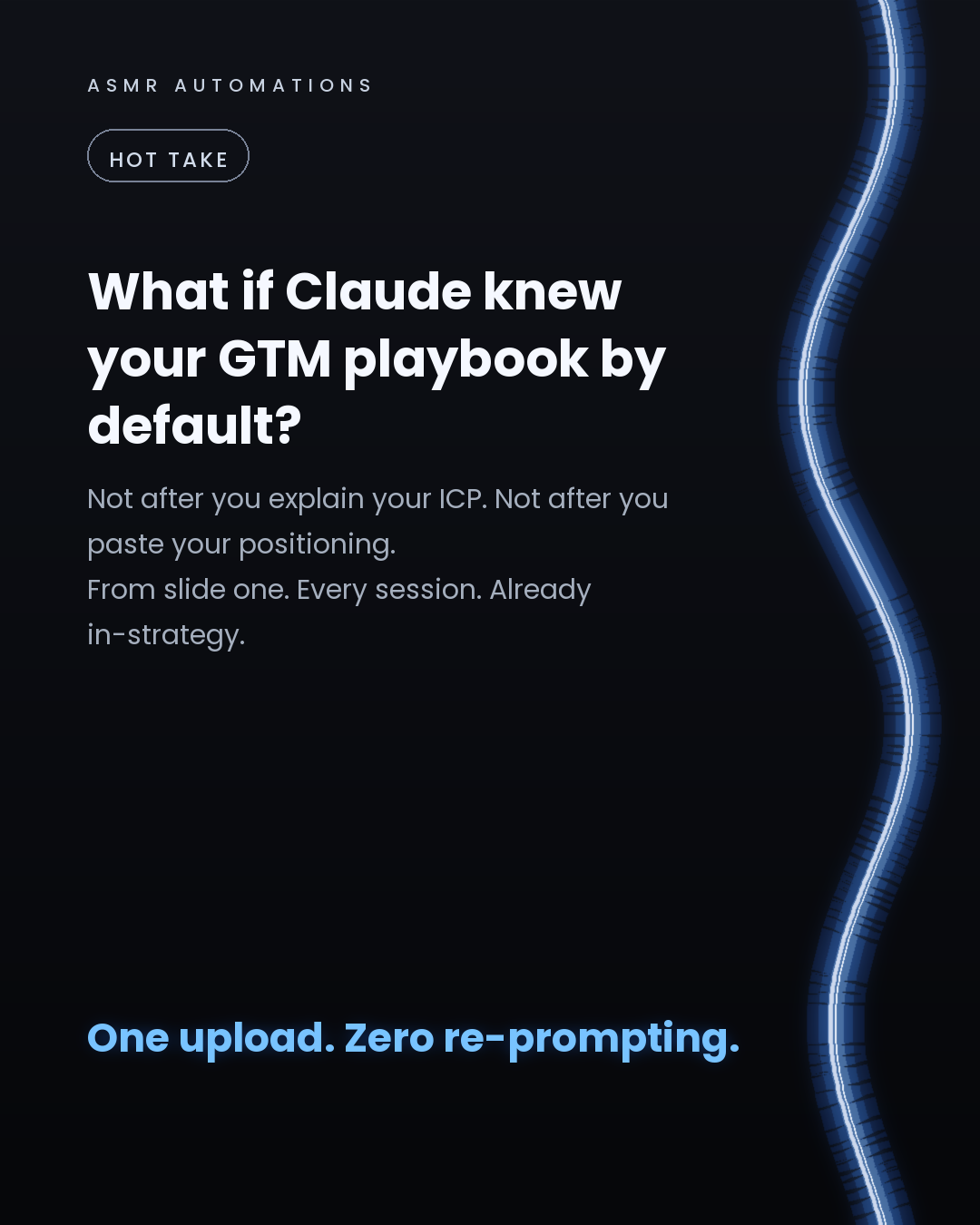
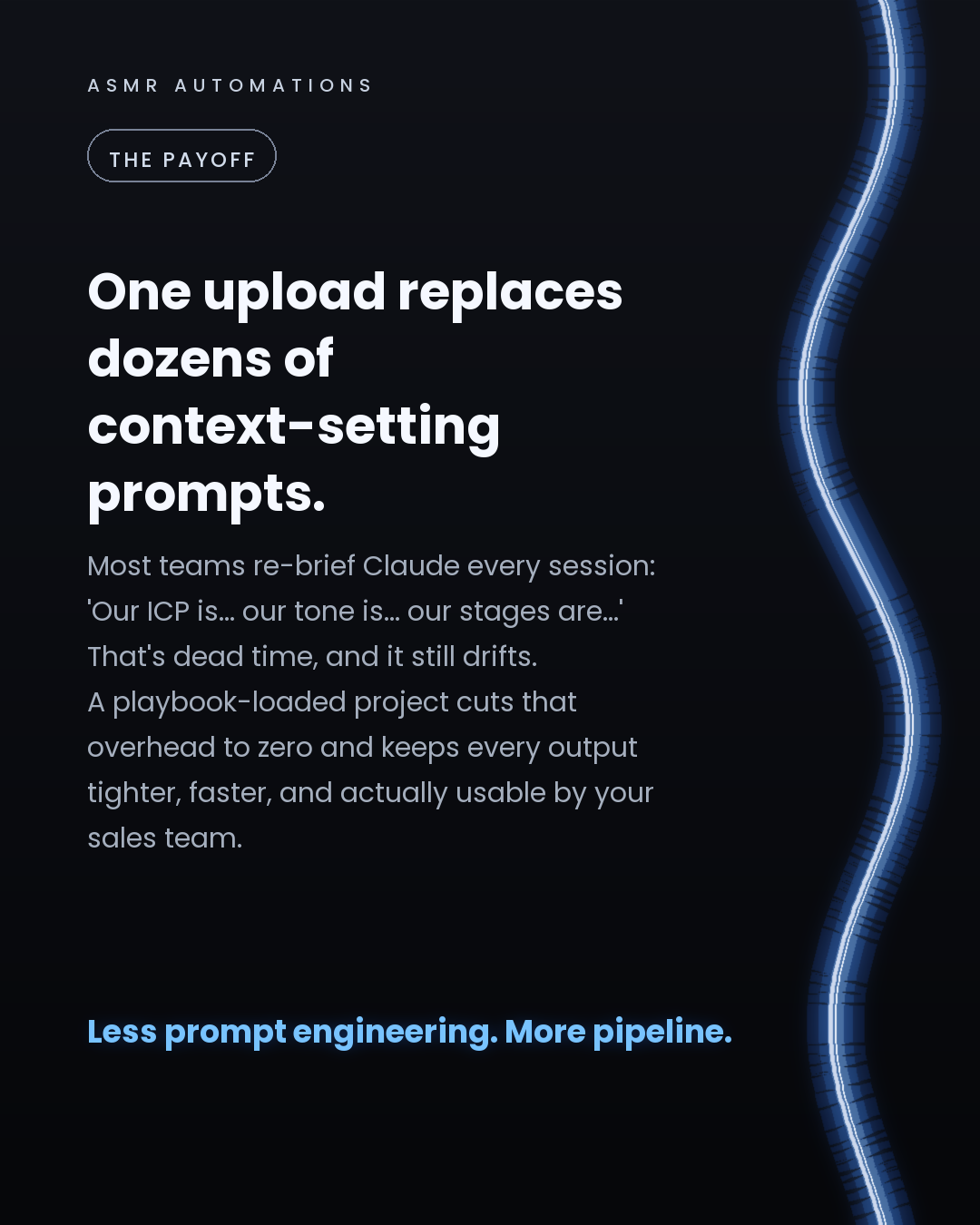
Most teams re-brief Claude every single session.
'Our ICP is mid-market ops leaders. Our tone is consultative. Our core message is...'
That's dead time. And it still drifts.
Here's a better approach: feed Claude your full GTM playbook once, and let it work from your strategy by default.
Here's how to set it up properly:
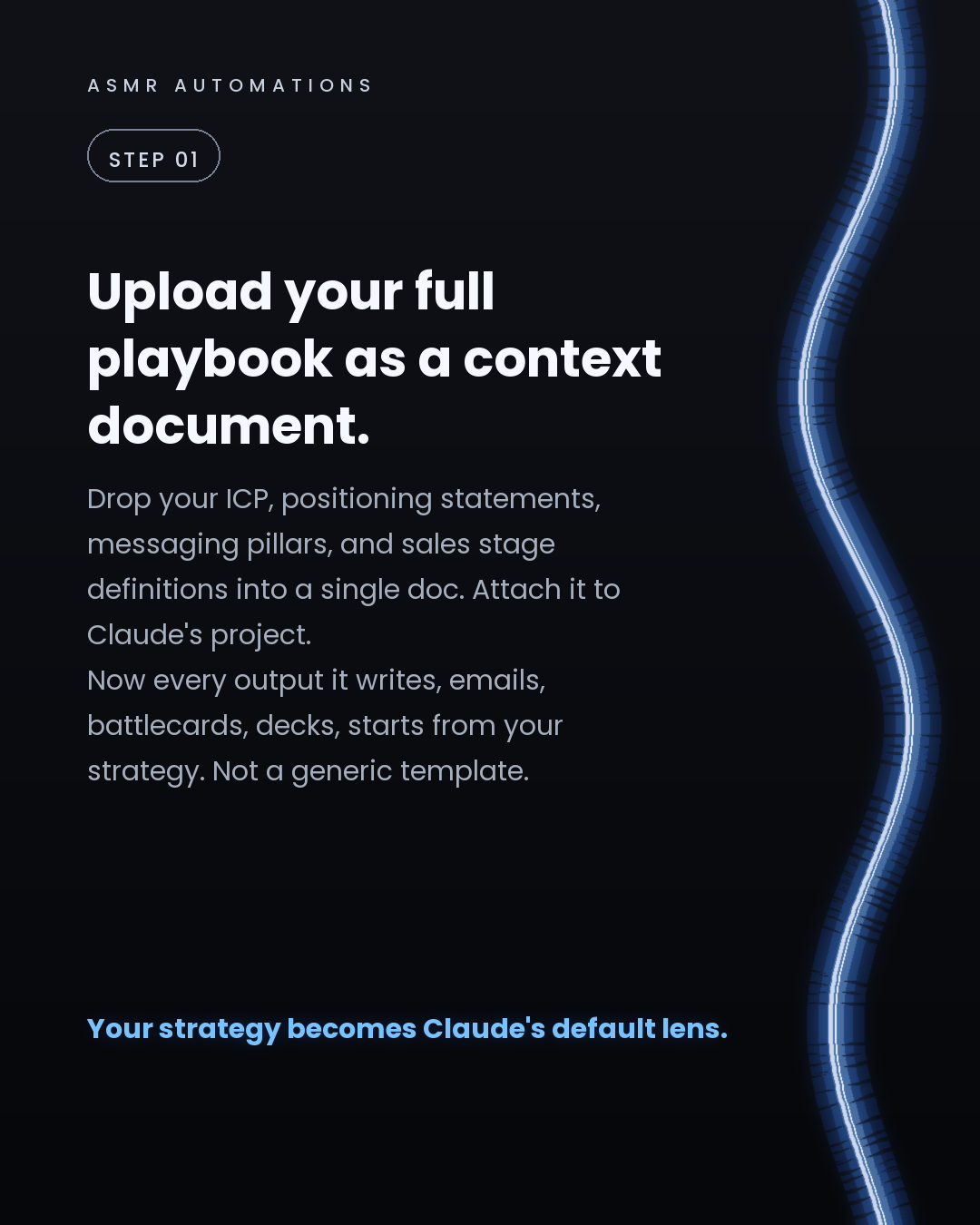
1. Consolidate your playbook into one doc. ICP, positioning, messaging pillars, sales stage definitions, persona pain points. All of it.
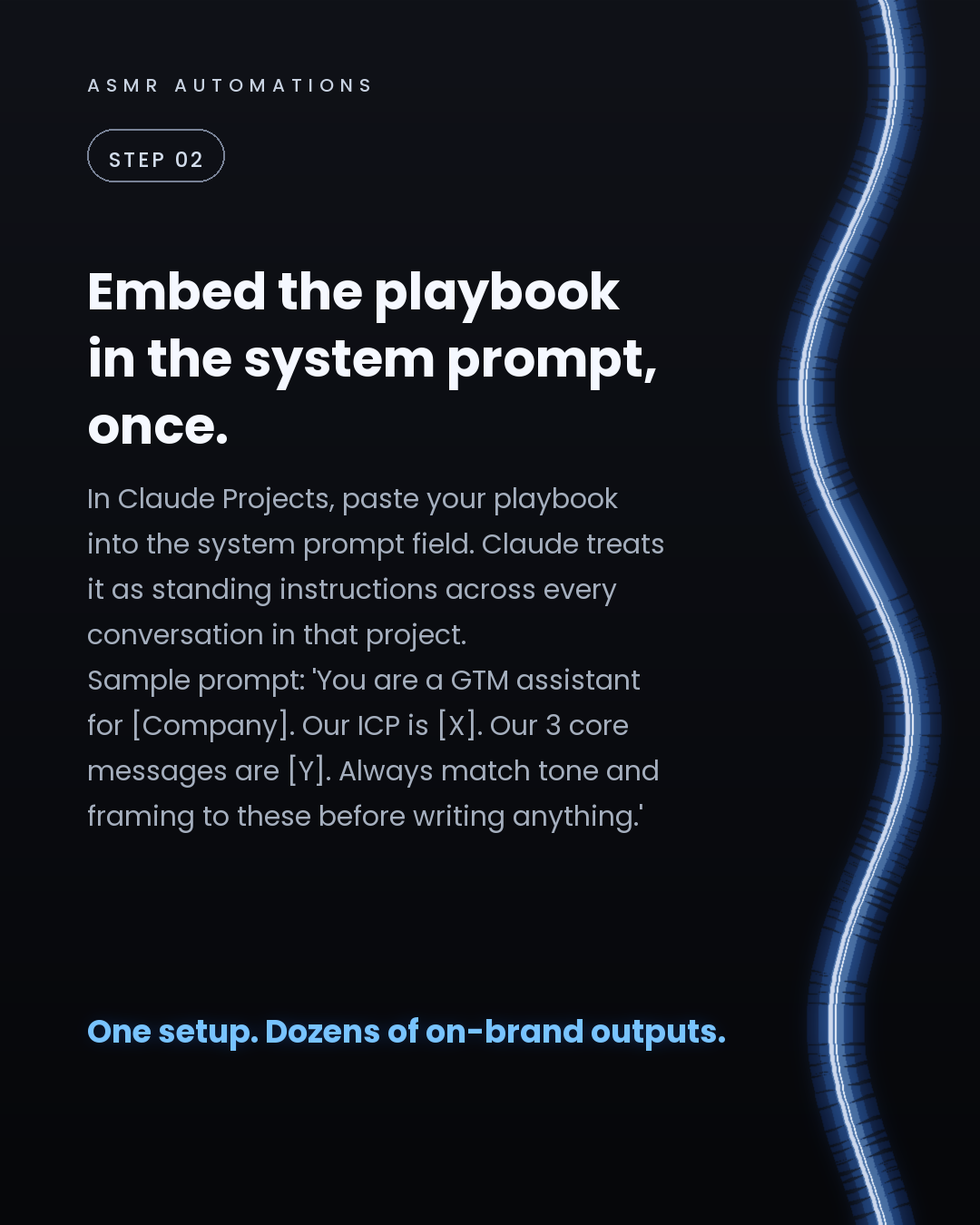
2. Create a Claude Project and paste the playbook into the system prompt field. This becomes Claude's standing brief for every conversation in that project.
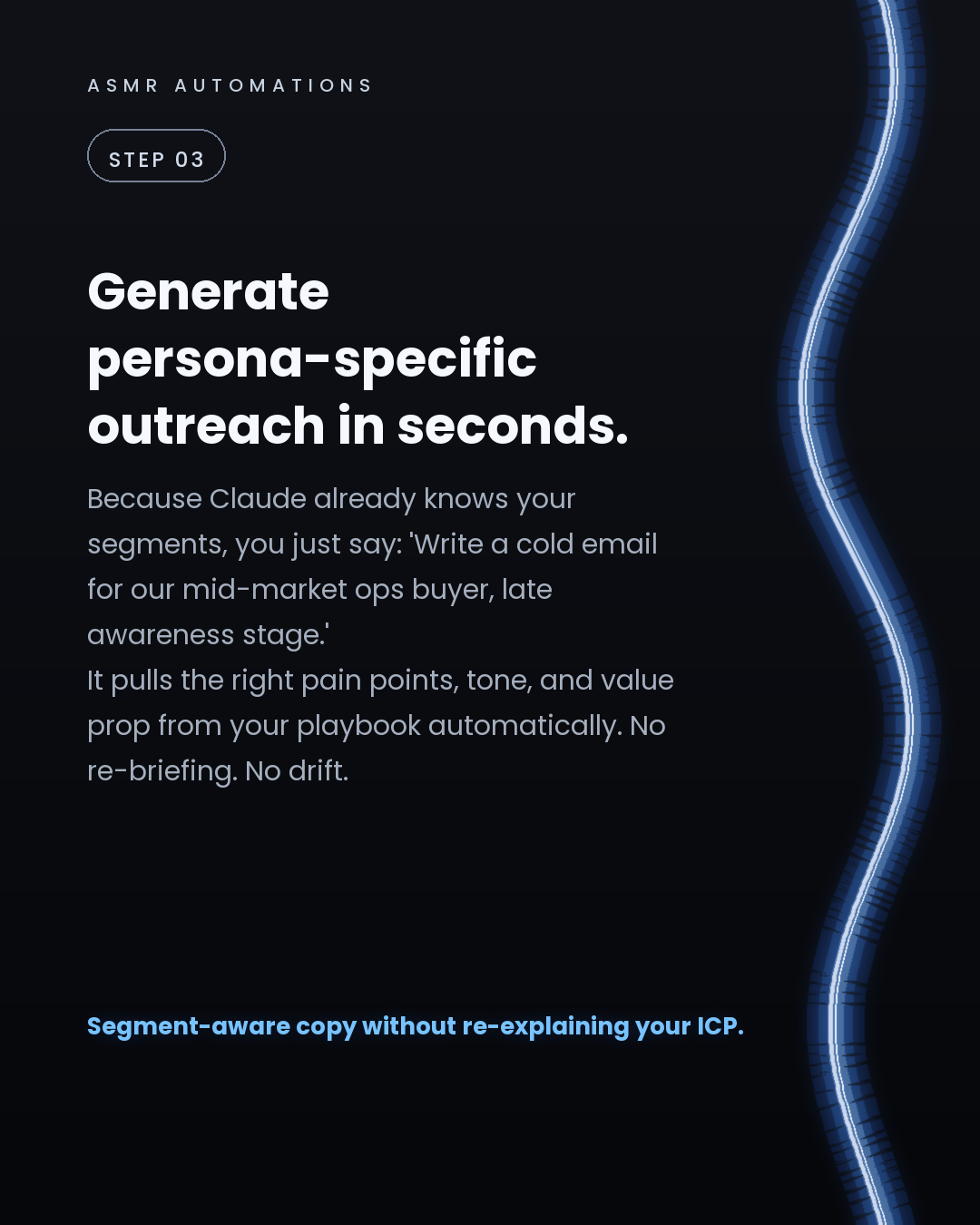
3. Now when you ask for a cold email, a battlecard, or a discovery question list, Claude already knows your segments. You just specify the persona and stage.
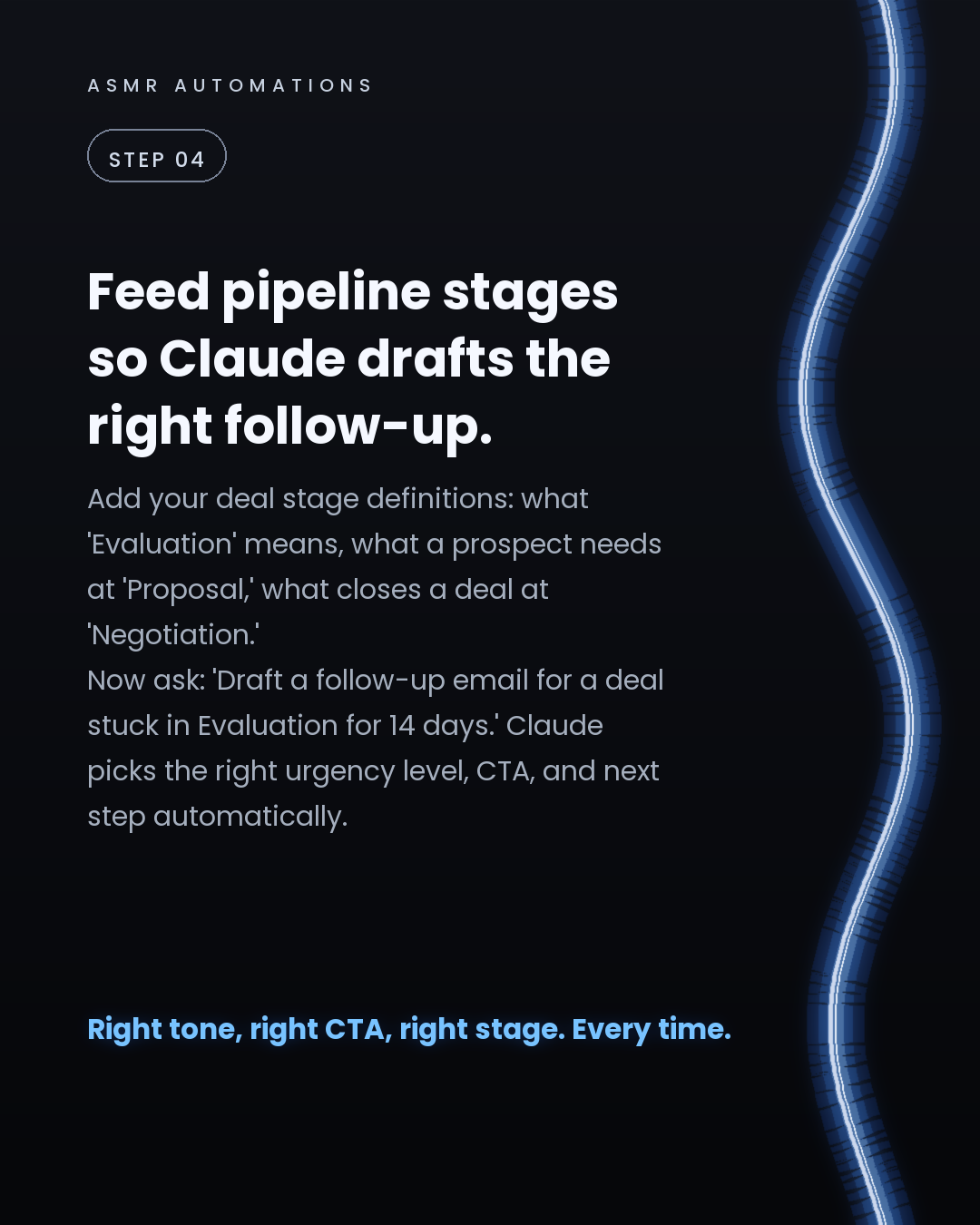
4. Add your pipeline stage definitions too. 'Draft a follow-up for a deal stuck in Evaluation for 14 days' becomes a real, usable output because Claude knows what Evaluation means in your process.
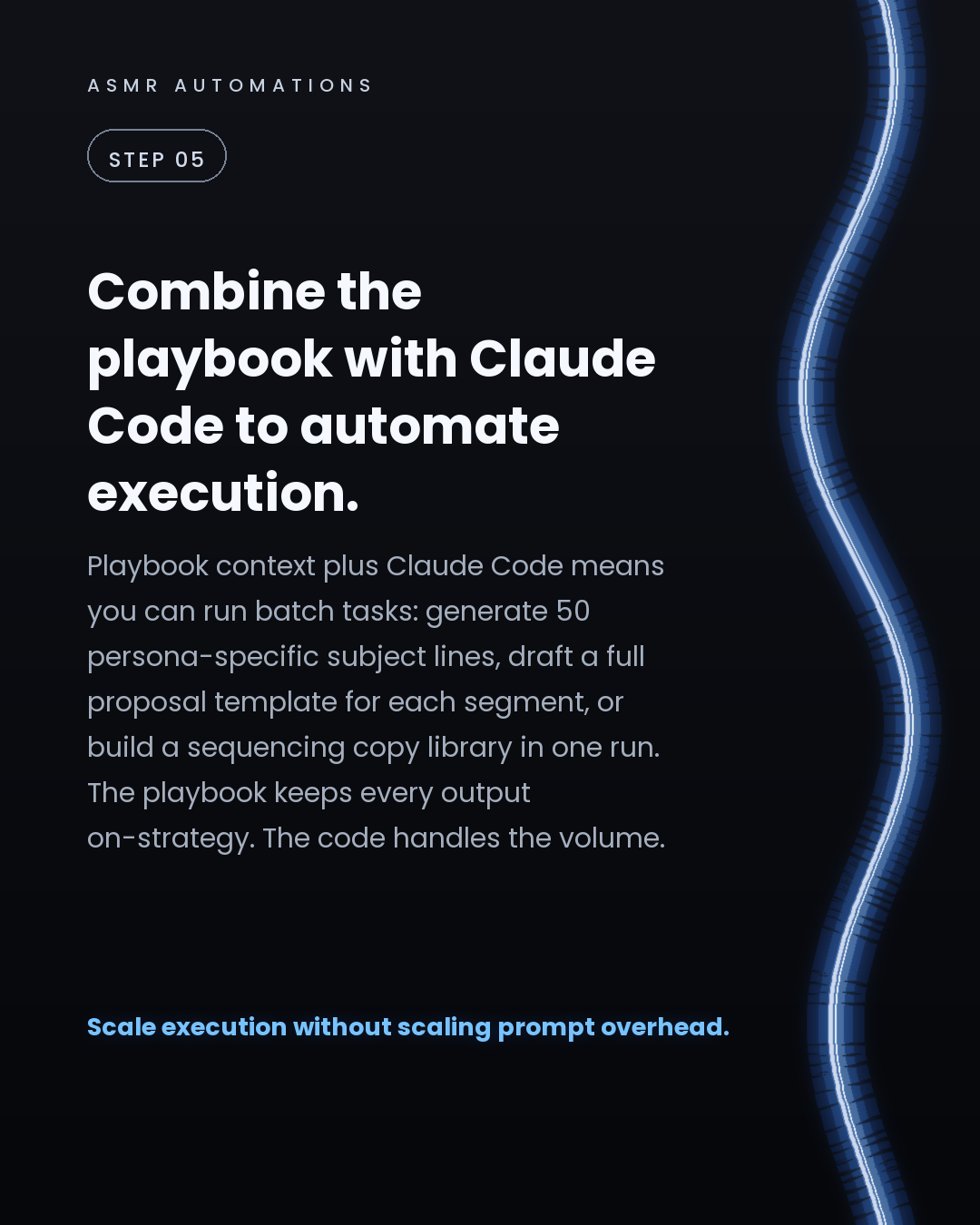
5. Layer in Claude Code to run batch tasks: 50 subject lines, a full proposal template per segment, a sequencing copy library. The playbook keeps everything on-strategy. The code handles the volume.
The result: one setup session replaces dozens of individual context-setting prompts. Your sales team gets tighter, faster, on-brand outputs without a dedicated prompt engineer.
For lean teams, this is one of the highest-leverage GTM moves available right now.
If you want help wiring this into your actual stack, drop a comment or reach out directly.
Like · Comment · Repost · Send
Edit LinkedIn text
A
ASMR Automations@asmr.automations · now
Most teams re-brief Claude every session. Dead time, still drifts.
Fix: upload your full GTM playbook to a Claude Project once.
Now every email, battlecard, and follow-up starts on-strategy by default.
from @suraj.dsgn · 🤖 New & Fresh AI Tools Every Designer Should Explore
click a slide to zoom
Caption (editable — save before approving)
A
ASMR Automations · 1st
AI automation for SMBs · now
The AI tools available to designers right now are not incremental upgrades. They're category shifts.
Here's what's worth paying attention to across 6 areas:
→ UI and UX: AI suggests layouts, components, and patterns directly from your content → Image generation: On-brand visuals and moodboards built in minutes, not hours → Branding: Logo concepts and visual identity work that used to take days → Prototyping: Clickable, production-ready prototypes built from a brief → Content creation: AI drafts copy and exports assets in the same session → Workflow automation: Resizing, renaming, formatting... handled without you
The designers pulling ahead aren't working harder. They're letting AI own the repetitive layer so they can focus on the work that actually requires taste and judgment.
Staying current with these tools isn't optional if you're building digital products in 2026.
If you're curious how AI fits into your specific workflow, drop a comment or reach out directly. Happy to share what we've seen work.
Like · Comment · Repost · Send
Edit LinkedIn text
A
ASMR Automations@asmr.automations · now
AI tools for designers are moving fast. UI generation, image creation, branding, prototyping, content, and workflow automation are all covered now. The designers winning aren't working more hours. They're cutting the repetitive layer entirely. Here's what's worth exploring right now 👇
from @opal.ai.co · Most businesses think they need more AI tools…
click a slide to zoom
Caption (editable — save before approving)
A
ASMR Automations · 1st
AI automation for SMBs · now
Most business owners we talk to have the same problem.
They've tried AI tools. A chatbot here, a Zapier flow there. Nothing sticks.
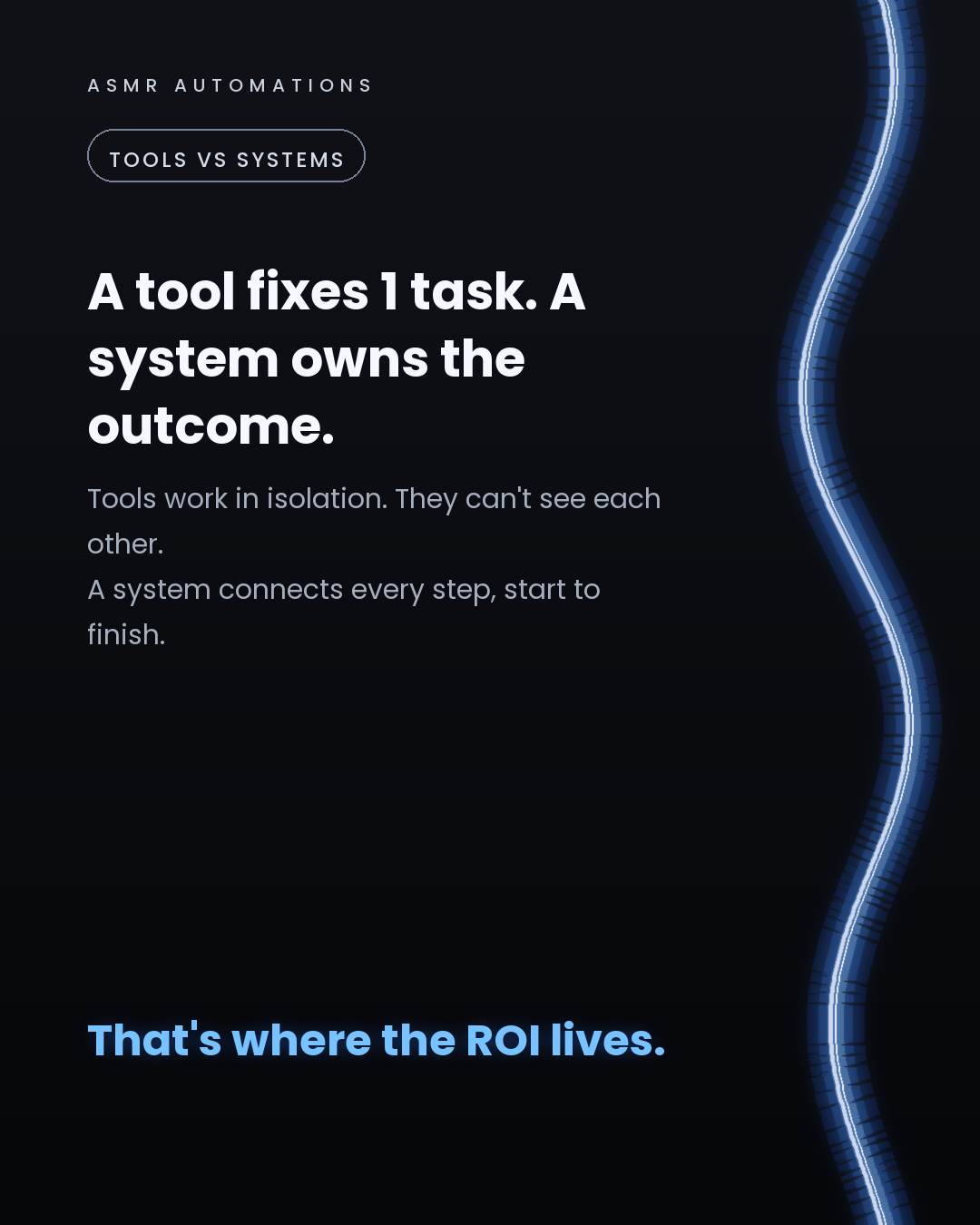
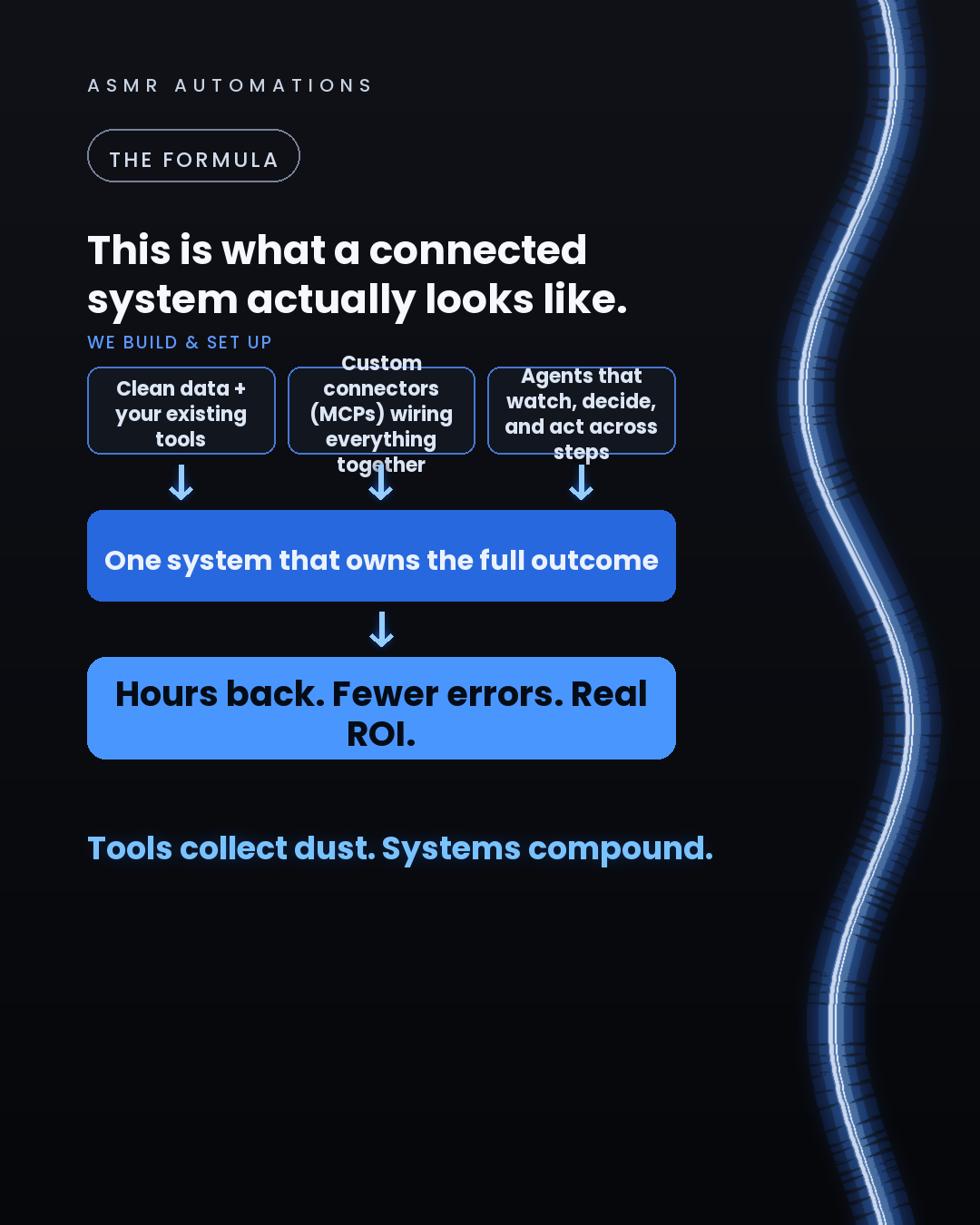
Here's why: tools work in isolation. They fix one micro-task while the rest of the workflow stays manual and broken.
A system is different. It's connected across every step. An agent watches what happens, decides what to do next, and acts, without waiting for a human to trigger the next thing.
The businesses saving 10+ hours a week aren't using more tools. They're using agents wired into a foundation: clean data, custom connectors, and the tools their team already lives in.
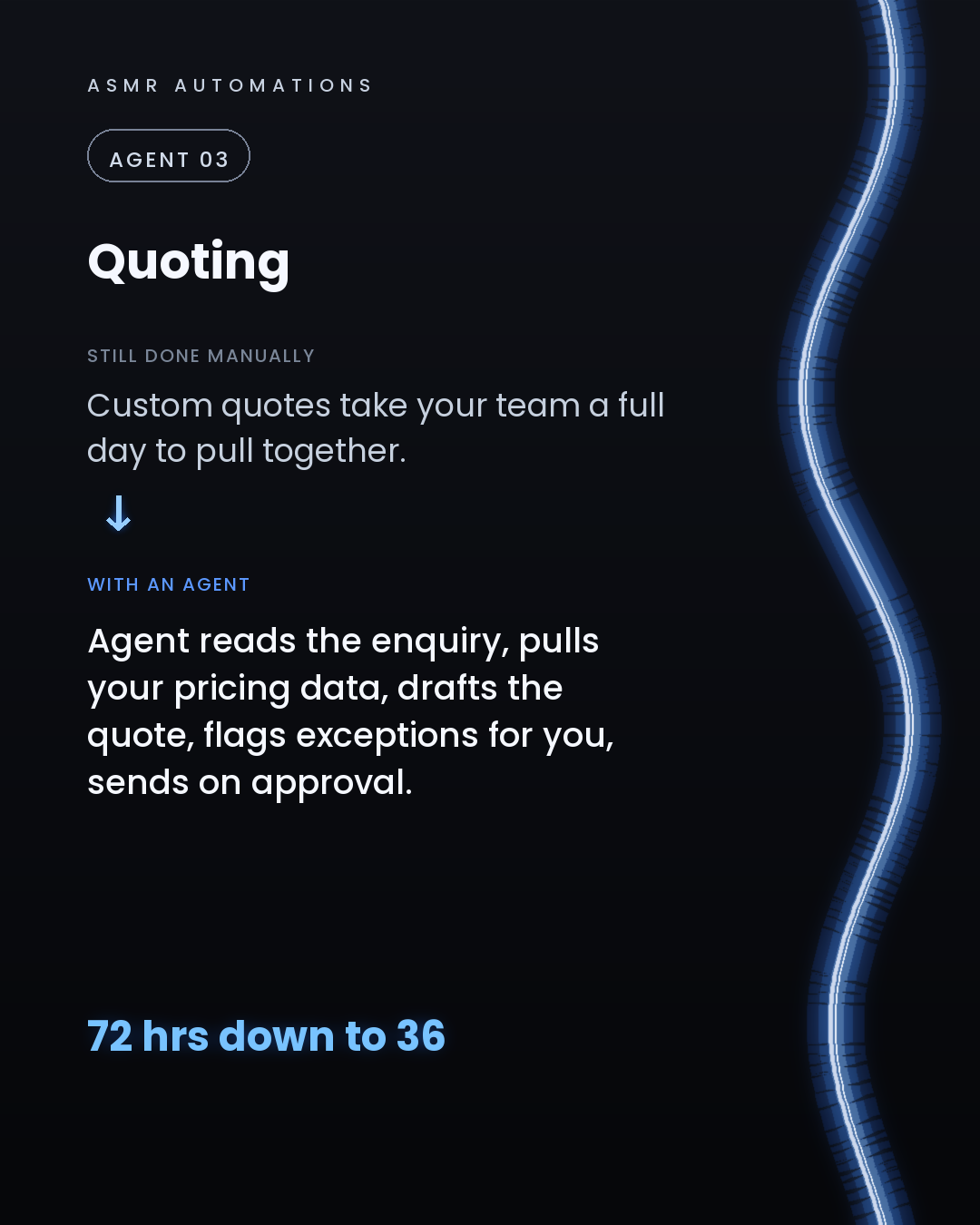
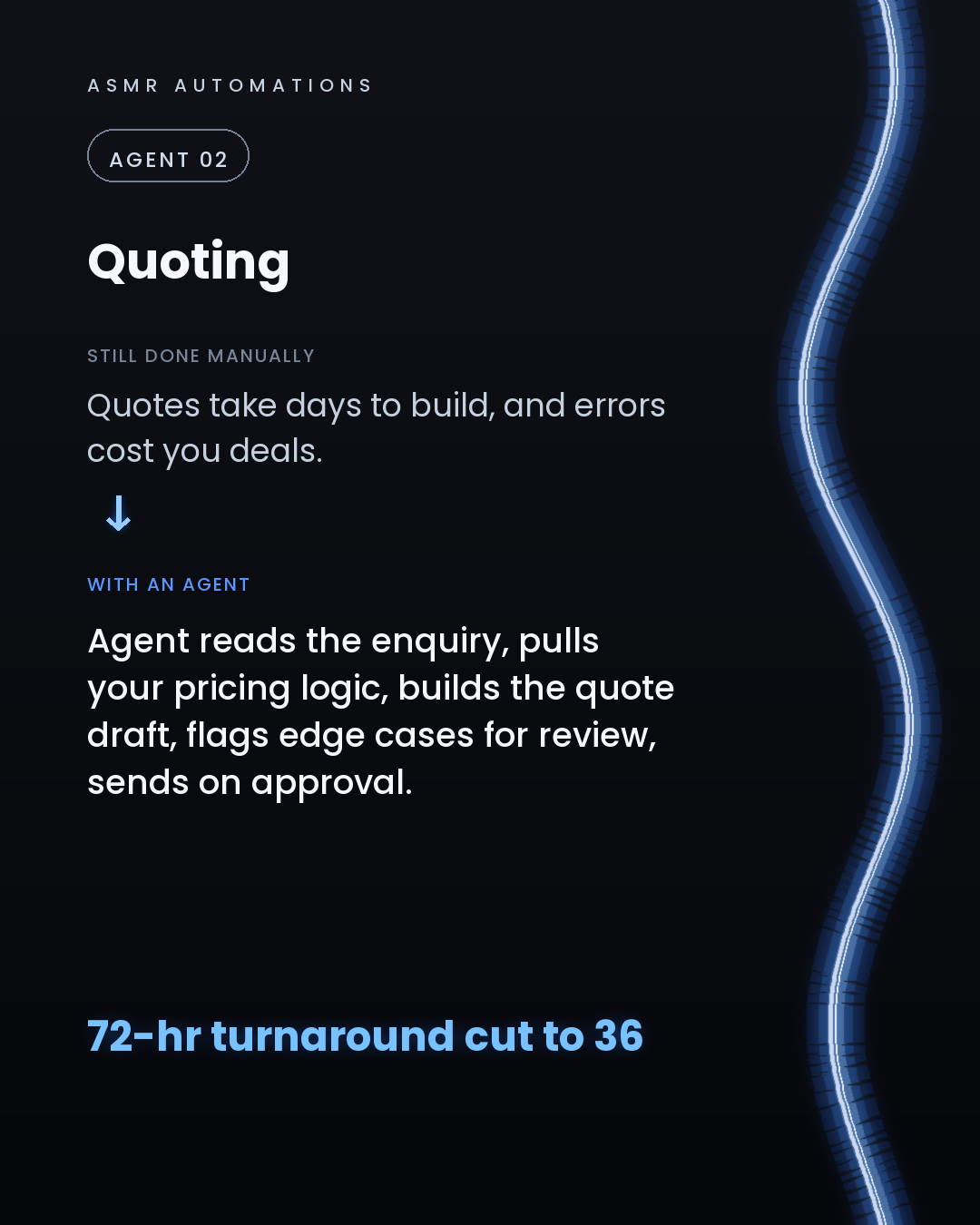
We built that stack for a print manufacturer and cut their quote turnaround from 72 hours to 36, recovering over $42,000 a year in errors alone.
The question isn't 'which tool should I use?' It's 'which outcome do I want the system to own?'
If you want us to map that out for your business, we do a free 30-minute audit call. No pitch, no jargon, just an honest look at where the hours are leaking.
Drop a comment or message me directly.
Like · Comment · Repost · Send
Edit LinkedIn text
A
ASMR Automations@asmr.automations · now
More AI tools won't fix a broken workflow. Tools work in isolation. A connected system has agents that watch, decide, and act across every step, not just one task. That's where the ROI is.
from @charliehills · Comment “install” for the full list with links.".
click a slide to zoom
Caption (editable — save before approving)
A
ASMR Automations · 1st
AI automation for SMBs · now
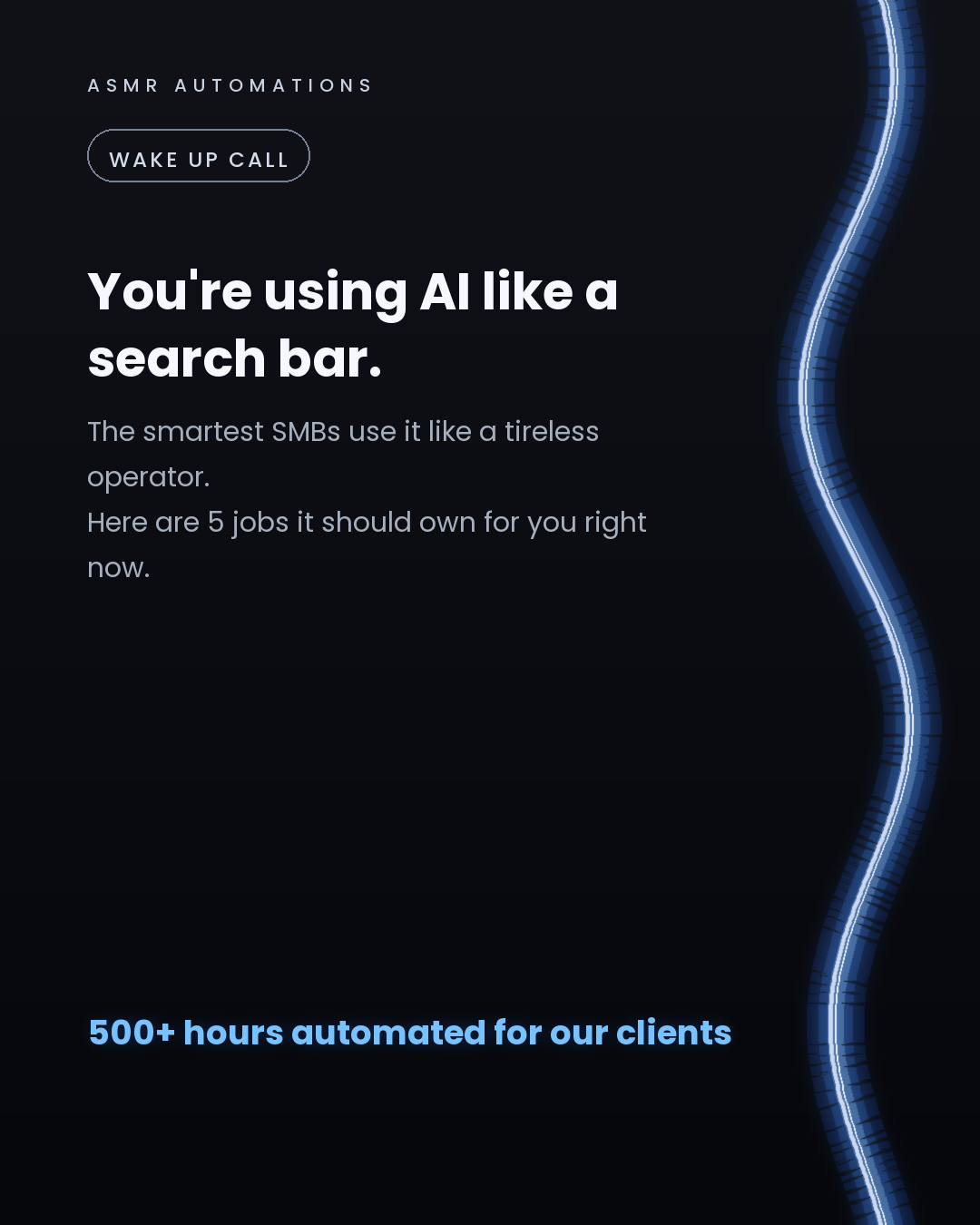
5 AI agents every small business should have installed right now.
Not a chatbot. Not a Zapier flow that reacts to a trigger. Actual agents that watch your systems, make decisions, and take action on their own.
Here's the shortlist:
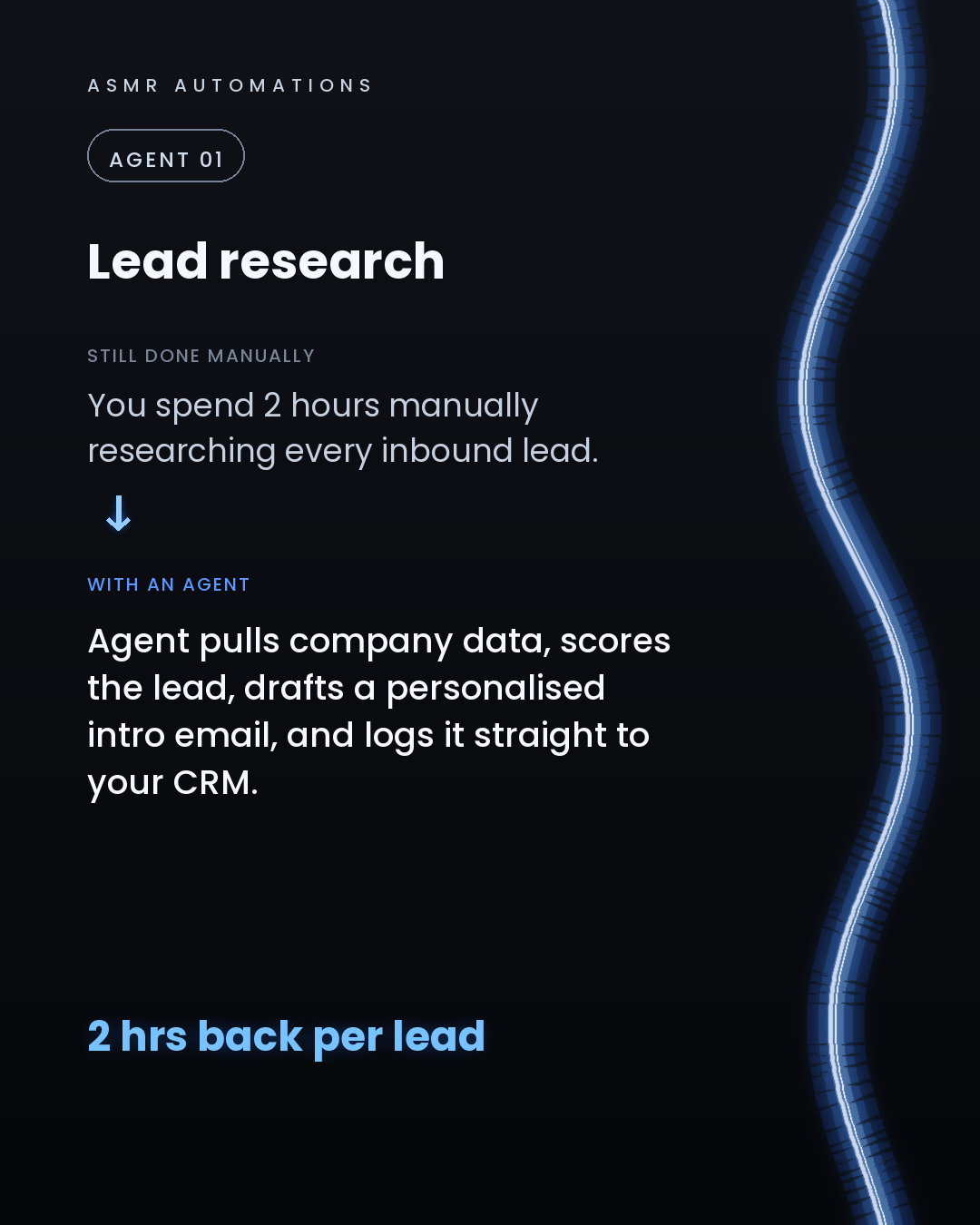
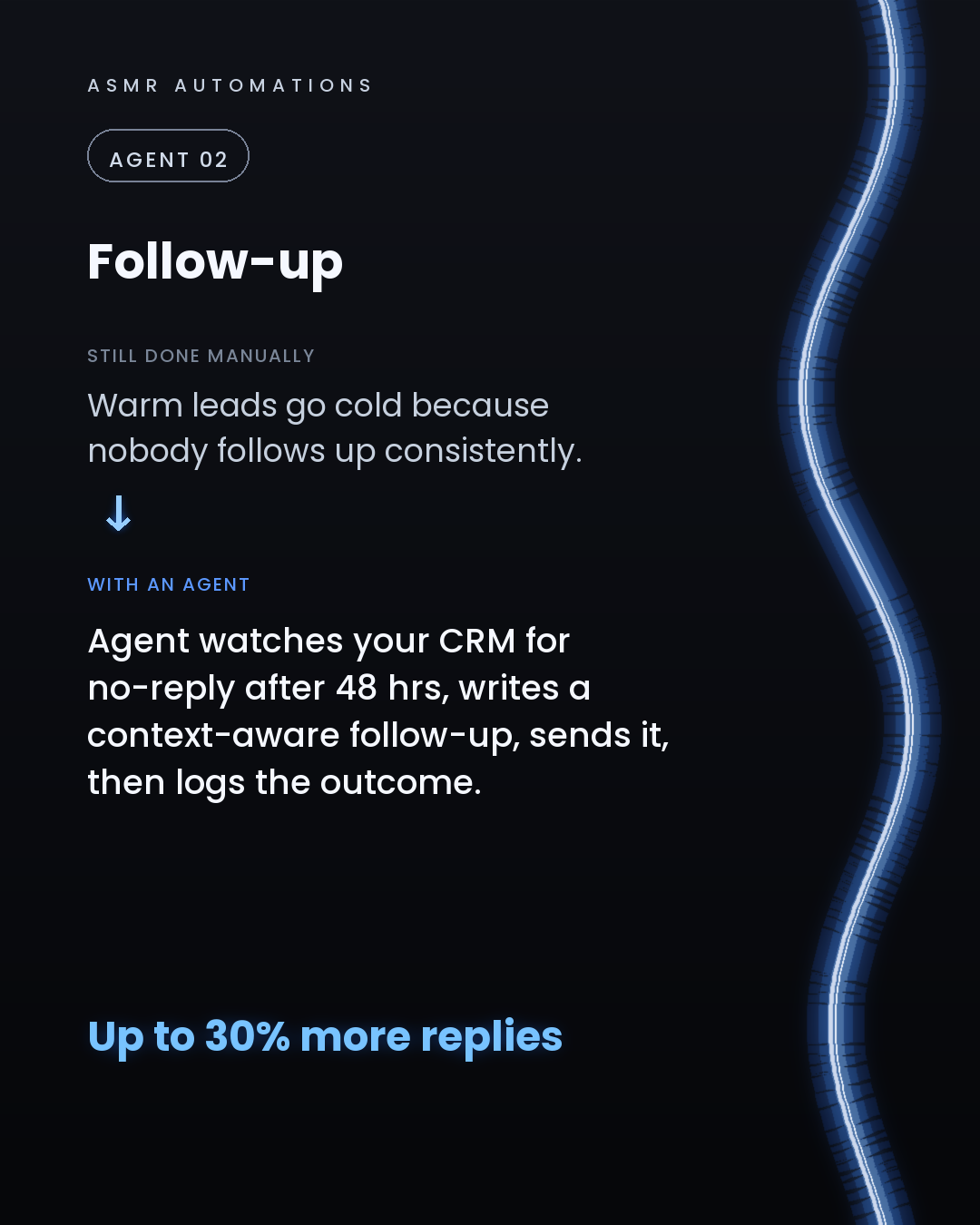
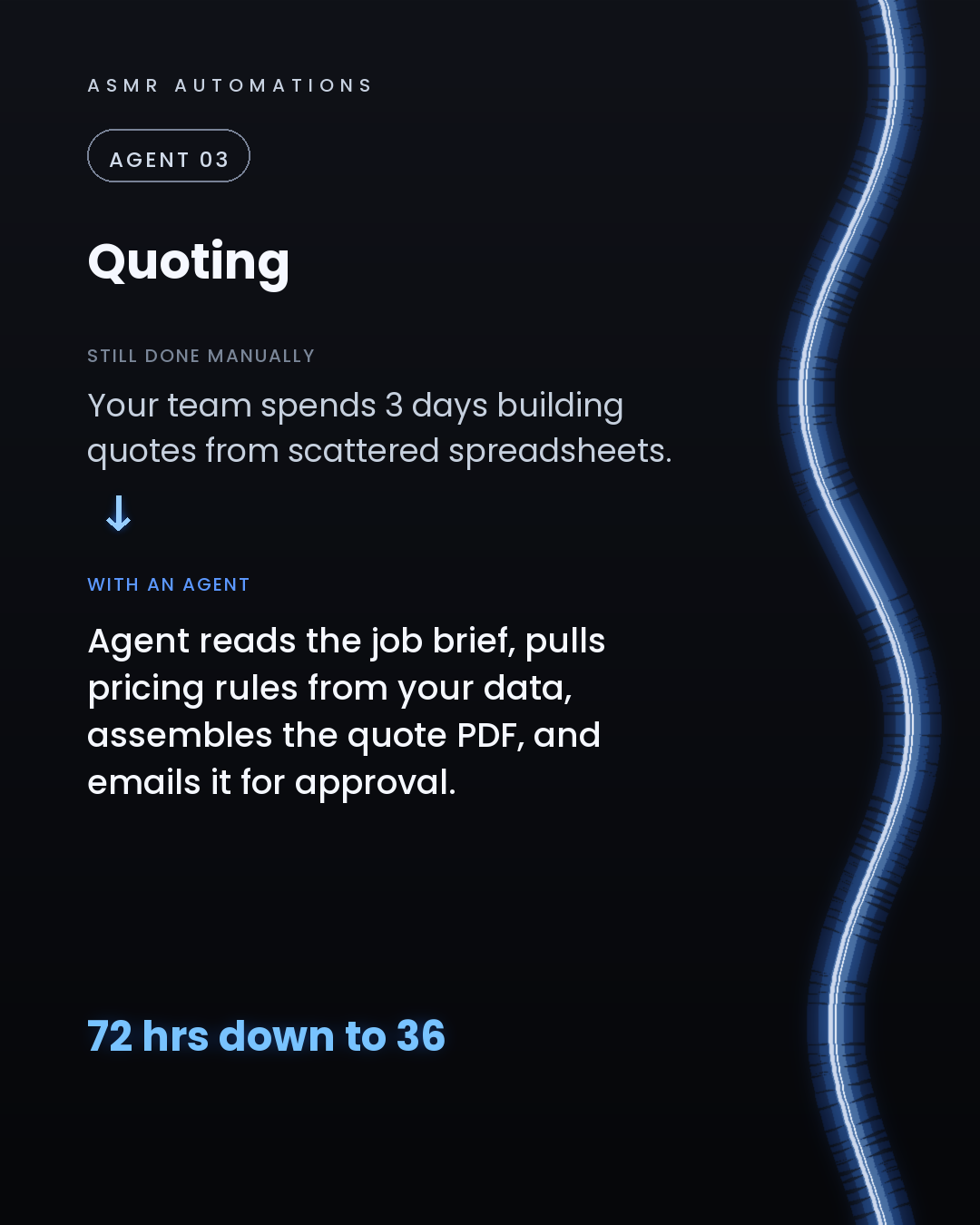
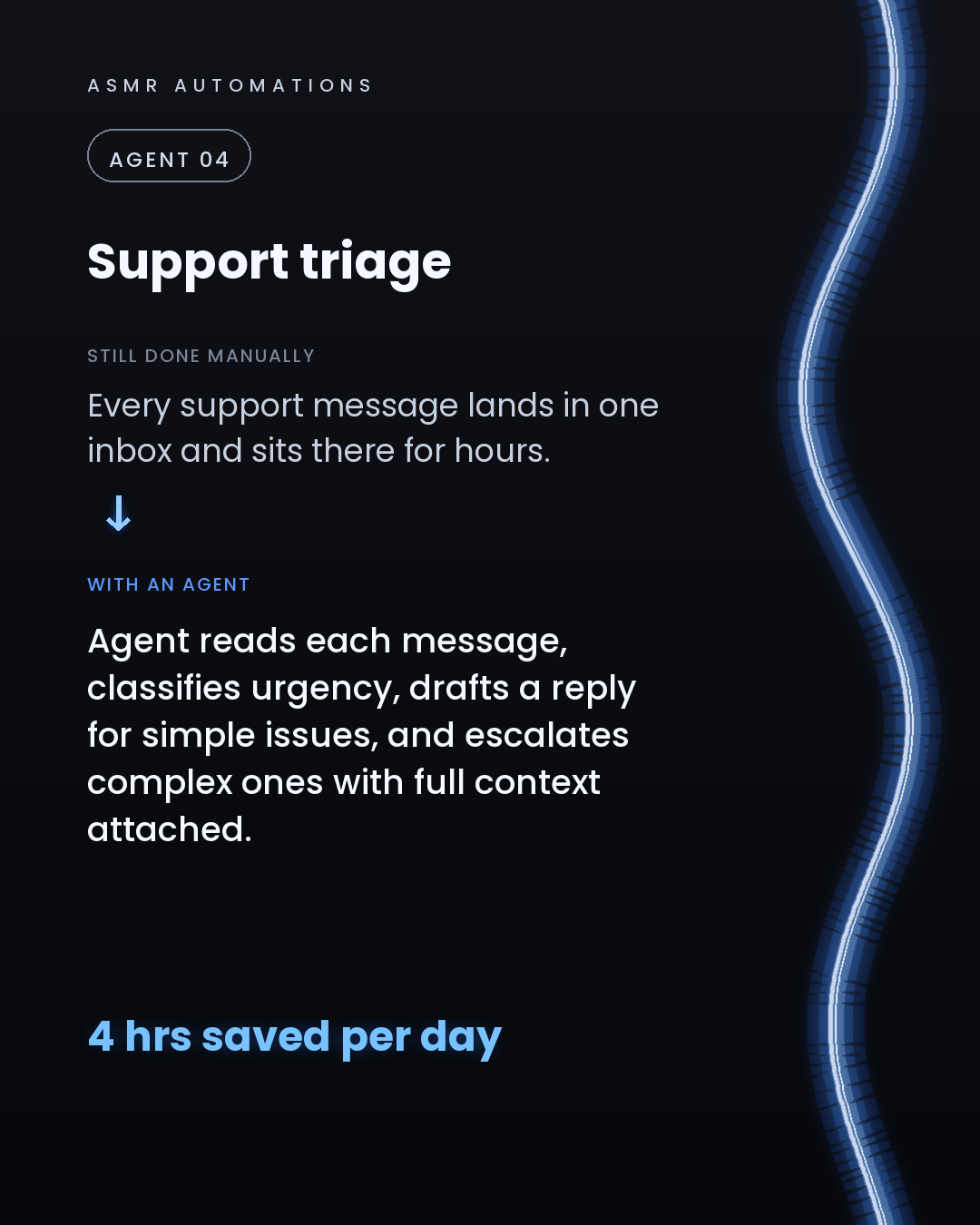
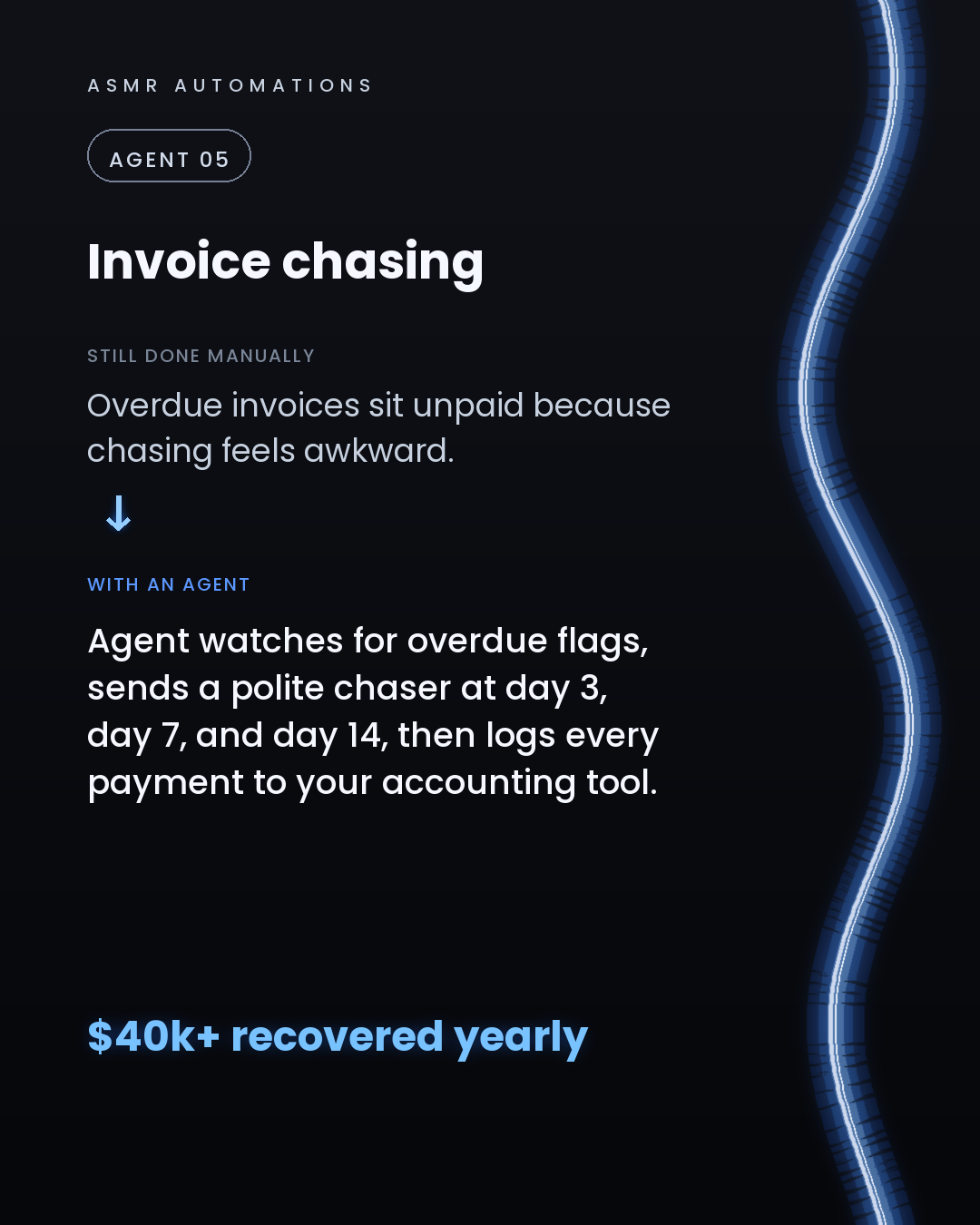
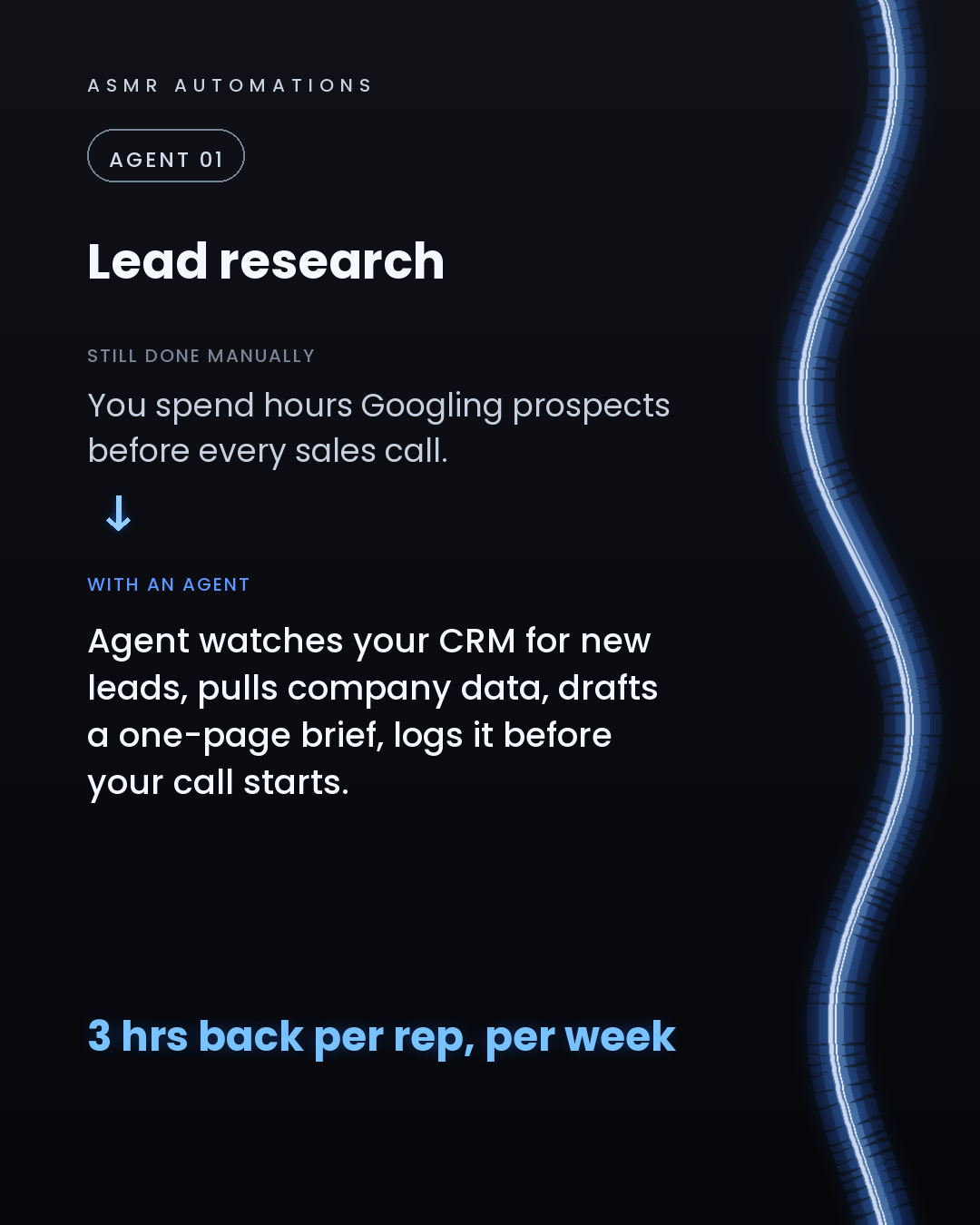
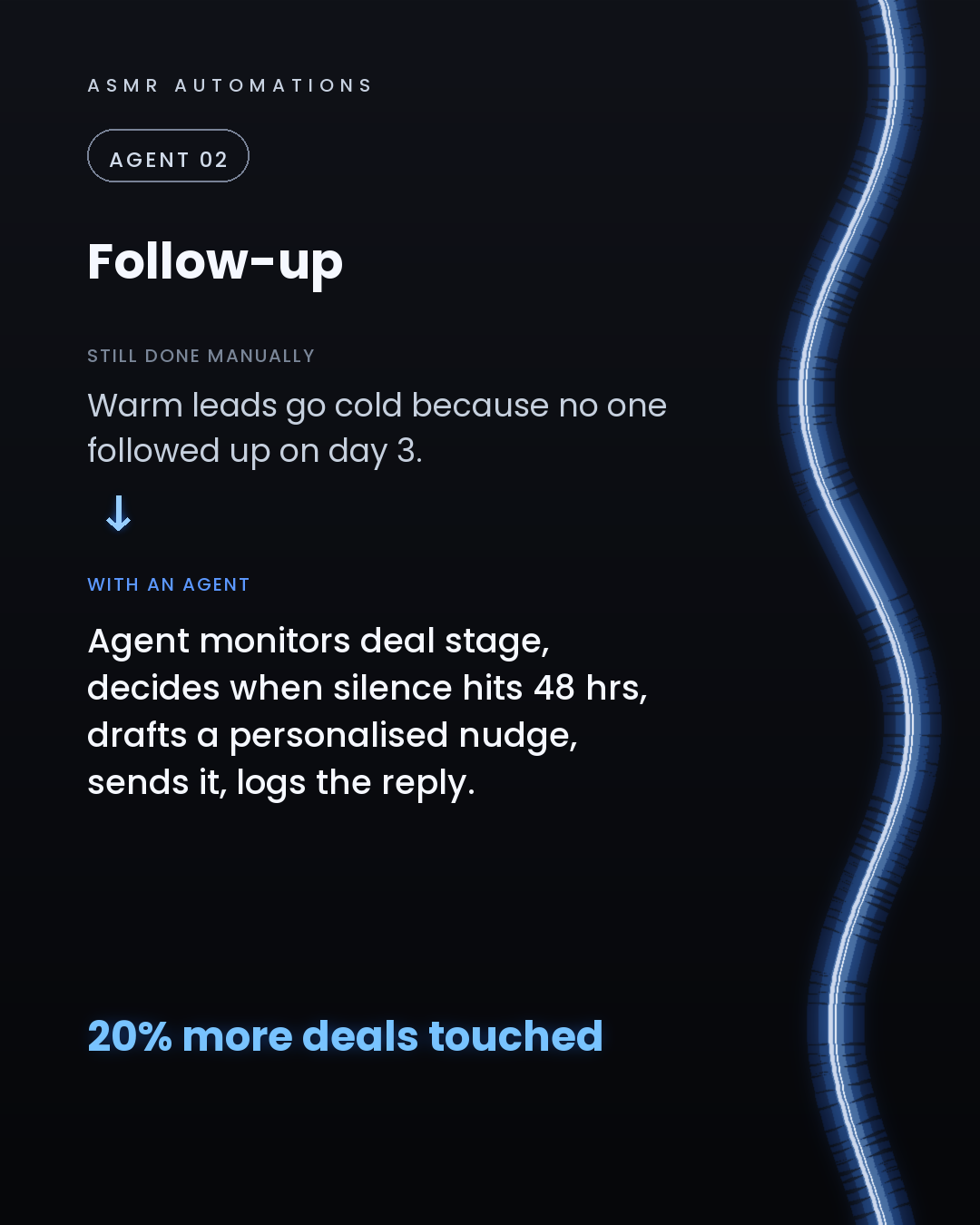
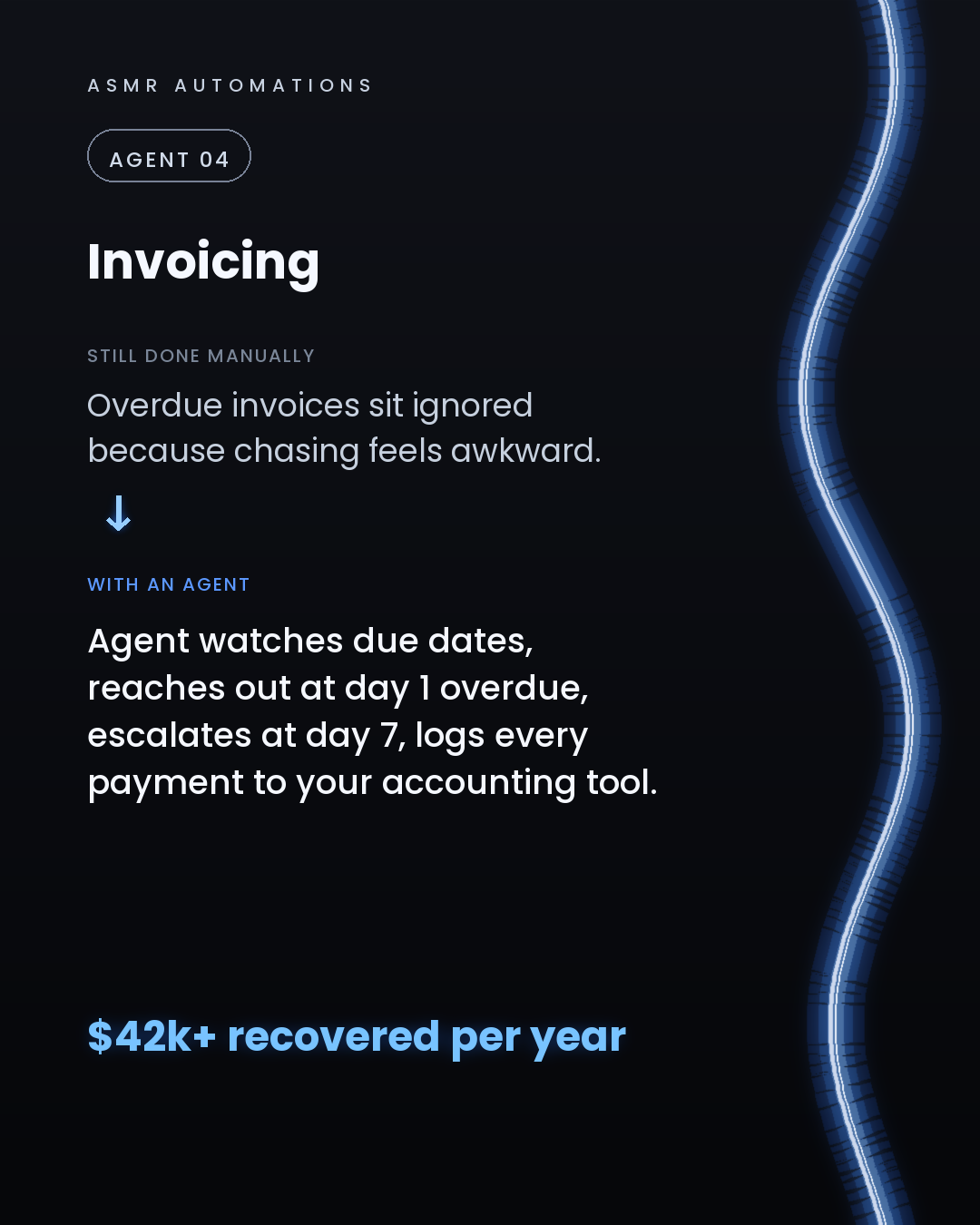
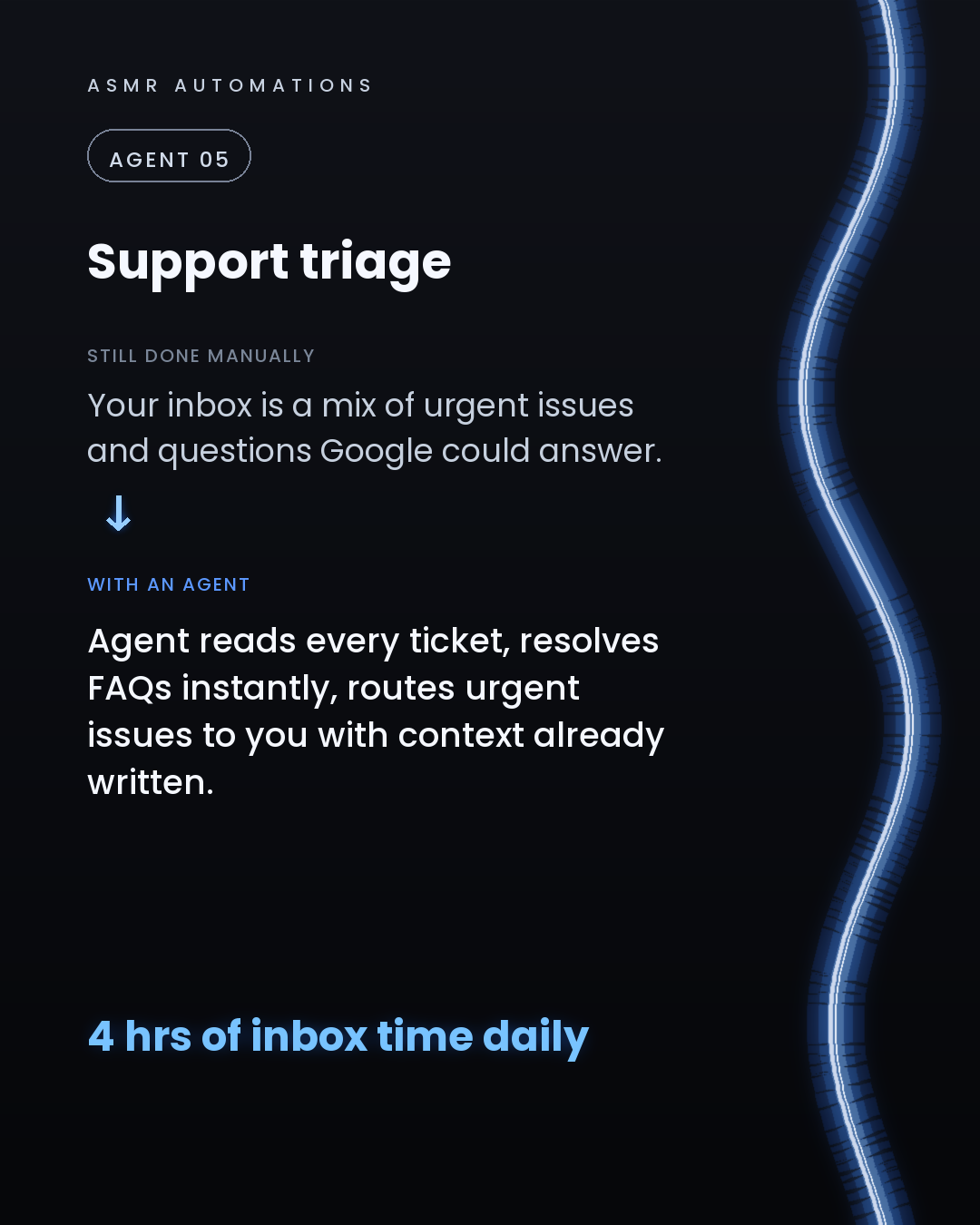
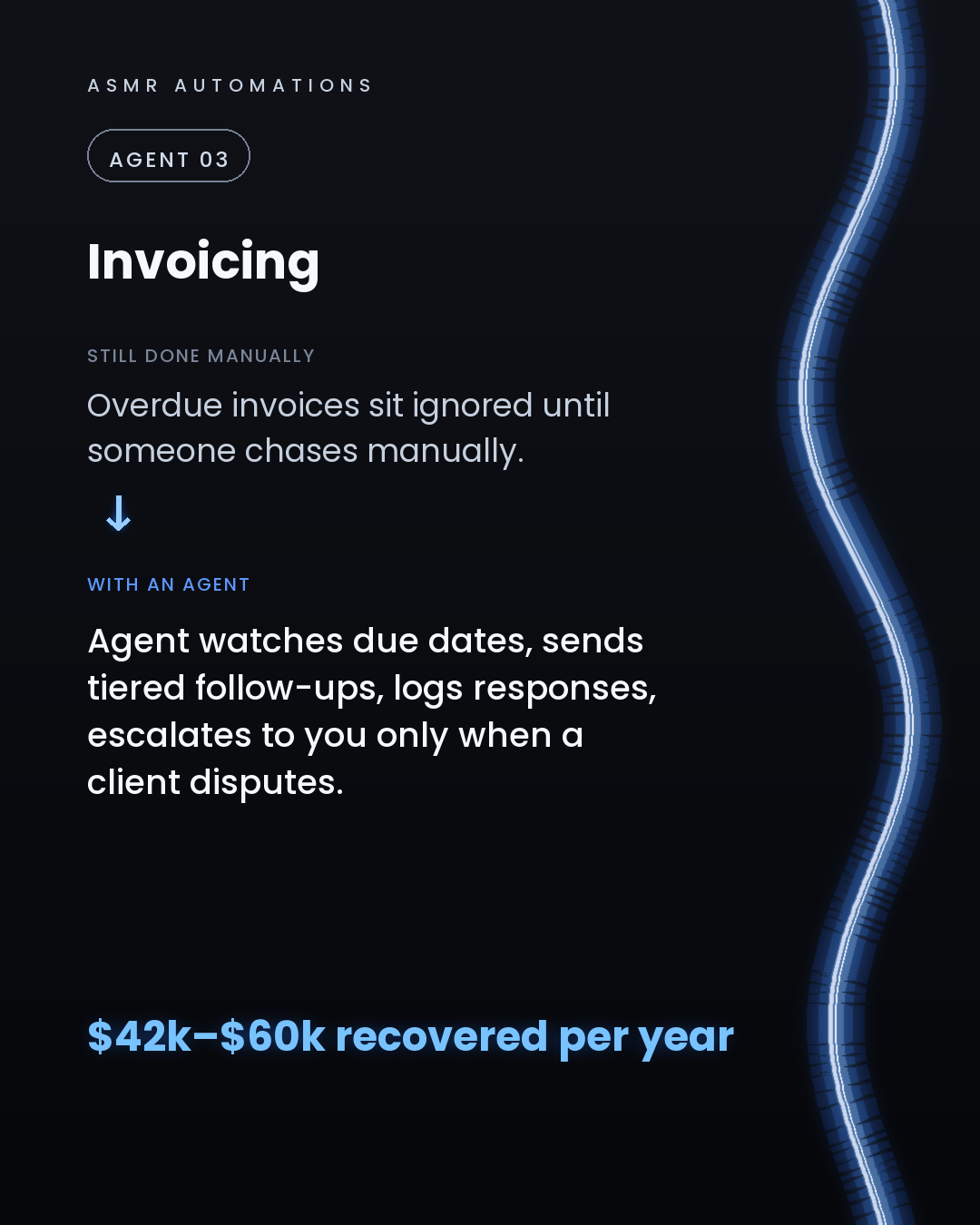
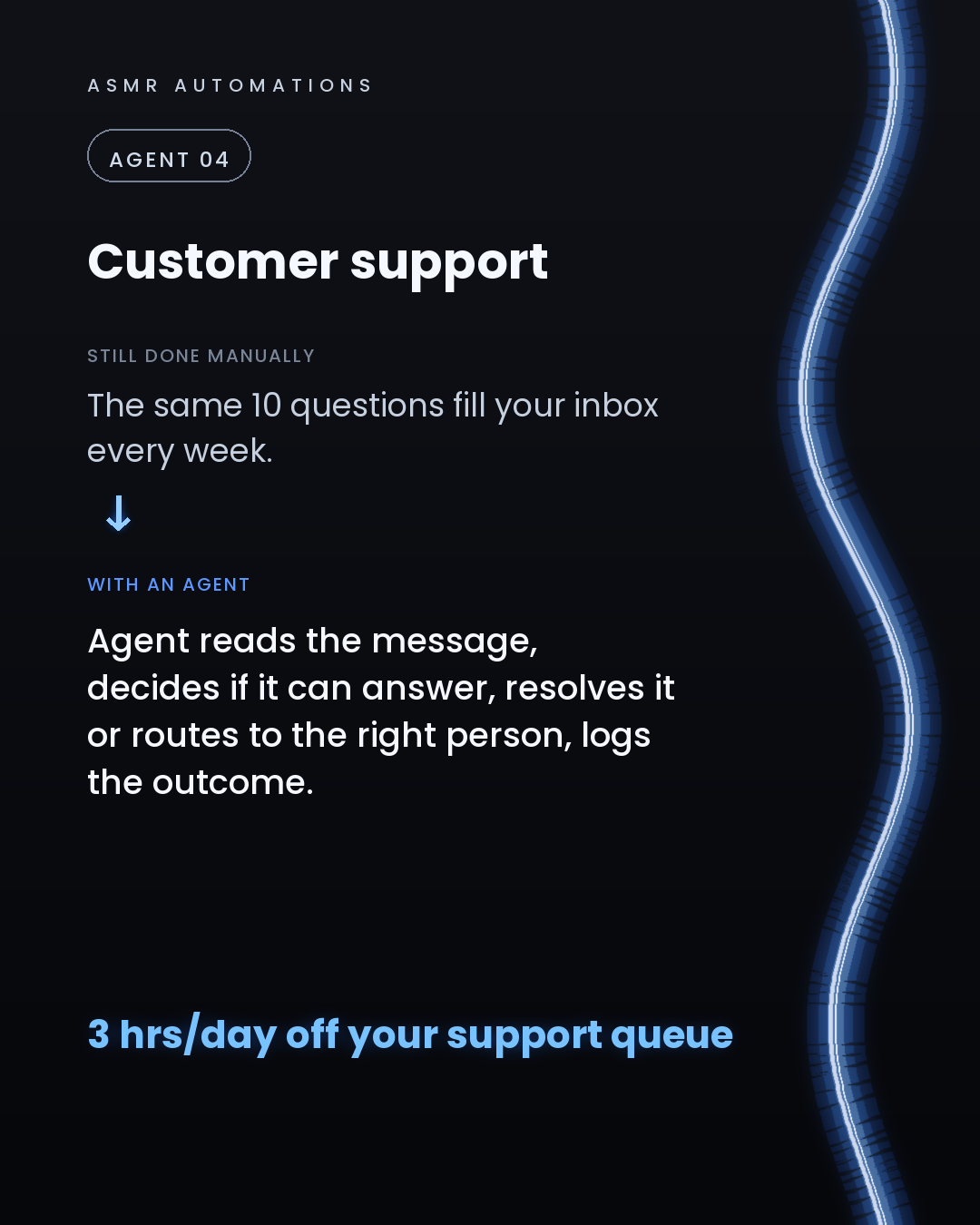
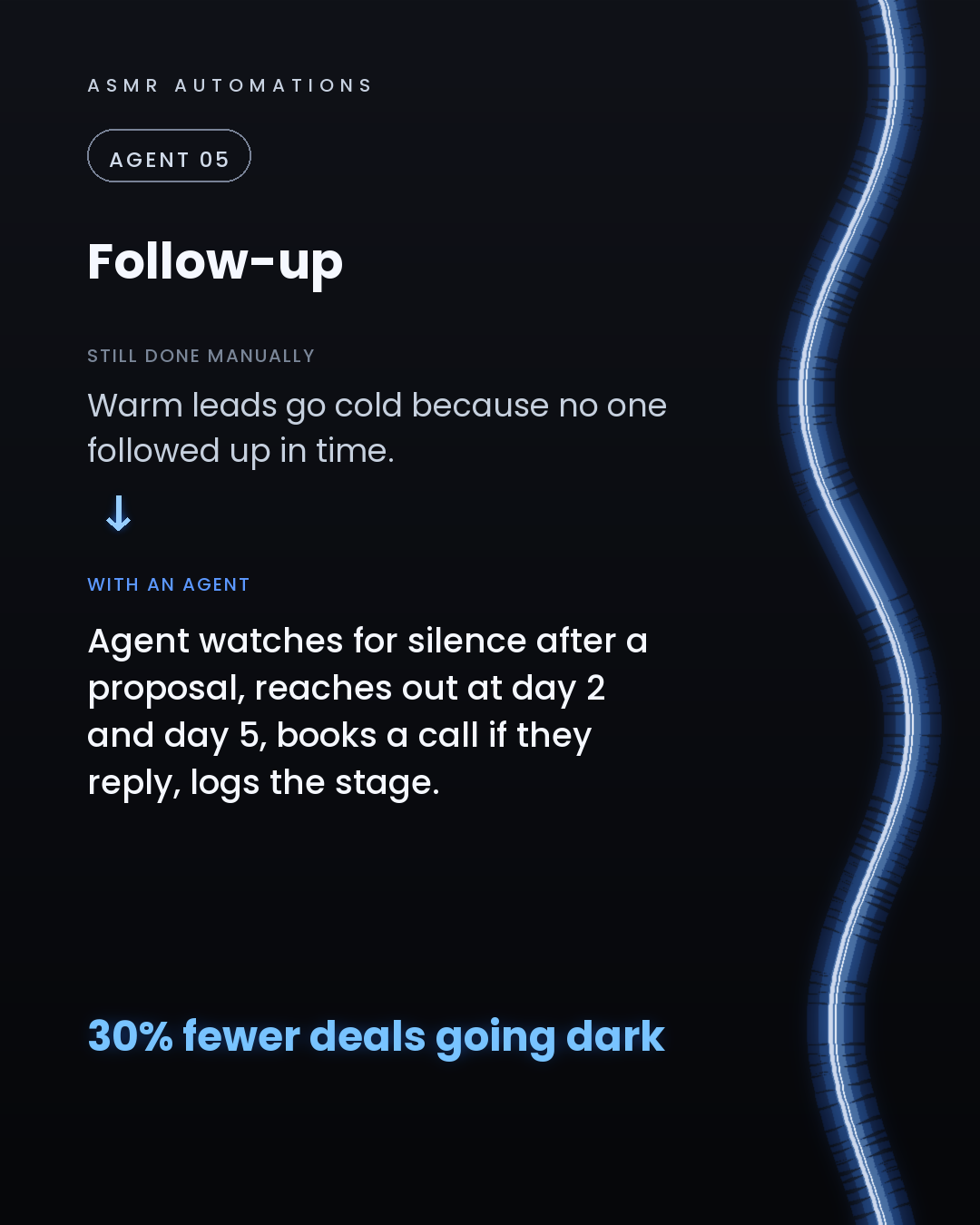
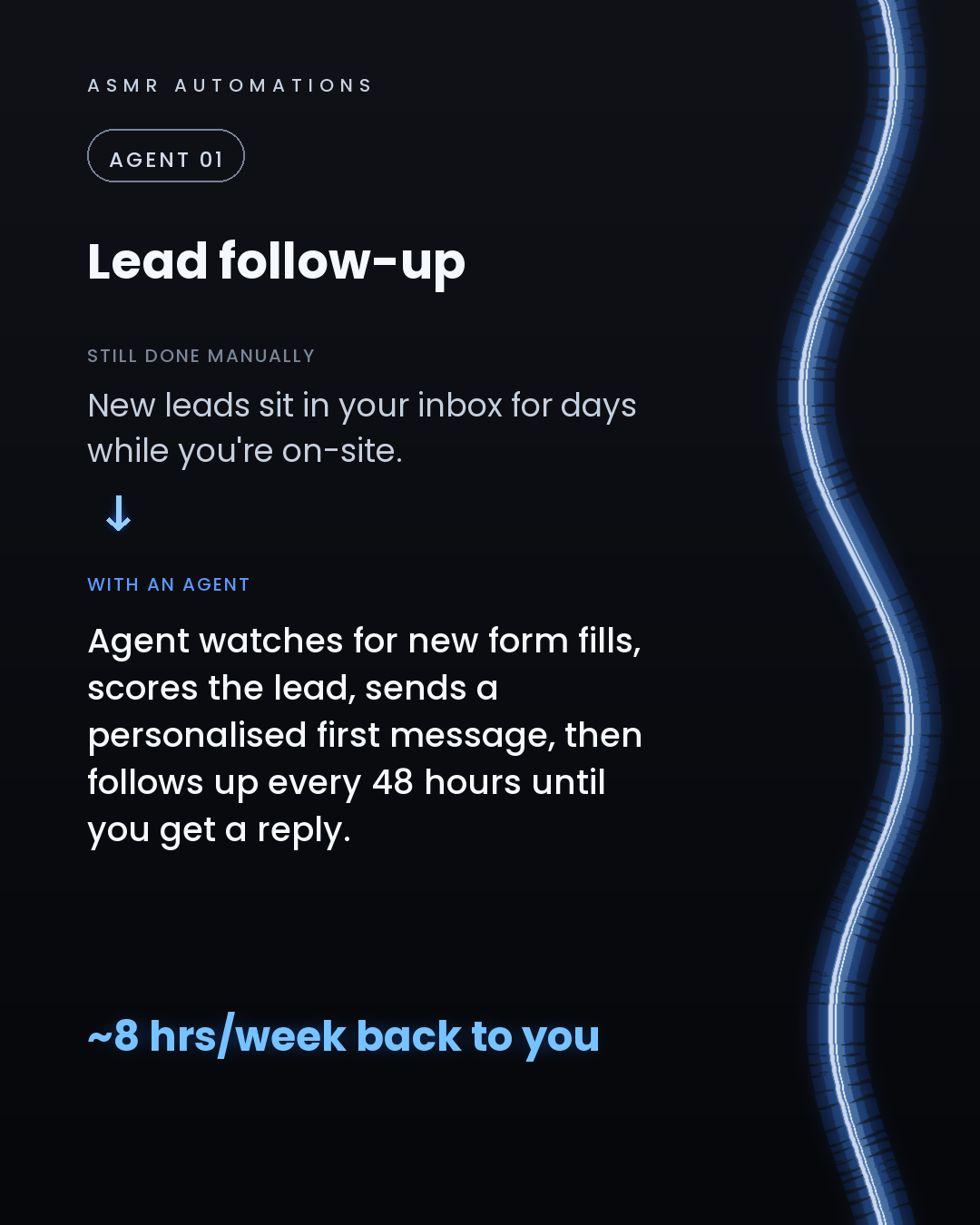
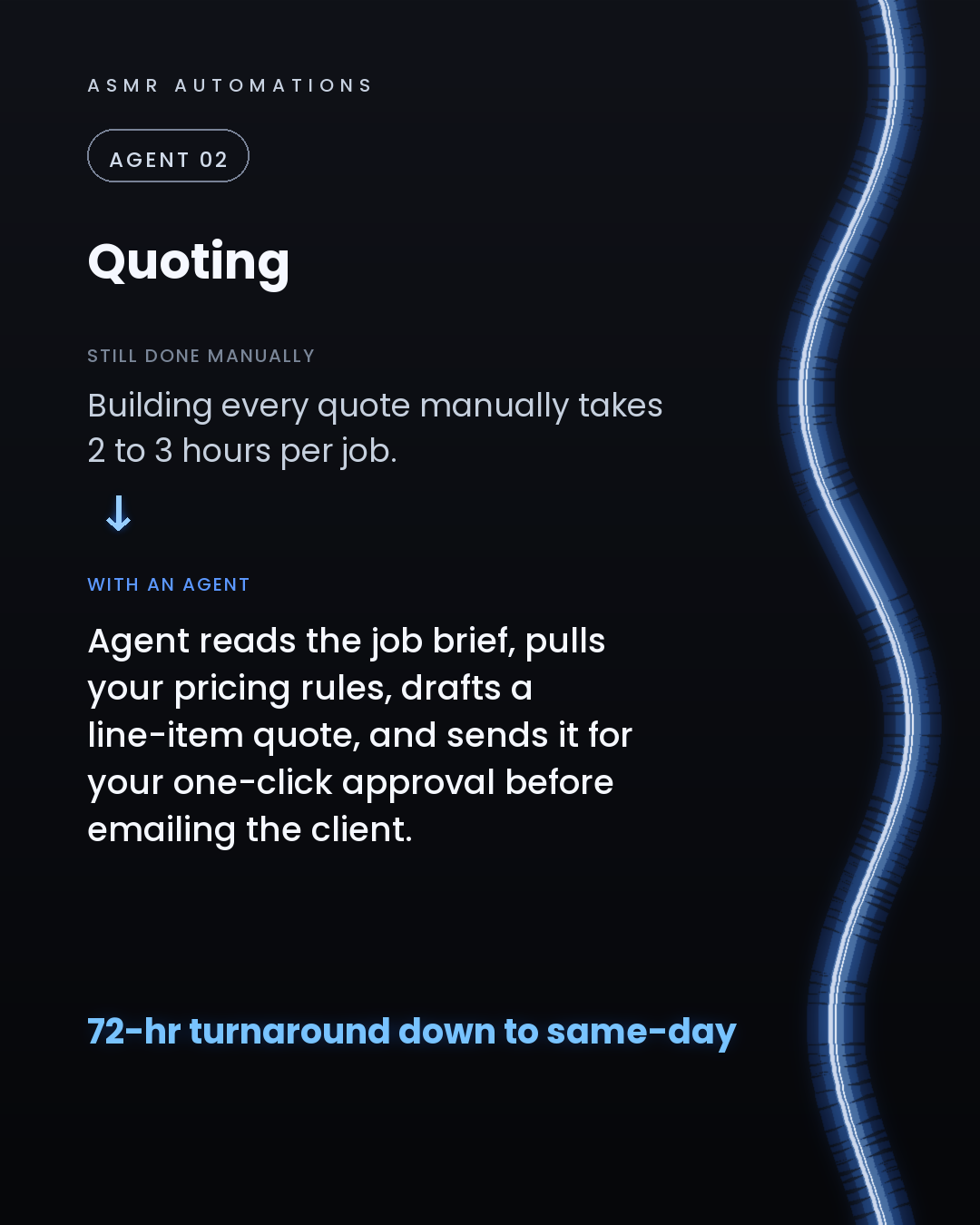
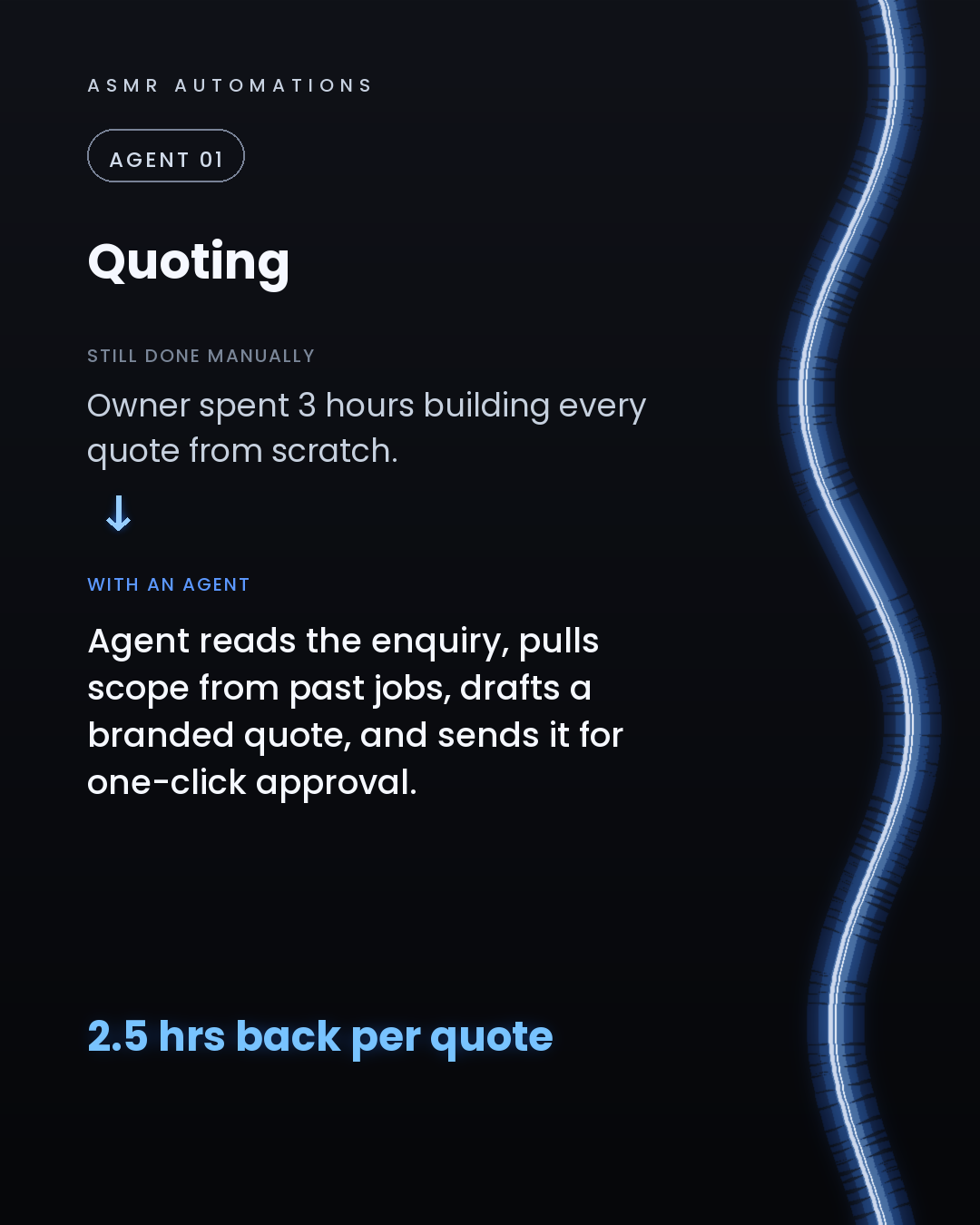
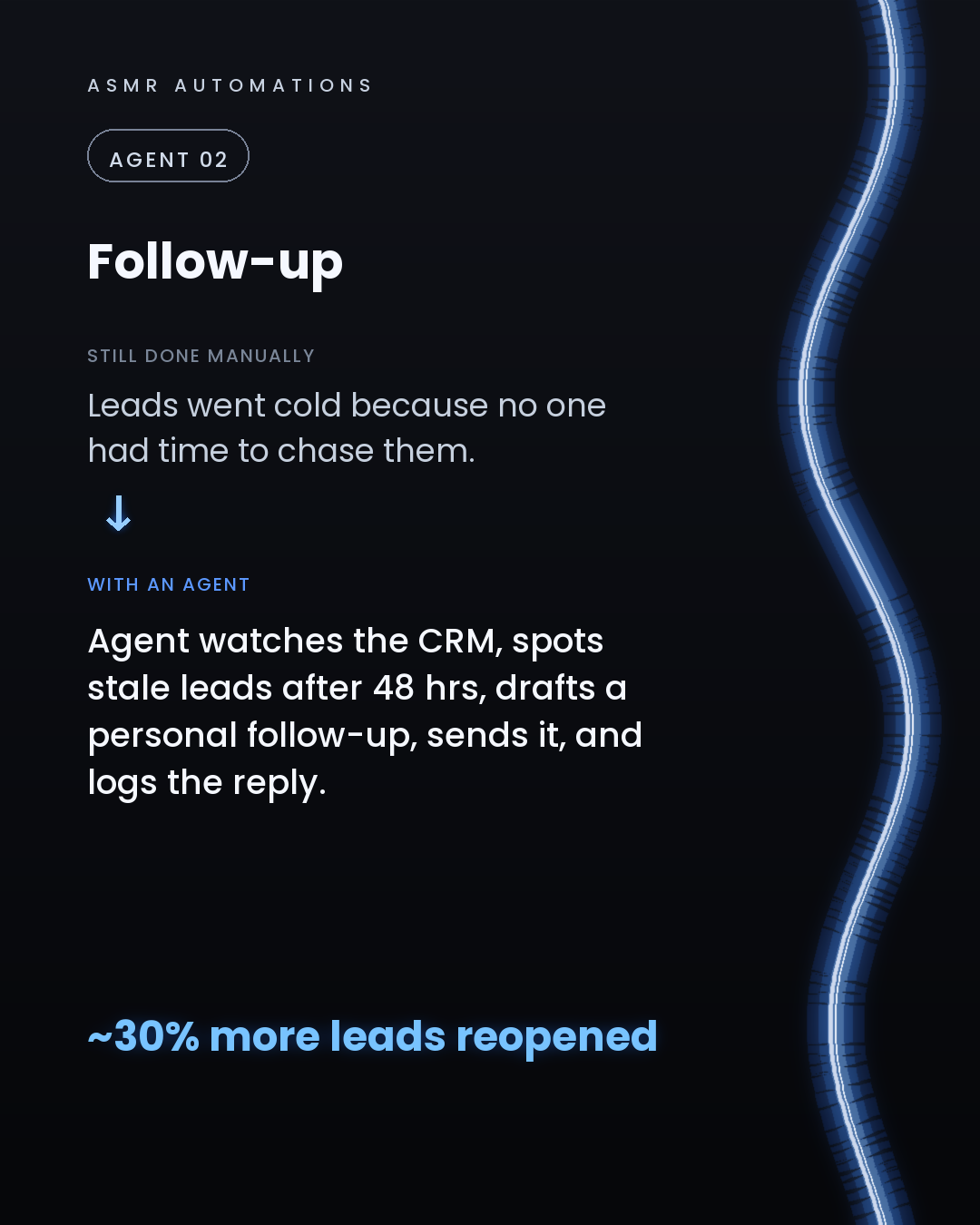
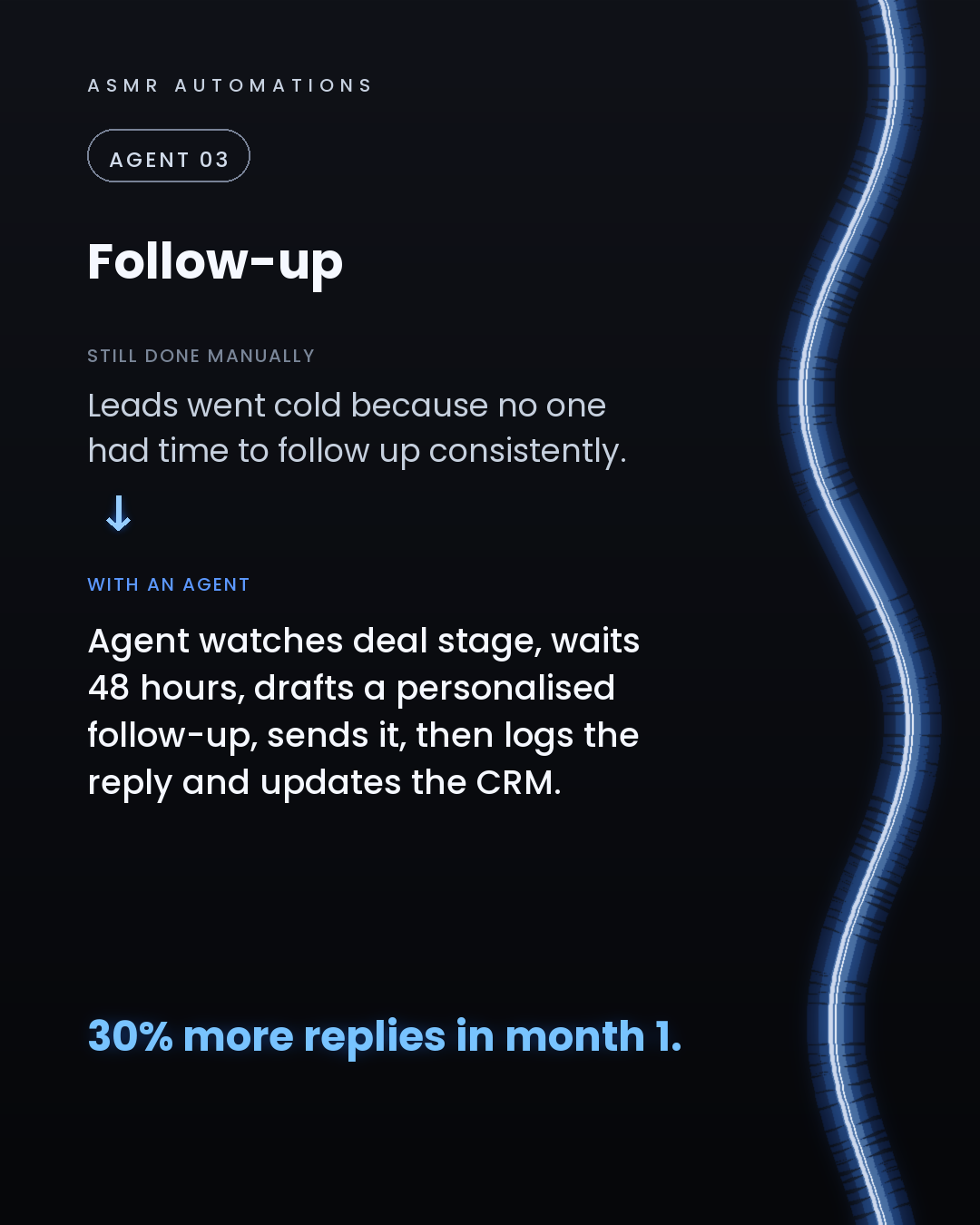
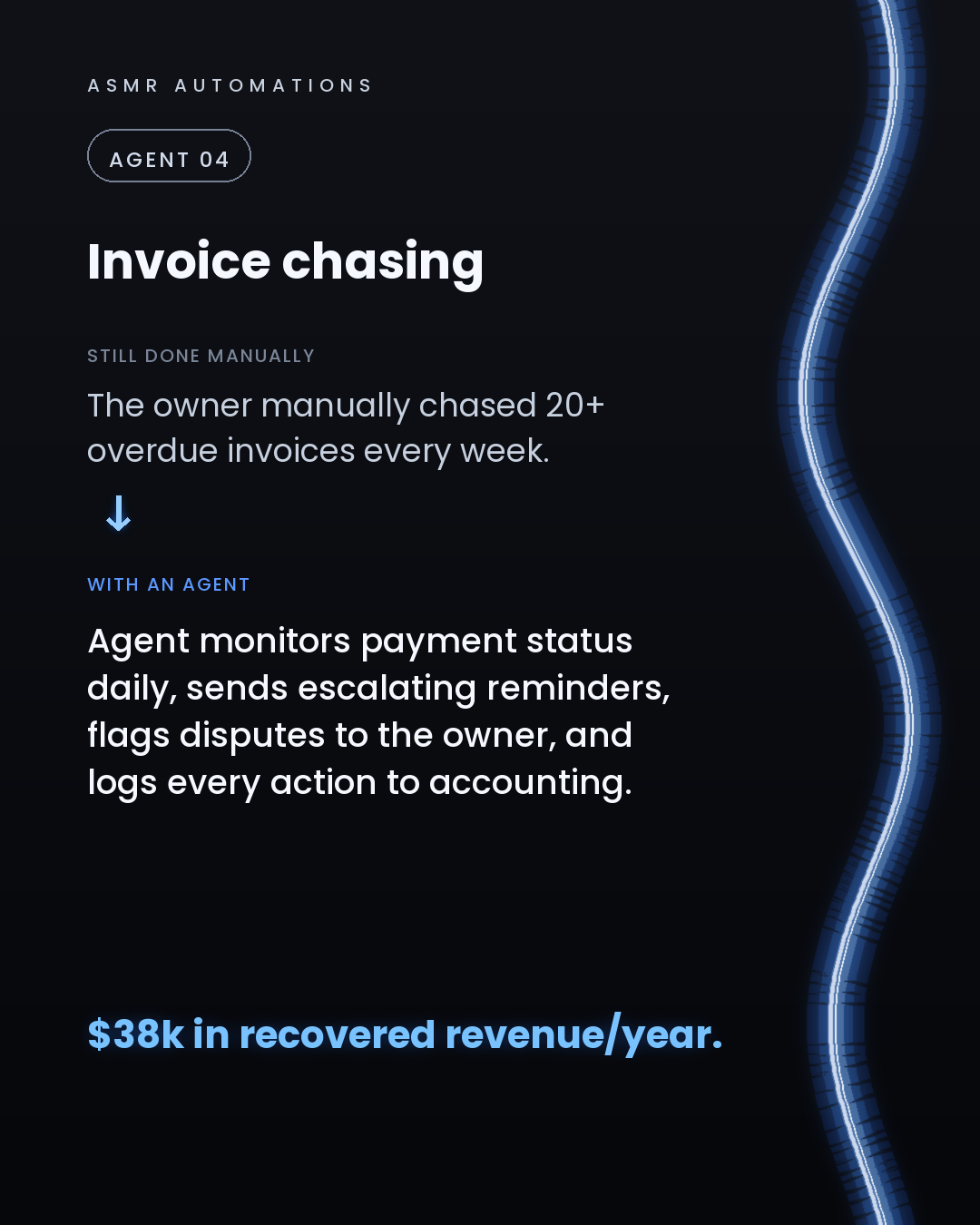
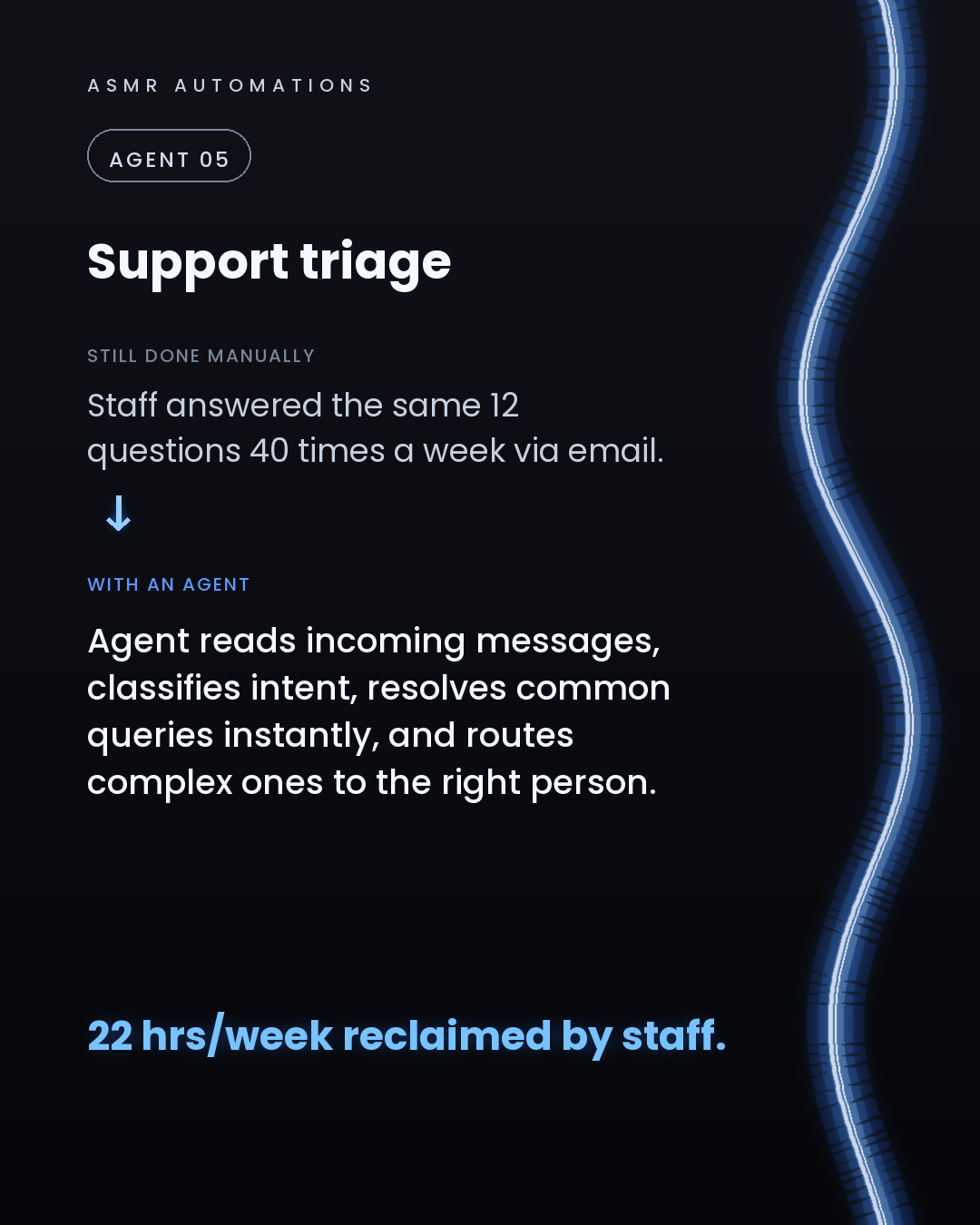
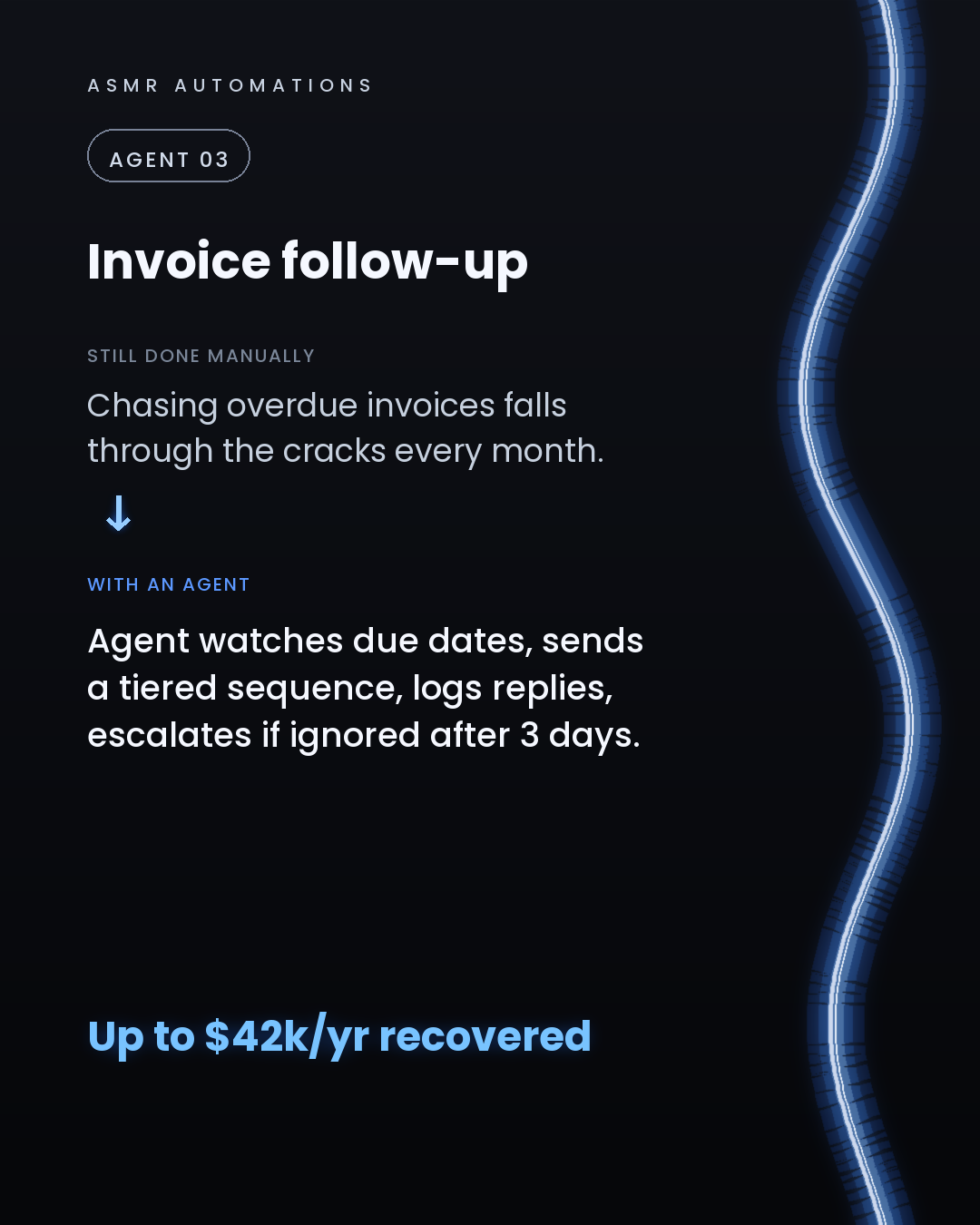
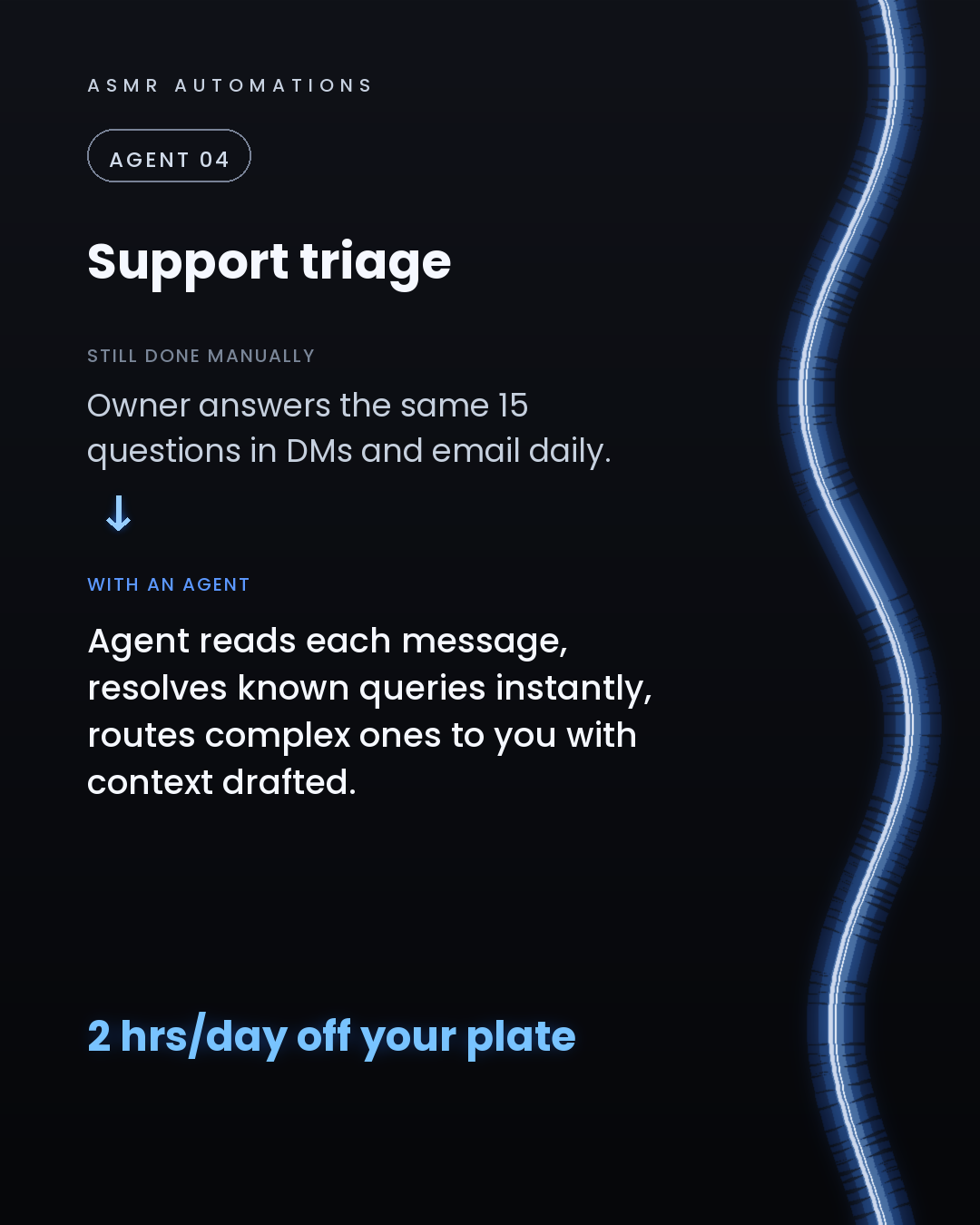
01. Lead research agent, pulls data, scores the lead, drafts the intro, logs it to your CRM. 02. Follow-up agent, watches for cold leads after 48 hours and sends a context-aware reply. 03. Quoting agent, reads the job brief, builds the PDF, emails it for approval. 04. Support triage agent, classifies every message, resolves simple ones, escalates complex ones with full context. 05. Invoice chasing agent, flags overdue payments at day 3, 7, and 14, then logs every payment to your accounting tool.
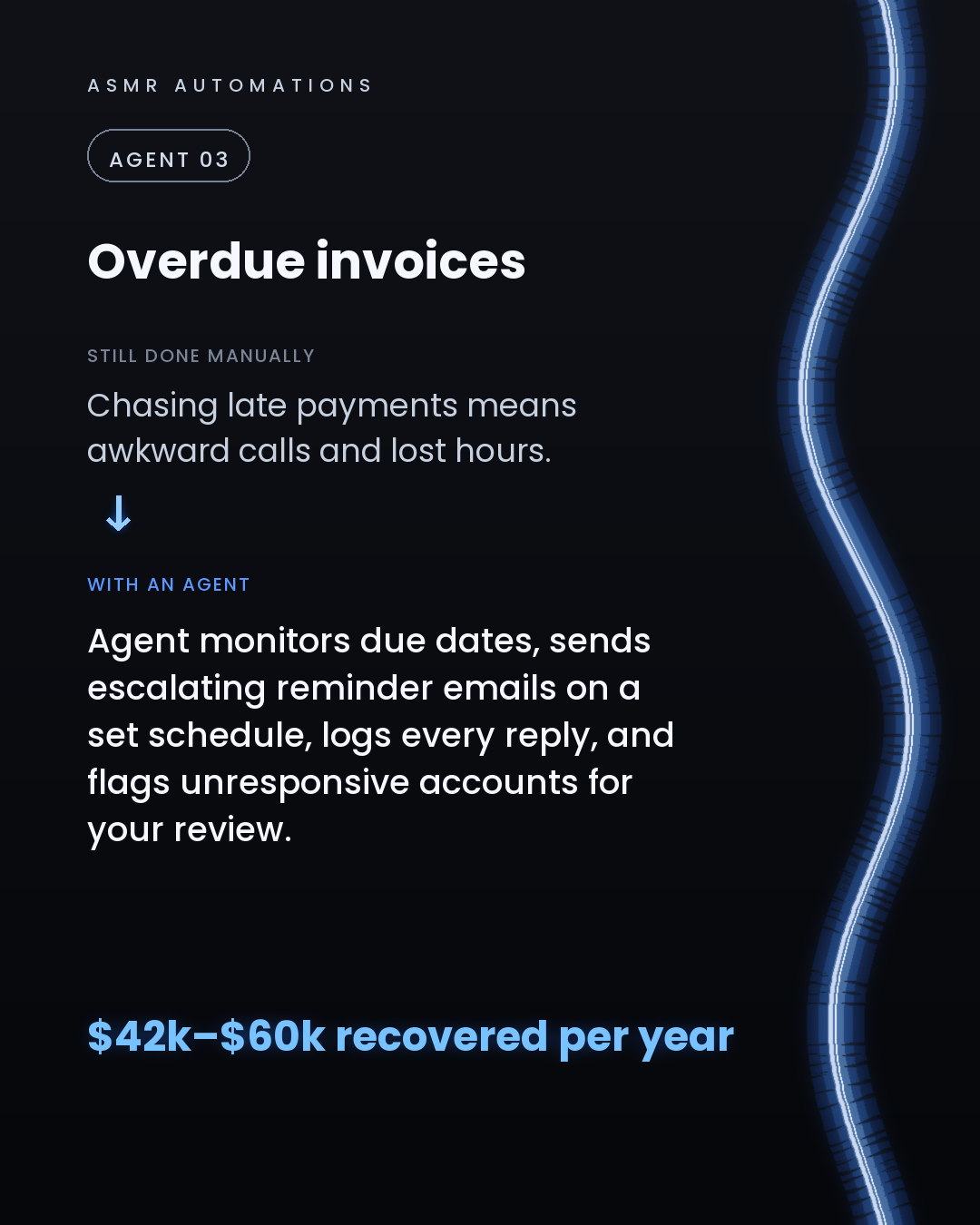
One print manufacturing client recovered $42,000 to $60,000 a year just from agents 03 and 05 alone.
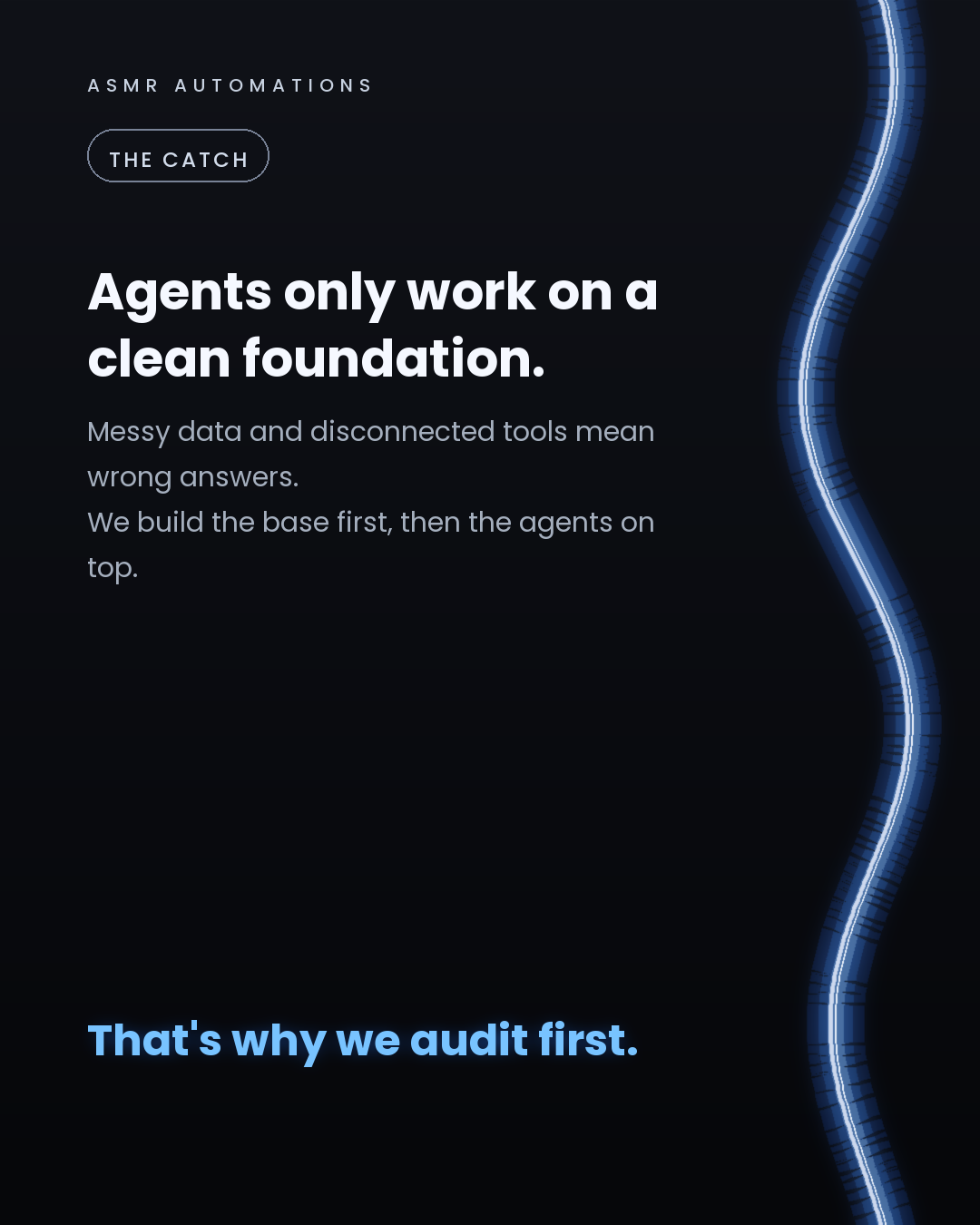
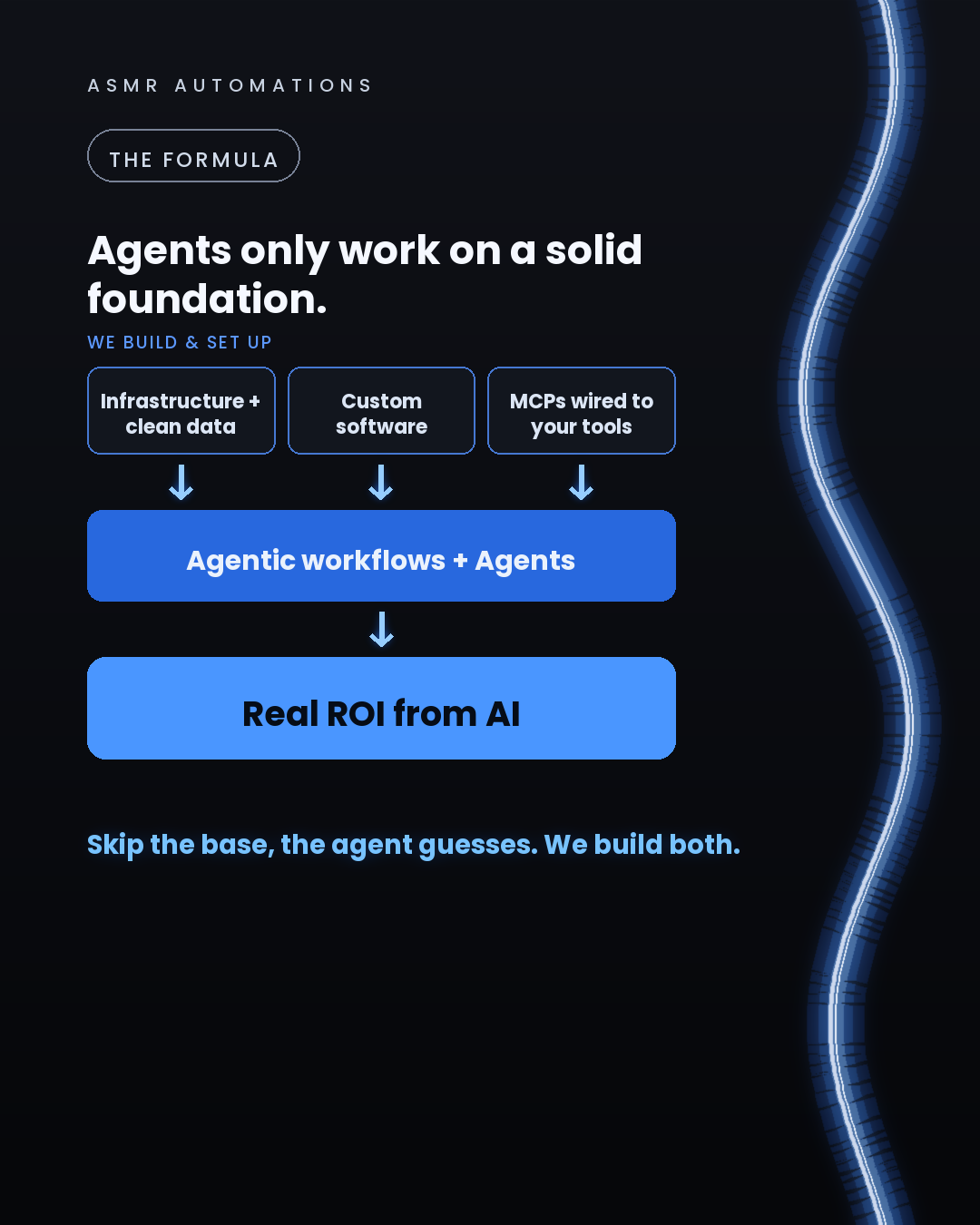
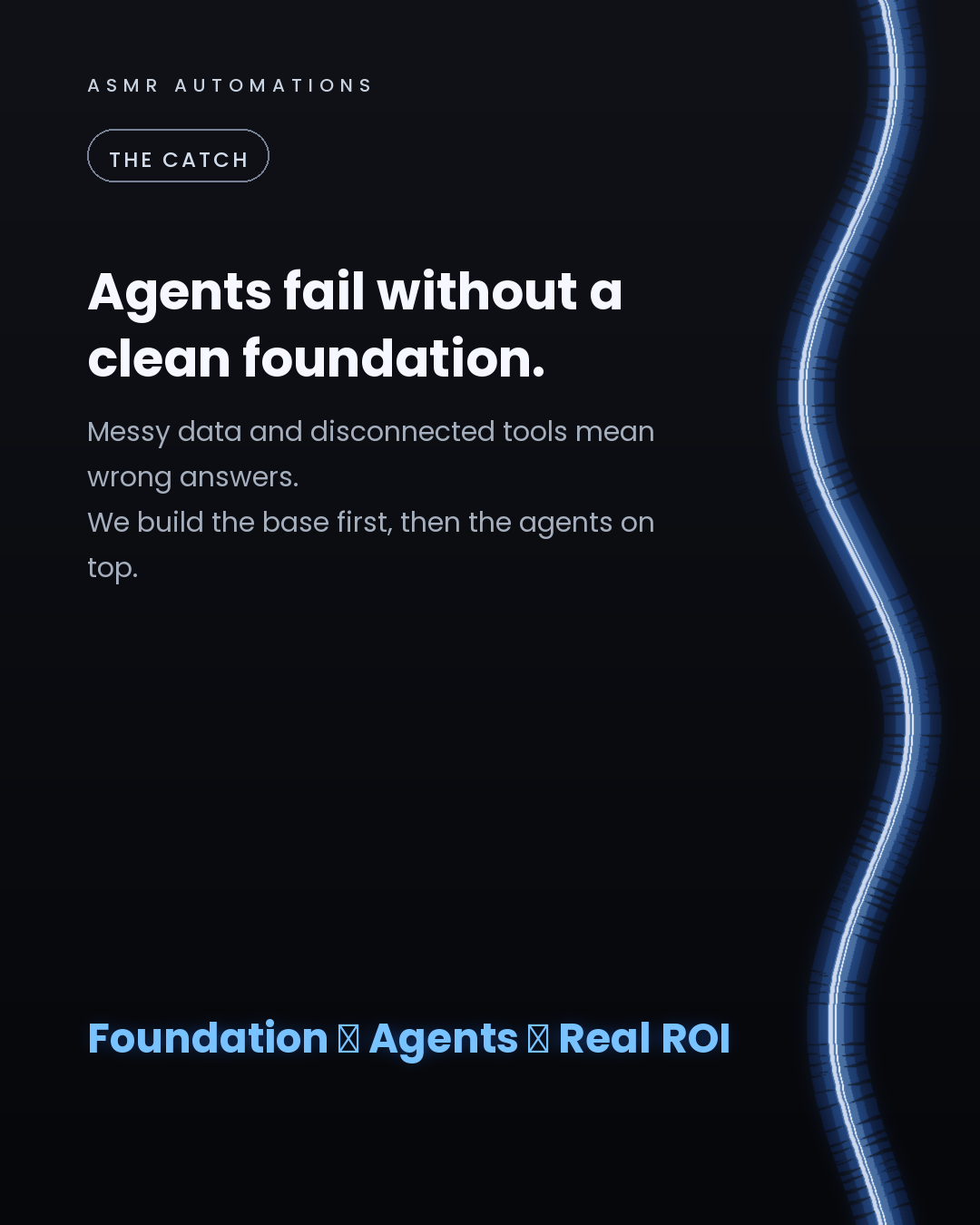
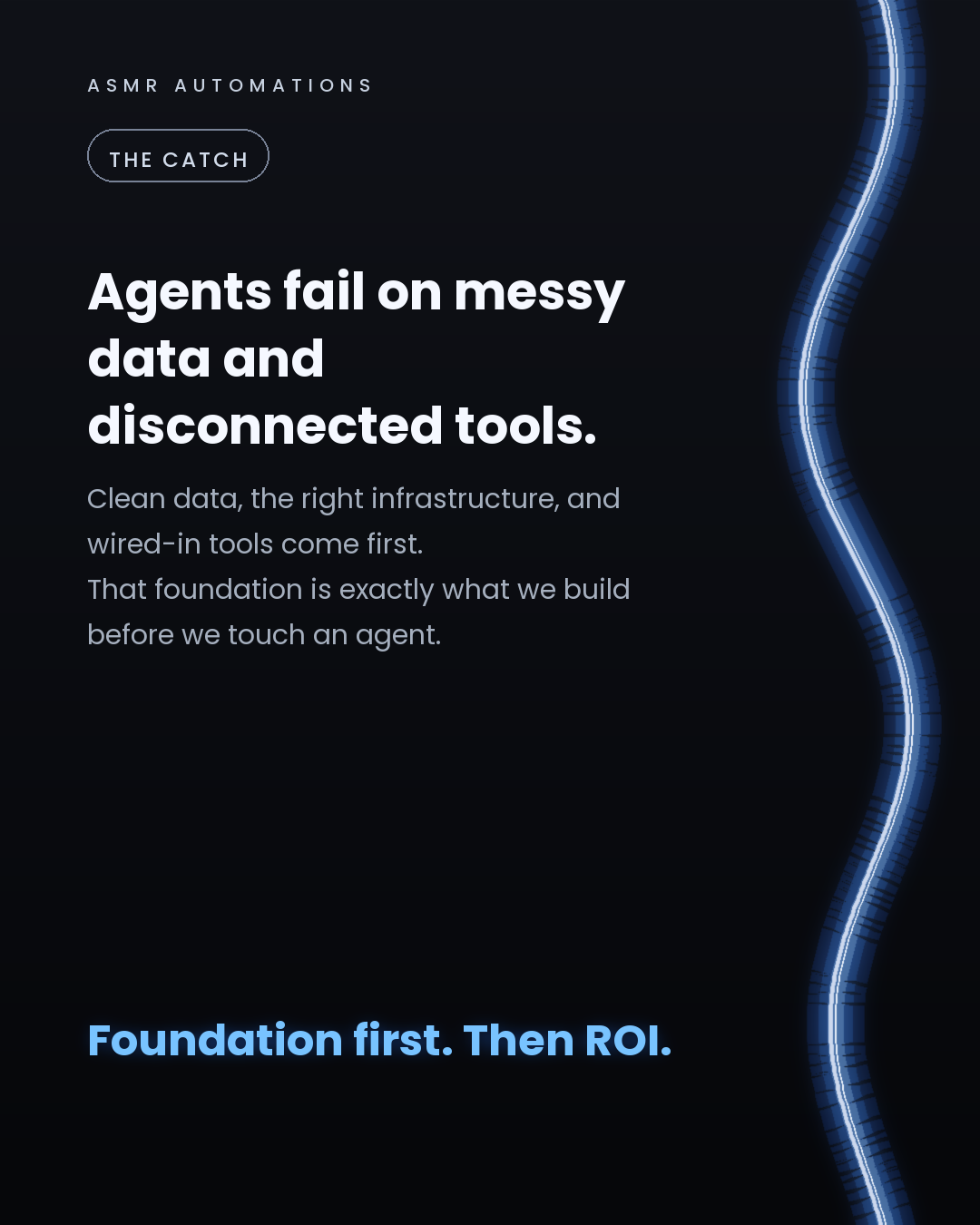
The catch: agents like these only deliver ROI when the foundation is right. Clean data, connected tools, and the right infrastructure underneath. Point an agent at a messy spreadsheet and it guesses. We build the base first, then the agents on top.
If you're an SMB owner and you're still doing any of these manually, it's worth a 30-minute conversation. We audit your workflows, find the highest-ROI installs, and build them into the tools you already use.
No jargon, no demos that don't ship. Just a clear picture of what's possible and what it's worth to you.
Like · Comment · Repost · Send
Edit LinkedIn text
A
ASMR Automations@asmr.automations · now
5 AI agents every SMB should install right now:
01. Lead research 02. Follow-up 03. Quoting 04. Support triage 05. Invoice chasing
Not chatbots. Agents that watch, decide, and act.
We've automated 500+ hrs across 10+ teams. Which one do you need most?
from @chatgptricks · The internet found Fable 5 fast
click a slide to zoom
Caption (editable — save before approving)
A
ASMR Automations · 1st
AI automation for SMBs · now
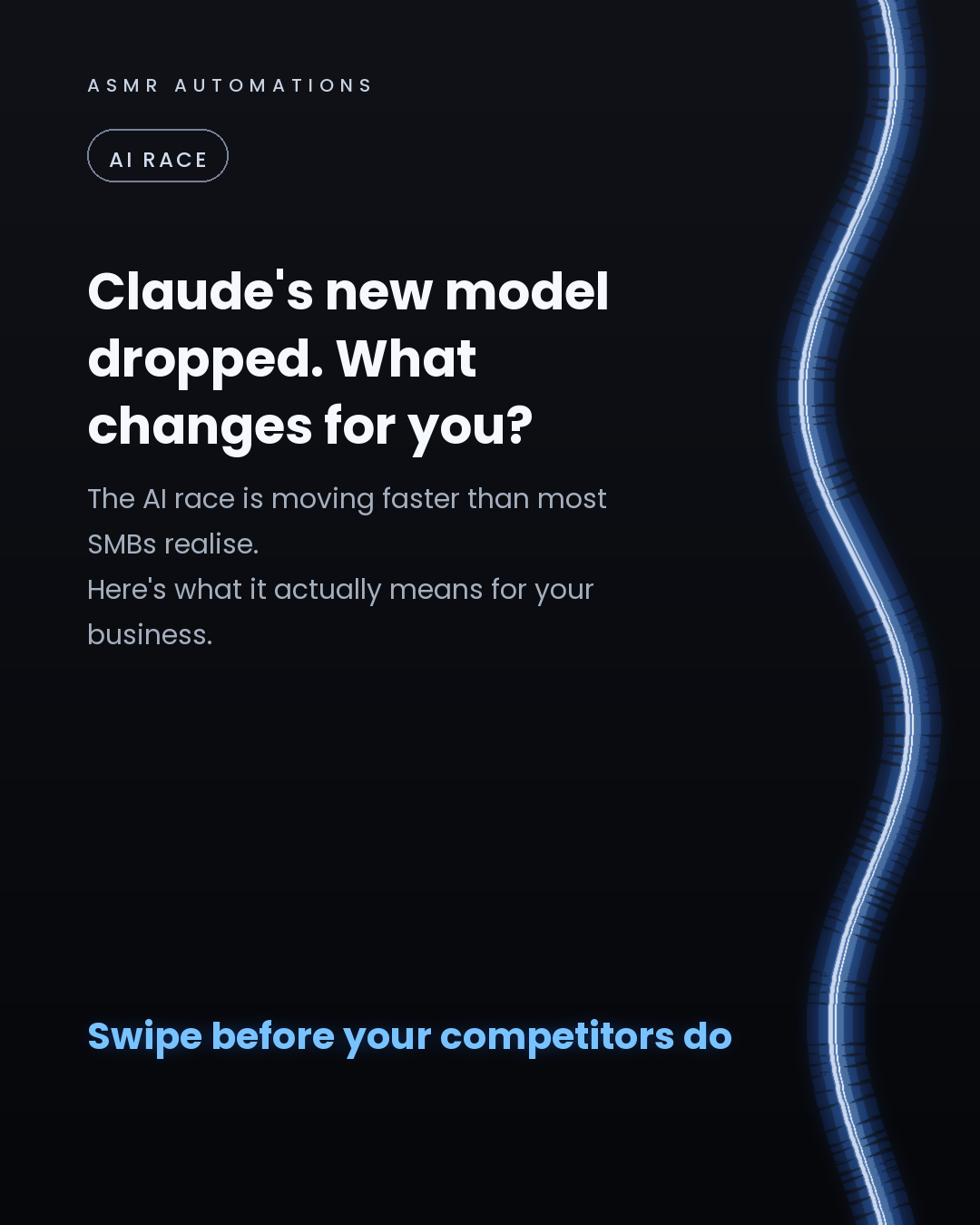
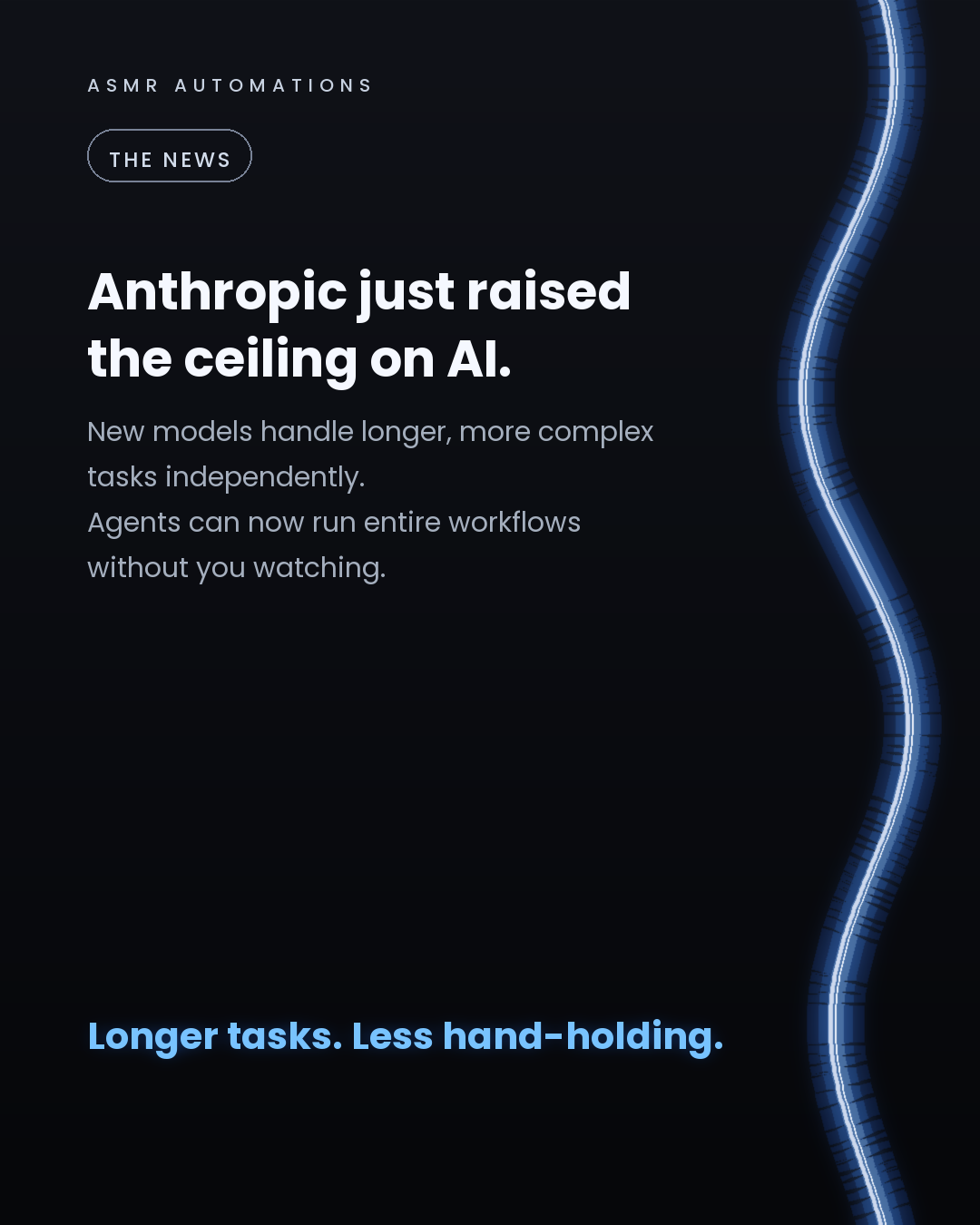
The AI race is accelerating, and Anthropic's latest release is proof.
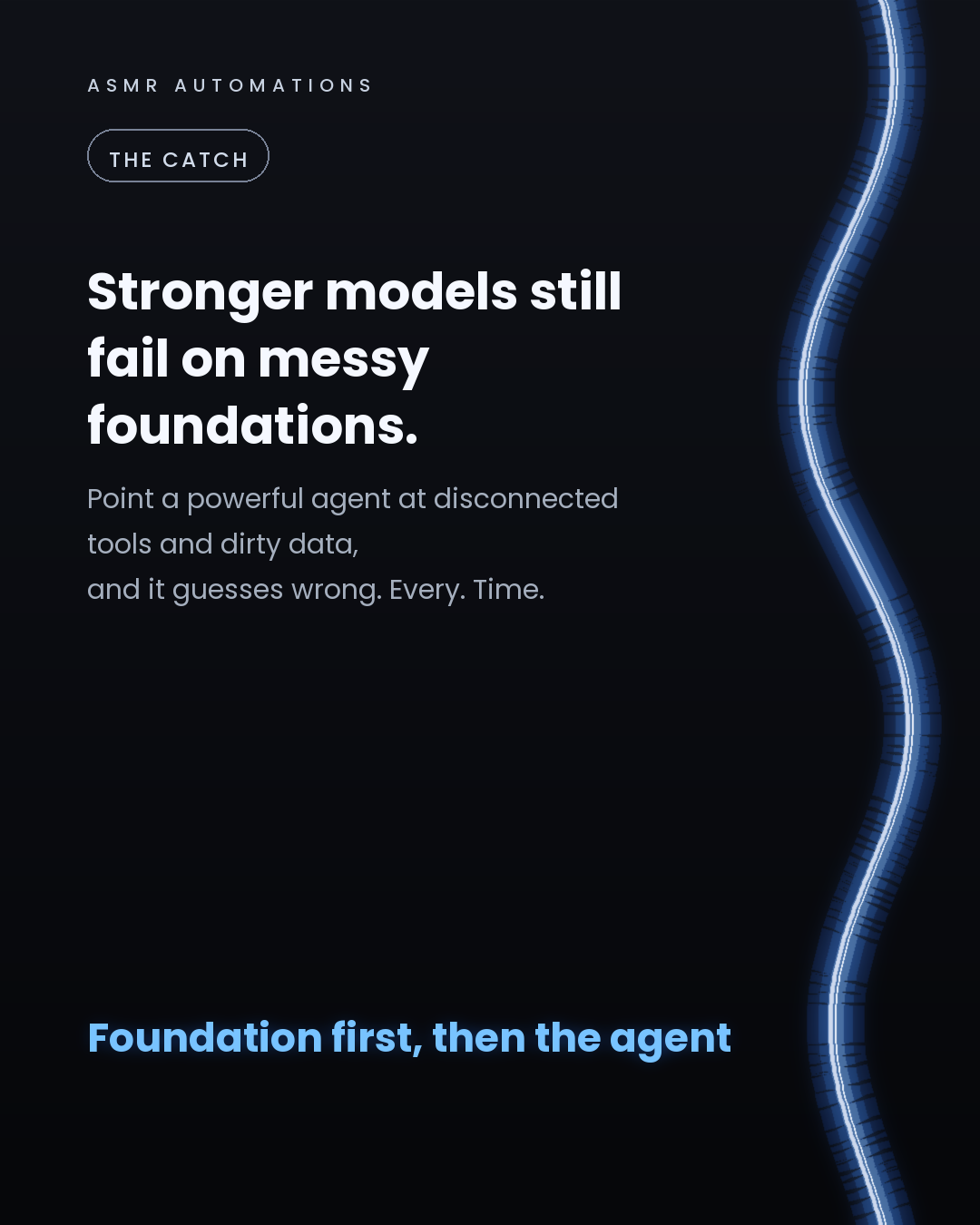
But here's what most SMB owners miss in all the launch hype: a more powerful model doesn't fix a broken foundation.
Every business we audit sits at one of 3 levels:
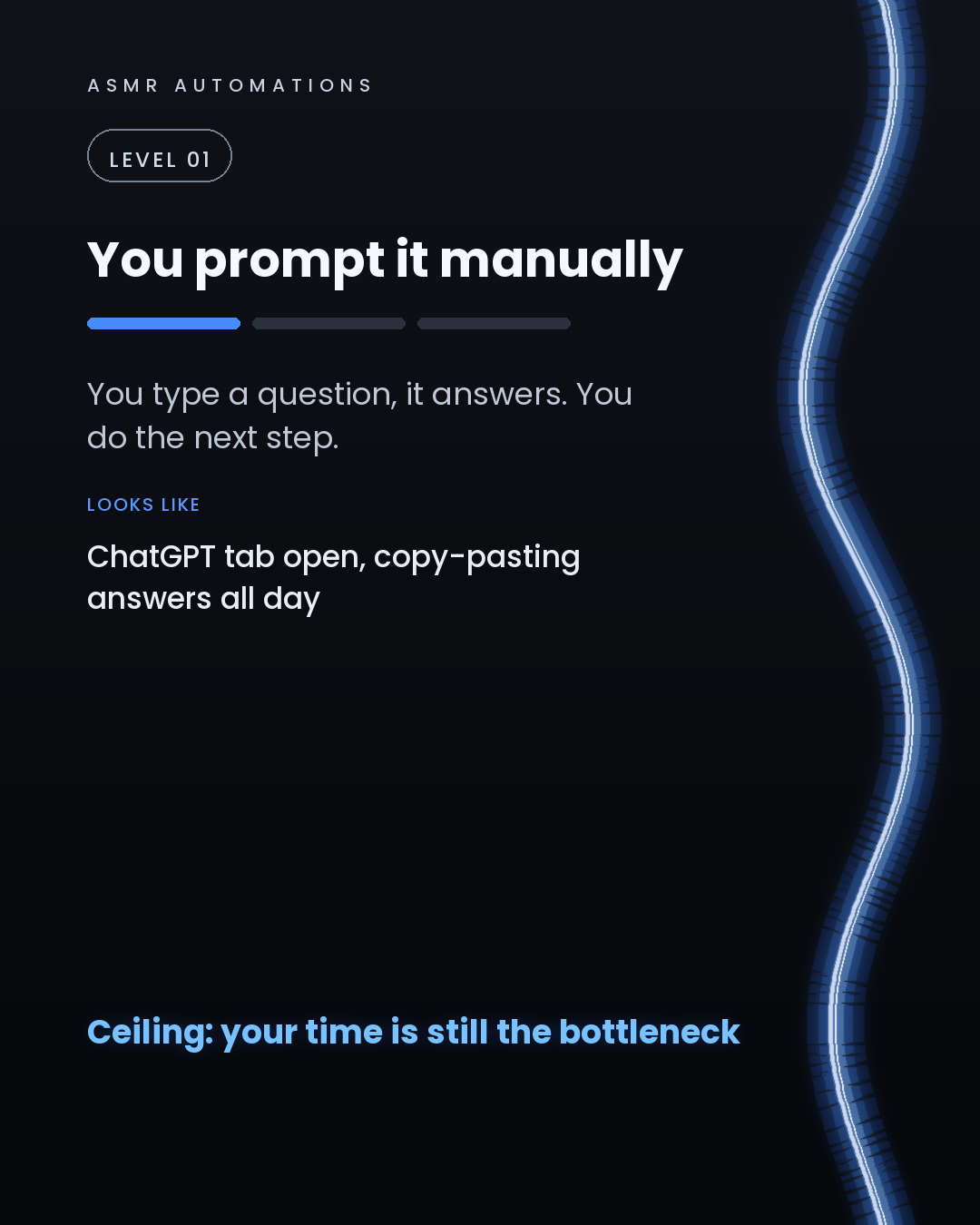
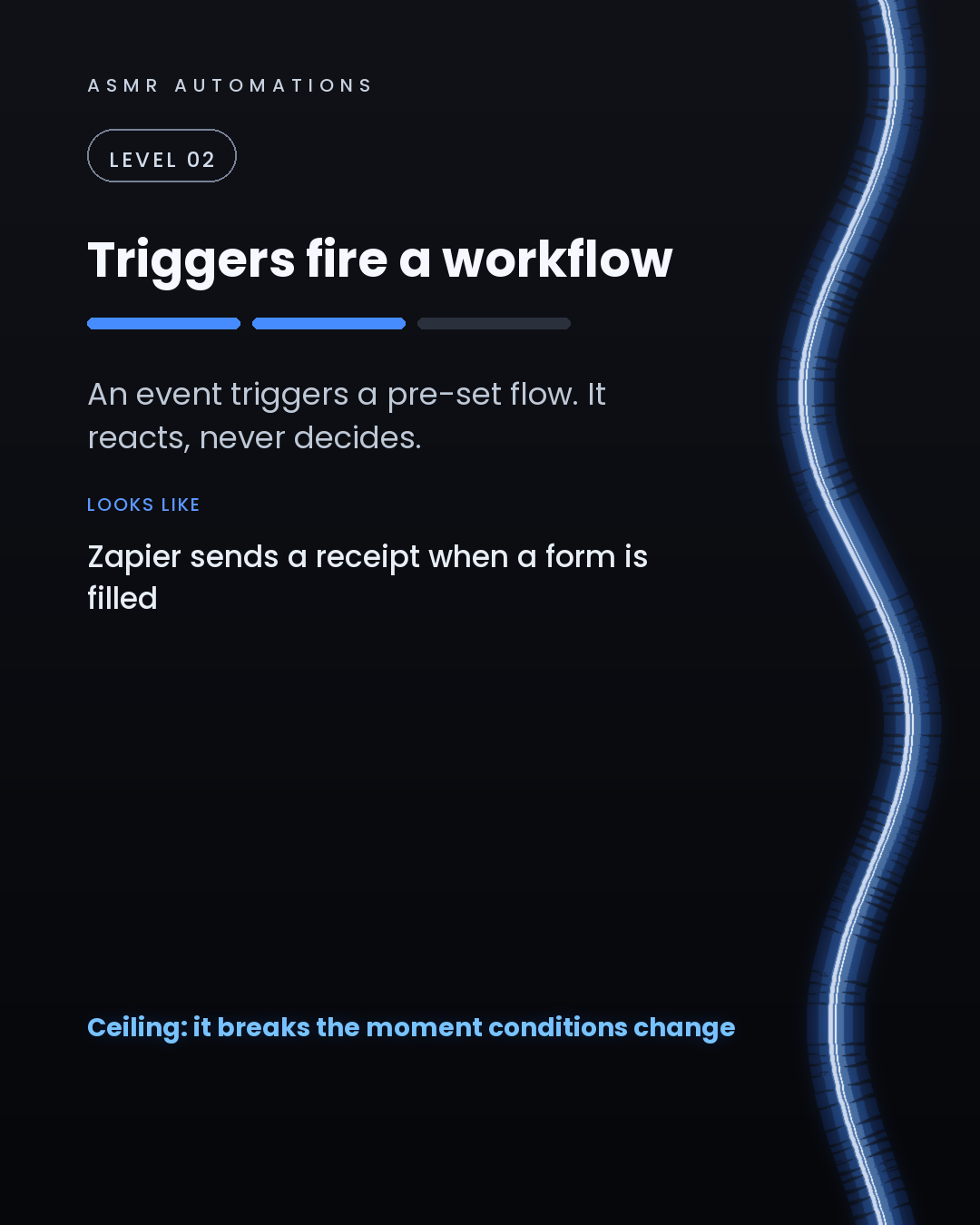
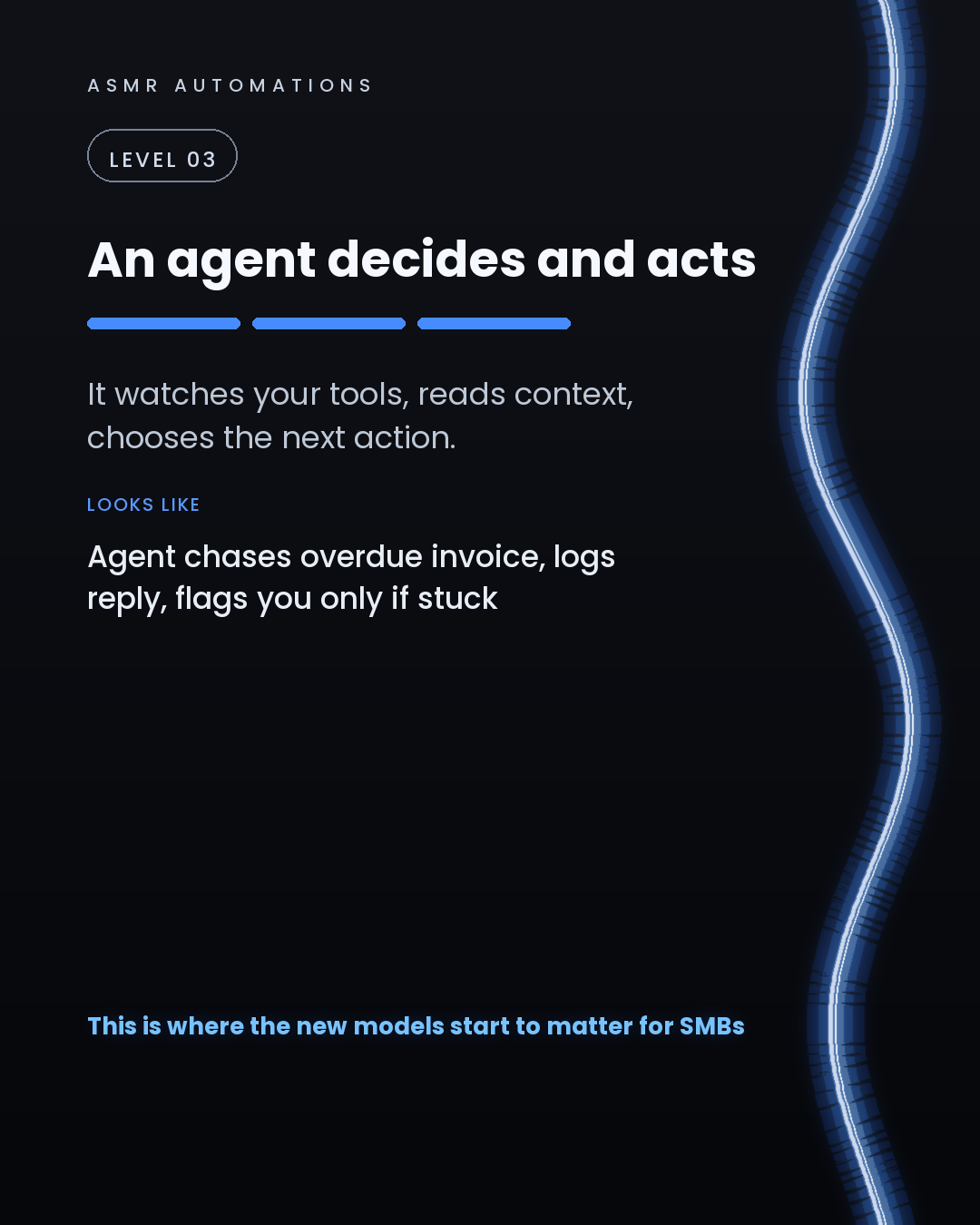
1. Prompting manually. You ask, it answers. Your time is still the bottleneck. 2. Trigger-based workflows. A form fires a Zapier step. It reacts, never decides. Breaks the moment conditions change. 3. Agentic. The agent watches your tools, reads context, and acts without hand-holding. Chases the overdue invoice, logs the reply, flags you only when it's stuck.
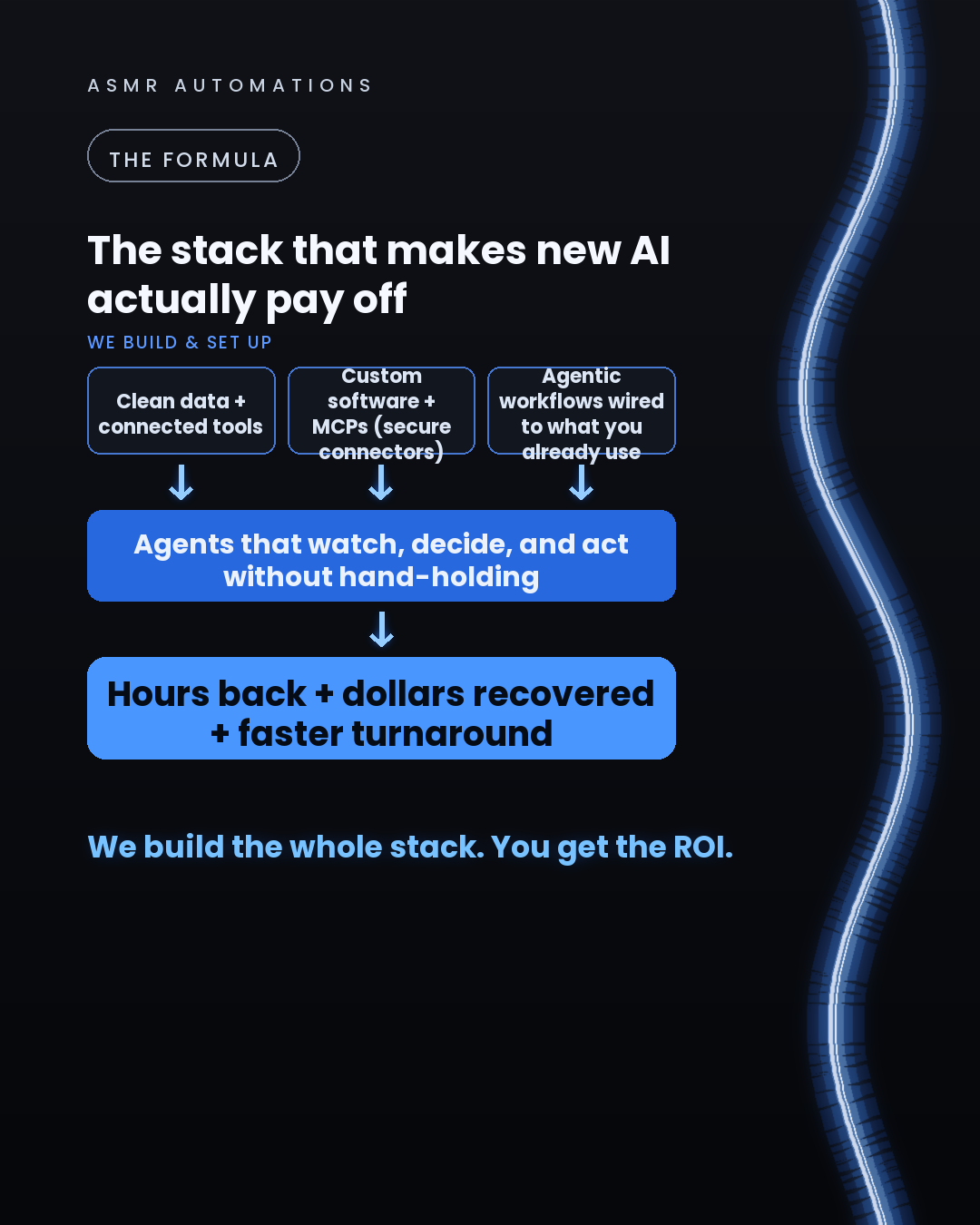
Level 3 is where the new models start delivering real SMB ROI. But only if the foundation is right: clean data, connected tools, custom software, and MCPs (the secure connectors that let an agent actually use your stack).
We've automated 500+ hours of manual work across 10+ SMB teams. The pattern is always the same: the foundation was missing, the agent was failing, and no one had mapped the gap.
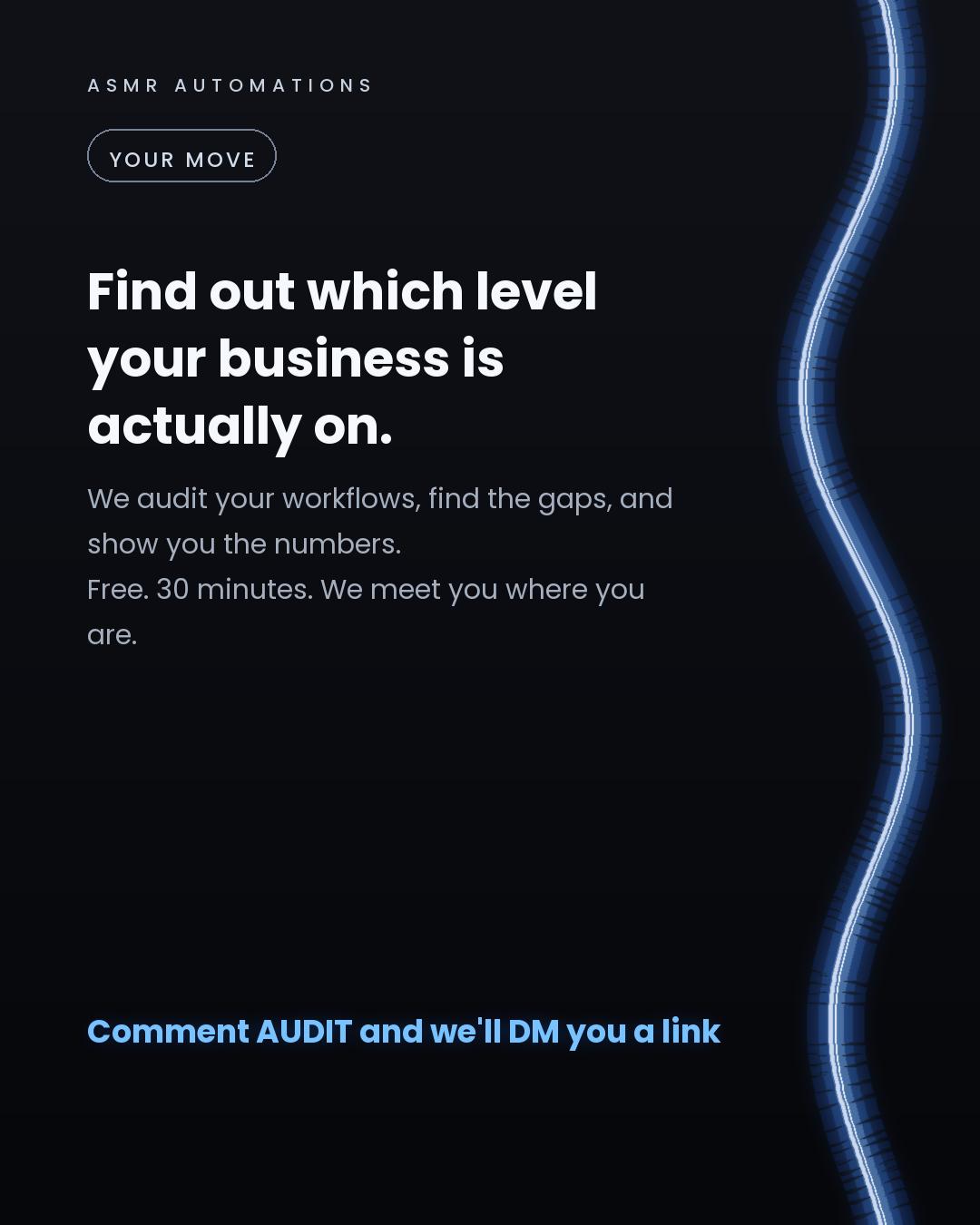
If you're not sure which level your business is on, that's exactly what the audit is for. We meet you where you are, show you the numbers, and build from there.
Like · Comment · Repost · Send
Edit LinkedIn text
A
ASMR Automations@asmr.automations · now
Anthropic just raised the ceiling on AI. Most SMBs are still on Level 1. Level 3 agents watch, decide, and act on their own. But a powerful model on a broken foundation still gets it wrong. Know your level first.
from @mpaige13 · Comment “GRANOLA” for the full guide 👉
click a slide to zoom
Caption (editable — save before approving)
A
ASMR Automations · 1st
AI automation for SMBs · now
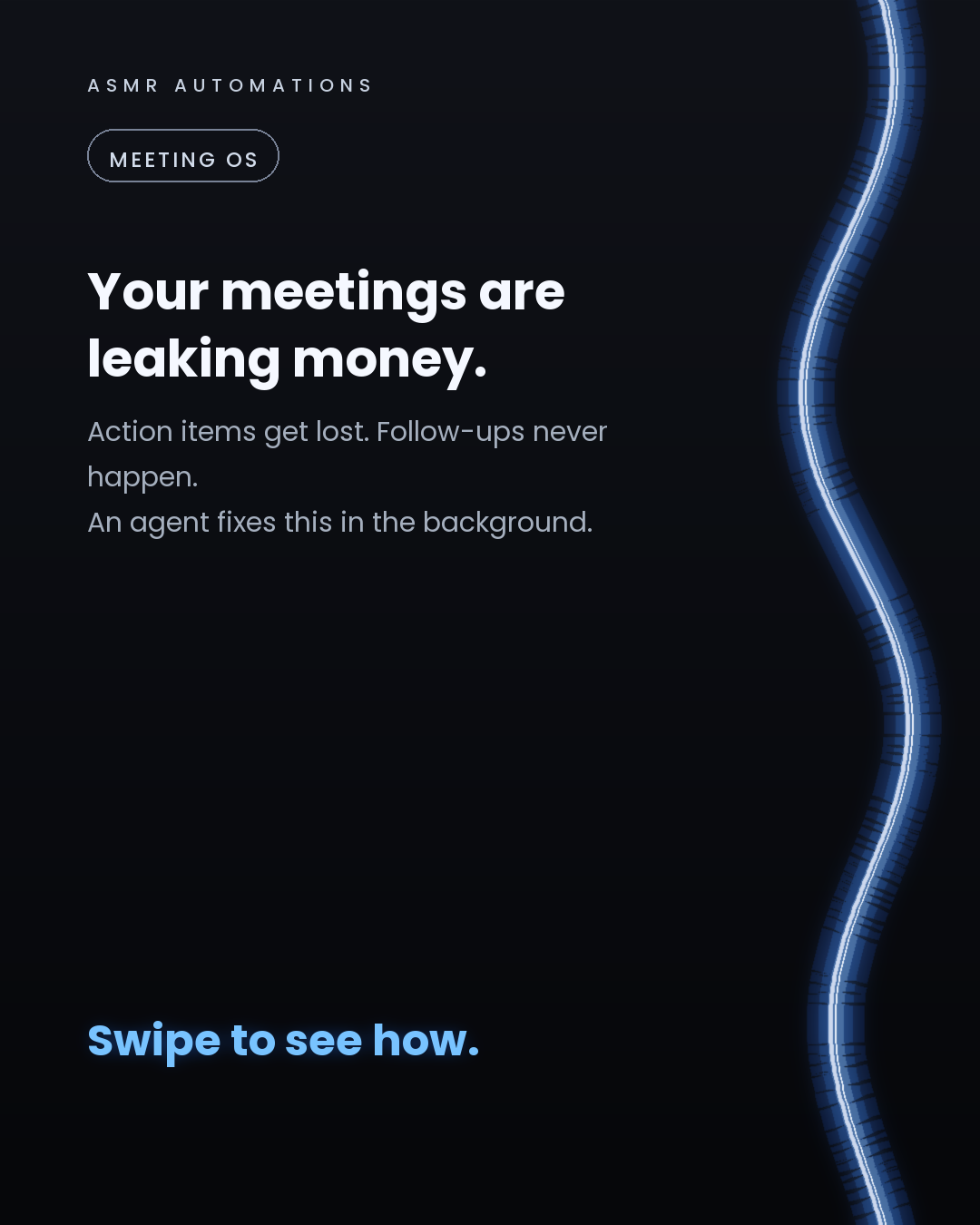
Most small business owners leave every meeting and immediately forget half of what was decided.
Not because they're disorganised. Because they're doing 6 jobs at once and note-taking is the last priority.
Here's what a meeting OS agent actually looks like in practice:
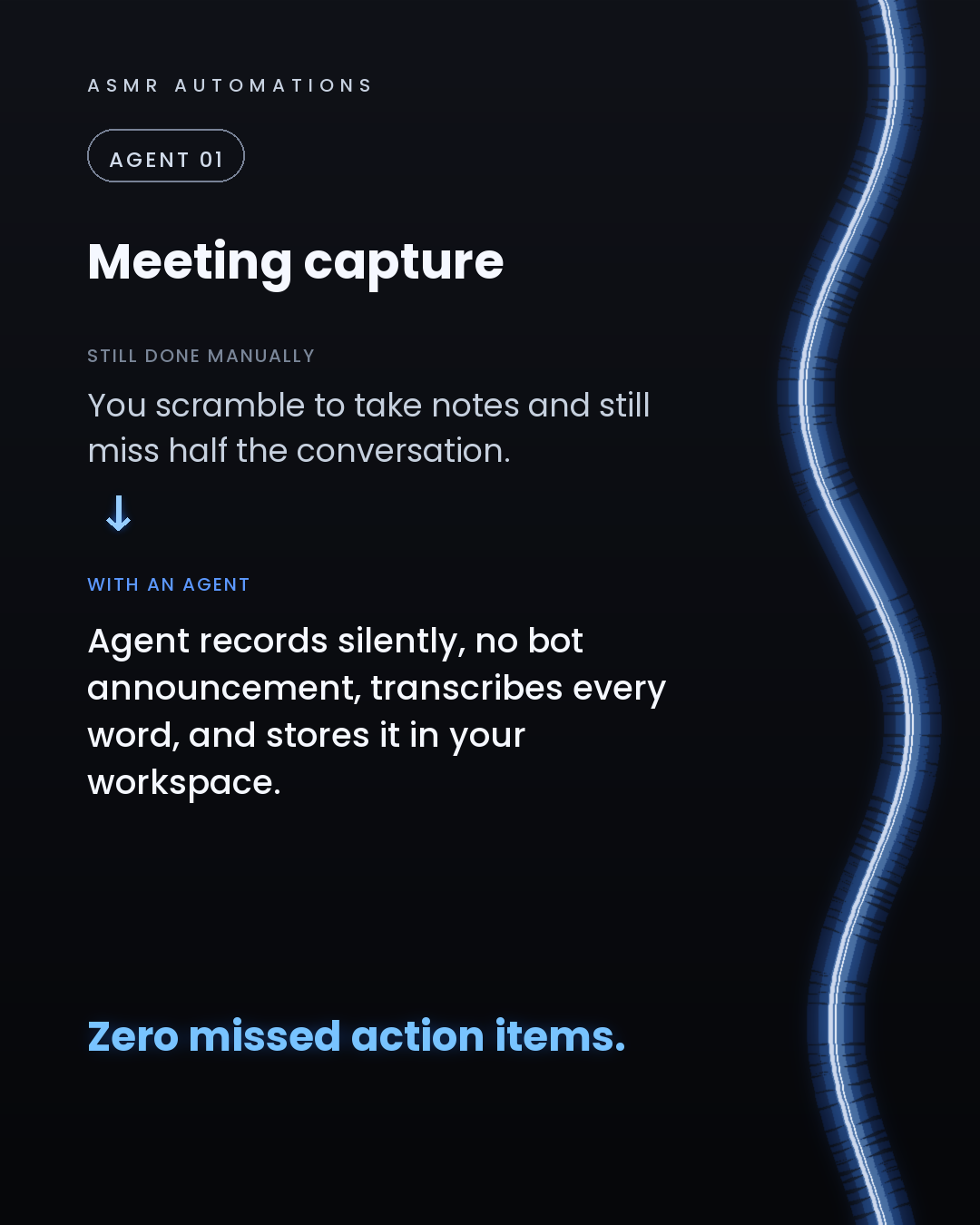
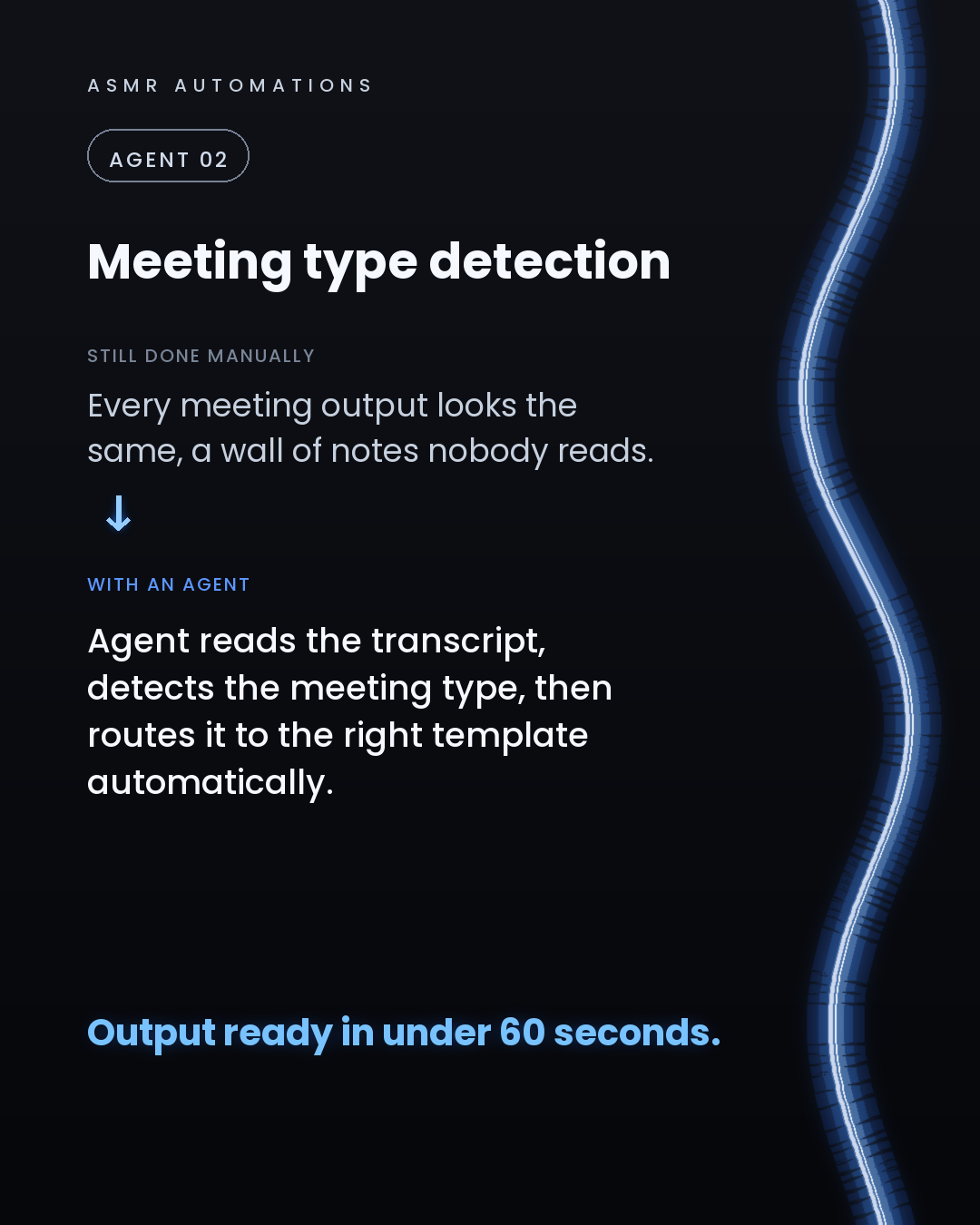
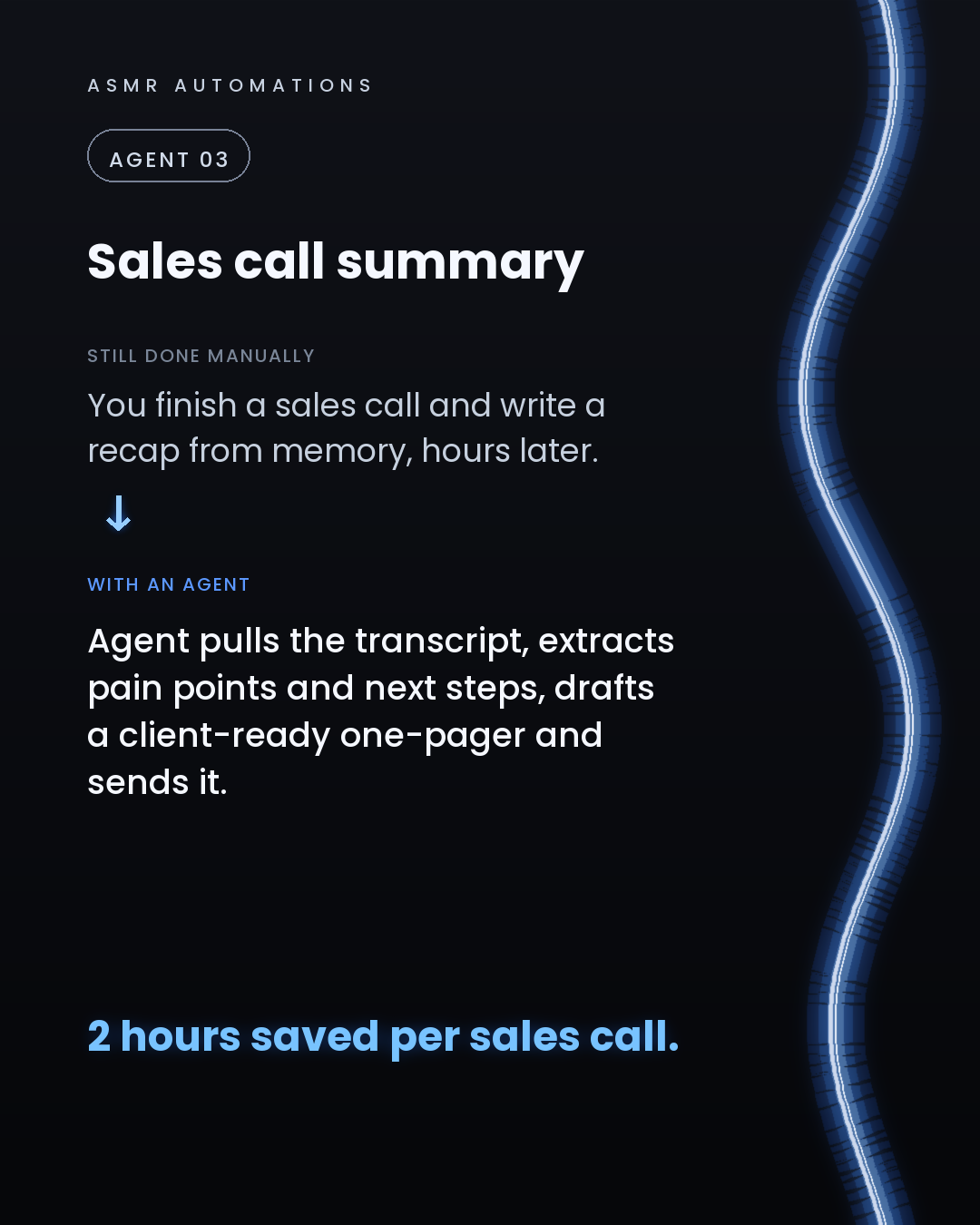
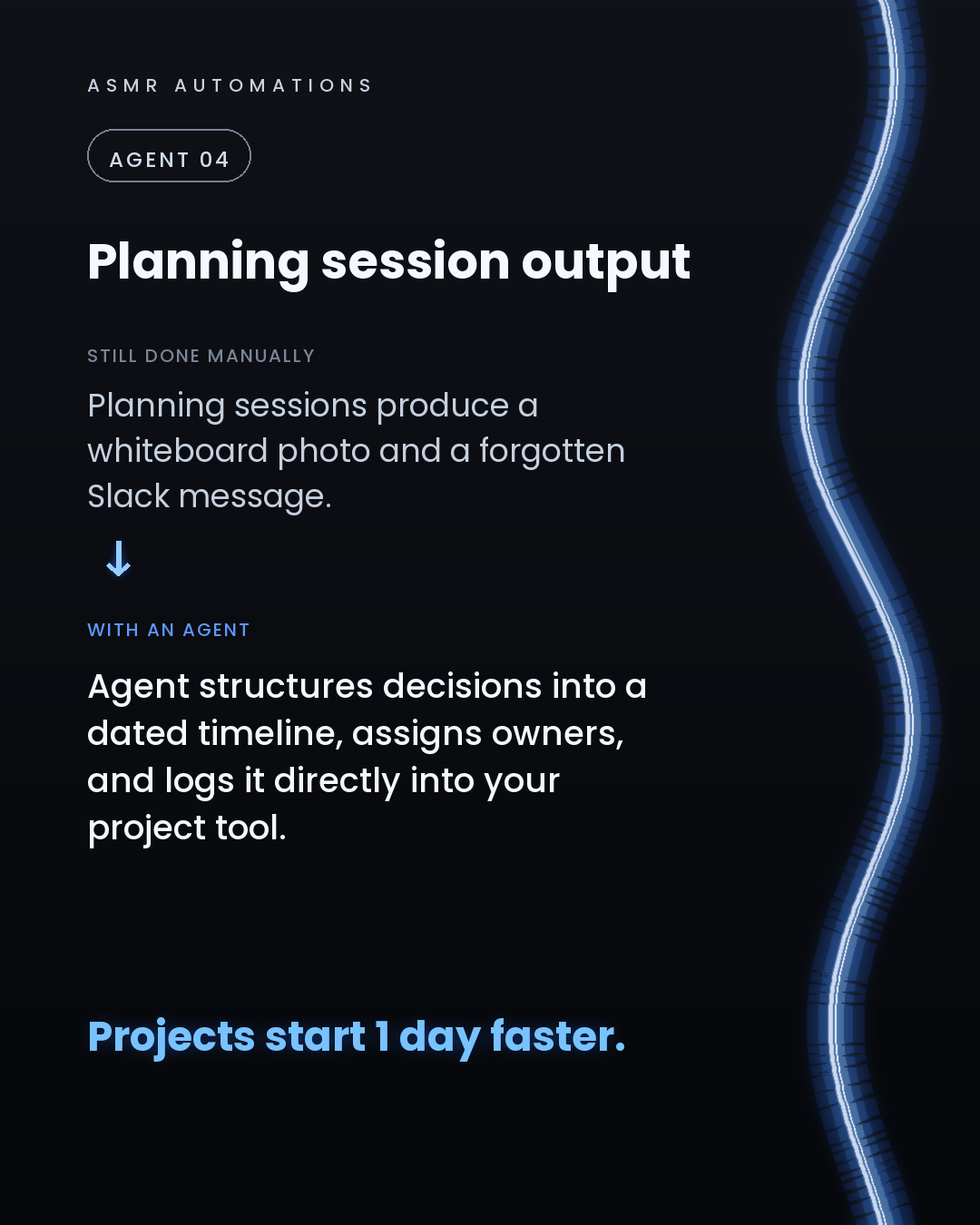
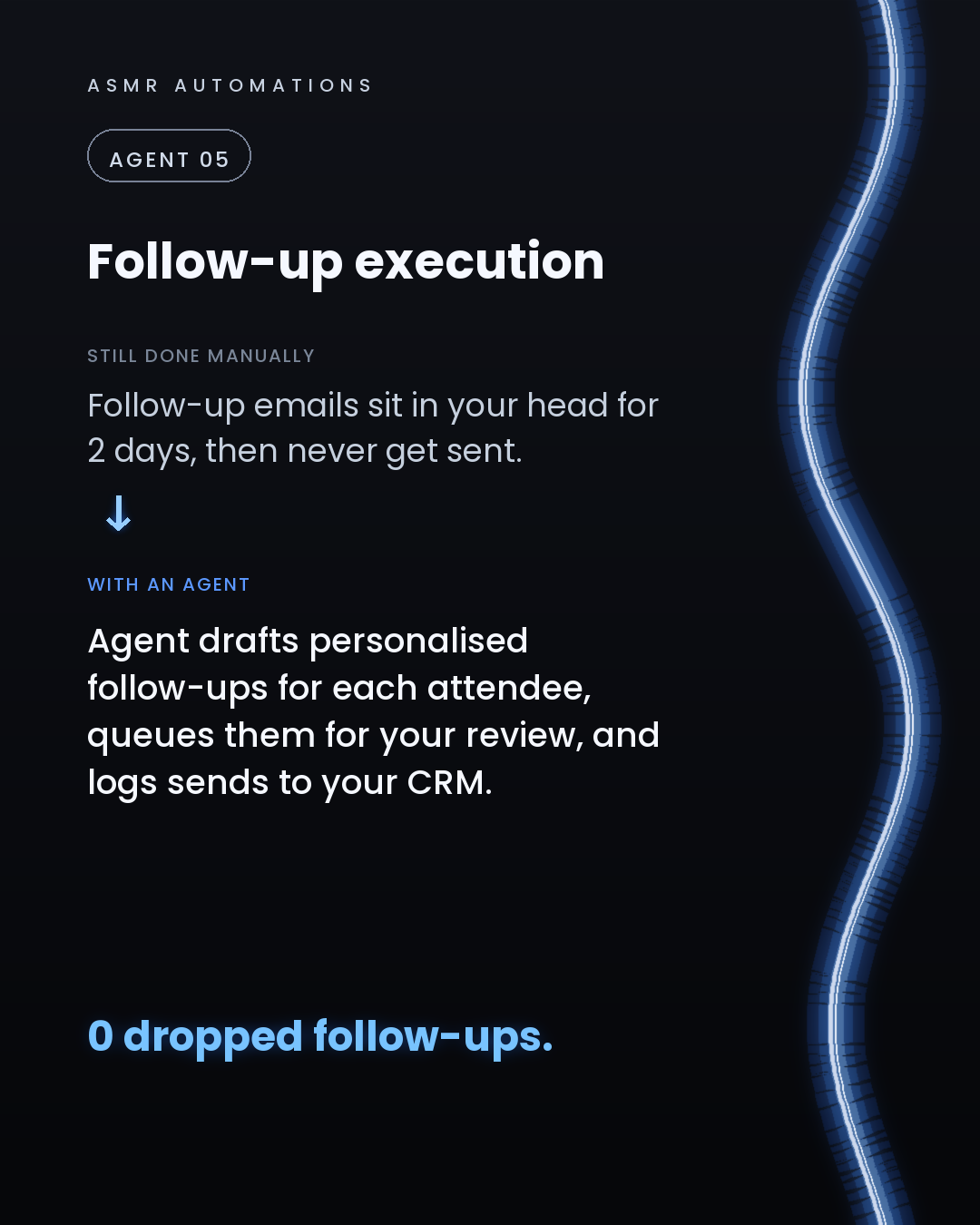
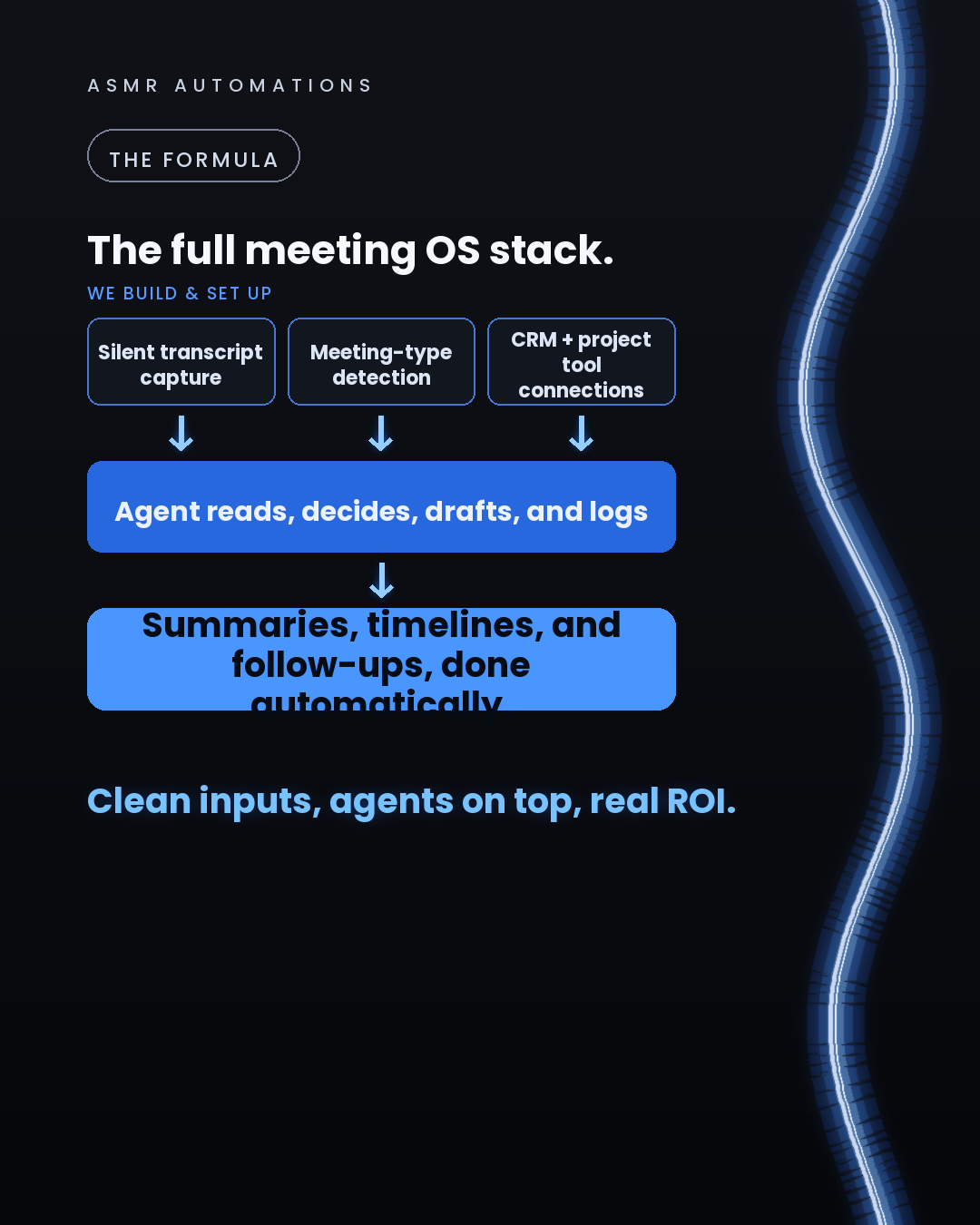
1. It records in the background, no bot joining the call, no "this meeting is being recorded" announcement. 2. It reads the transcript and detects what kind of meeting just happened: sales call, planning session, brainstorm. 3. It builds the right output for that meeting type. A client-ready one-pager for sales. A dated timeline with owners for planning. An idea board for brainstorms. 4. It drafts personalised follow-ups for each attendee and queues them for your approval. 5. It logs everything to your CRM or project tool automatically.
The result: zero dropped follow-ups, summaries ready in under 60 seconds, and projects that actually start on time.
We build this kind of system for SMB teams using the tools they already have. No new software stack. No engineering team required.
If you want to see what it would look like in your workflow, reach out. We audit first, build second, and we always meet you where you are.
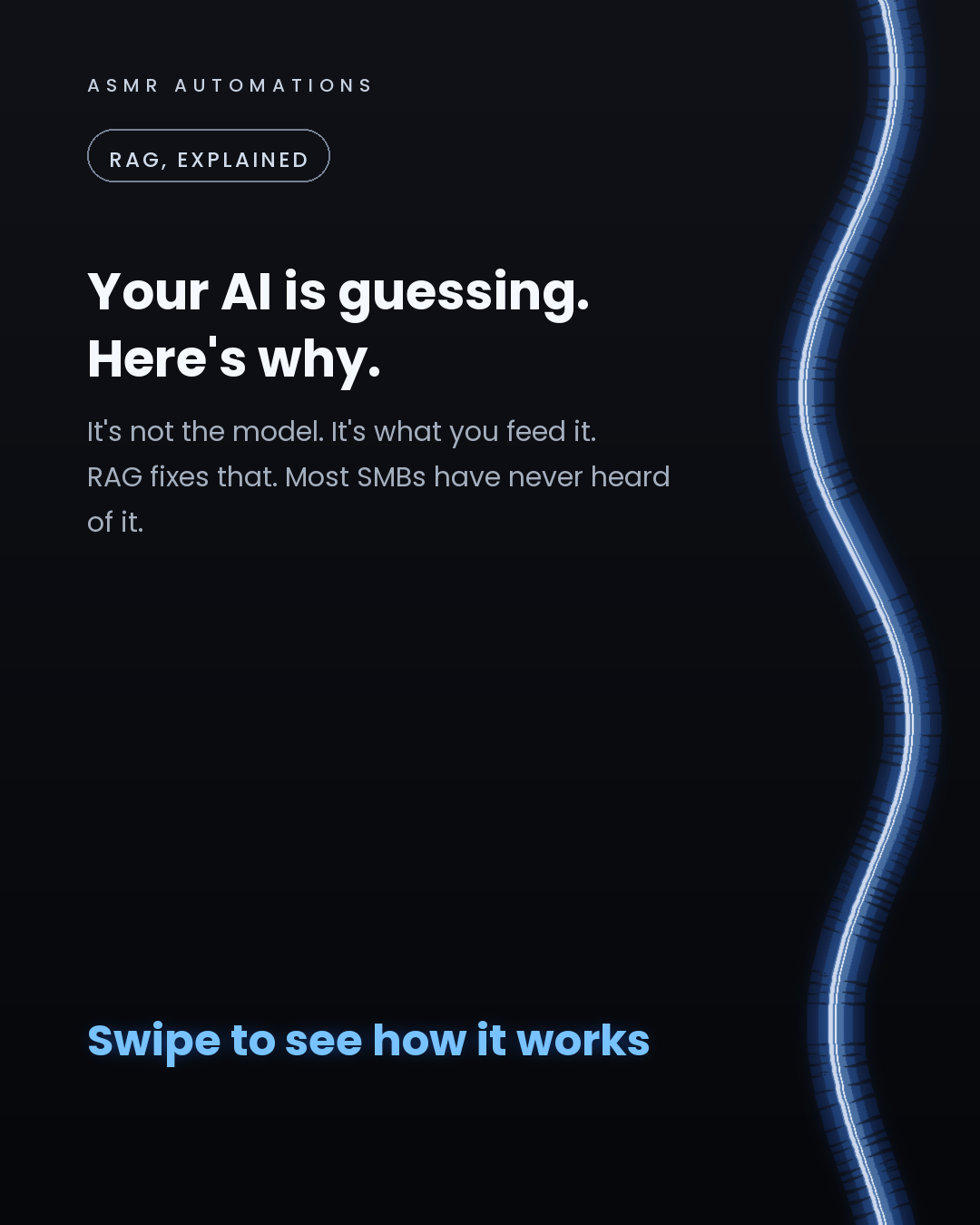
Most businesses blame the AI when it gives wrong answers.
The model isn't the problem. The architecture is.
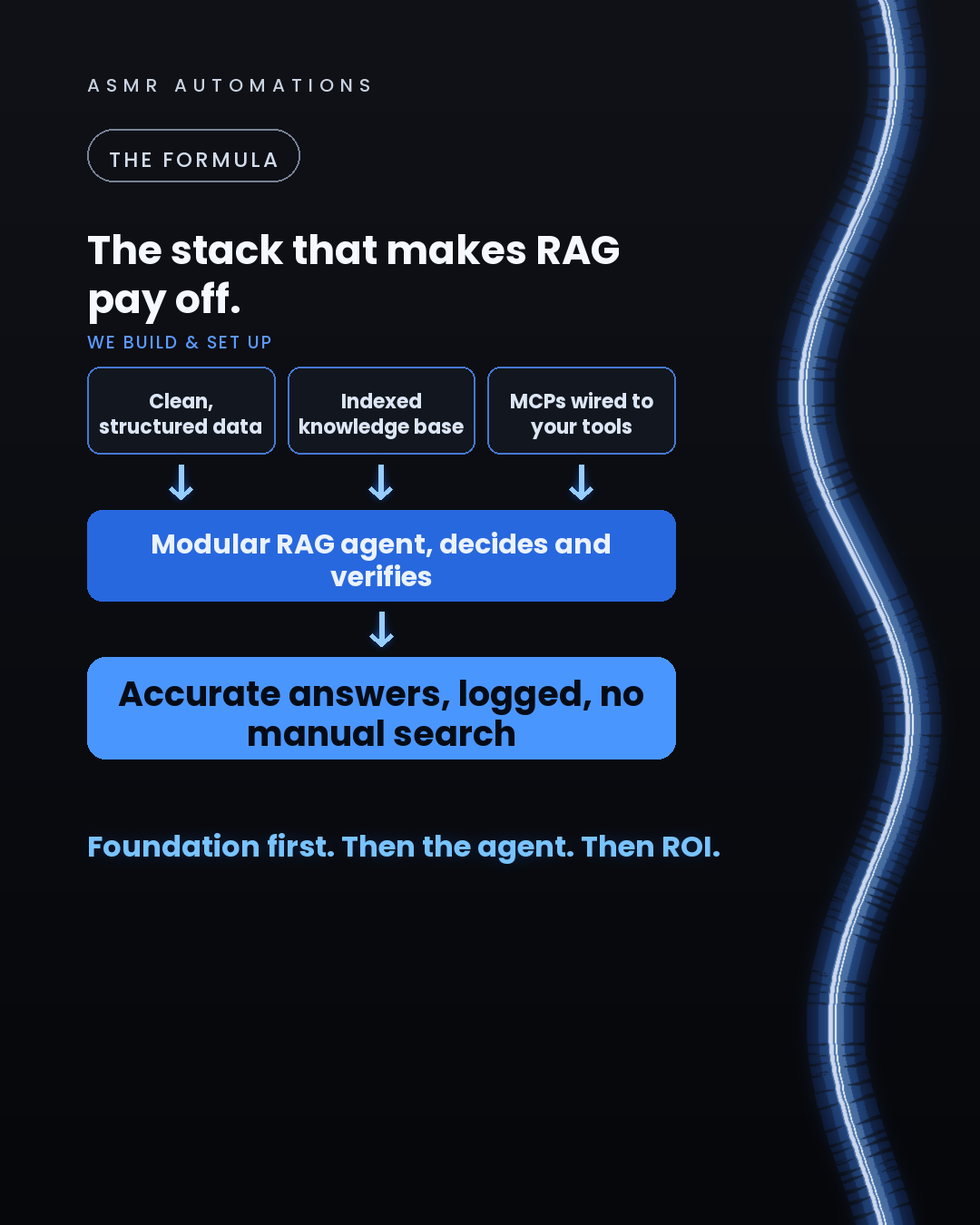
RAG (retrieval-augmented generation) is how you give an AI agent accurate, grounded answers from your own business data. There are 3 levels:
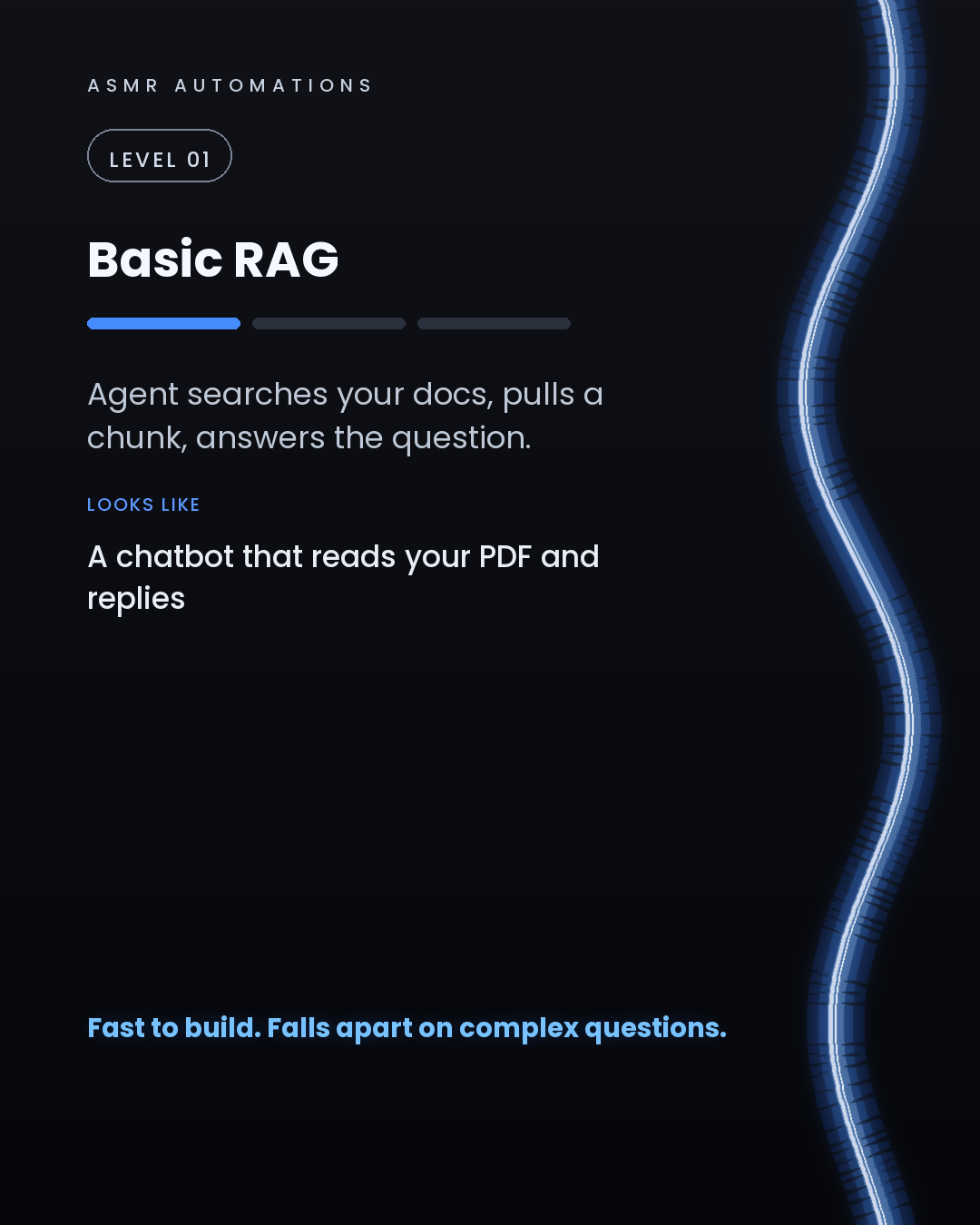
Level 1, Basic RAG: the agent pulls a chunk from your documents and answers. Fast to set up, breaks on complex questions.
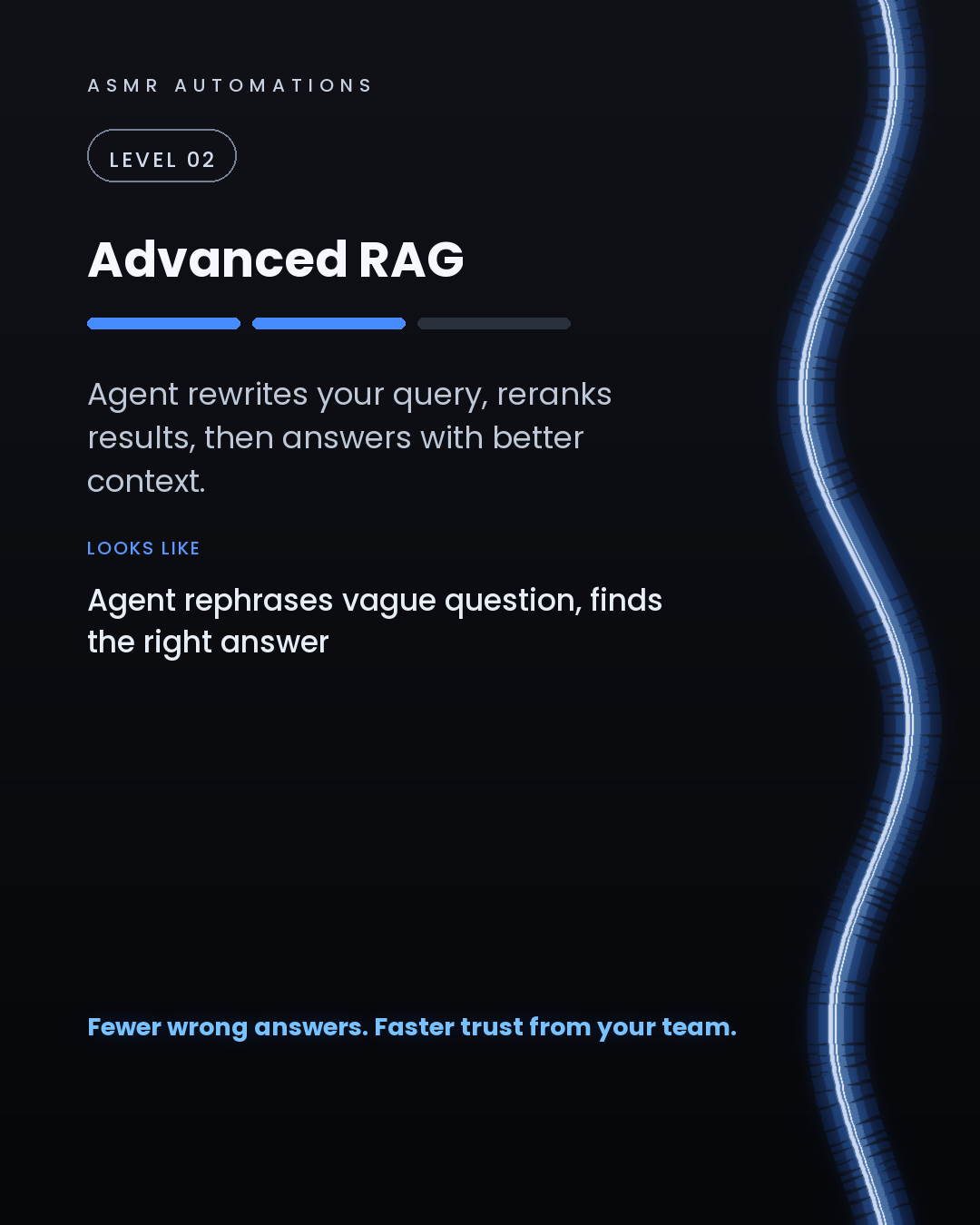
Level 2, Advanced RAG: the agent rewrites the incoming query, reranks retrieved results by relevance, then answers. Fewer wrong answers, faster staff trust.
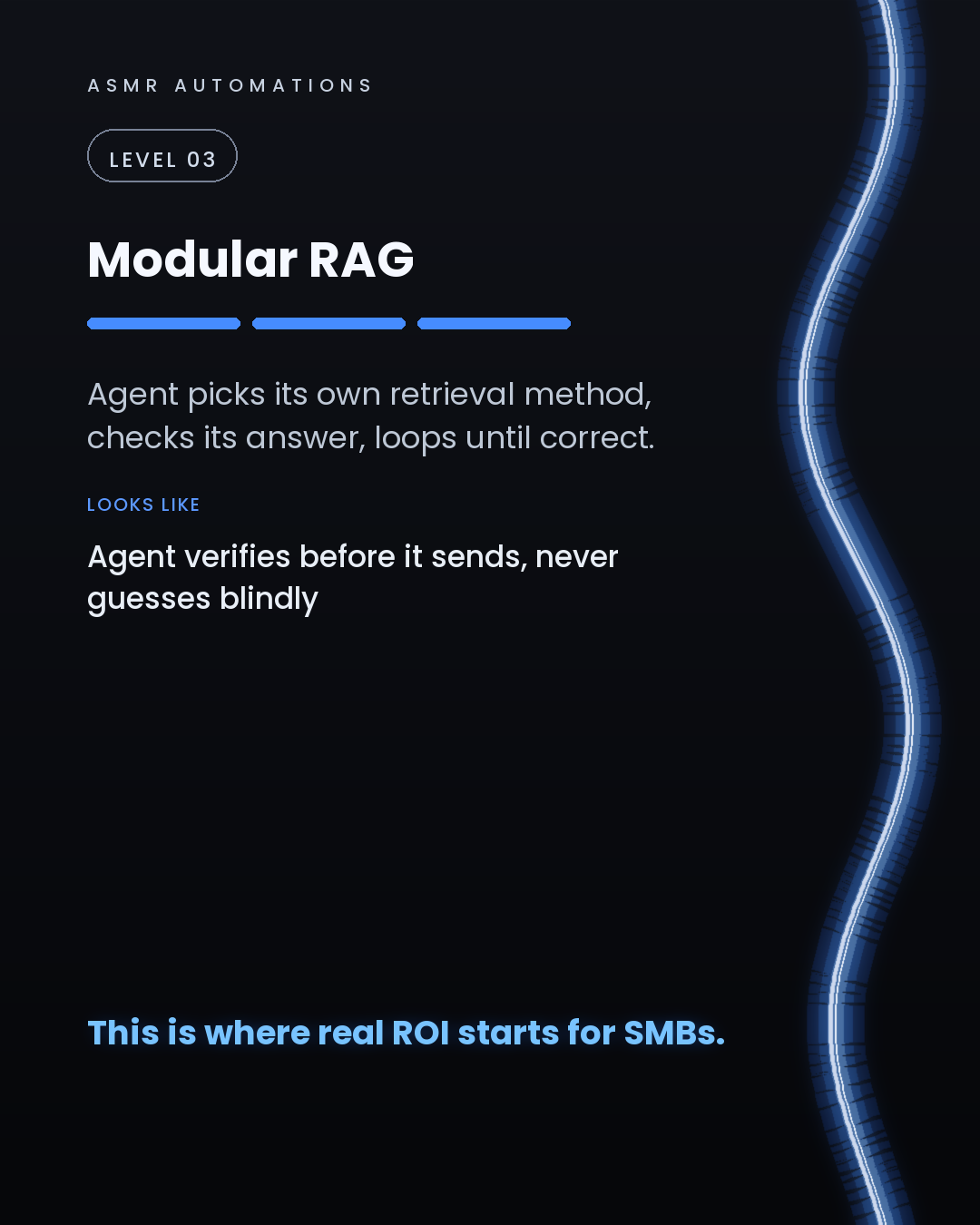
Level 3, Modular RAG: the agent chooses its own retrieval method, verifies the answer against the source, and loops until it's confident before it responds. This is where real ROI starts.
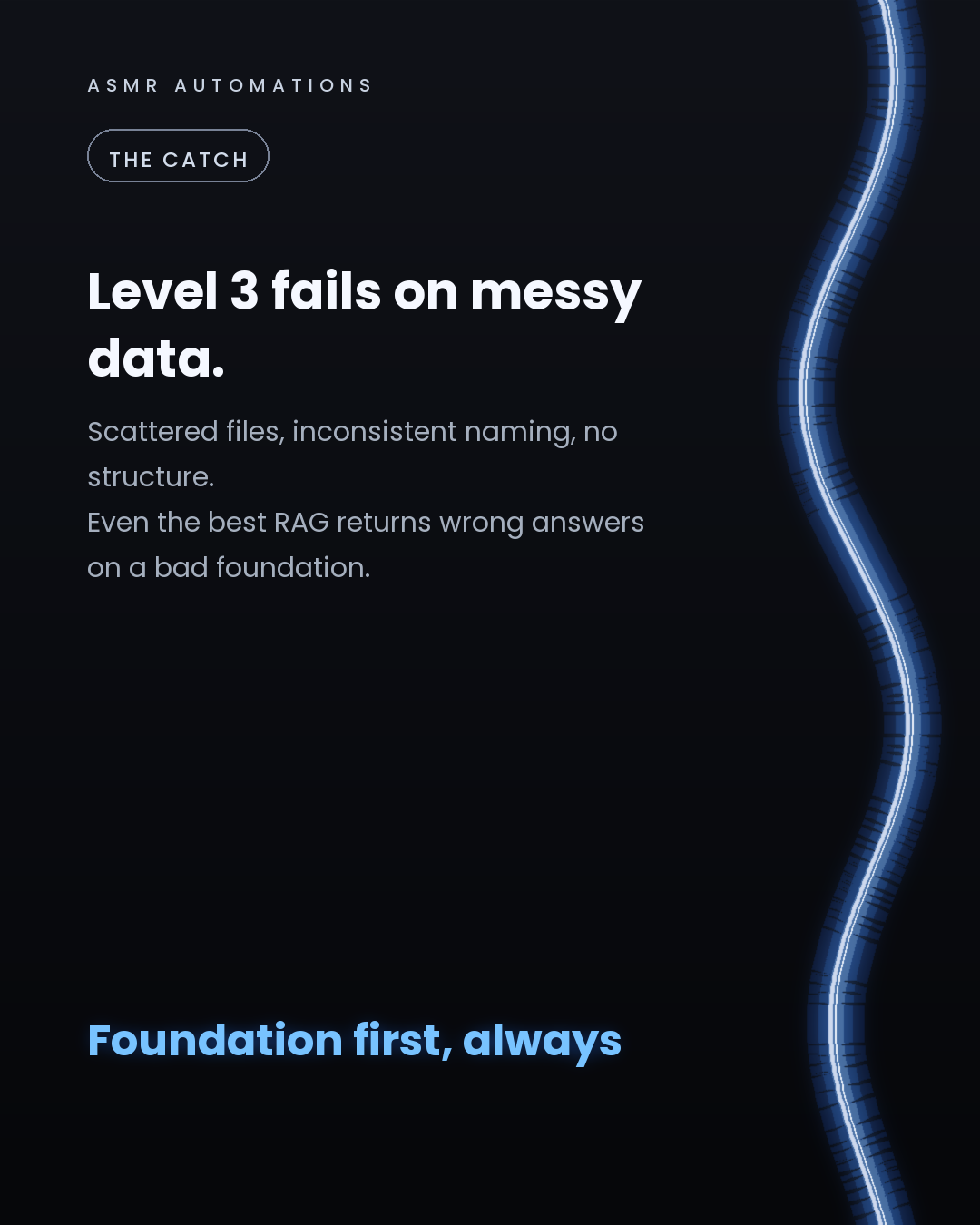
The catch? Level 3 fails on messy data. Scattered files, inconsistent naming, no structure, and even the best RAG returns wrong answers.
We build the foundation first: clean datasets, indexed knowledge bases, and MCPs (the secure connectors that wire an agent into your existing tools). Then the agent on top.
We've automated 500+ hours of manual workflow across 10+ SMB teams. The ones that saw the fastest ROI had clean data before they had agents.
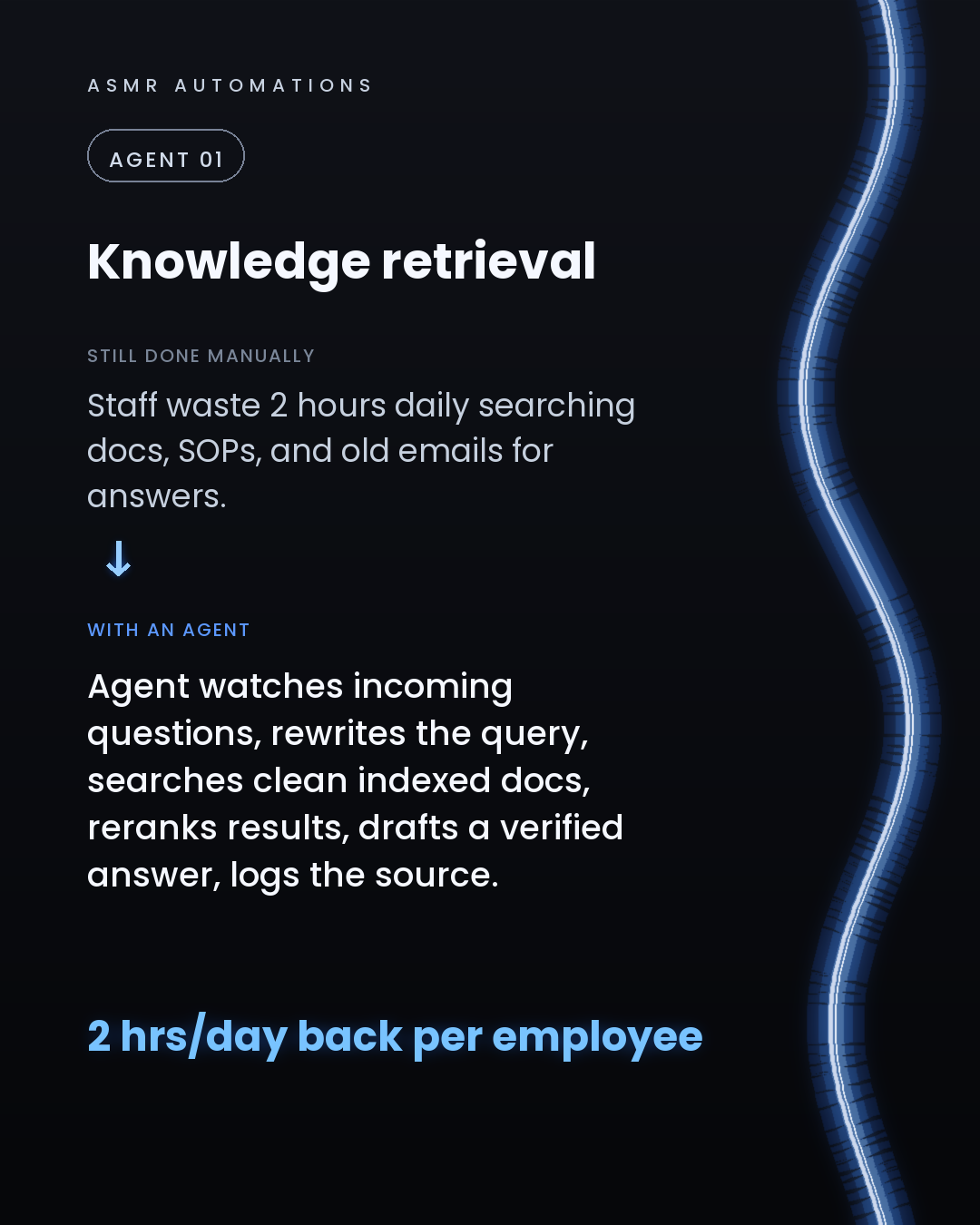
If your team is still searching old emails and PDFs for answers, your AI foundation isn't set up yet.
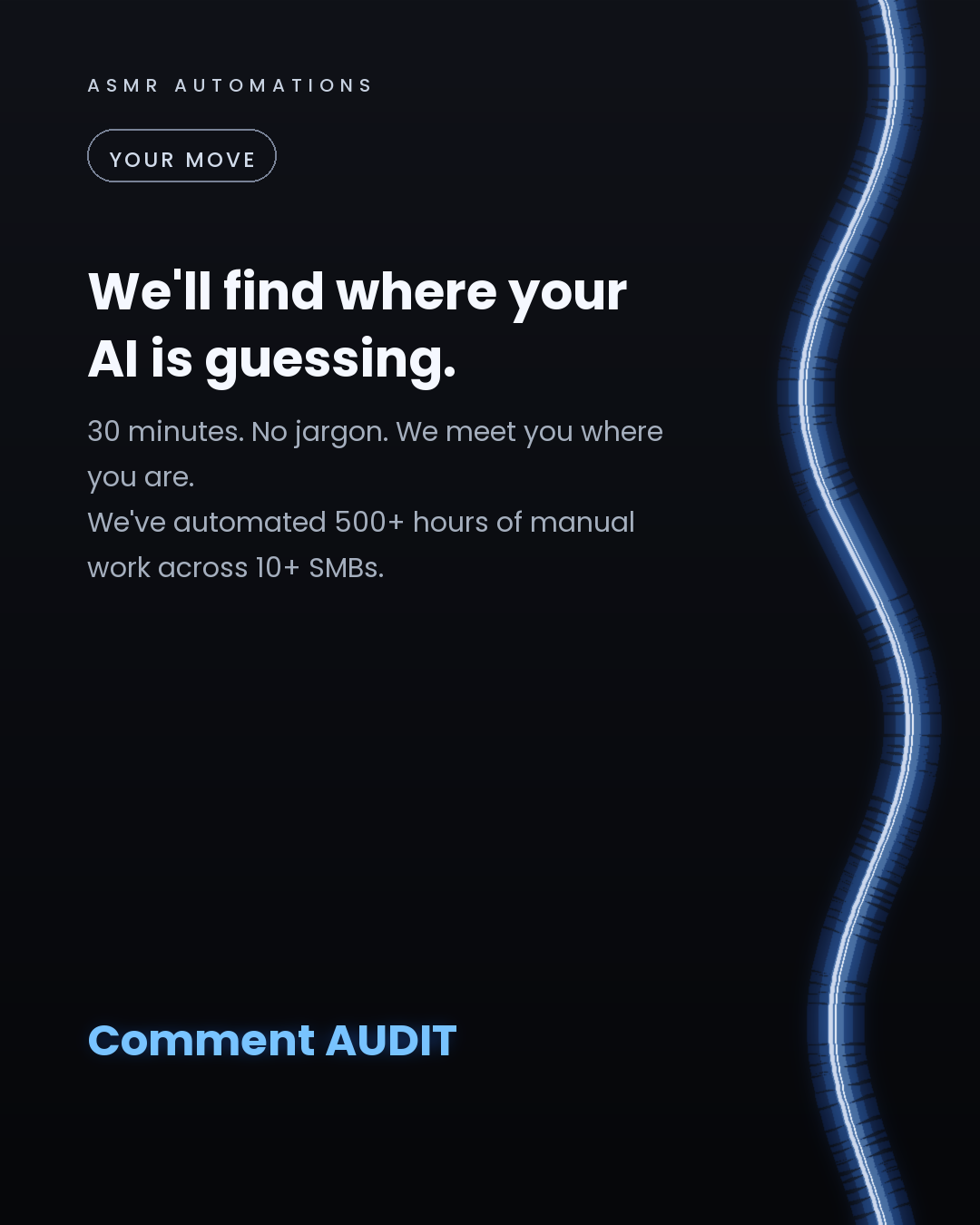
We offer a free 30-minute audit. We meet you where you are, no jargon, no pitch deck. Just a honest look at where your AI is guessing and what it would take to fix it.
Like · Comment · Repost · Send
Edit LinkedIn text
A
ASMR Automations@asmr.automations · now
Your AI gives wrong answers because nothing is feeding it clean data.
RAG fixes that. 3 levels:
L1: reads docs, answers L2: rewrites your query, reranks results L3: picks its method, verifies, loops
from @tenfoldmarc · I've literally used skill #2 to create this carousel lol".
click a slide to zoom
Caption (editable — save before approving)
A
ASMR Automations · 1st
AI automation for SMBs · now
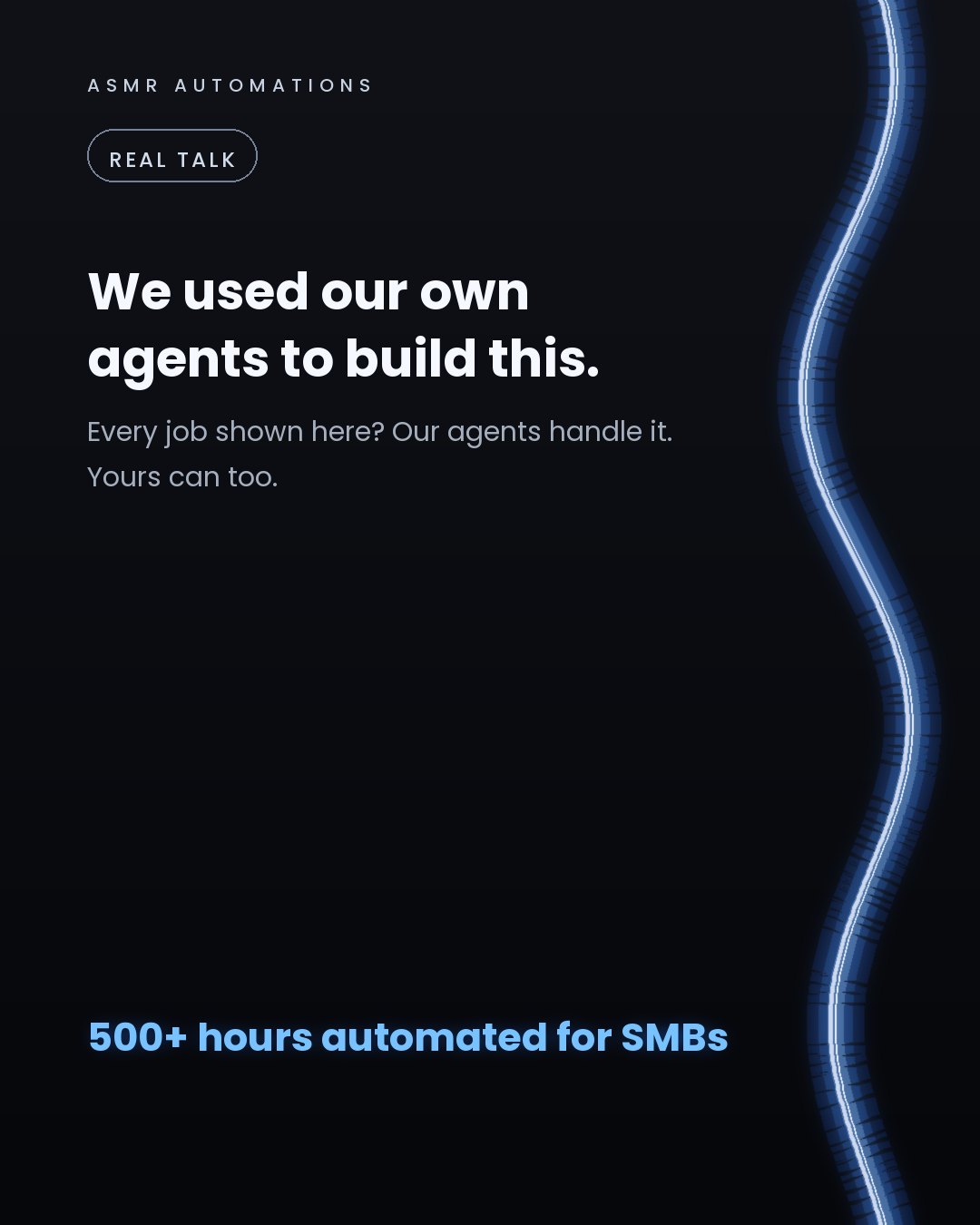
We built this carousel using the exact agents we install for clients. Every slide is a real job SMB teams are still doing by hand.
Lead research. Follow-ups. Quoting. Invoice chasing. Support triage.
Across 10+ businesses, we've automated 500+ hours of this work. The difference isn't a chatbot or a basic Zapier flow. It's agents that watch your systems, decide what needs doing, and act without being asked.
But here's what most agencies won't tell you: an agent pointed at messy data and disconnected tools just guesses. We build the foundation first, clean data, custom software, secure connectors into the tools you already use, then the agents on top. That's what turns AI spend into real ROI.
One of our clients cut quote turnaround from 72 hours to 36. Another recovered $42,000+ a year just by automating invoice follow-up.
If you're an SMB owner curious where the highest-ROI opportunity is in your business, we offer a free 30-minute audit. No jargon, no pitch deck. Just an honest look at what's worth building first.
Like · Comment · Repost · Send
Edit LinkedIn text
A
ASMR Automations@asmr.automations · now
We built this post using our own agents. Lead research, follow-ups, quoting, invoice chasing, support triage. 500+ hours automated across real SMBs. Agents that decide and act, not just react. Comment AUDIT on our IG and see it work in real time.
from @aifolksorg · 🤖 AI Agents Explained: The Future of Intelligent Automation 🔥
click a slide to zoom
Caption (editable — save before approving)
A
ASMR Automations · 1st
AI automation for SMBs · now
Most AI tools react to what you tell them.
Agents decide and act on their own.
Here are 5 jobs that should already be running on an agent in your business:
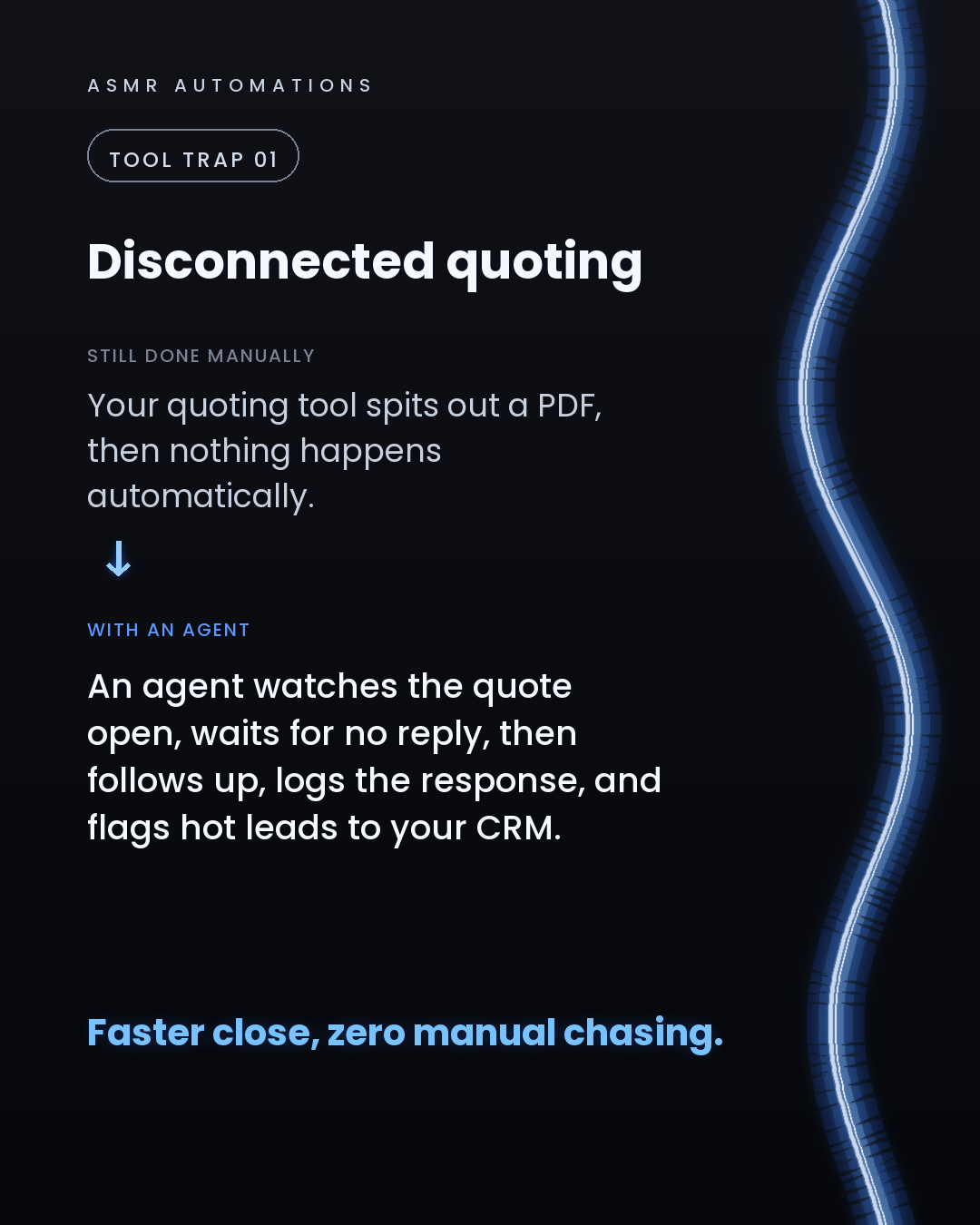
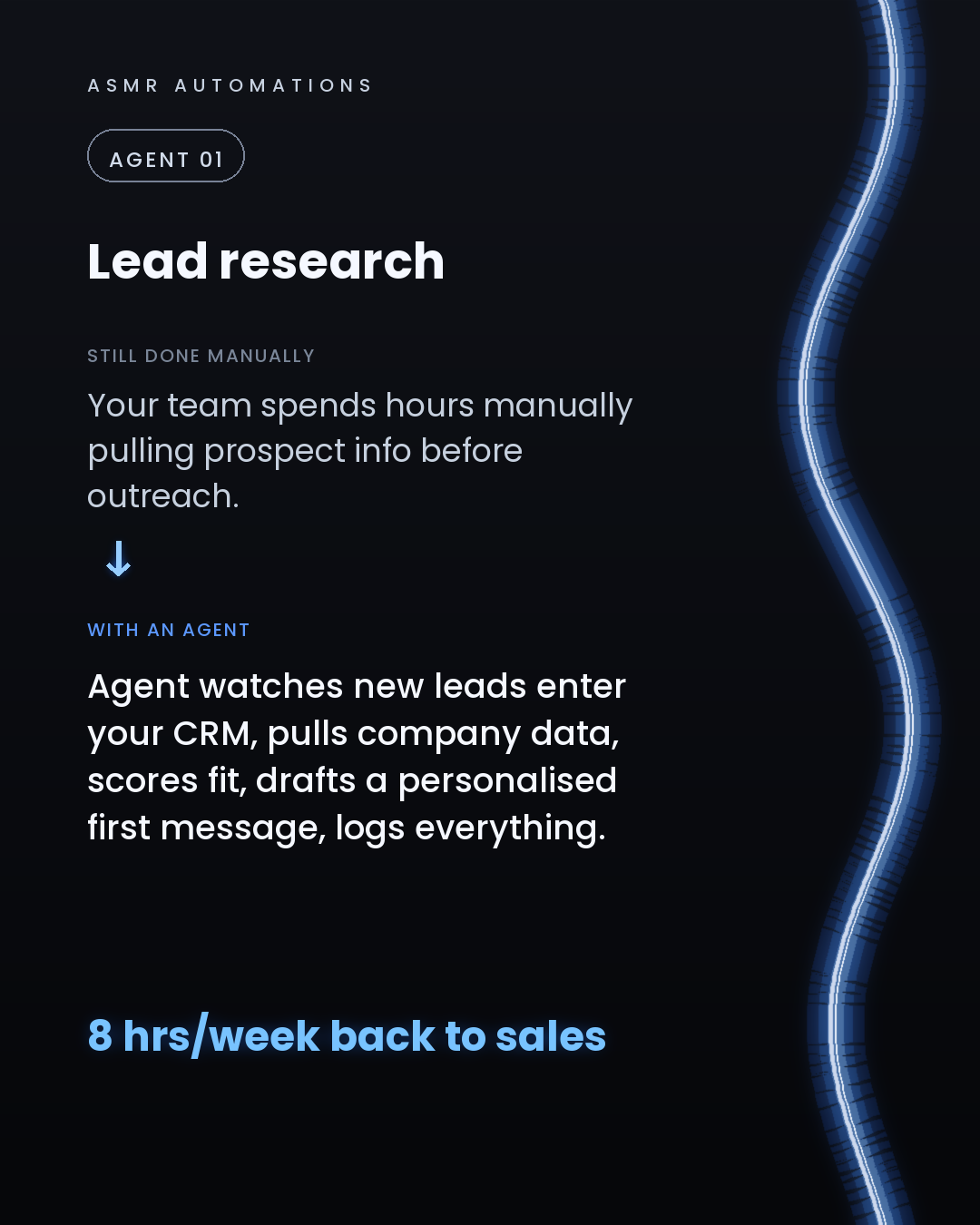
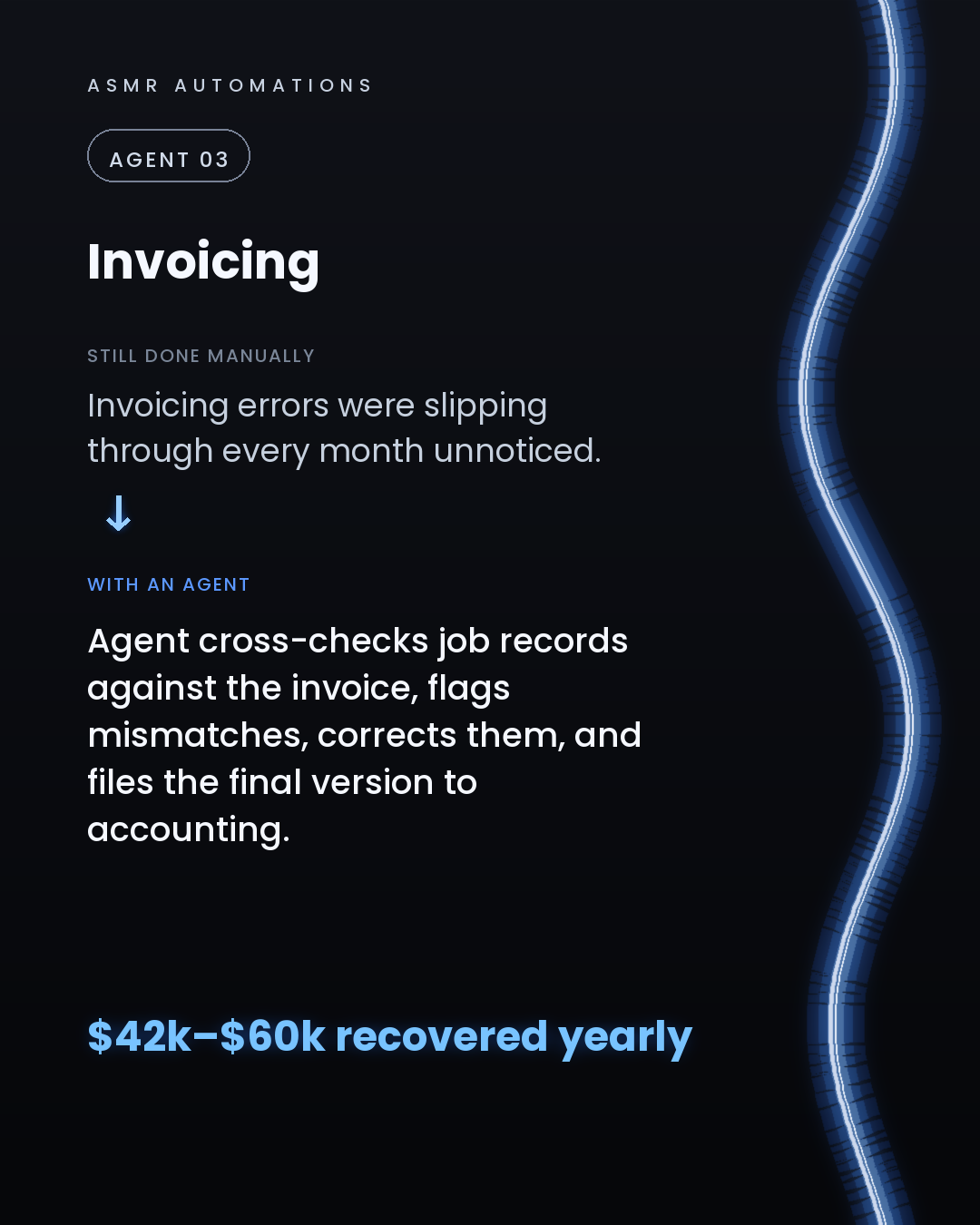
1. Lead research — watches new CRM entries, pulls data, scores fit, drafts outreach. 8 hours a week back to your sales team. 2. Quoting — reads the enquiry, builds the draft, flags edge cases. Turnaround cut from 72 hours to 36. 3. Invoicing — chases overdue payments in tiers, logs responses, only escalates disputes. One print client recovered $42k–$60k a year from this alone. 4. Customer support — resolves the repeat questions instantly, routes the complex ones, logs every outcome. 5. Follow-up — watches for silence after proposals, reaches out at day 2 and day 5, books the call if they respond.
The part most agencies skip: agents guess when the data is messy and the tools aren't connected. We build the foundation first (clean data, custom software, secure connectors into the tools you already use), then the agents on top. That's the difference between a demo and actual ROI.
We've automated 500+ hours of manual ops across SMBs. No in-house engineering team required.
If you're curious where the biggest opportunity sits in your business, comment AUDIT or send me a message. Free 30-minute call. We meet you where you are.
Like · Comment · Repost · Send
Edit LinkedIn text
A
ASMR Automations@asmr.automations · now
Most AI tools react. Agents decide and act.
5 jobs your agent should already own: → Lead research → Quoting → Invoicing → Support → Follow-up
One client recovered $42k–$60k/yr from invoicing alone.
from @ankush_ai_growth · Most entrepreneurs are using AI like a chatbot.
click a slide to zoom
Caption (editable — save before approving)
A
ASMR Automations · 1st
AI automation for SMBs · now
Most SMB owners are using AI like a search bar. The businesses pulling ahead are running agents that watch, decide, and act on their own.
Here are 5 jobs an agent should already own in your business:
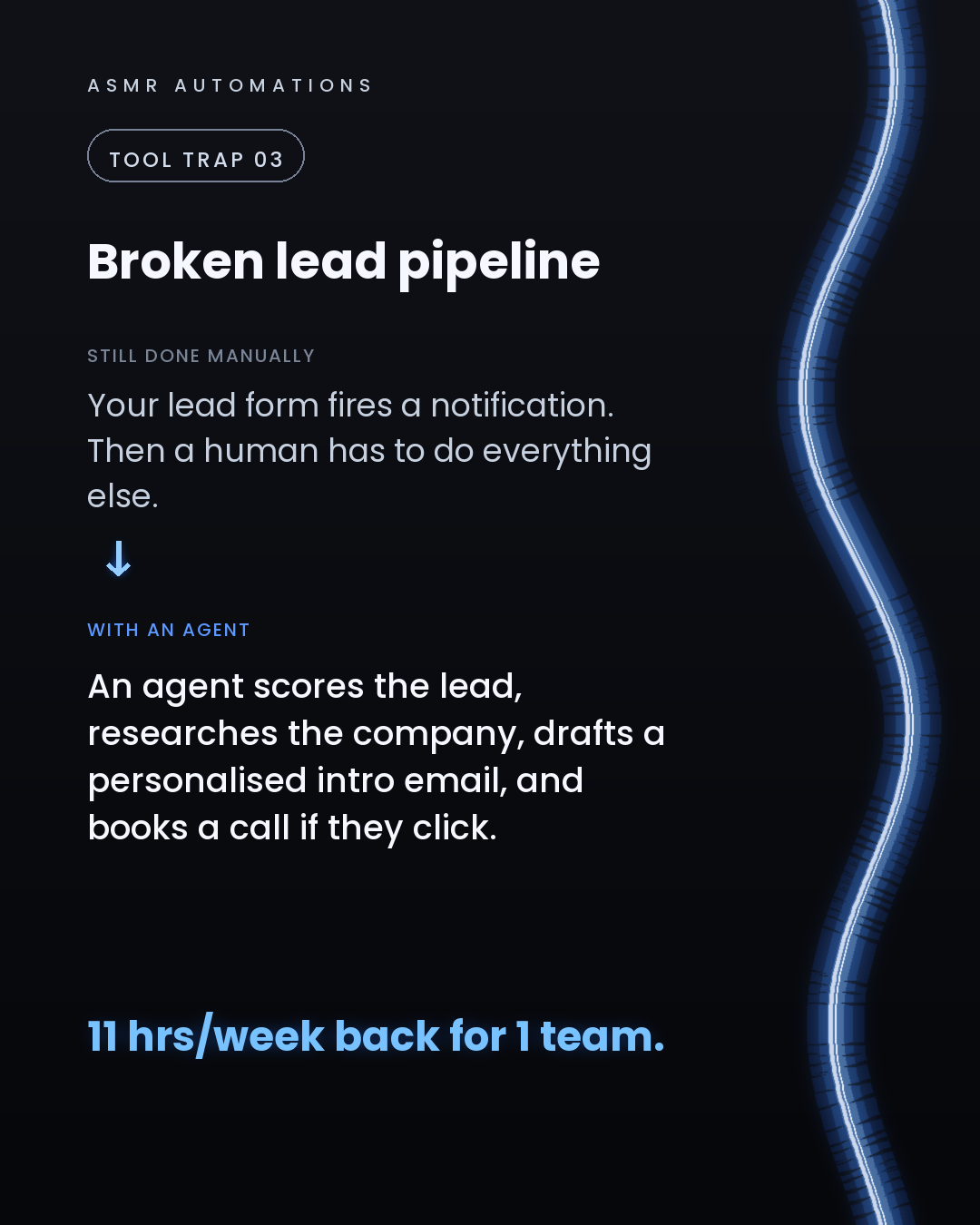
1. Lead follow-up. An agent scores new leads, sends a personalised first message, and follows up every 48 hours until there's a reply. That's roughly 8 hours a week back in your pocket.
2. Quoting. The agent reads the job brief, applies your pricing rules, drafts a line-item quote, and sends it for one-click approval. Quote turnaround drops from days to same-day.
3. Overdue invoices. The agent monitors due dates, sends escalating reminders on a set schedule, and logs every response. One of our manufacturing clients recovered $42,000 to $60,000 a year just from designing out invoicing errors.
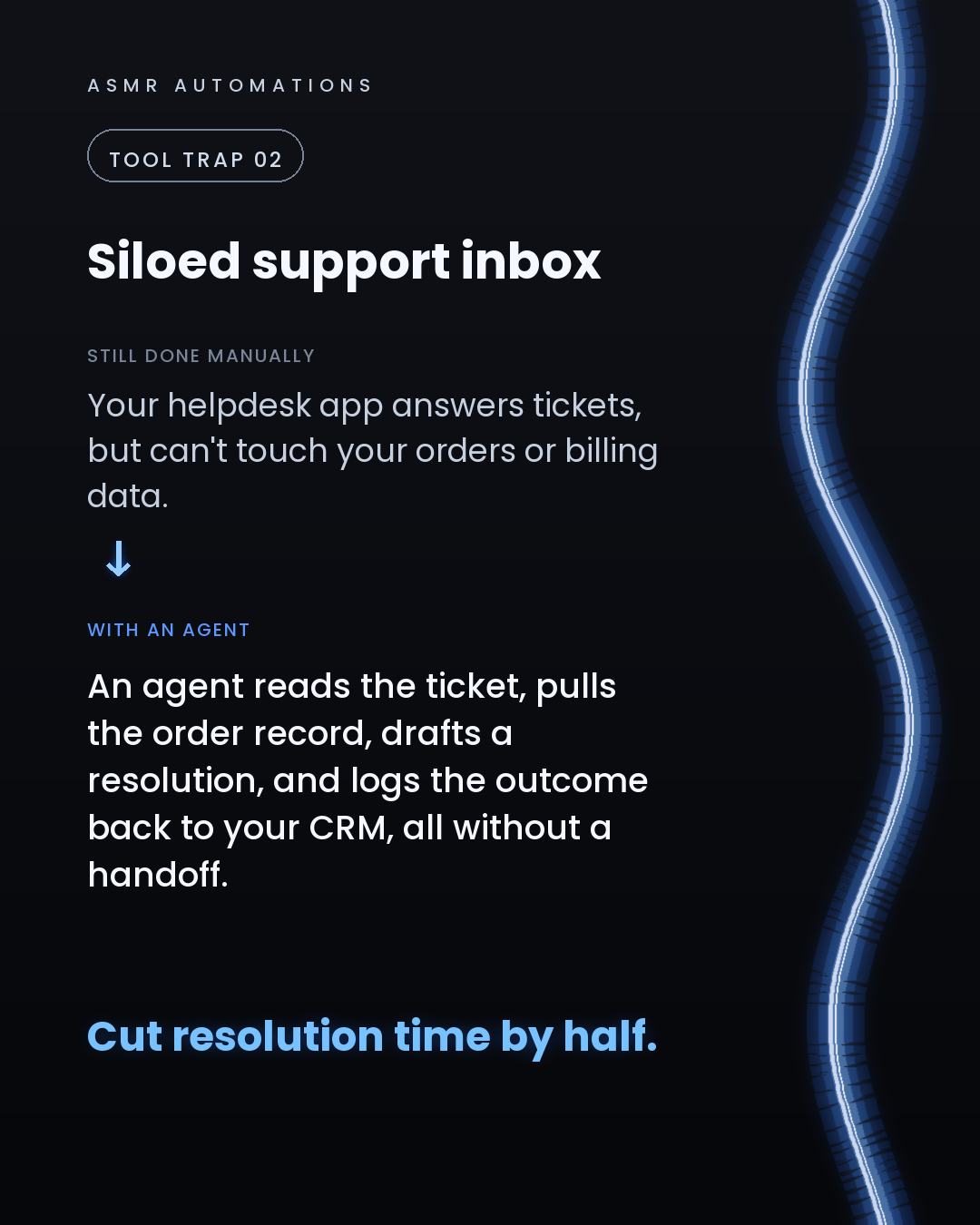
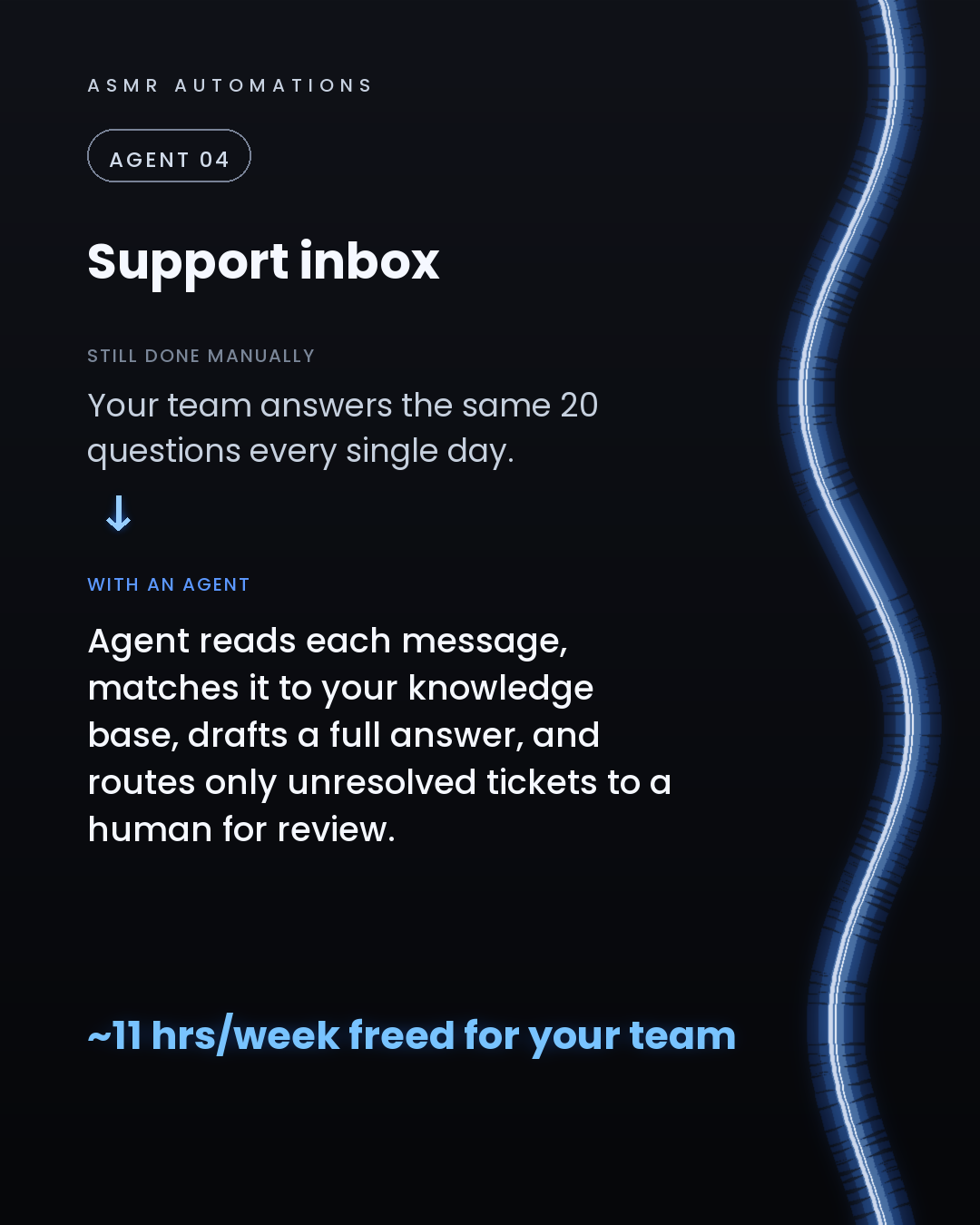
4. Support inbox. The agent matches incoming messages to your knowledge base, drafts a full reply, and only routes genuinely complex tickets to a human. Teams reclaim 11+ hours a week.
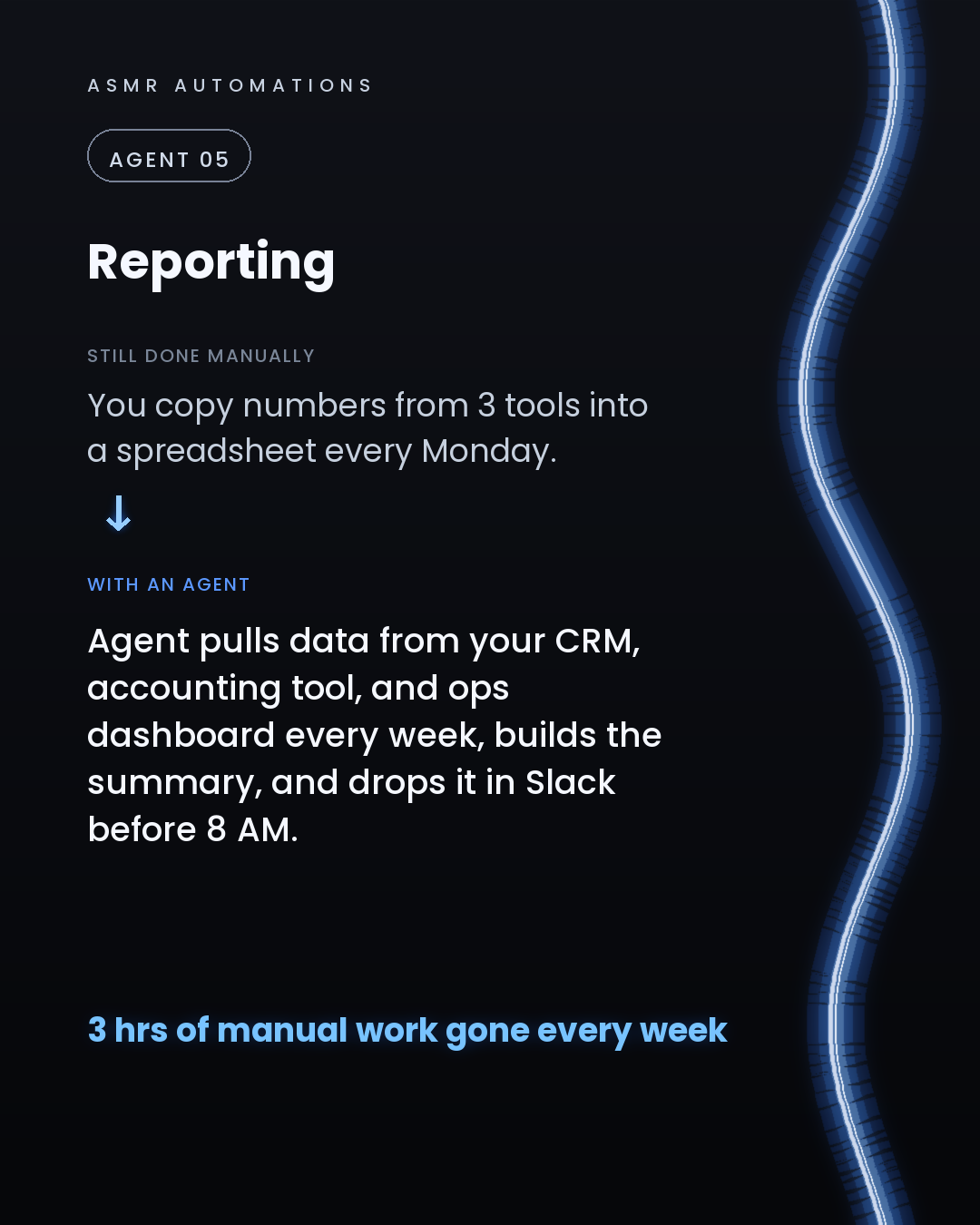
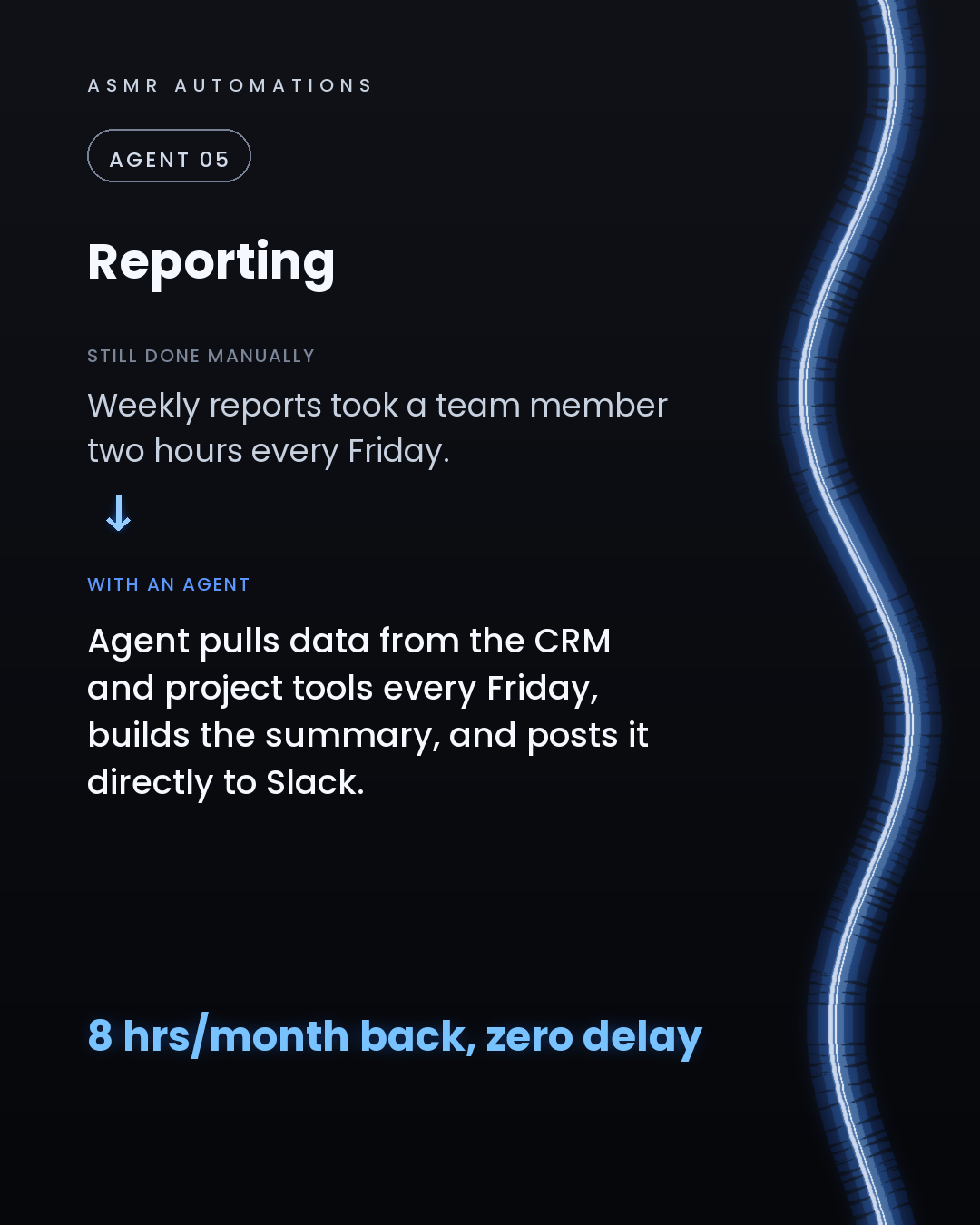
5. Weekly reporting. The agent pulls data from your CRM, accounting tool, and ops dashboard, builds the summary, and drops it in Slack before Monday morning starts.
The honest catch: agents fail on messy data and disconnected tools. The foundation, clean data, wired-in infrastructure, and custom connectors, has to come first. That's the part most agencies skip.
We audit your workflows, build the foundation, and then layer the agents on top so the ROI is real.
If you want to know which agent gives your business the fastest return, I'm happy to do a free 30-minute audit call. Drop a comment or send me a message and I'll get you booked in.
Like · Comment · Repost · Send
Edit LinkedIn text
A
ASMR Automations@asmr.automations · now
You're not using AI. You're using a search bar. 5 jobs an agent should own: lead follow-up, quoting, invoices, support, reporting. Comment AUDIT and our agent books you in.
from @arshman · Plugins are the most underrated feature in Claude right now.
click a slide to zoom
Caption (editable — save before approving)
A
ASMR Automations · 1st
AI automation for SMBs · now
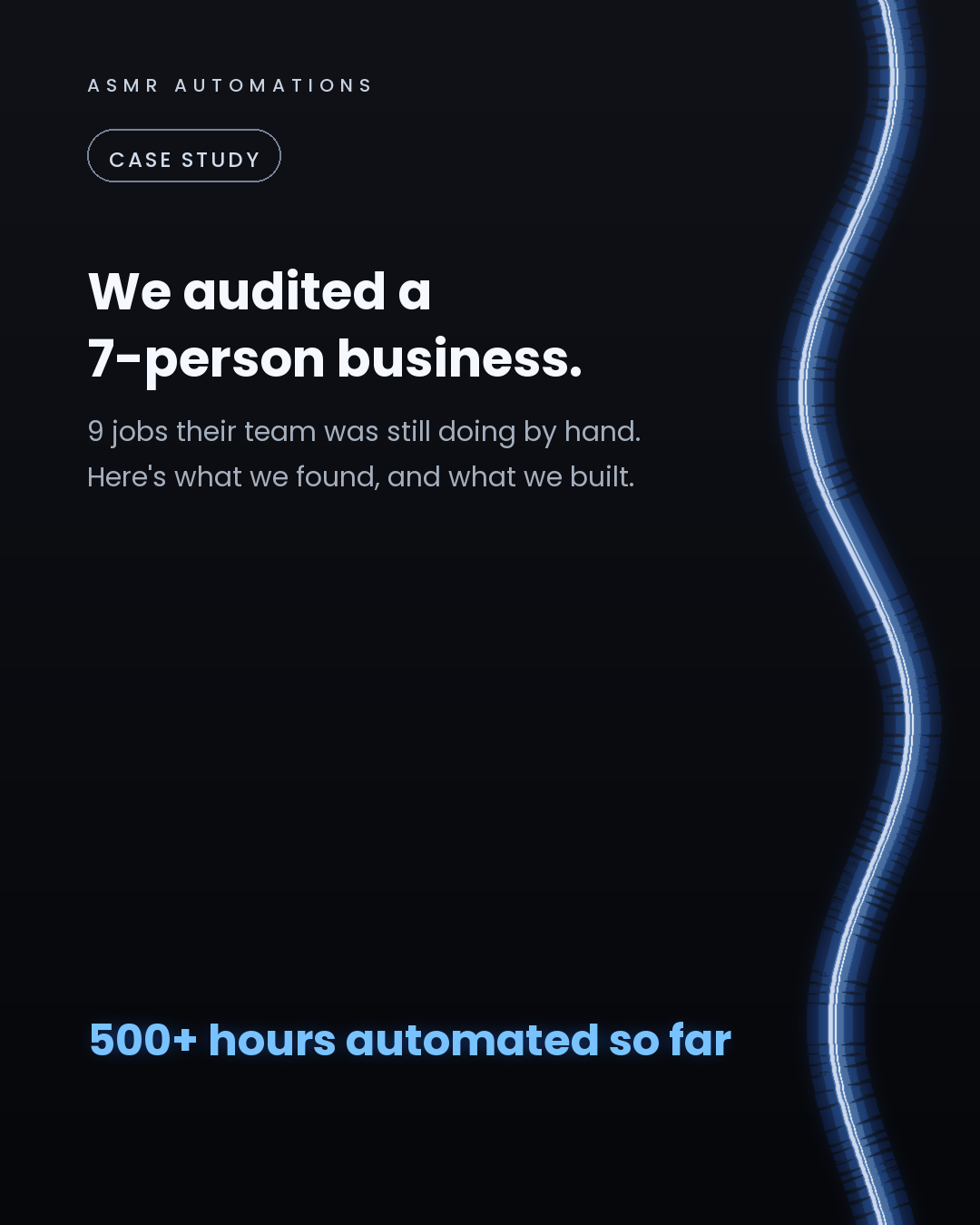
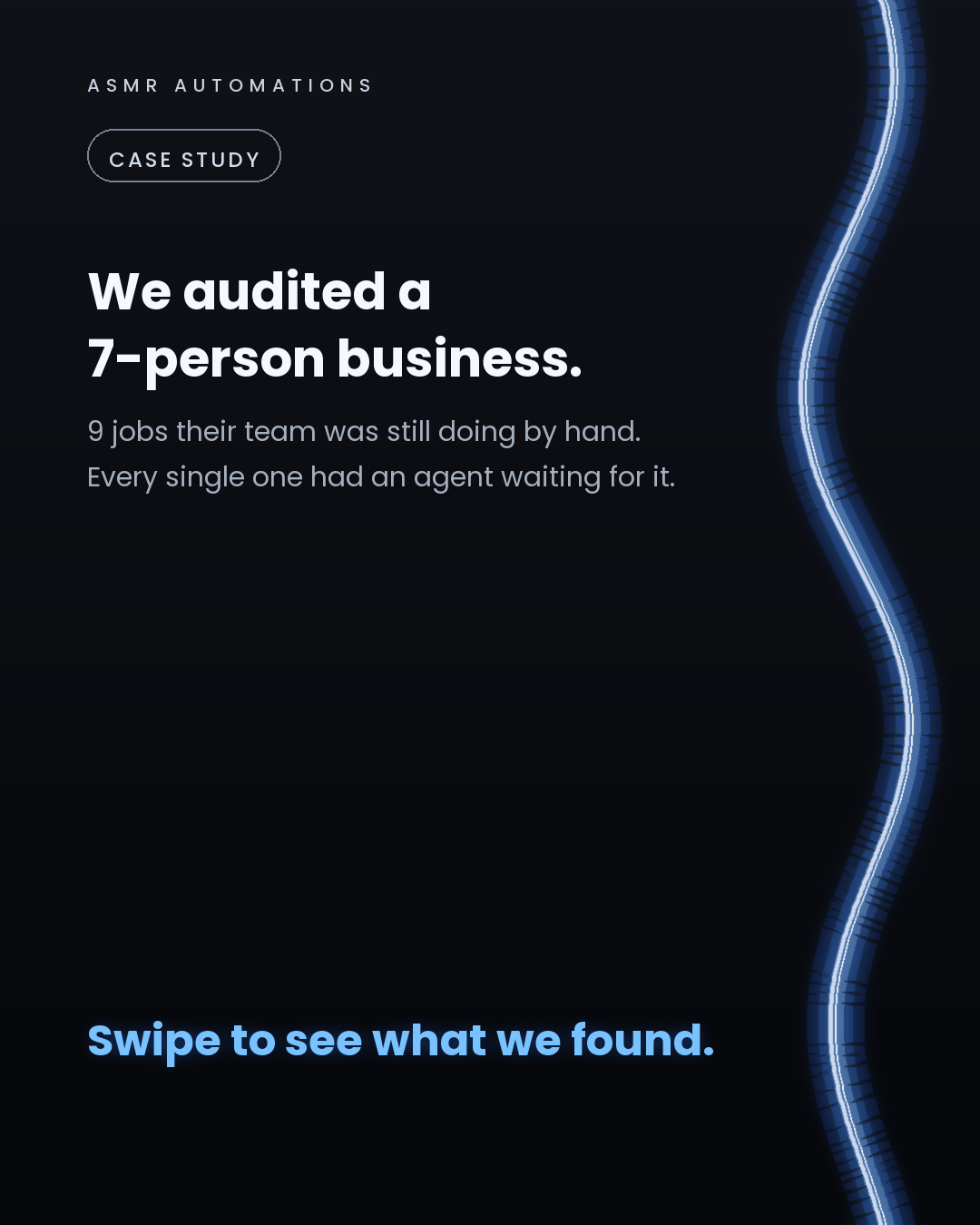
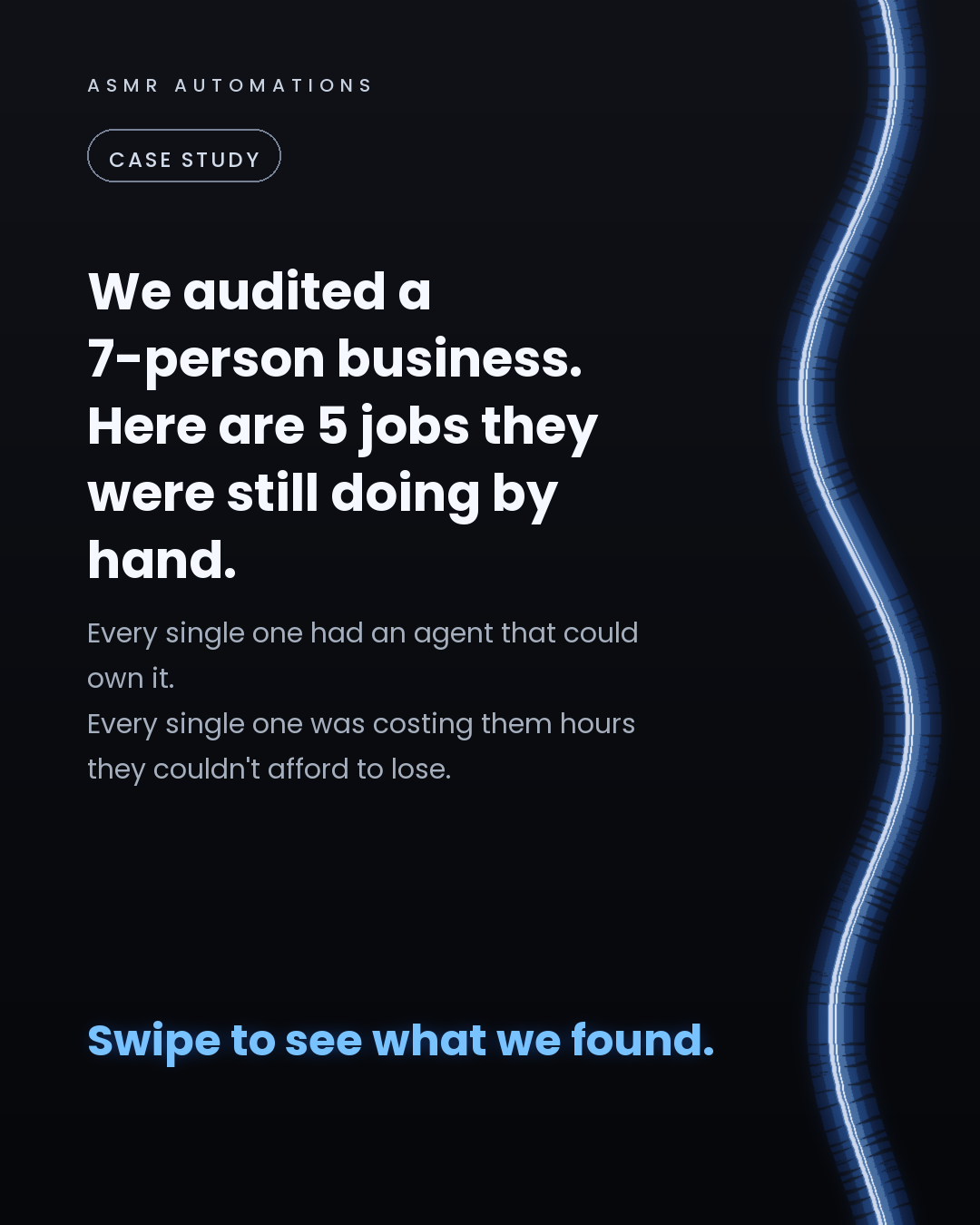
We audited a 7-person business last quarter.
They had 9 manual jobs running in the background every week, quoting, lead follow-up, invoicing, scheduling, reporting. None of it complex. All of it expensive.
Here's what we built instead:
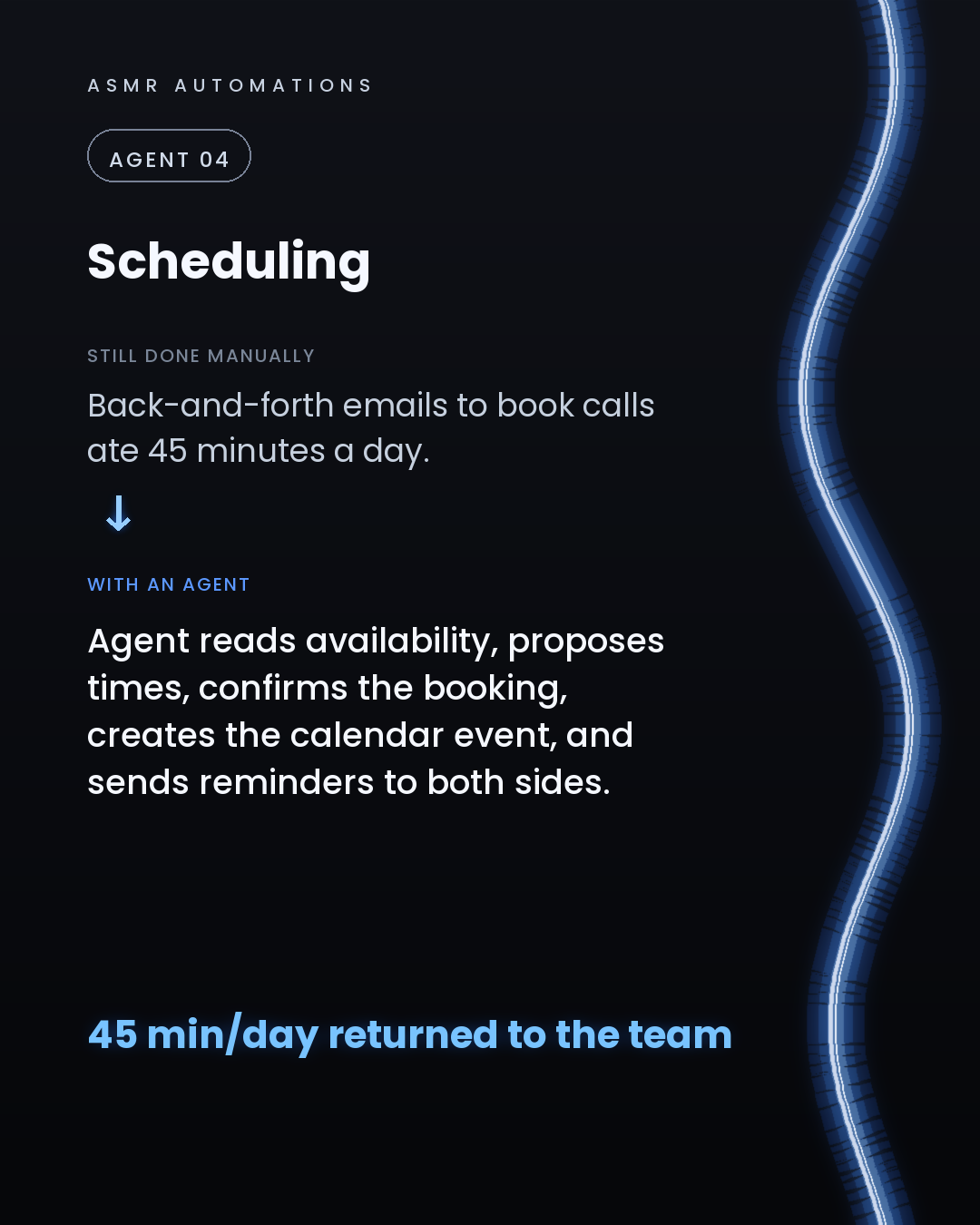
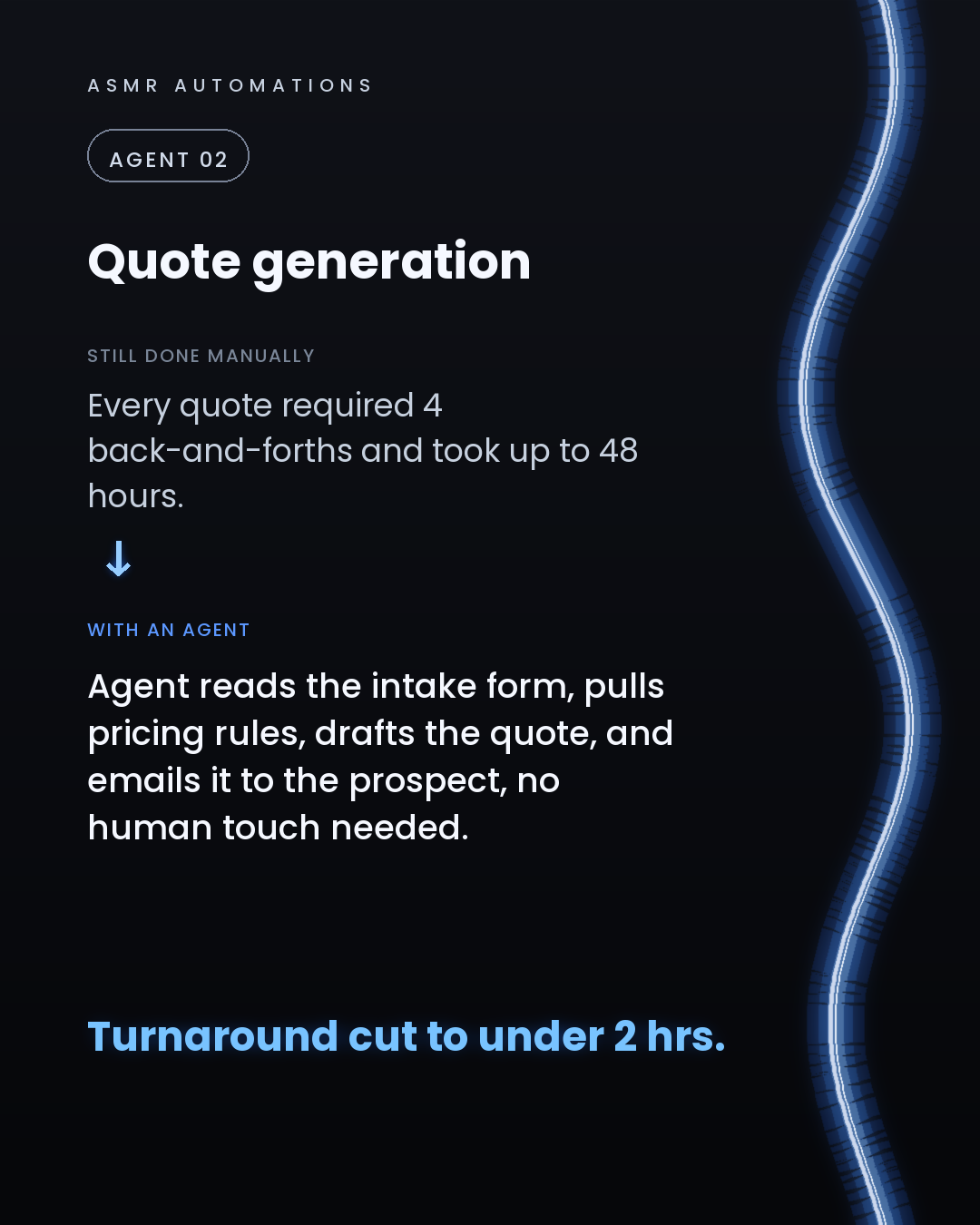
An agent that drafts and sends quotes from a single enquiry (2.5 hours back per quote). An agent that watches the CRM, spots cold leads after 48 hours, and sends a personal follow-up without being asked. An agent that cross-checks every invoice against job records and files the corrected version to accounting. That one recovered $42,000 to $60,000 a year in errors that were just... slipping through. An agent that handles scheduling end to end, no more back-and-forth. An agent that builds and posts the weekly report to Slack every Friday morning.
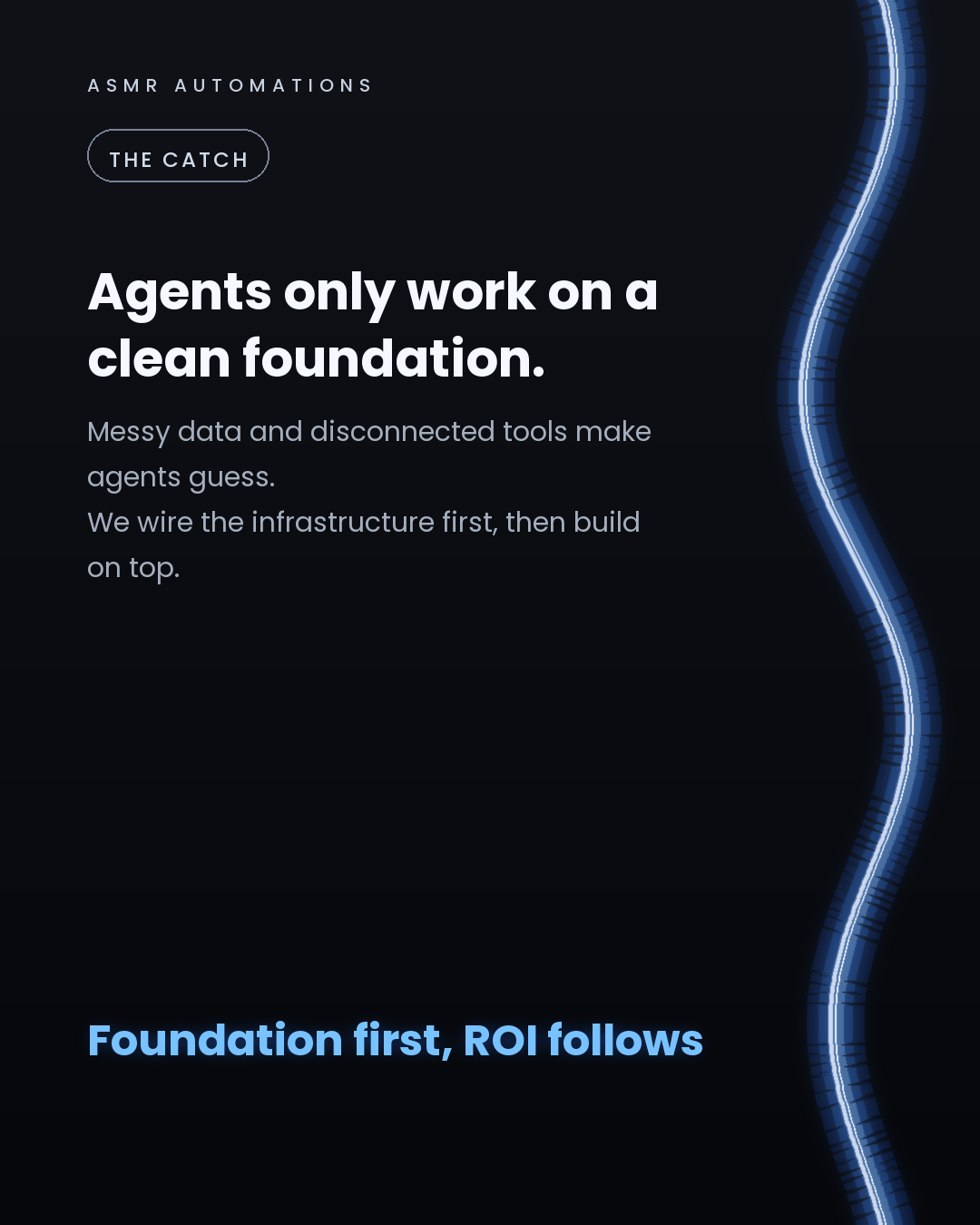
The part most agencies skip: none of this worked until we cleaned the data and wired the infrastructure properly. Point an agent at messy, disconnected tools and it guesses. Wrong answers, no trust, no ROI.
We fix the foundation first. Then we build on top.
If you're running a business under 50 people and you're still doing any of these manually, it's worth a 30-minute conversation. We'll show you exactly where the hours are going and what it would take to get them back.
Like · Comment · Repost · Send
Edit LinkedIn text
A
ASMR Automations@asmr.automations · now
We audited a 7-person business. Found 9 jobs still done by hand.
They had 9 jobs their team was doing by hand, every single day.
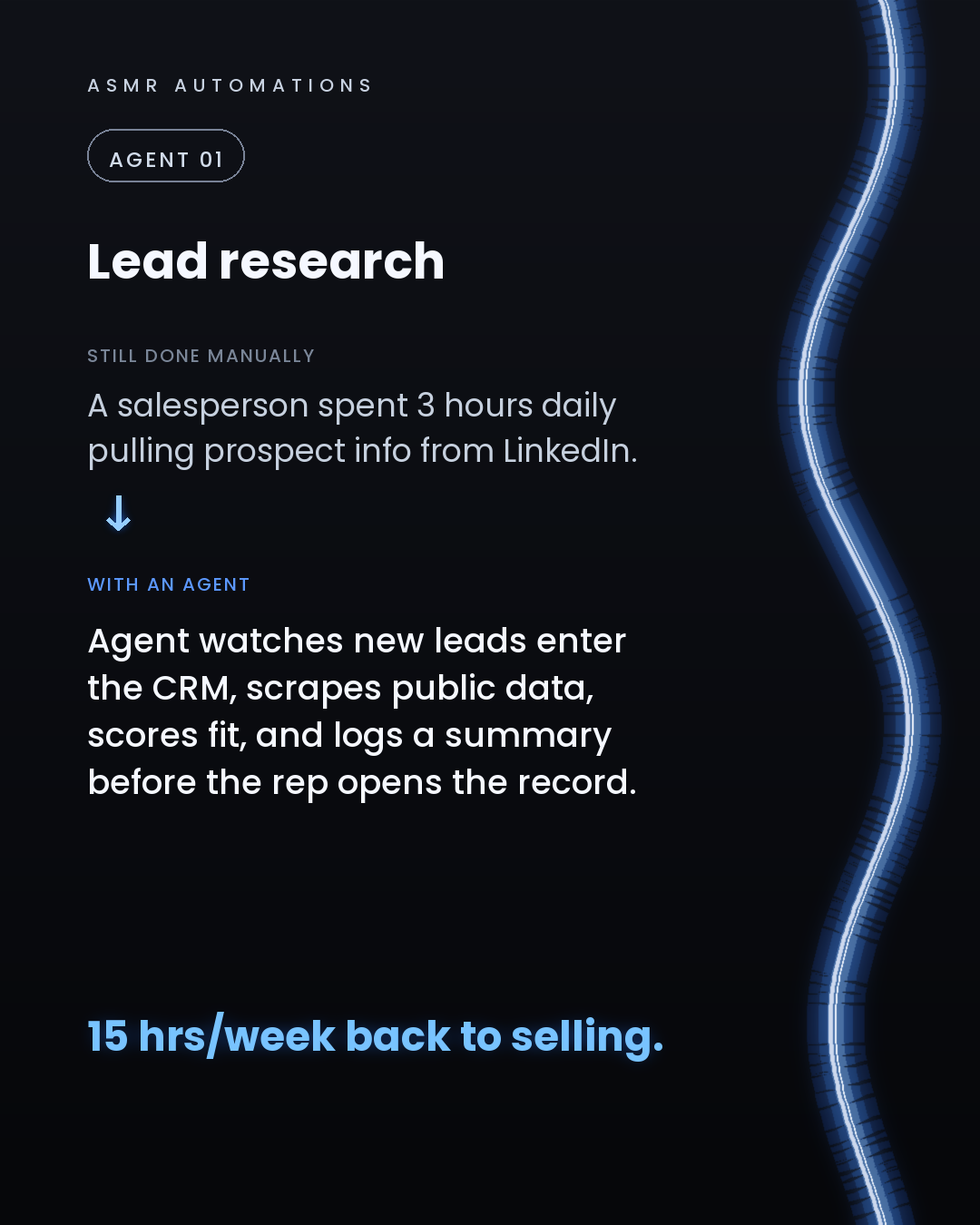
Lead research pulled manually from LinkedIn. Quotes taking 48 hours. Follow-ups falling through the cracks. 20+ overdue invoices chased by the owner personally. The same 12 support questions answered 40 times a week.
None of it required a new platform. We built agents that watch, decide, and act inside the tools they already had.
The results after 90 days: - Quote turnaround: 48 hrs down to under 2 - Recovered revenue from invoice chasing: $38k/year - Staff hours reclaimed from support alone: 22 hrs/week
Here's the part most AI agencies skip: agents don't work on messy data and disconnected tools. They guess. Wrong answers, no trust, no ROI.
We build the foundation first (clean data, infrastructure, the connectors that tie the agent to your tools), then the agents on top.
If you're an SMB owner and you're not sure where your hours are going, that's exactly what a free audit surfaces.
30 minutes. We meet you where you are. Drop a comment or send me a message and I'll get you booked.
Like · Comment · Repost · Send
Edit LinkedIn text
A
ASMR Automations@asmr.automations · now
We audited a 7-person business. Found 9 jobs done manually. Built agents to own every one. 22 hrs/week back. $38k recovered. All inside tools they already had. This is what a real AI audit finds.
from @evolving.ai · 🧠⚡ Claude lets you hack your dopamine and compress a week of work into
click a slide to zoom
Caption (editable — save before approving)
A
ASMR Automations · 1st
AI automation for SMBs · now
Most SMB owners aren't short on time. They're short on delegation.
Here are 6 jobs that an AI agent should own, not you:
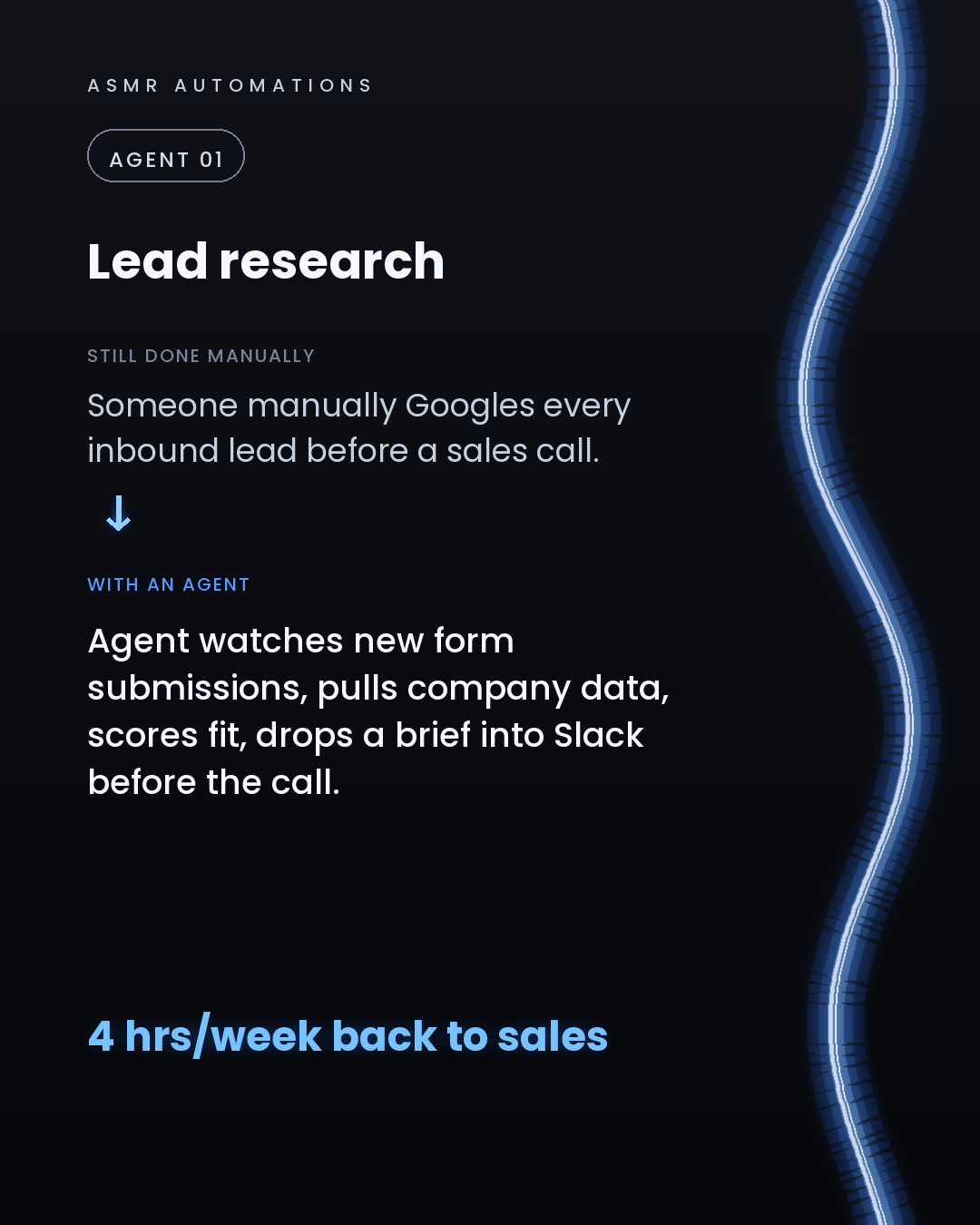
1. Lead research. An agent watches new form submissions, pulls company data, scores fit, and drops a brief in Slack before your call. That's 4 hours back to sales every week.
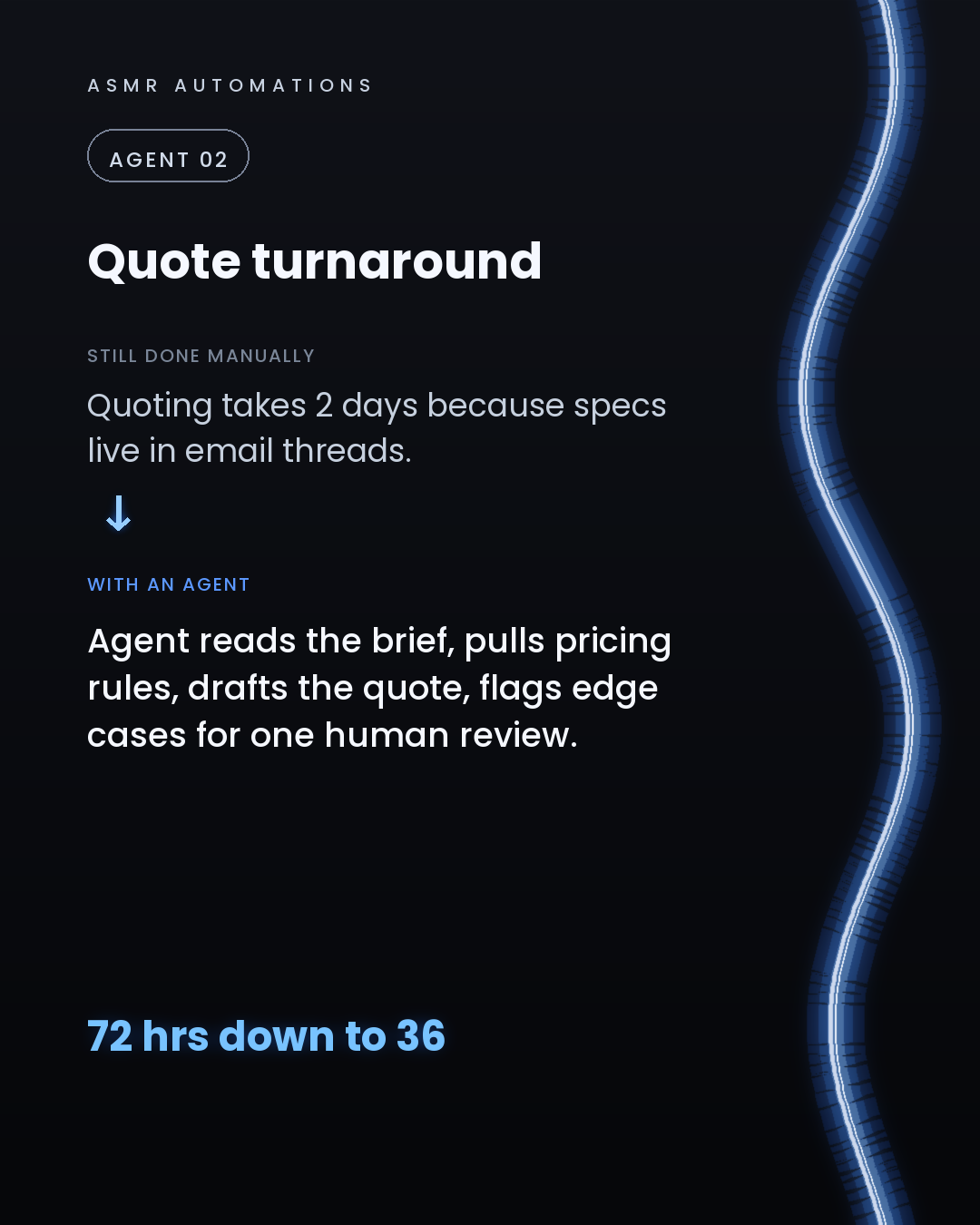
2. Quote turnaround. An agent reads the brief, applies your pricing rules, and drafts the quote for one human review. We took a print manufacturing client from 72 hours to 36.
3. Invoice follow-up. An agent watches due dates, runs a tiered chase sequence, and logs every reply. One client recovered up to $42k/year from errors and missed follow-ups alone.
4. Support triage. An agent reads incoming messages, resolves the known ones instantly, and routes the complex ones to you with context already drafted. Two hours a day back.
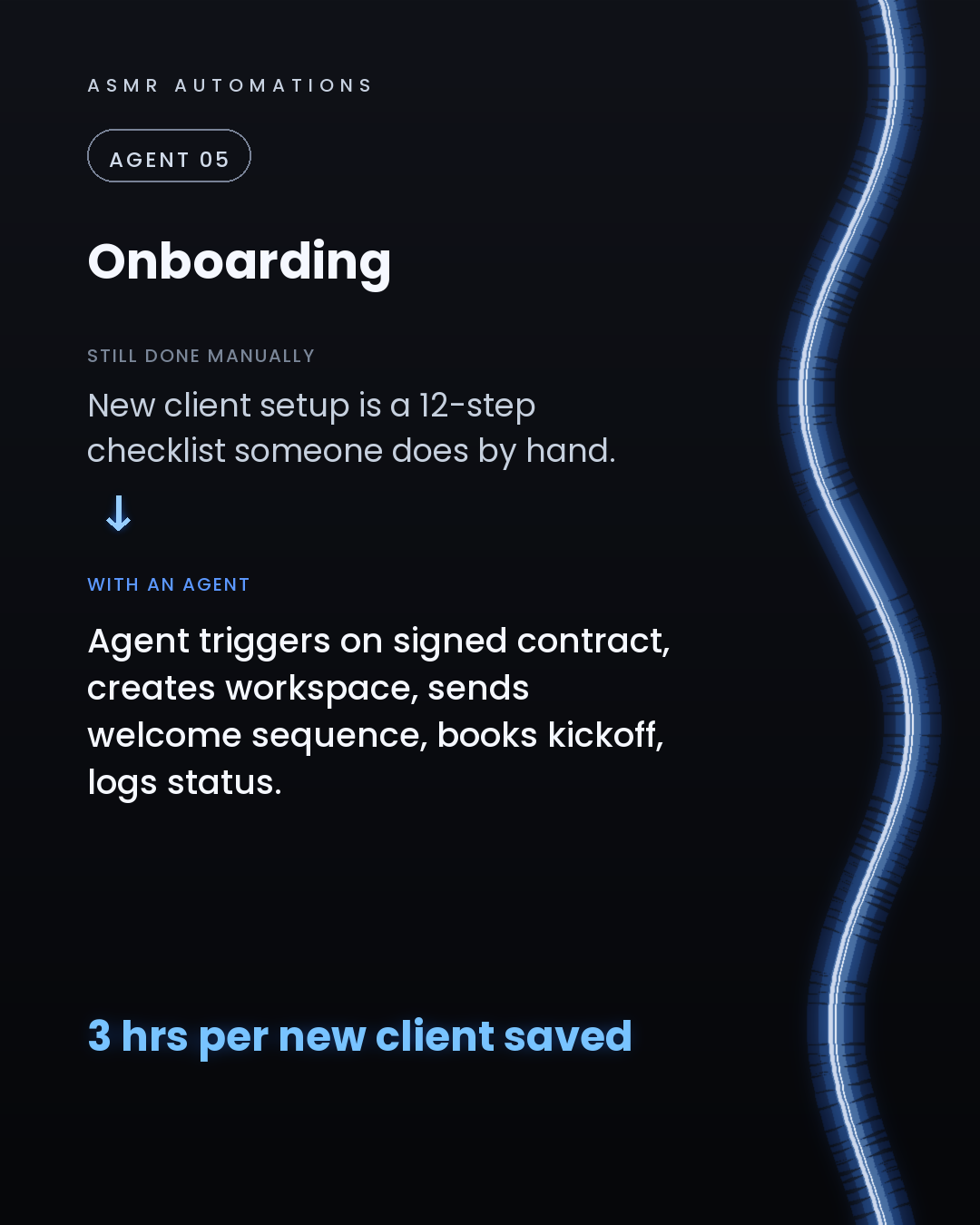
5. Client onboarding. Signed contract triggers the agent: workspace created, welcome sequence sent, kickoff booked, status logged. Three hours saved per new client.
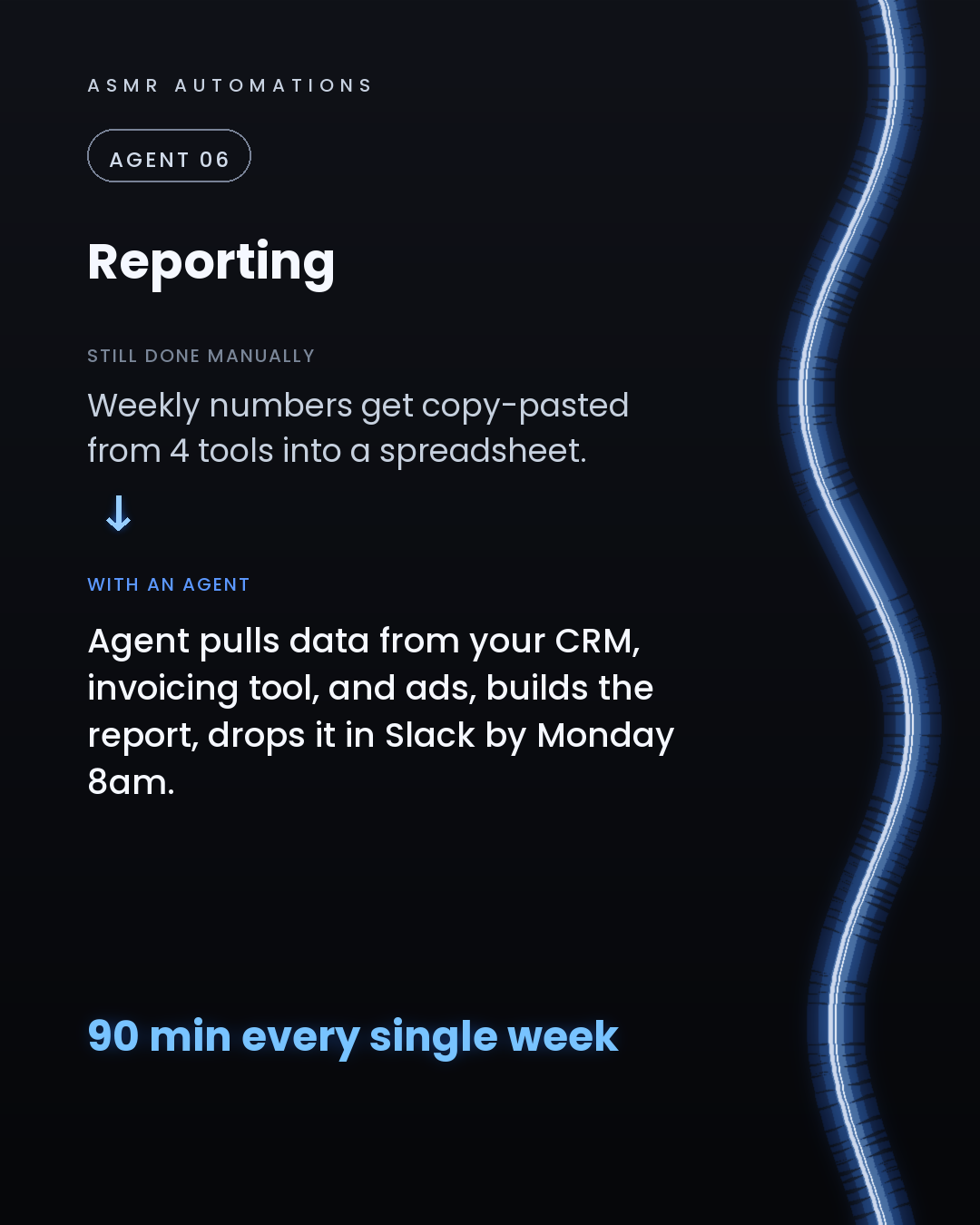
6. Weekly reporting. An agent pulls from your CRM, invoicing tool, and ad platforms, builds the report, and drops it in Slack by Monday morning. Ninety minutes, every week, gone.
The difference between a chatbot and an agent is that an agent decides and acts. But agents only deliver ROI on a clean foundation: the right infrastructure, connected tools, and tidy data.
That's what we audit and build.
If any of these 6 hit close to home, drop a comment or send me a message. We offer a free 30-minute audit and we meet you where you are.
Like · Comment · Repost · Send
Edit LinkedIn text
A
ASMR Automations@asmr.automations · now
You don't have a time problem. You have a delegation problem.
6 jobs an agent should own so you don't have to:
→ Lead research → Quoting → Invoice follow-up → Support triage → Client onboarding → Weekly reports
We've automated 500+ hrs of this. Comment AUDIT on our latest IG post.
from @conceptrecallofficial · Stop managing tasks. Start mastering efficiency. 📈
click a slide to zoom
Caption (editable — save before approving)
A
ASMR Automations · 1st
AI automation for SMBs · now
Most small businesses aren't losing money to one big problem. They're losing it to 5 small ones, repeated every single day.
Lead research done by hand. Quotes that take 72 hours. Overdue invoices nobody has time to chase. The same support questions answered over and over. New clients waiting days for a welcome email.
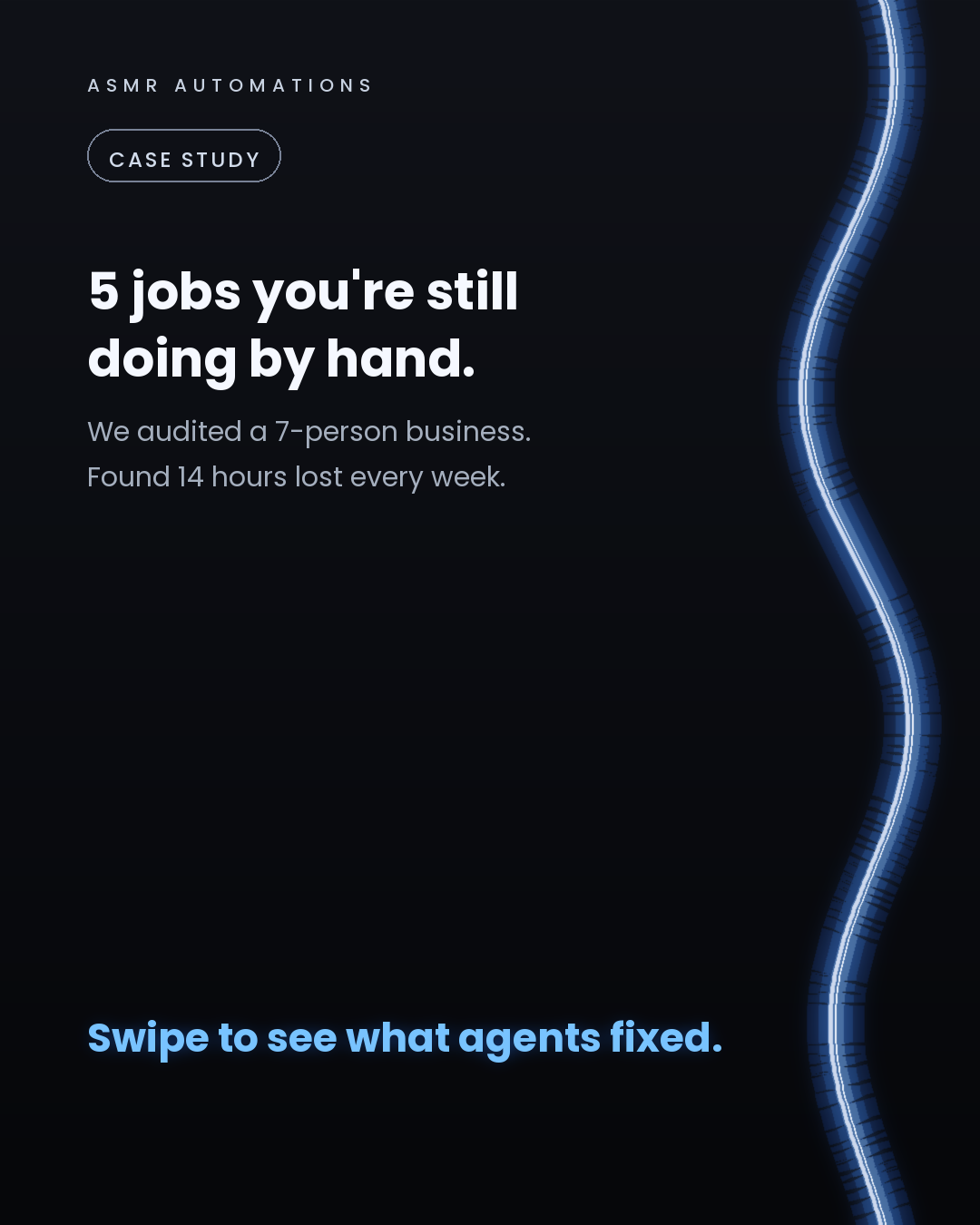
We audited a 7-person business recently and found 14 hours a week buried in exactly these tasks.
Here's what changes when you build agents on top of a proper foundation:
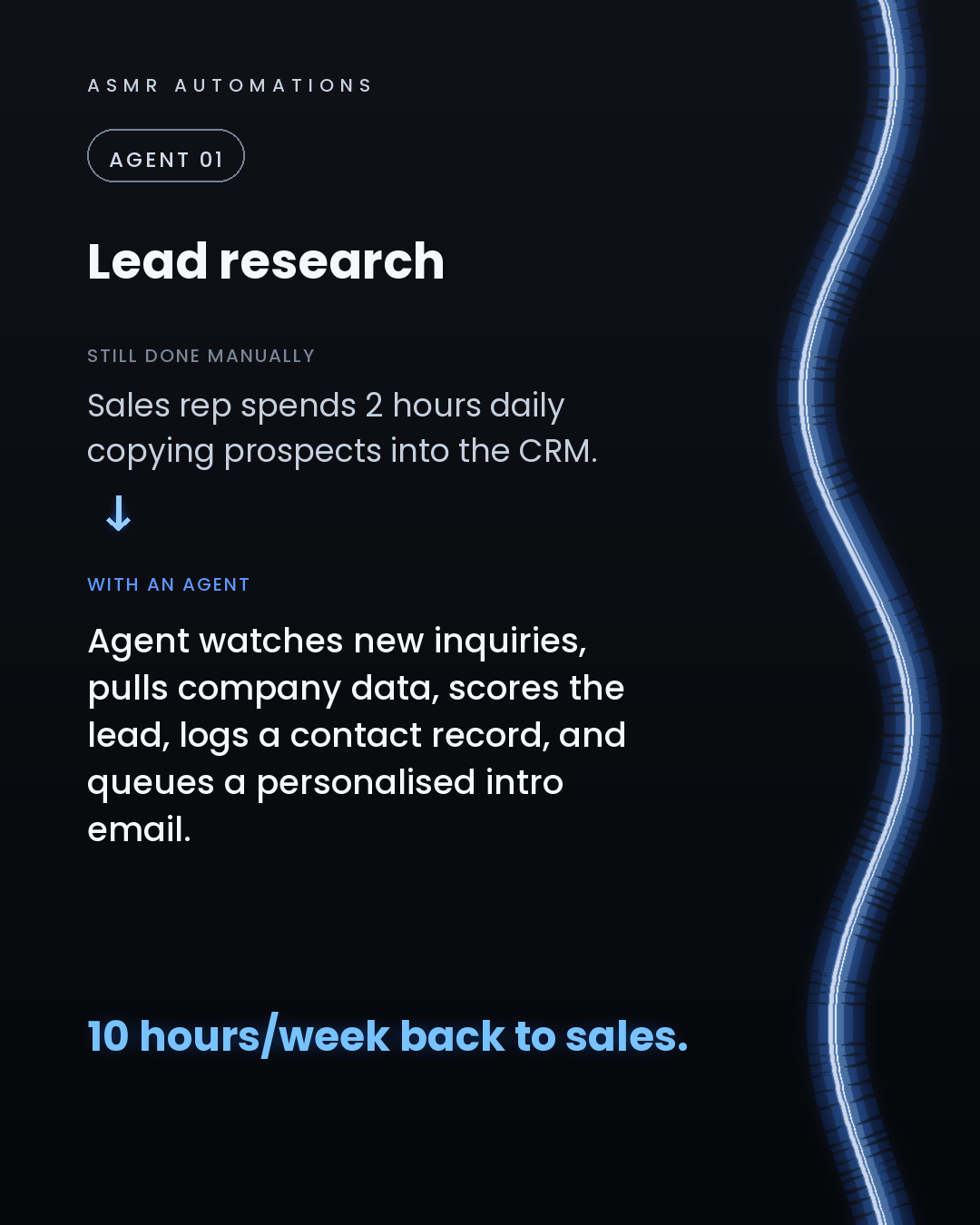
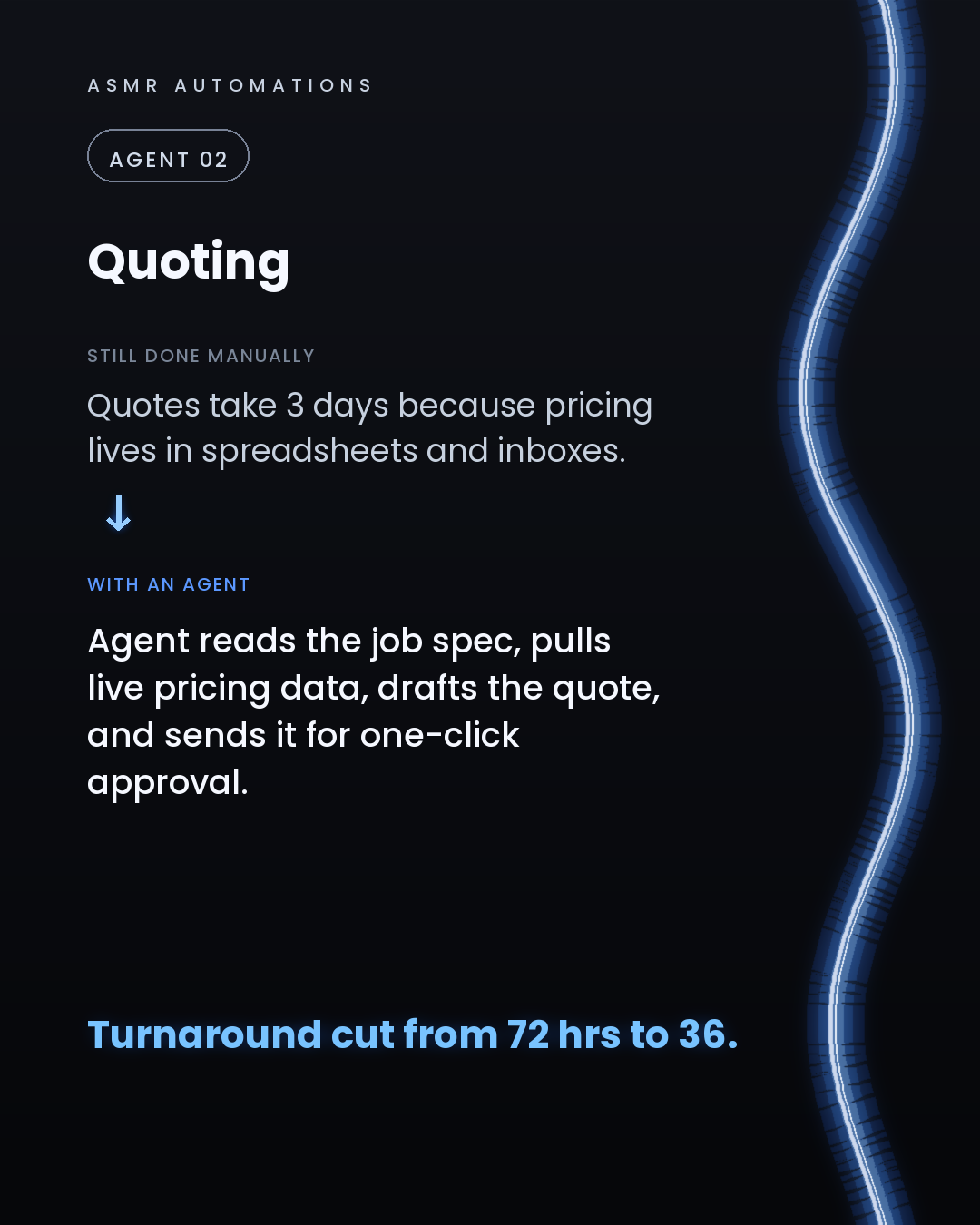
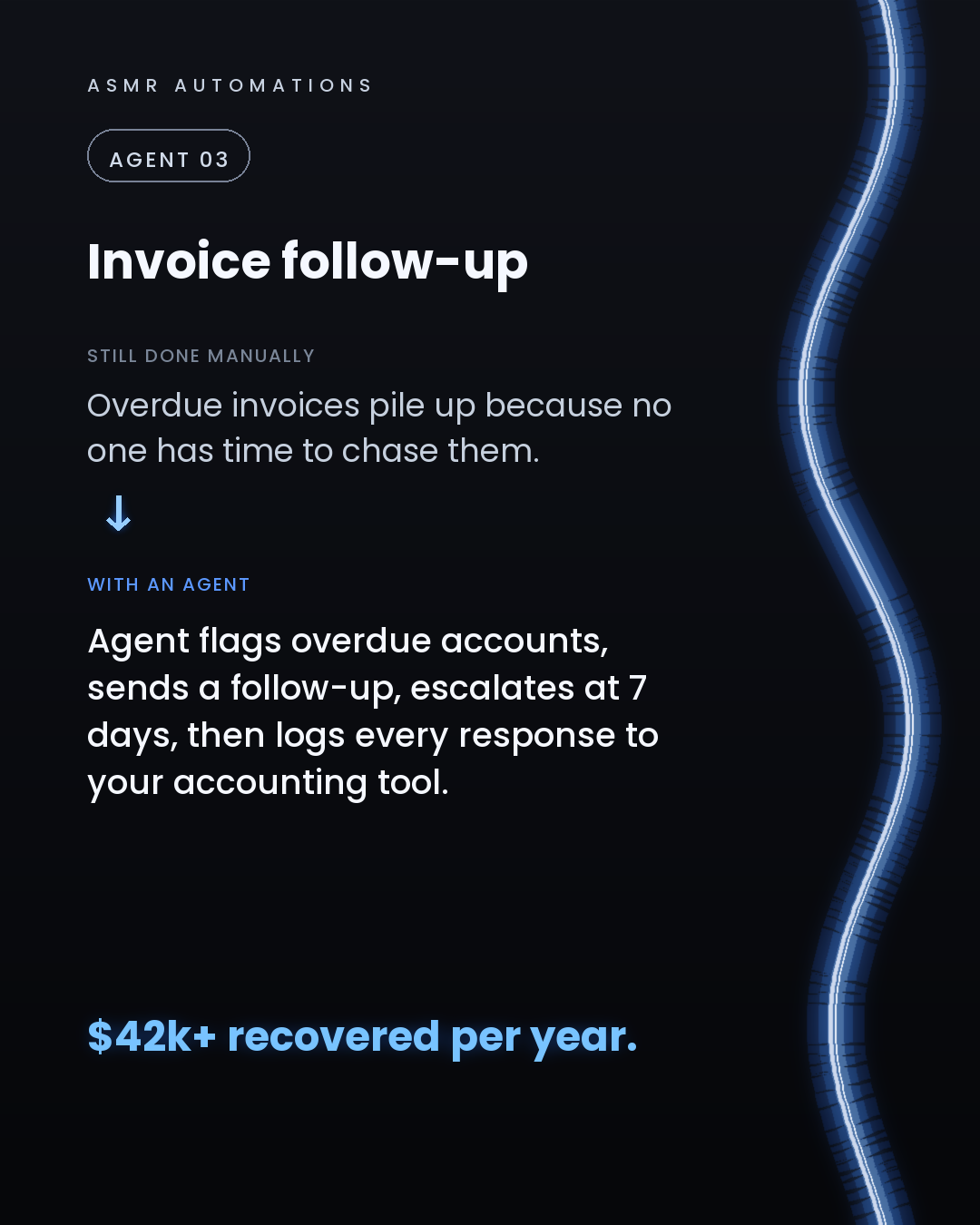
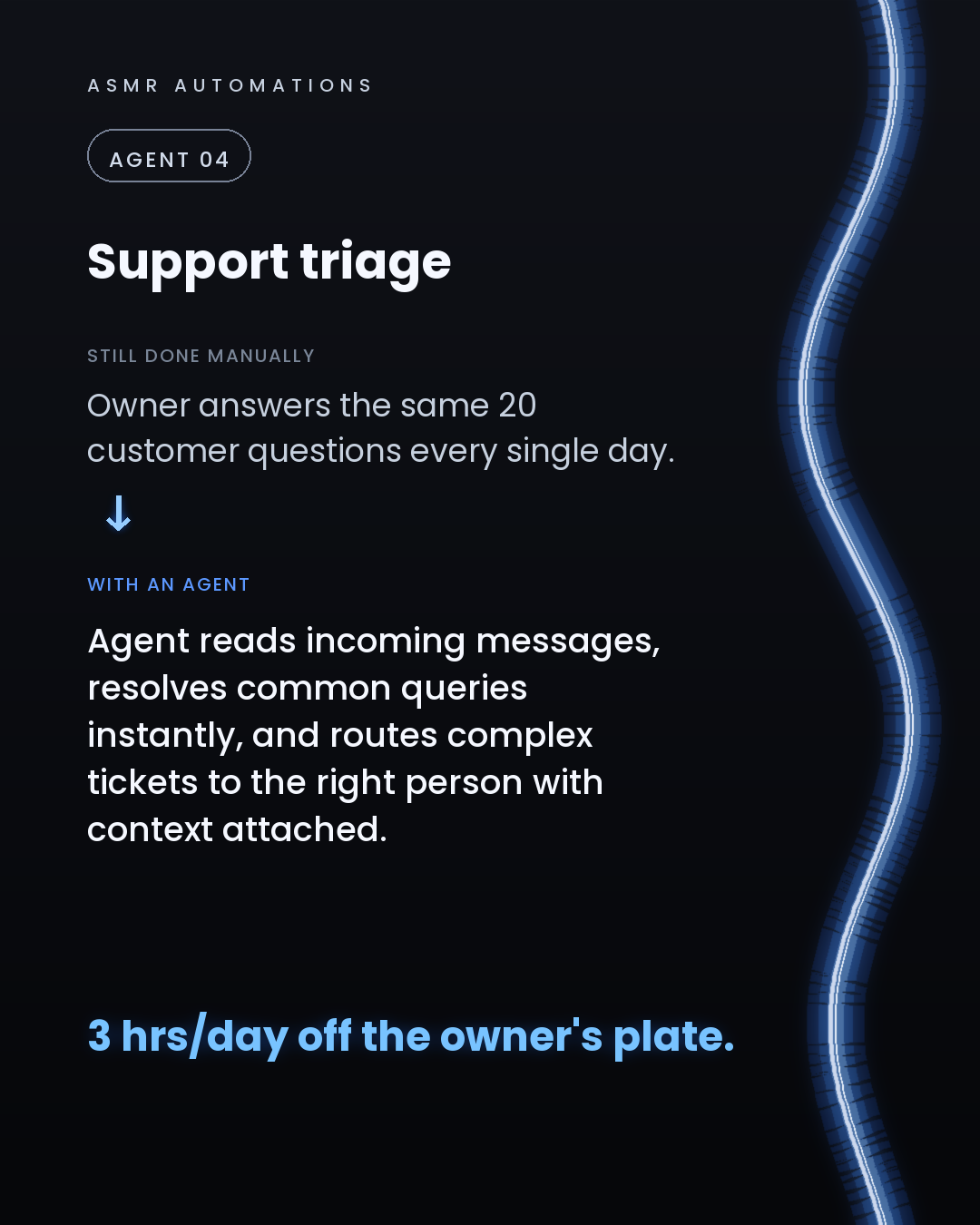
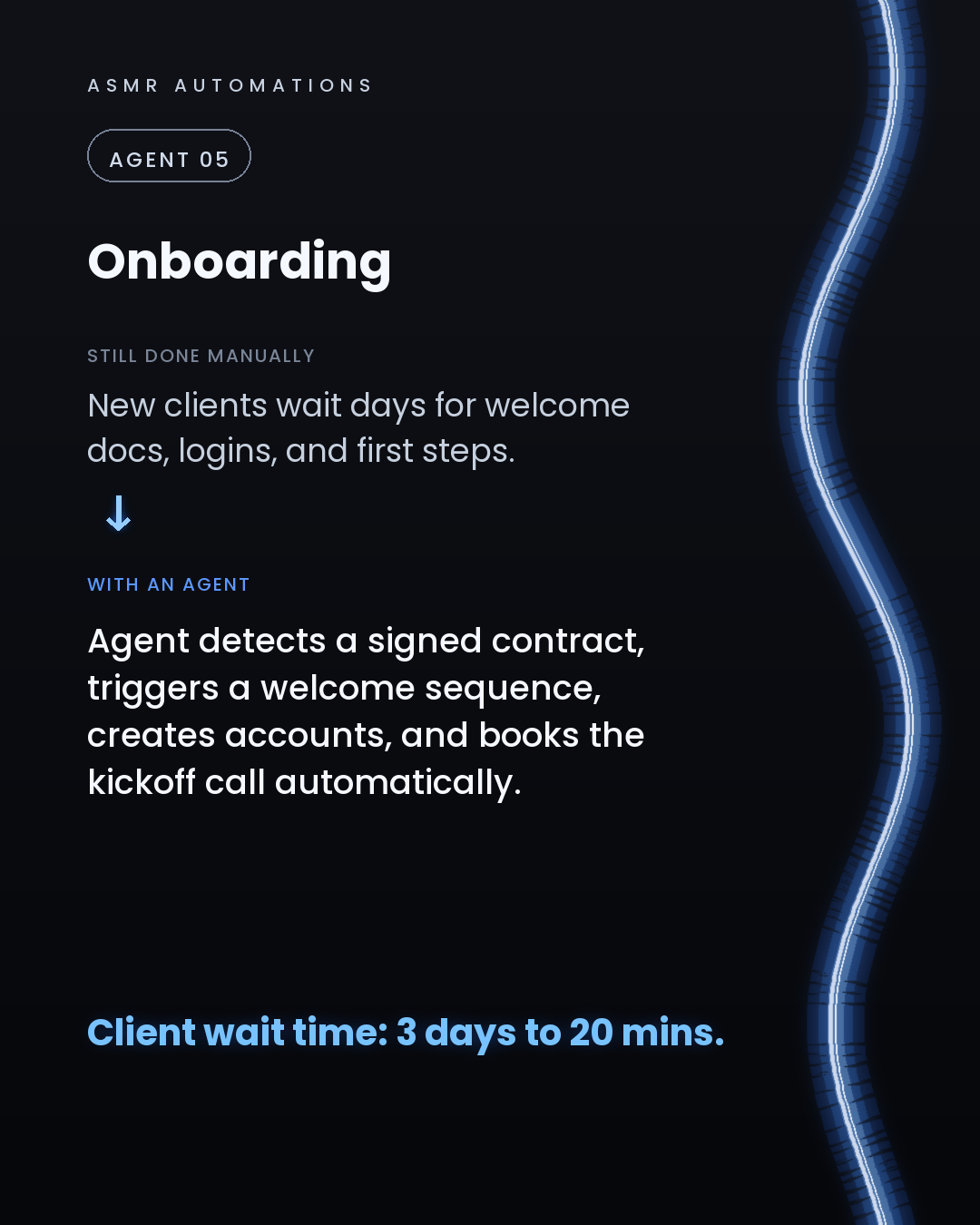
• A lead agent watches new inquiries, scores them, logs to your CRM, and queues a personalised intro. 10 hours a week back to sales. • A quoting agent reads the job spec, pulls live pricing, and sends a draft for one-click approval. Turnaround drops from 72 hours to 36. • An invoice agent chases overdue accounts, escalates at 7 days, and logs every response. One client recovered over $42,000 a year. • A support agent resolves common queries instantly and routes the rest with full context attached. 3 hours a day off the owner's plate. • An onboarding agent fires the moment a contract is signed. Accounts created, welcome sequence sent, kickoff call booked. Client wait time: 3 days to 20 minutes.
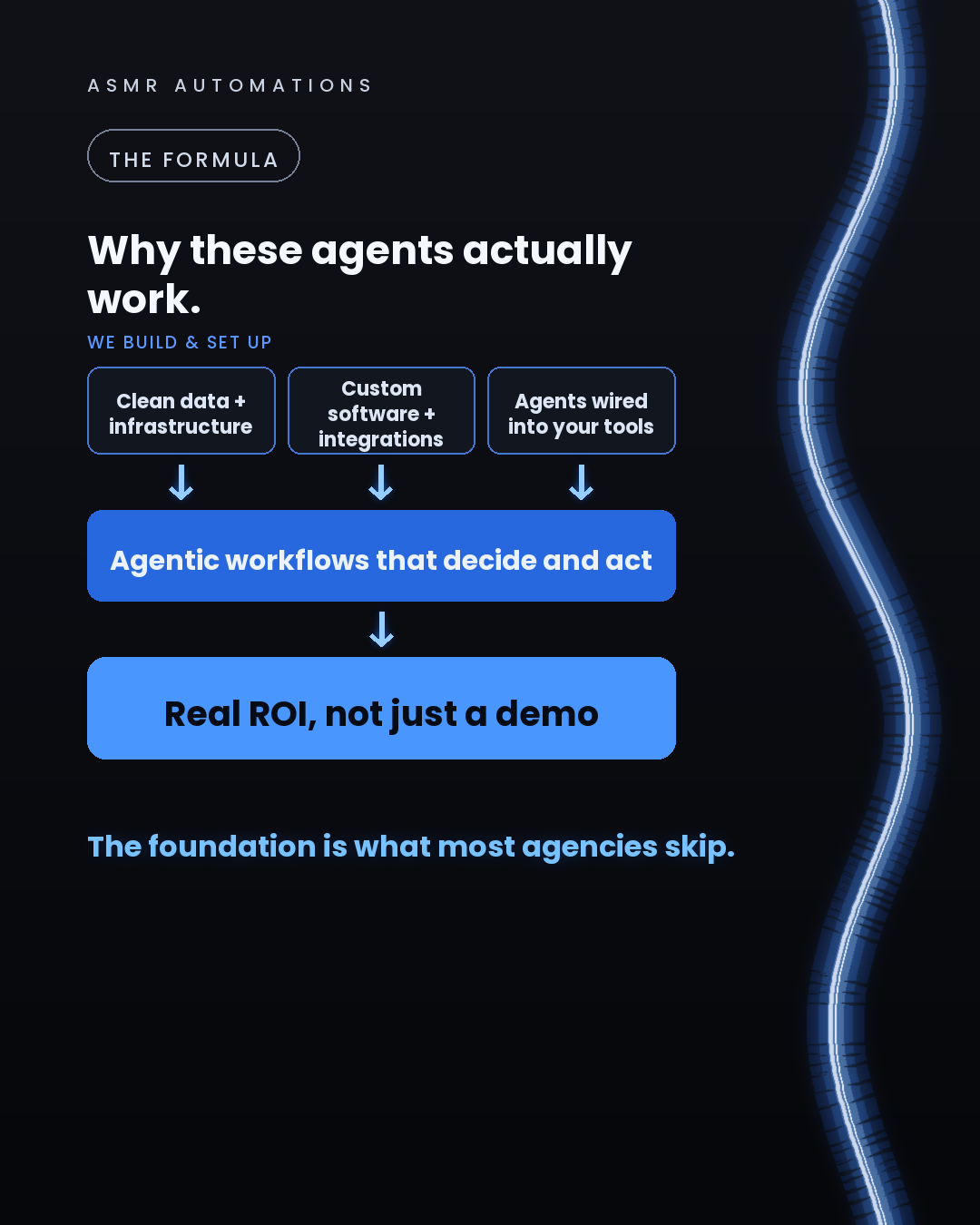
None of this works if the foundation is missing. Clean data, proper integrations, and custom software wired into the tools you already use. Most agencies sell the agent and skip the foundation. That's why most SMB AI projects fail quietly.
We build the whole stack. That's the difference.
If you're curious where your business is leaking the most time, we do a free 30-minute audit. No pitch, no jargon. We just show you what we find.
Like · Comment · Repost · Send
Edit LinkedIn text
A
ASMR Automations@asmr.automations · now
A 7-person business. 14 hours lost every week to quoting, chasing invoices, and answering the same support questions.
Agents fixed all 5 jobs.
The catch? They only work on a proper foundation. Most agencies skip that part.
from @business_with_bob · There are 5 parts of your business that AI should be running for you r
click a slide to zoom
Caption (editable — save before approving)
A
ASMR Automations · 1st
AI automation for SMBs · now
Most SMBs are losing 10+ hours a week to 5 tasks that an AI agent should already own.
Lead follow-up. Customer support. Proposals and invoicing. Overdue payment chasing. Sales research and outreach.
Every single one has a clear agent solution. Every single one is costing real money when it's done by hand.
We audited a 7-person business recently and found all 5 live in their workflows. Here's what the agents we built actually do:
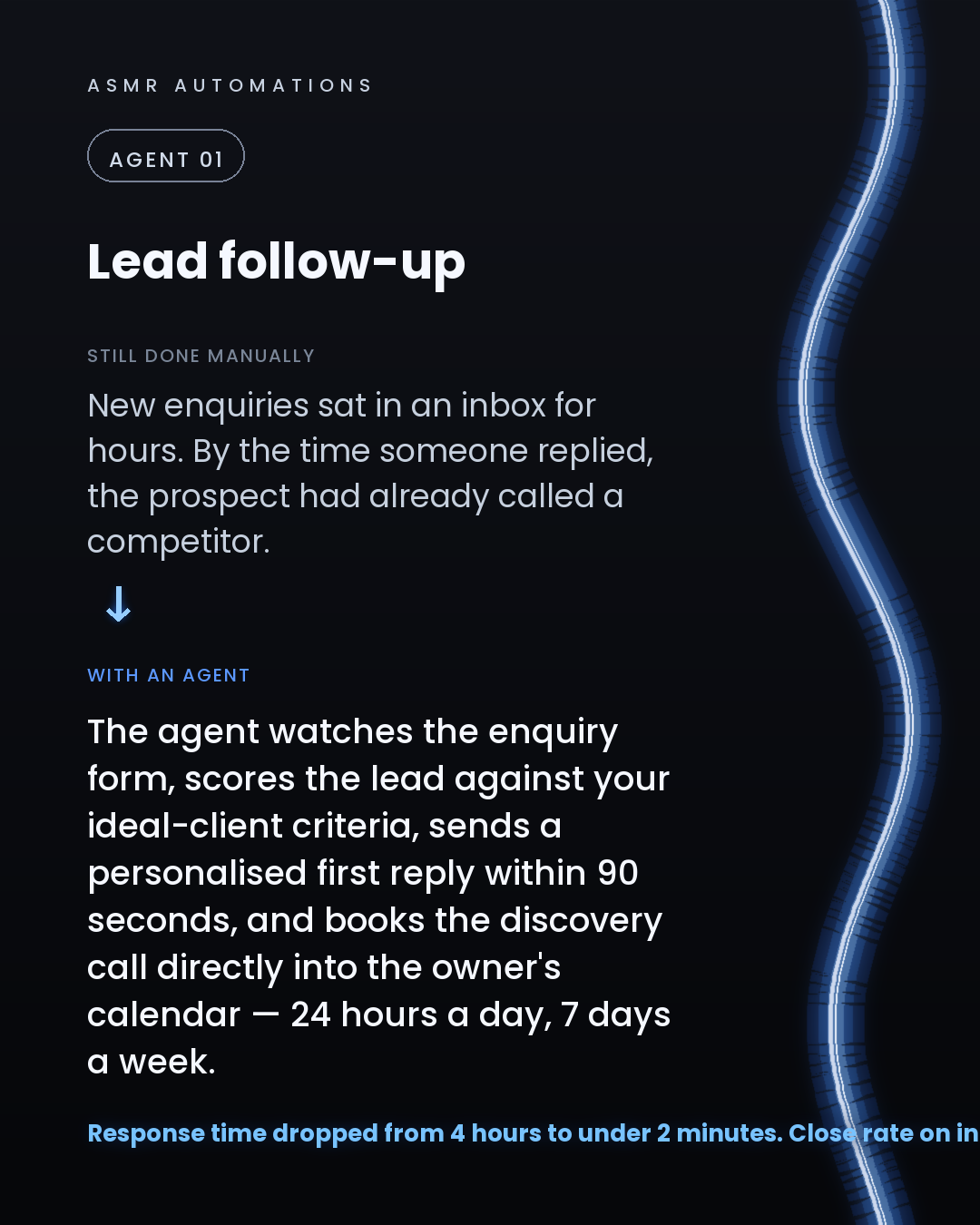
1. Lead follow-up agent: scores the enquiry, sends a personalised reply within 90 seconds, books the discovery call. No human needed until the call itself.
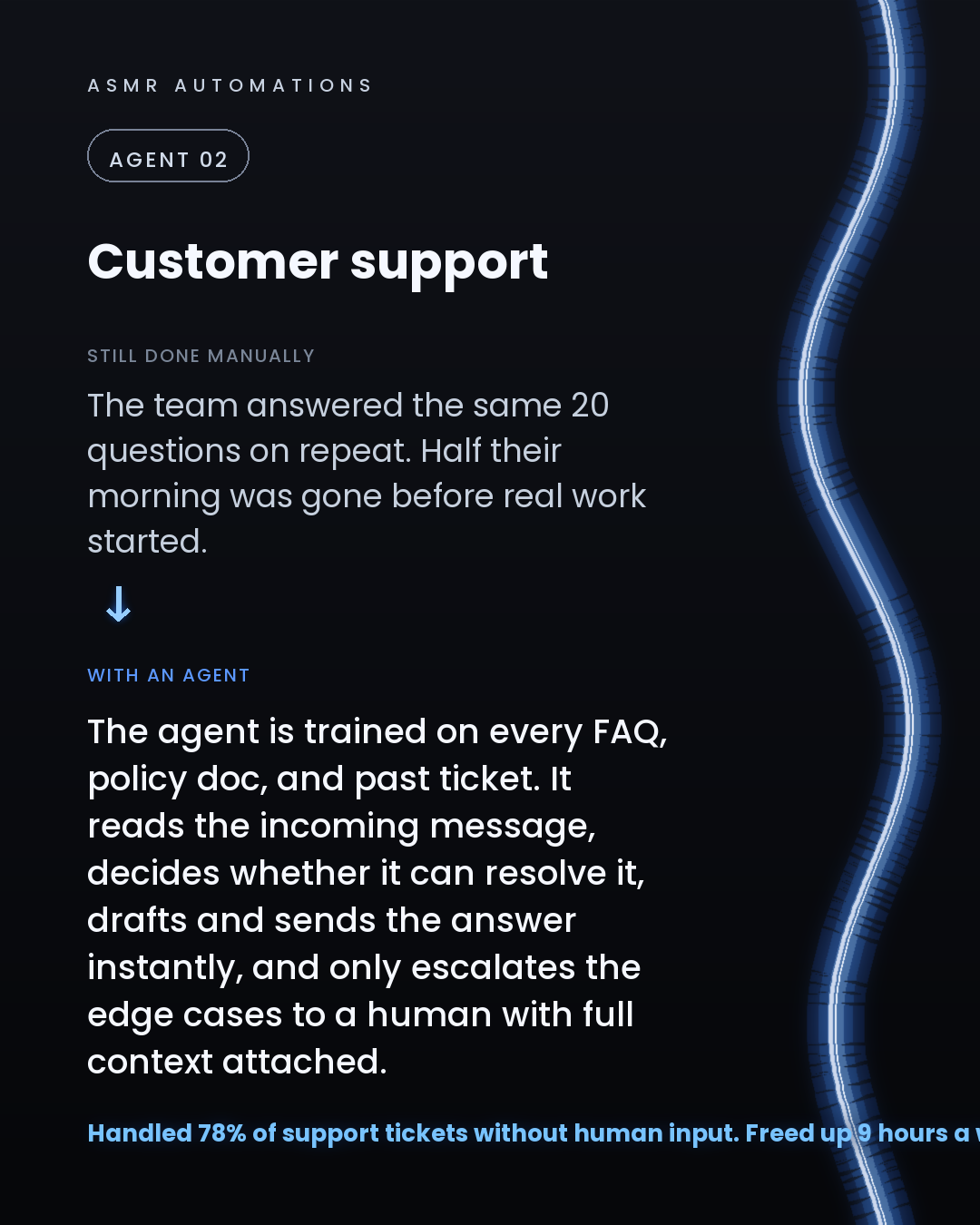
2. Support agent: trained on every FAQ and policy doc, resolves 78% of tickets instantly, escalates only the edge cases — with full context attached.
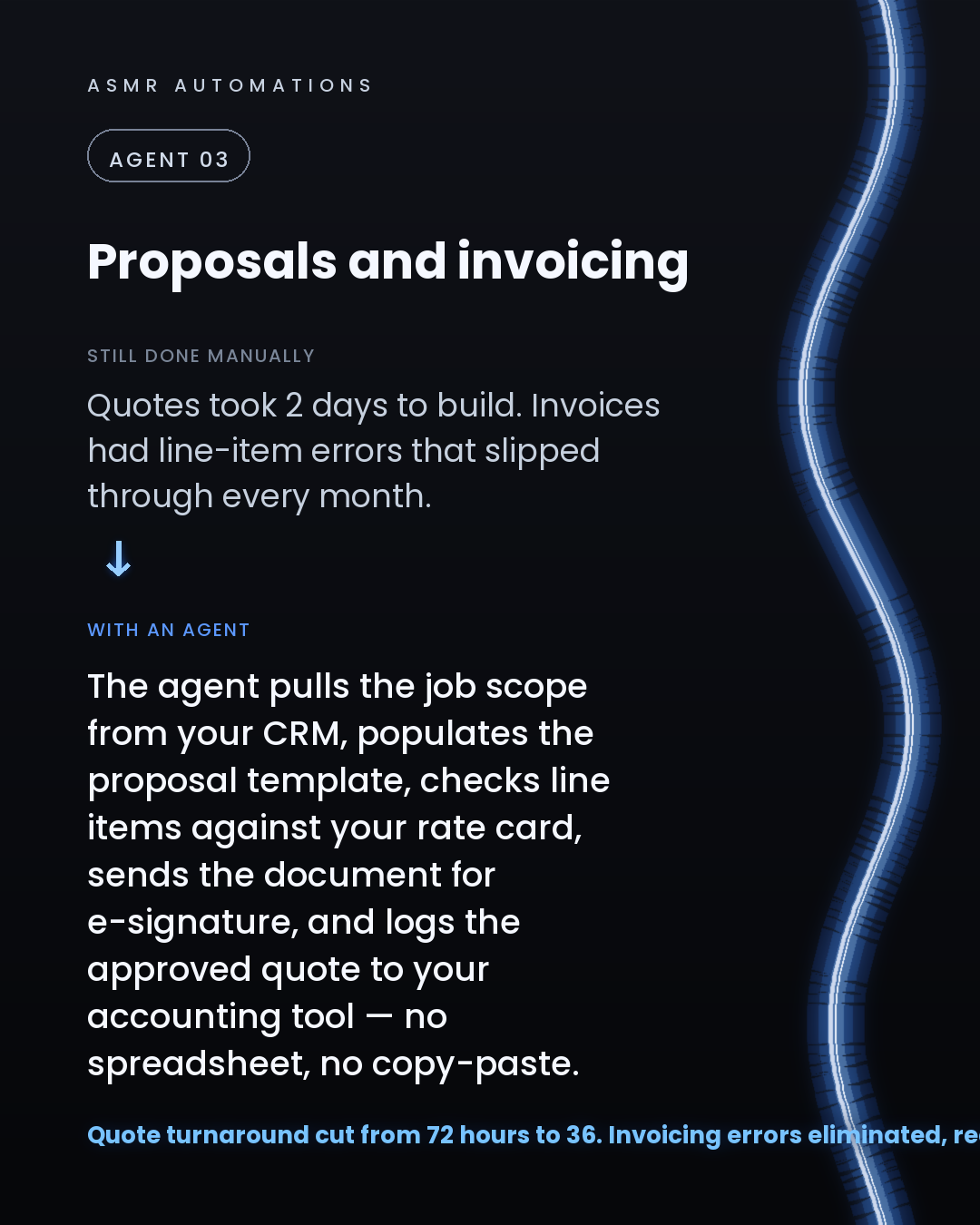
3. Proposal and invoicing agent: pulls scope from the CRM, populates the template, checks line items against the rate card, sends for e-signature, logs to accounting. Quote turnaround: 72 hours to 36. Invoicing errors: eliminated.
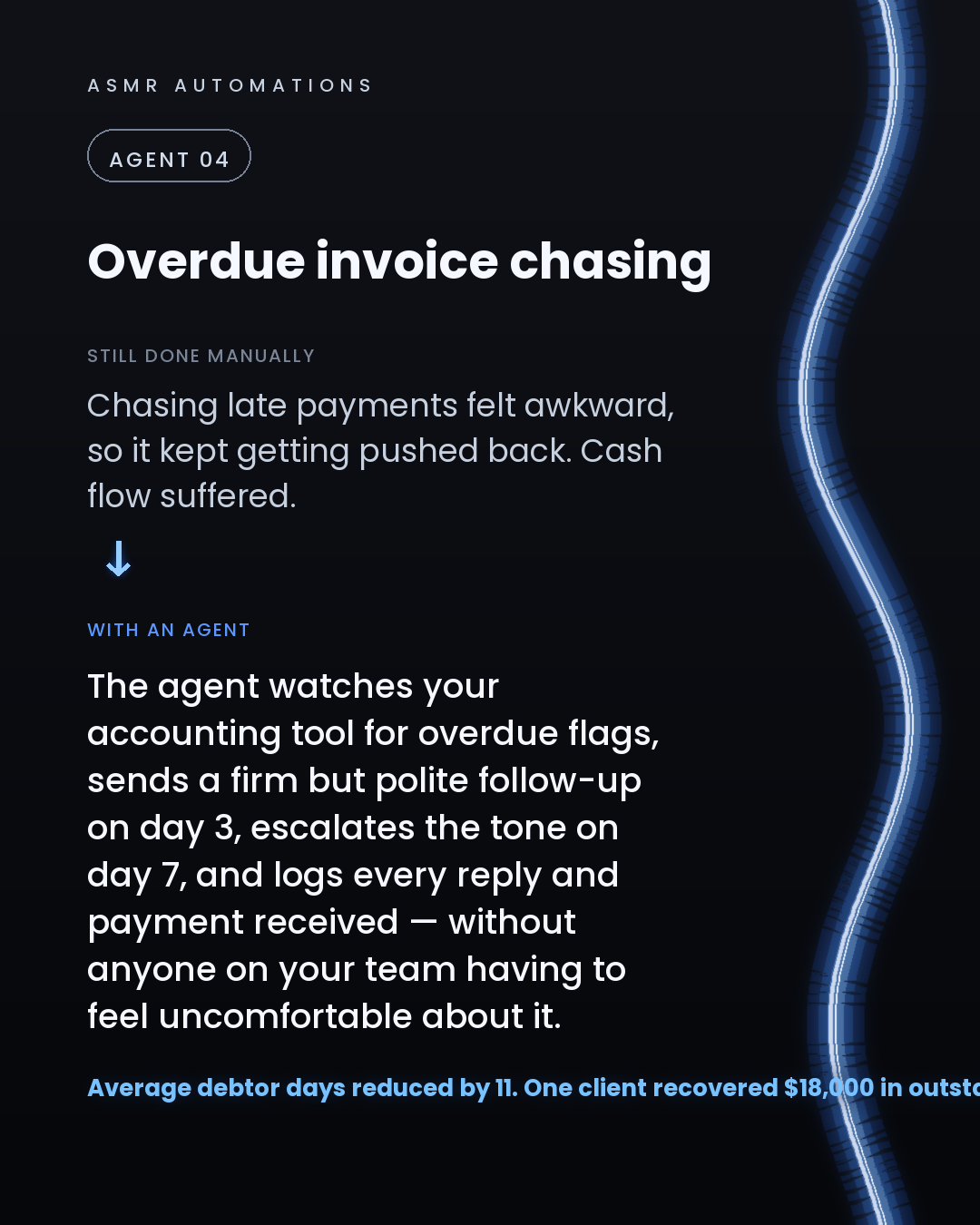
4. Overdue invoice agent: watches for overdue flags, sends tiered follow-ups on a schedule, logs every payment. One client recovered $18,000 in outstanding invoices in 60 days.
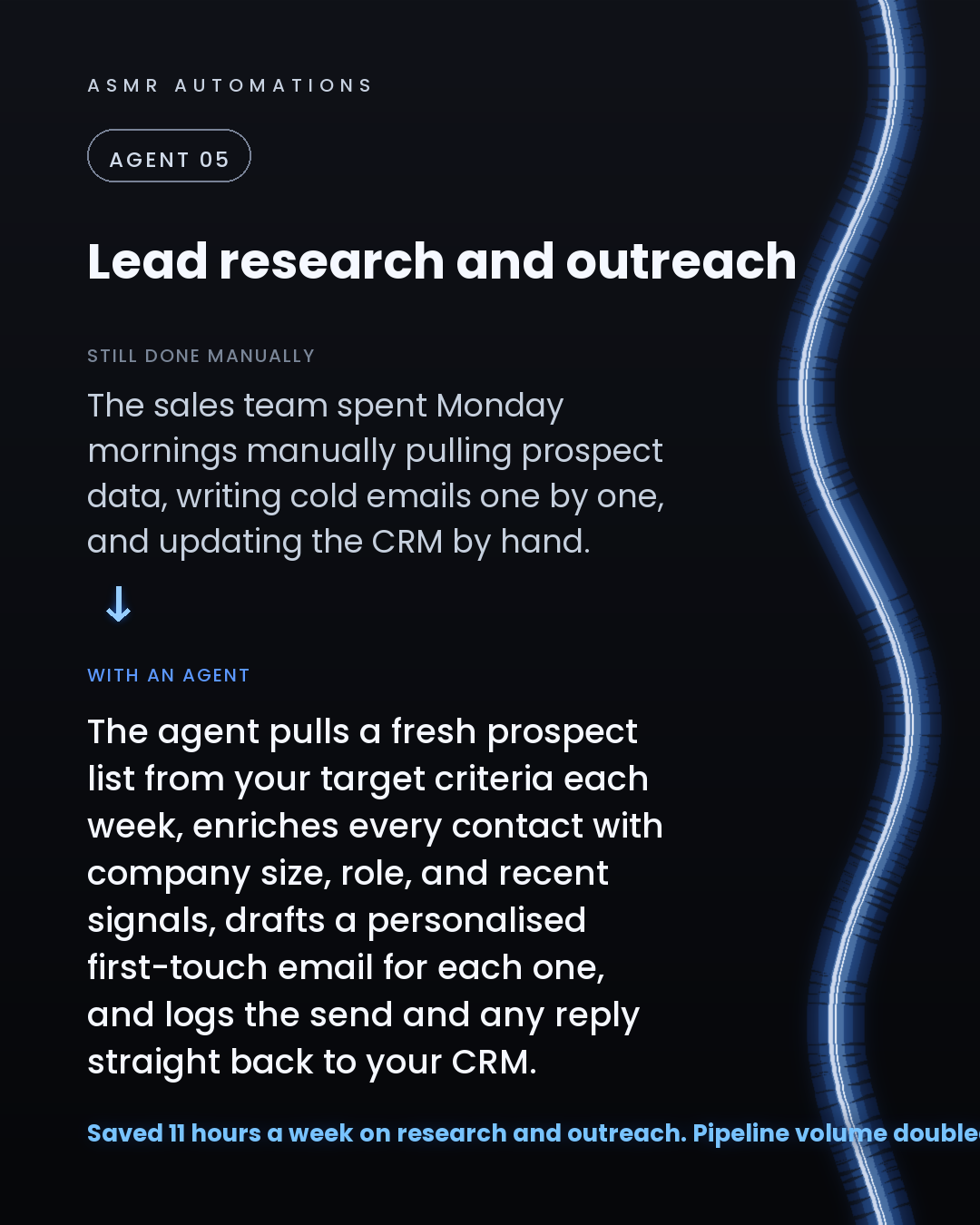
5. Outreach research agent: builds a fresh prospect list weekly, enriches every contact, drafts personalised first-touch emails, logs sends and replies to the CRM. 11 hours a week back. Pipeline doubled in 6 weeks.
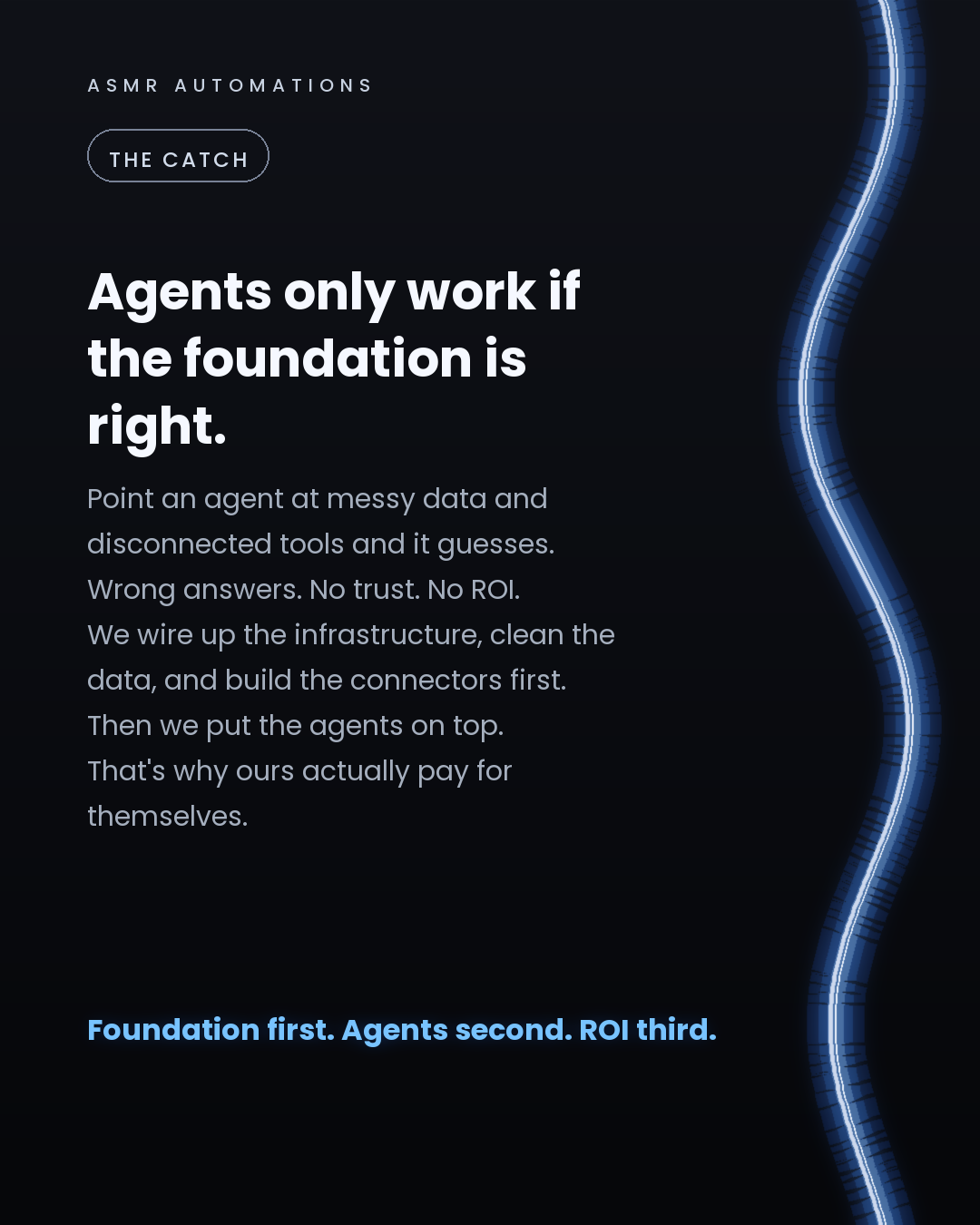
The honest caveat: agents only deliver these results on a clean foundation. Messy data and disconnected tools produce wrong answers, not ROI. We set up the infrastructure first, then build the agents on top. That's the part most agencies skip.
If you're curious which of these 5 would move the needle fastest for your business, I'm happy to take a look. Drop a comment or reach out directly.
Like · Comment · Repost · Send
Edit LinkedIn text
A
ASMR Automations@asmr.automations · now
5 jobs an AI agent should already own in your business:
1. Lead follow-up (reply in 90s, book the call) 2. Customer support (handle 78% of tickets) 3. Proposals + invoicing (72hrs → 36) 4. Chasing late payments 5. Sales research + outreach